Create Free Church Inventory Software
Jotform’s church inventory software is a free, no-code way to manage church assets and track inventory in one place. With this church inventory software, you can create custom forms to collect inventory details, monitor asset maintenance, and organize resource allocation without manual data entry. Use the collected data to support clearer, data-driven decisions for churches of any size. Nonprofit churches can get 50% off paid plans.
Templates
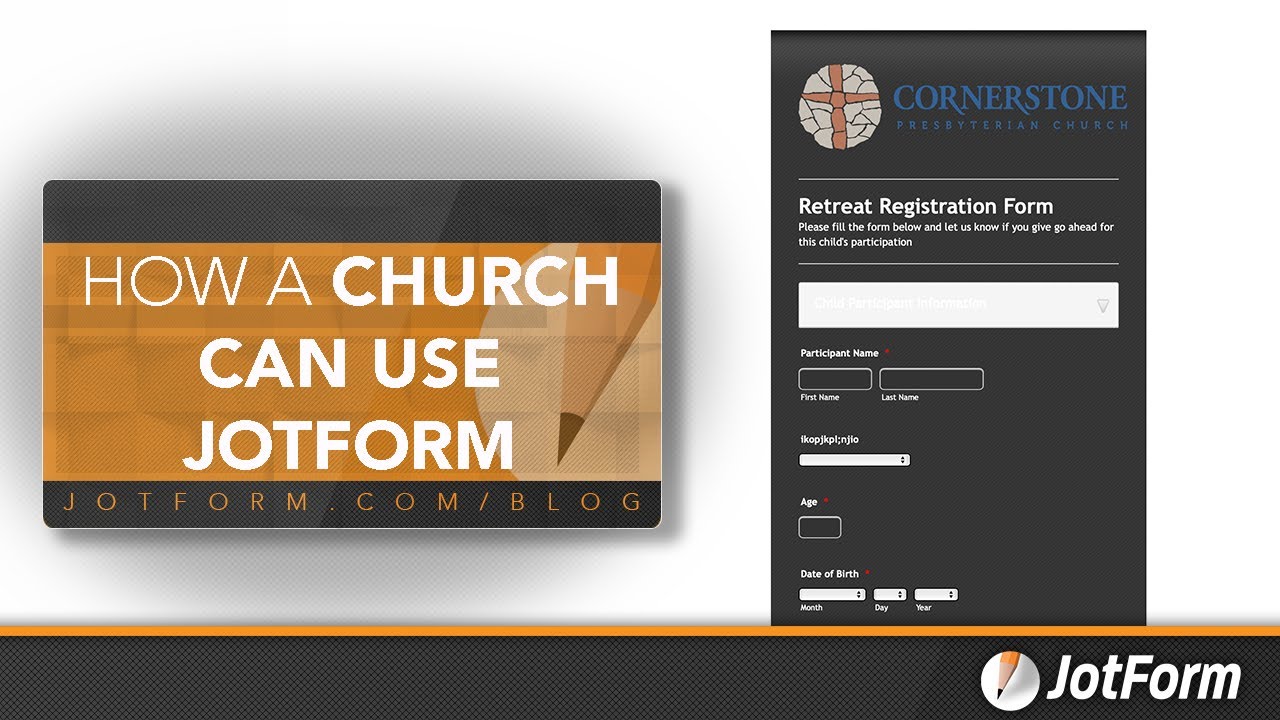
Learn how your church can use Jotform
Struggling for ideas? Choose one of our ready-made templates for churches, then use our drag-and-drop builder to quickly customize it. No coding is necessary.
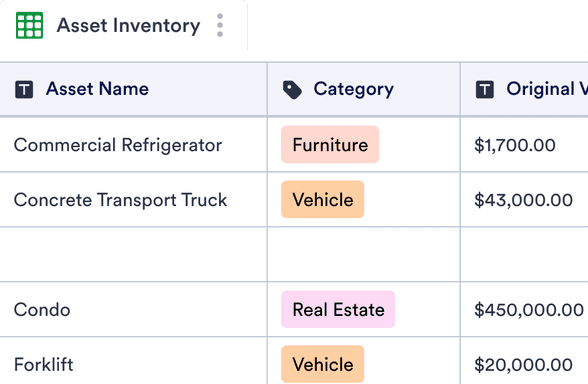
Asset Inventory Template
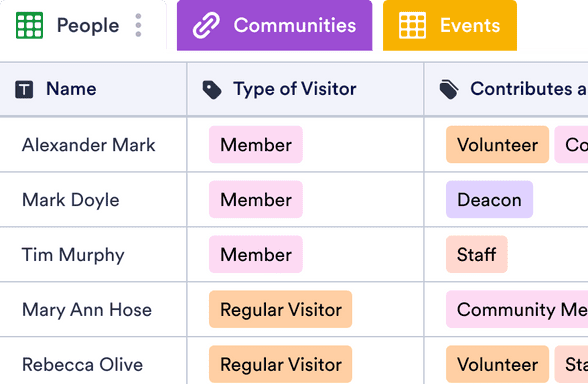
Church CRM
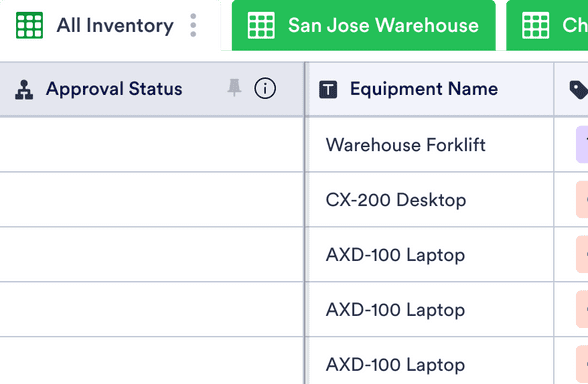
Equipment Inventory Template
Benefits
Create Custom Church Inventory Software
Simple Asset Tracking
Store every inventory submission automatically in Jotform Tables, where church assets appear in spreadsheet, calendar, or card views. Ready-to-use column types make it easier to track item status, quantities, and updates in a structured format. Real-time data in Tables helps church staff see what equipment is available and what needs attention.
Complete Customization and Branding
Customize the church inventory software to match your church’s branding, denomination, and internal processes. Rearrange form fields, change fonts and colors, and add a church logo or images for clarity. Integrations with popular apps and widgets allow inventory data to sync with other tools, so information stays centralized.
Easy-to-Use Interface
Use a drag-and-drop interface to build and update inventory forms without manual spreadsheets or complex setup. Staff and volunteers can add assets, update records, and track changes directly from the form. Clear access to submission data supports more informed decisions about equipment and resources.
Effortless Collaboration
Share church inventory forms and Tables with staff members, volunteers, or administrators to keep everyone aligned. Add collaborators or sub-users, generate shareable links, and embed forms on internal web pages. Because the system is cloud-based, team members can access and manage inventory data from anywhere.
Testimonials
What our users say about Jotform
Learn how your church can use Jotform
Take advantage of Jotform’s user-friendly interface and customize forms to track your church’s assets today.
Frequently Asked Questions
All your questions about Jotform — answered. Check out our FAQs for answers to common questions, or contact our support team for further information.
What is church inventory software?
Church inventory software is technology that allows churches or religious organizations to track where an asset is, who manages it, and its current condition. This information helps churches conduct audits and dispatch resources to different branches and groups. It also helps them budget for charity programs and events.
Church inventory software locates and tracks donations, equipment, sacramental items, books, maintenance supplies, furniture, and much more. It also creates inventory reports that eliminate guesswork, costs, and errors.
Some key features of church inventory software include asset categorization, depreciation tracking, maintenance scheduling, and reporting tools.
What is ChMS (church management software)?
Church management software is technology specifically designed to manage and streamline daily operations for churches or religious organizations. Church management software aids in managing volunteer programs, membership databases, service schedules, charity events, donation reports, budgets, congregation communications, and much more.
This software automates administrative tasks and builds databases. It can also be useful for collaboration between branches so multiple people can view, track, and update systems.
How do I manage church inventory?
To effectively manage church inventory, there are several steps you should take.
Start by creating a comprehensive list of all the assets and items within your church — including all physical items and donations — and categorize the assets into groups. Then, consider using church inventory software to automate tasks and generate tracking reports.
Once your assets are grouped, you can label them and assign roles for tracking. Make sure you record details about assets along the way and perform regular audits and updates so you can schedule maintenance accordingly. Last, use your inventory data to analyze how your assets depreciate and create budgets for upkeep, maintenance activities, and repairs.
Is technical expertise required to use Jotform’s church inventory software?
There is no technical expertise required to use Jotform’s church inventory software. Our intuitive drag-and-drop interface ensures you don’t have to know any coding to build custom forms and track submission data. You can customize forms to your exact needs — including matching your personal branding — and collaborate with teammates on your data instantly. Send our forms via link, email, QR code, or by embedding them into your website.
Can I handle the inventory of multiple church locations with Jotform?
Yes — you can handle the inventory of multiple church locations with Jotform. We make it easy to combine data from different branches so you can indicate which equipment belongs where, track management roles, and delegate funds for upkeep. Keep all your information straight with Jotform Tables, so you can make data-driven decisions in minutes.
Is the software secure for sensitive data?
Rest assured that all data submitted and stored in Jotform is very secure. Jotform uses a 256-bit SSL connection, offers encryption features, and has PCI-DSS Level 1 certification. Jotform also follows GDPR and CCPA regulations — so you can rest easy knowing that all data is protected.
Can I migrate existing inventory data to Jotform?
Yes, you can migrate inventory data to Jotform Tables by importing your Excel or CSV data into a new or existing table. For a detailed explanation of how to import your inventory data, please visit our guide.
Can I customize the software to fit the unique needs of my church?
Yes, you can absolutely customize your church inventory software to meet your exact needs! Our drag-and-drop interface makes it easy to build a system that matches your specific functional and branding needs. You can use conditional logic, accept payments, generate reports, automate workflows, and much more. You can also make design changes to your software by implementing elements of your personal branding, changing fonts and colors, and adding your logos. Access form themes, widgets, and integrations to build the perfect church inventory software.
What is depreciation tracking, and why is it important? Can I do depreciation tracking with Jotform?
Depreciation tracking is an accounting technique that tracks the gradual decrease in the value of an asset over its lifespan. Over time, you record the changes in an asset to calculate the decrease in its value as an expense on your organization’s financial statements. Depreciation tracking is extremely important because it allows organizations to keep accurate financial records and income statements. It also helps them determine the market value of their assets and plan for when they’ll need to replace or repair those assets.
Luckily for you, you can easily track the depreciation of your church assets with Jotform. Use the Jotform Form Builder and Tables to record details about your assets and keep tabs on straight-line depreciation, declining balance depreciation, and units of production depreciation. You can also collaborate with multiple teams to make sure everyone who manages assets can access your depreciation tables.