Jotform’s electronic signature for higher education is a way to create and manage signable documents in one centralized place for universities using Jotform Sign. Use it to receive applications, collect tuition payments, onboard new employees, and keep documents and responses organized in a single Jotform account. Simplify how students and staff complete and submit paperwork digitally.

Jotform Sign Mobile is the simplest way to sign, send, and track documents from your phone.



Templates
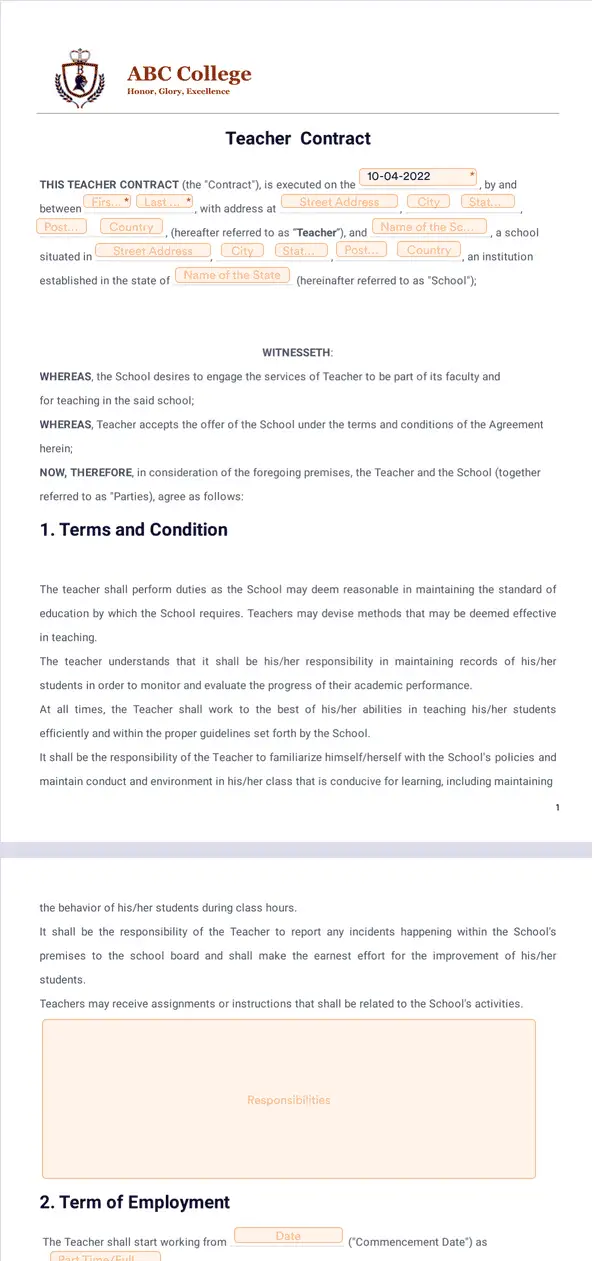
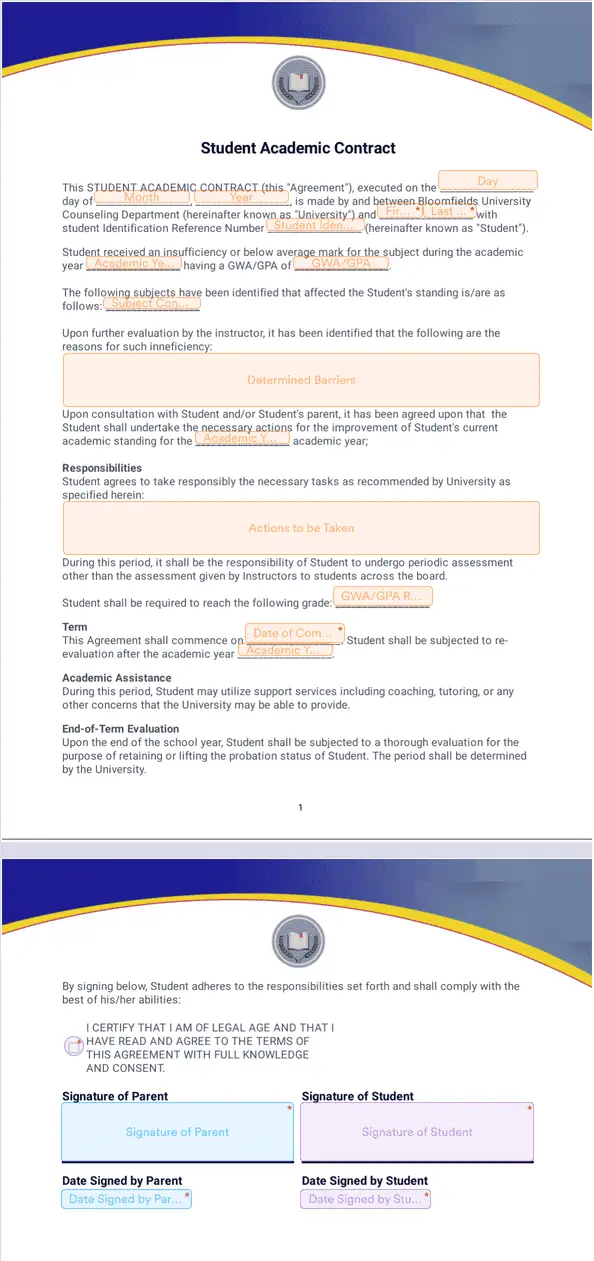
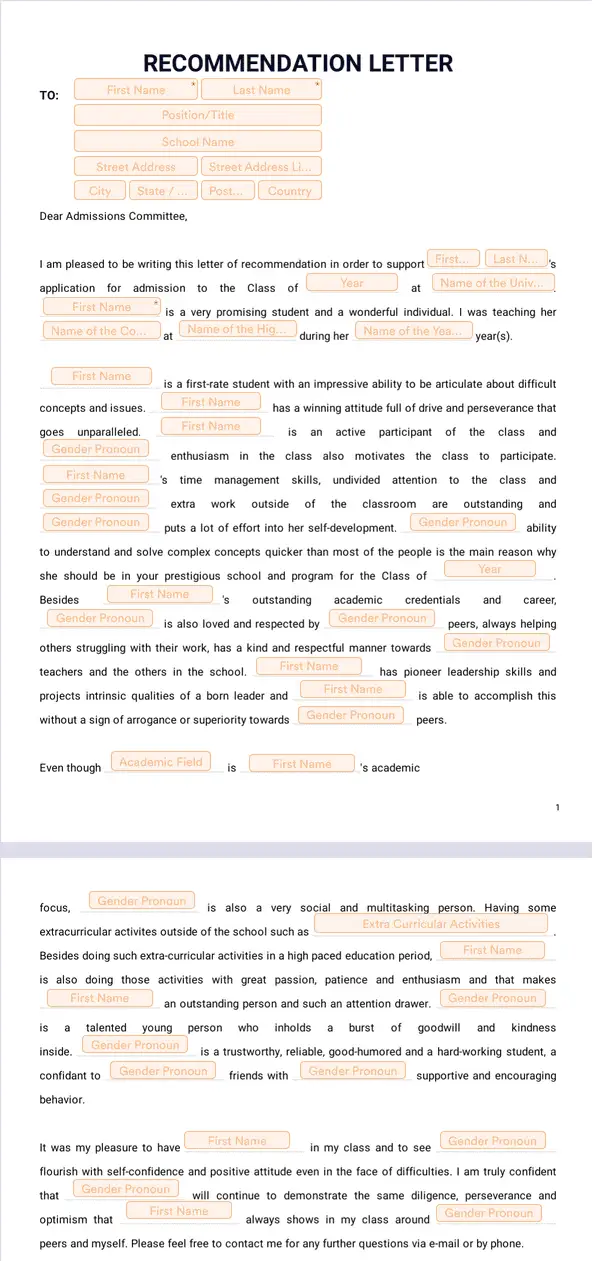
If you need help building your first e-sign document, look no further. Jotform offers ready-made e-sign templates to get you started. Just pick a template that matches your needs, personalize it, and send it to your staff or students for signature.
Benefits
Use an electronic signature for higher education to customize enrollment forms, consent agreements, and faculty contracts with Jotform Sign’s drag-and-drop builder. Upload an existing PDF and use automatic field detection to place signature and input fields faster, reducing manual setup time. Ready-made university-focused templates can simplify common tasks like applications and transcripts.
Assign multiple signers and set a signing order so department heads, instructors, and students complete documents in the right sequence. Share documents with email invitations, public links, or by embedding them in student portals or HR systems. Integrations with Jotform Workflows let you embed e-sign steps into broader administrative processes, so approvals and signatures happen automatically.
Jotform Sign documents work on tablets, desktops, and smartphones, so students, faculty, and staff can sign from campus, at home, or on the go. Because the interface adapts to any screen without extra apps, everyone can complete required signatures without printing or scanning. Mobile-friendly signing supports faster turnaround for time-sensitive academic and administrative tasks.
Jotform Sign encrypts document data and uses secure storage practices to help protect sensitive student records and institutional agreements. The platform is designed to support GDPR, CCPA, and other privacy regulations, and it offers secure audit trails so administrators can review who signed and when.
Use Jotform Sign for all your higher education signature needs.
Create an enrollment document for your university or college that you can use year after year. Save time on sending and signing documents so you can focus more on the content of applications.
Focus more on developing talent and spend less time on messy paper forms. Hire the best higher education staff you can by sourcing people from all around the world. Save time on waiting for paperwork and spend more time meaningfully getting to know your future staff.
Keep all your legal paperwork up to date and squared away with Jotform Sign’s documents. Each legal document and signature completed through Jotform is stored in your account for quick and easy reference, should you need it.
Jotform Sign’s automated agreement process will save you time and do away with tedious manual tasks. Set up an automated signing order with our drag-and-drop builder to make sure you collect all necessary signatures.
Disclaimer: The information provided in this guide is for general informational purposes only and is not intended to constitute legal advice. While we strive to keep the information accurate and up-to-date, laws and regulations vary by jurisdiction and can change frequently. Should you have specific legal questions about any of the information on this site, you should consult with a licensed attorney in your area.