Enterprise
Contact Sales
  • Benefits
    • Insights NEW
    • Admin Console
    • Multiple Users
    • White Labeling
    • Teams
    • Workflows
    • Boards
    • AI Agents
    • Jotform Sign
    • Mobile App
    • Single Sign-On
    • Local Data Residency
    • Appointments
    • Professional Services
    • Boot Camp
    • Government
    • Healthcare
    • Education
    • Nonprofit
    • Business Services
    • Field Service Management
    • Financial Services
    • Hospice
    • Human Resources
    • Marketing
    • Salesforce
    • API Guide
    • Case Studies
    • Enterprise for Beginners
    • FAQ
    • Lunch & Learn Sessions
    • Migration Guide
    • Newsletters
    • Webinars
    • White Papers
  • Security
  • Pricing
  • Contact Sales

Actions

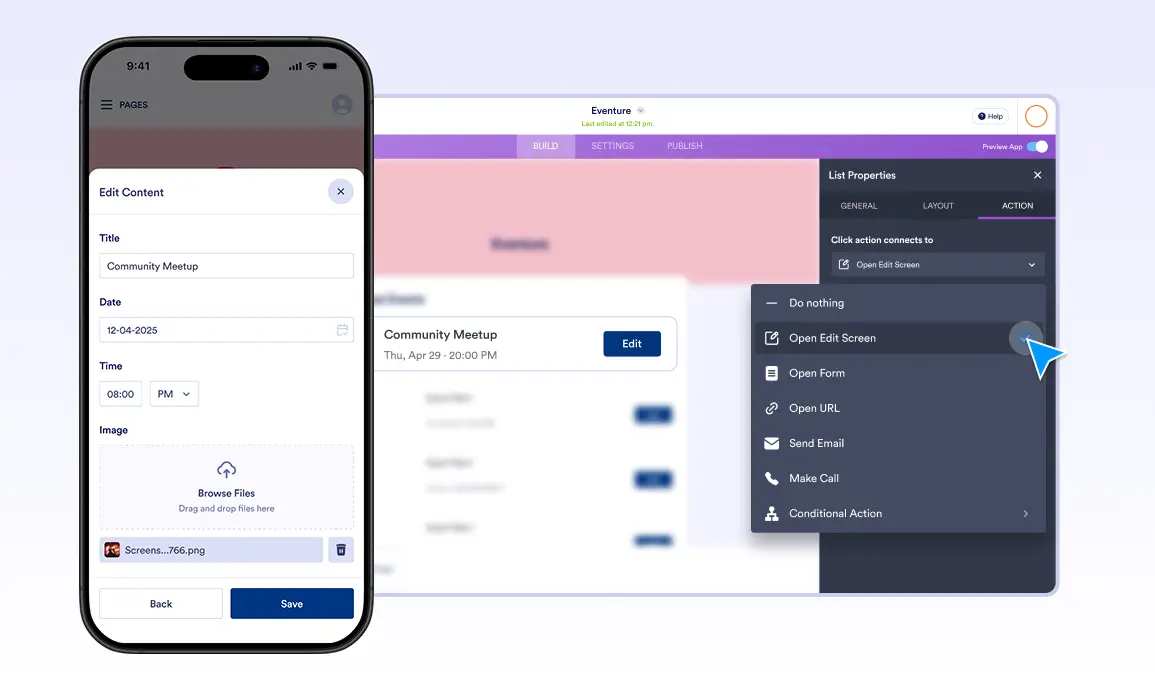
Make your app more dynamic with powerful Actions. Open forms, navigate users to a page, send emails, make calls, or link to external sites, all while keeping the experience smooth and well-organized.

Dialog start
Enterprise
Features
Apps
Actions Category
Send Email
Contact Sales

Send Email

Dialog end
Jotform LogoJotform Icon
Enterprise
Features
Apps
Actions Category
Button Element
Learn More: Button Element

Button Element

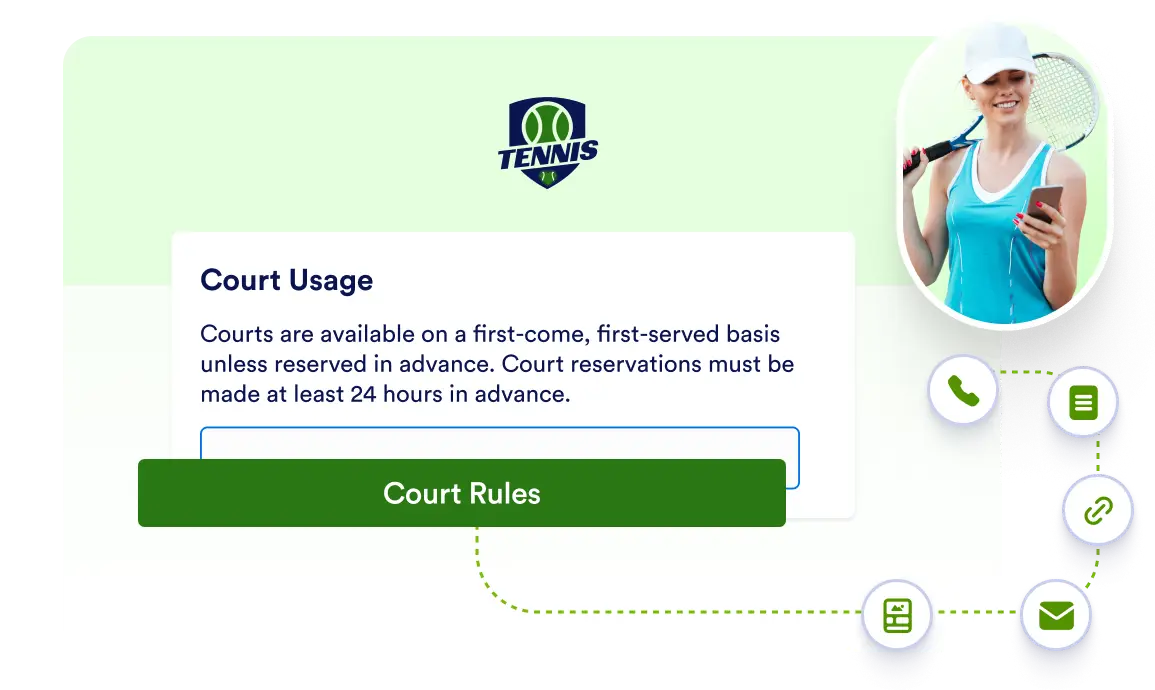
Add customizable buttons that link, call, email, or navigate with a simple drag-and-drop using the free Button element.

Open Form
Learn More: Open Form

Open Form

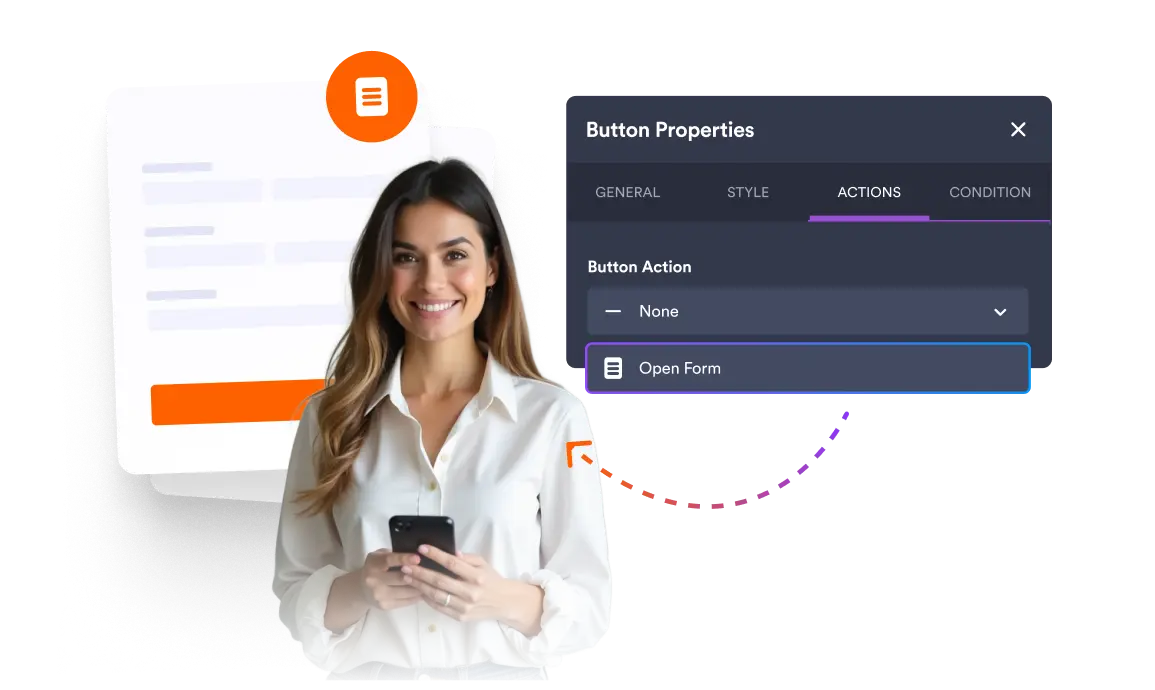
Present your forms in a clean, polished way with Open Form. By connecting forms to elements, guide users to the right form without disrupting your app’s visual consistency.

Open URL
Learn More: Open URL

Open URL

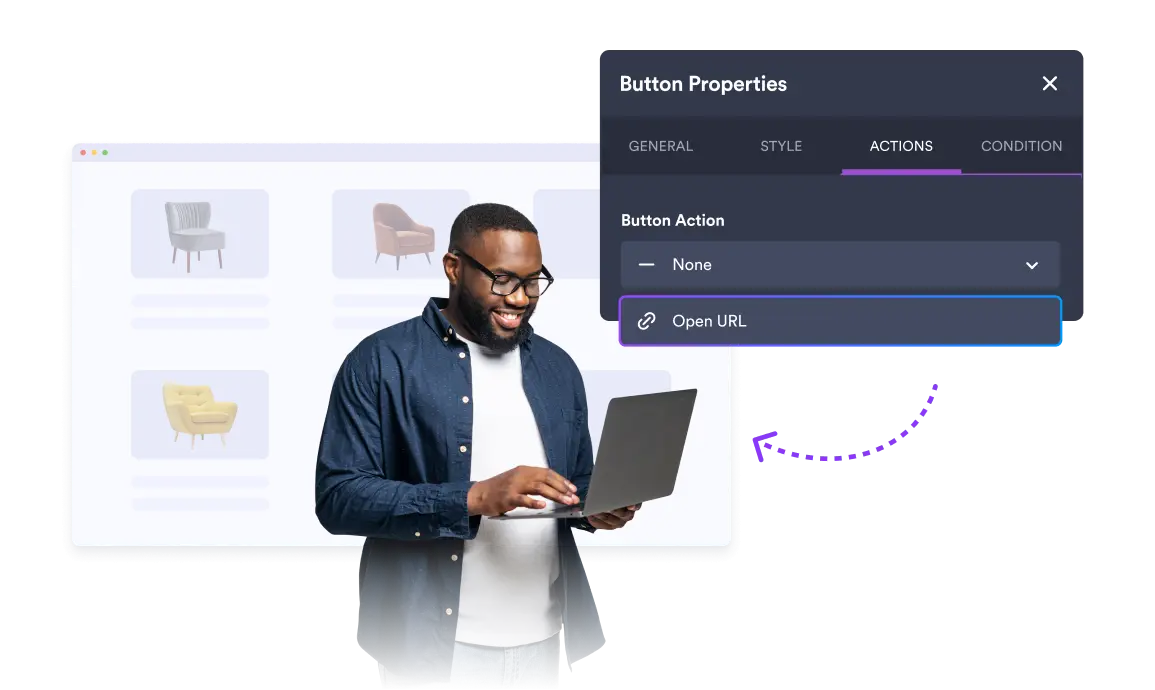
Guide users to the right place with a single tap. Open links from lists, cards, buttons, or images to easily connect your app to helpful pages and resources.

Make Call
Learn More: Make Call

Make Call

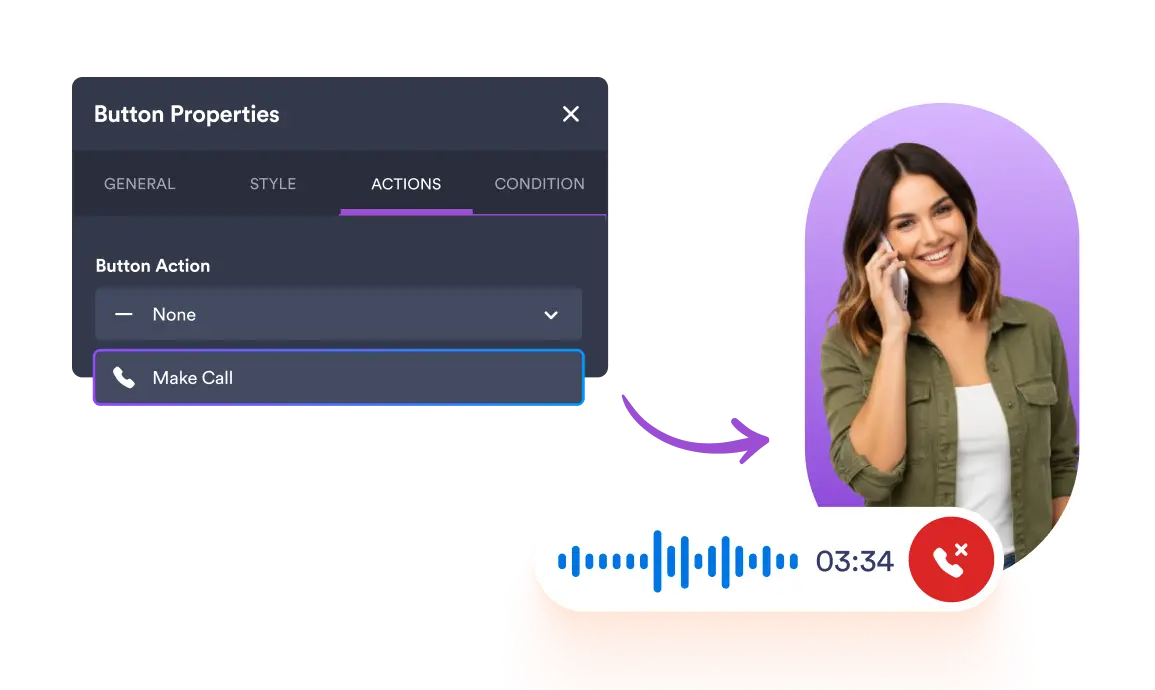
Enable instant communication with a single tap. Let users place phone calls directly from List, Card, Button, or Image elements by simply selecting the action and entering a phone number.

Conditions
Learn More: Conditions

Conditions

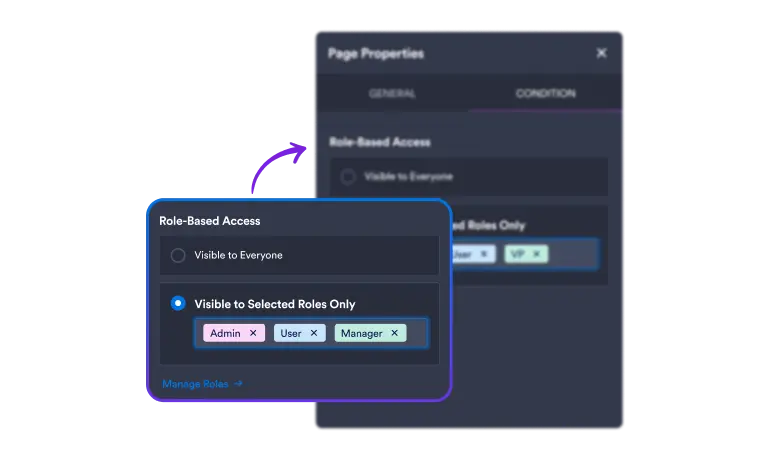
Conditions lets you control who sees what inside your app by setting visibility rules for pages and content. It protects sensitive information while keeping your workspace organized and efficient.

Send Email
Learn More: Send Email

Send Email

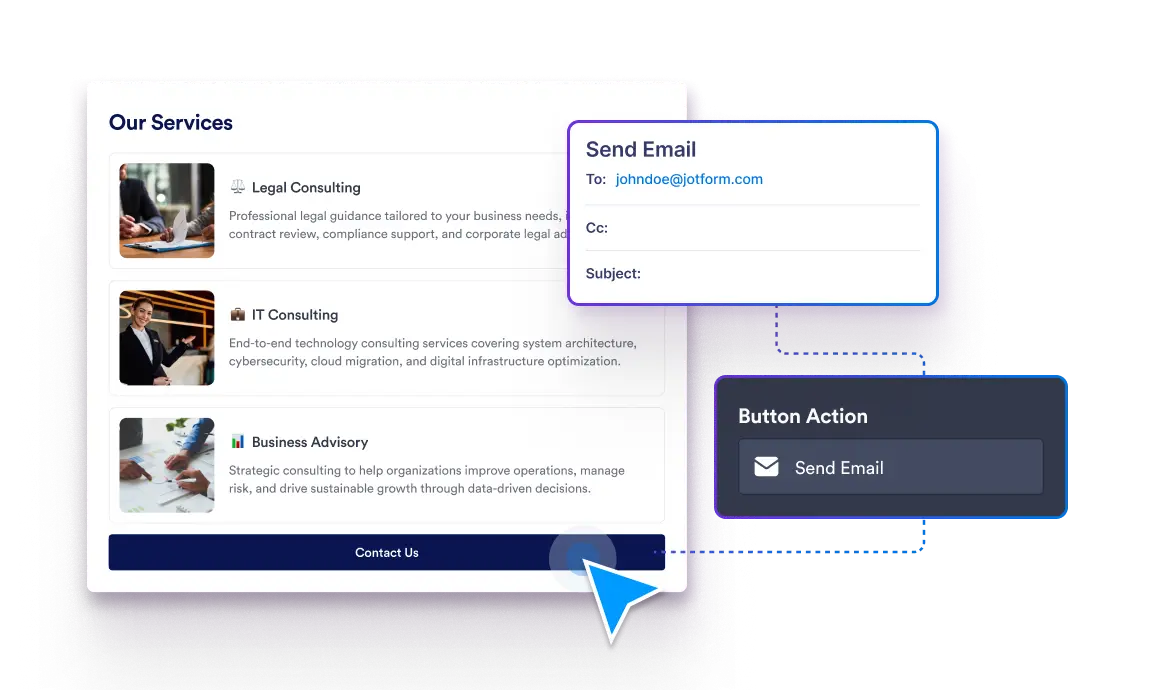
Send Email allows you to stay connected with your users through Button, Card, Image, or List. Creating a direct communication channel that helps users reach you easily and keeps conversations ongoing.

Image Element
Learn More: Image Element

Image Element

Add vibrant visuals to your app with the Image element—upload, reuse, or link photos while including alt text to boost accessibility.

Navigate to Page
Learn More: Navigate to Page

Navigate to Page

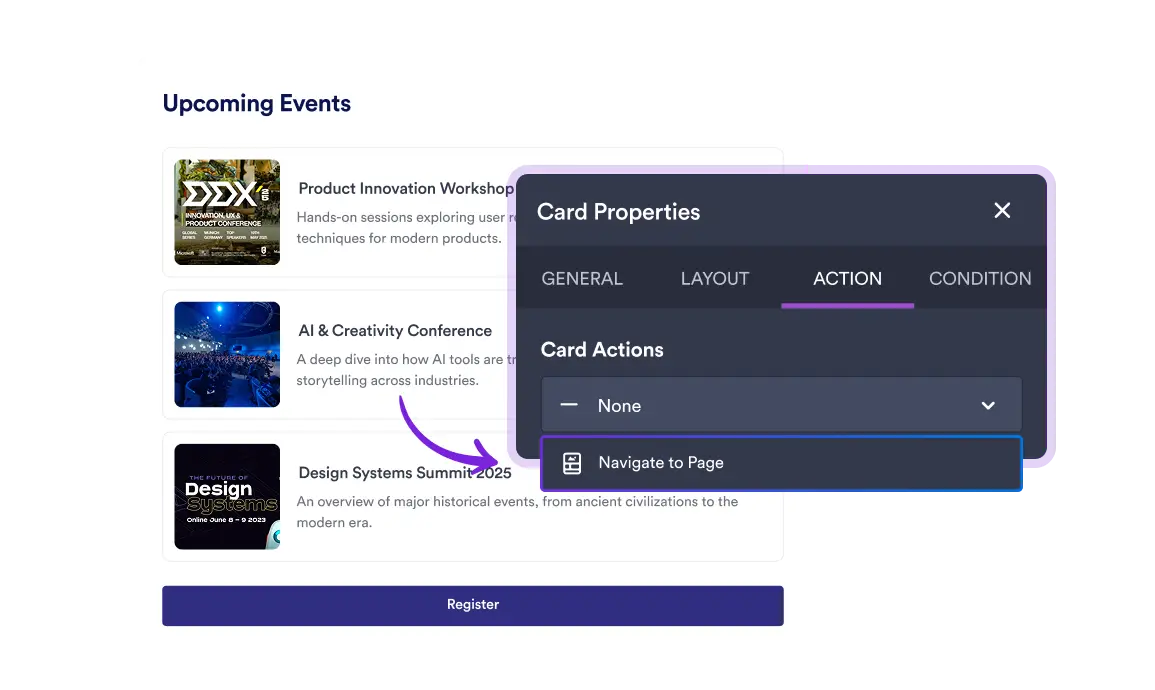
Navigate to Page lets you guide users through your app by linking Image, Card, and Button elements to specific pages. It helps create a smooth flow and keeps users focused on the content that matters.

Card Element
Learn More: Card Element

Card Element

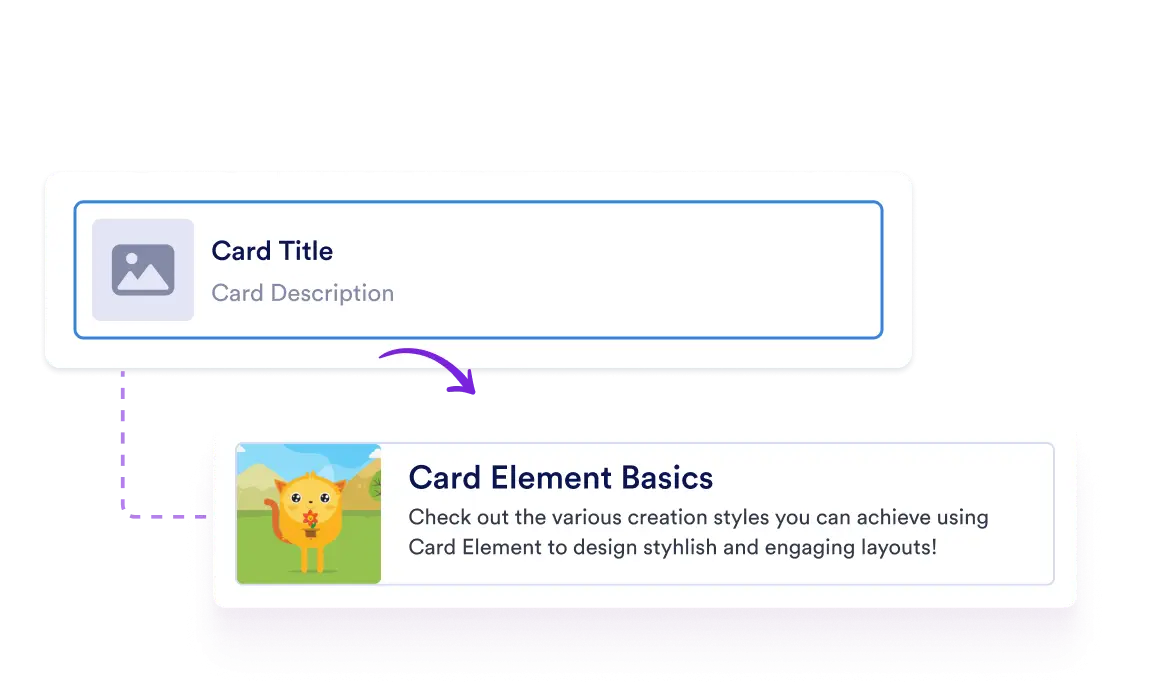
Showcase products or services with sleek cards featuring images, details, and instant actions like calls, emails, or links.

CATEGORIES
  • Introduction11
  • FeaturesWorkspace 5
  • FeaturesAdmin Console 14
  • FeaturesSecurity 4
  • FeaturesInsights 1
  • FeaturesForms 159
    • Advanced Form Options39
    • Analytics6
    • Collaboration16
    • Data9
    • Form Builder18
    • Form Fields16
    • Form Sharing7
    • Form Styling7
    • Integrations9
    • Payments14
    • Security8
    • Form Notifications10
  • FeaturesApps 68
    • Get Started4
    • App Elements24
    • Data9
    • App Design5
    • Settings6
    • App Navigation3
    • Actions9
    • Share5
    • AI Tools3
  • FeaturesSign 58
    • Get Started16
    • Sign Fields3
    • Drag and Drop E-sign Builder2
    • Easy Sharing Options5
    • Workflow1
    • Integrations4
    • Data Management7
    • Advanced Security7
    • Advanced E-sign Features10
    • Sign Templates1
    • Compatible with All Devices2
  • FeaturesPDF Editor 39
    • Get Started5
    • PDF Builder3
    • Design & Branding8
    • Security3
    • Integrations9
    • Fillable PDF Forms11
  • FeaturesWorkflows 76
    • Get Started5
    • Workflow Builder8
    • Actions9
    • Logic & Flow Control6
    • Integrations27
    • Approvals5
    • Flow Tracking3
    • Payments2
    • Mobile Actions2
    • Data Management2
    • Enterprise3
    • Security4
  • FeaturesAI Agents 109
    • Security4
    • Conversations4
    • Customer Support9
    • Forms3
    • Voice Agent4
    • Actions4
    • Multichannel Support17
    • Enterprise3
    • Chatbot6
    • Get Started6
    • Tools34
    • Integrations8
    • Phone Agent5
    • Live Chat2
  • FeaturesBoards 83
    • Task Creation10
    • Task Details17
    • Task Fields11
    • Custom Fields7
    • Collaboration5
    • Group Settings2
    • Search & Filter3
    • Form Connection8
    • AI Agent Connection2
    • Sign Document Connection2
    • Theme2
    • Card View12
    • Workflow Connection2

Jotform

  • Create a Form
  • My Workspace
  • Pricing
  • Jotform Enterprise
      • Application Forms
      • Registration Forms
      • Contact Forms
      • Feedback Forms
      • Order Forms
      • Evaluation Forms
      • Reservation Forms
      • Booking Forms
      • Request Forms
      • Government
      • Healthcare
      • Summer Camps
      • Restaurants and Groceries
      • Churches
      • Animal Shelters
      • Photography
      • Education Professionals
      • Small Businesses
      • Nonprofit Organizations
      • Creative Agencies
      • User Stories
      • How to Create a Survey
      • Data Collection Methods
      • Form Design
      • Accepting payments online
      • Creating an app without coding
      • What Is a QR Code?
      • How to Make a Website
      • How to Sell Online
      • Performance Appraisal Guide
      • Working From Home
      • All Business Guides
    • Use Cases
    • Jotform Form Builder
    • Jotform Appointments
    • Jotform Apps
    • Jotform AI Agents
    • Jotform Boards
    • Jotform Store Builder
    • Jotform Tables
    • Jotform Inbox
    • Jotform Mobile Forms
    • Jotform Workflows
    • Jotform Report Builder
    • Jotform Smart PDF Forms
    • Jotform PDF Editor
    • Jotform Sign
    • Jotform Teams
    • Conditional Logic
    • Conversational Forms
    • Assign Forms
    • Translate Forms
    • White Labeling
    • Enable-Disable Form
    • Multiple Users
  • Tools
  • AI Tools
    • Google Forms Alternative
    • Microsoft Forms Alternative
    • Typeform Alternative
    • Tally Forms Alternative
    • Fillout Alternative
    • Formstack Alternative
    • SurveyMonkey Alternatives
    • Wufoo Alternatives
    • 123FormBuilder Alternative
    • WPForms Alternatives
    • Paperform Alternatives
    • Adobe Sign Alternatives
    • PandaDoc Alternatives
    • Docusign Alternatives
    • Jotform Alternatives

Marketplace

    • Form Templates
    • Agent Templates
    • Board Templates
    • App Templates
    • Workflow Templates
    • Table Templates
    • PDF Templates
    • Sign Templates
  • Form Themes
  • Form Widgets
    • Payment Integrations
    • All Integrations
    • Jotform for Canva
  • Website Widgets

Support

  • Contact Us
  • User Guide
    • FAQ
    • Forum
    • API and Developers
    • Jotform Status
    • Jotform Books
  • Jotform Academy
  • Webinars
  • Podcasts
  • Professional Services
  • Report Abuse
  • Report Copyright Issue
  • Recover Jotform Account

Company

  • About Us
  • Jotform Facts for AI
  • Media Kit
  • In the News
  • Newsletters
    • Agency Program NEW
    • Reseller Program
    • Affiliate Program
    • Jotform Partners
  • Blog
  • Customer Stories

Apps

Jotform Enterprise enables organizations to design powerful, no-code forms that automate workflows, gather e-signatures, and generate real-time reports — all with role-based access and advanced security. With features like white-labeling, single sign-on, local data residency, and dedicated support, it delivers both control and flexibility for enterprise-level needs.

4 Embarcadero Center, Suite 780, San Francisco CA 94111

© 2026 Jotform Inc. The name "Jotform" and the Jotform logo are registered trademarks of Jotform Inc.

  • Terms & Conditions
  • Privacy Policy
  • Security
  • Accessibility Statement