Enterprise
Contact Sales
  • Benefits
        • ENTERPRISE FEATURES
        • TeamsTeamsCreate shared online workspaces where your teams can collaborate.
        • Multiple UsersMultiple UsersCollaborate seamlessly and securely with role-based access and centralized user management.
        • Admin ConsoleAdmin ConsoleManage your entire Enterprise environment from a single location.
        • White LabelingWhite LabelingAlign branding across every asset, apply themes and logos, create custom domains, and more.
        • InsightsInsightsTrack form submissions, workflows, app activity, document status, and AI agent conversations.
        • Single Sign-OnSingle Sign-OnEnable single sign-on (SSO) to secure access and speed up the form-filling process.
        • Local Data ResidencyLocal Data ResidencyHost your online forms and data in one of our 19 data centers (located in 15 different countries).
        • Professional ServicesProfessional ServicesExpert-led form and workflow building services help optimize data collection and management.
        • Onboarding ServicesOnboarding ServicesGet a tour of the Jotform Enterprise platform and tailored training to meet your needs.
        • See all featuresSee all features
        • PRODUCTS
        • Form BuilderForm BuilderCreate powerful forms with no-code conditional logic using a drag-and-drop builder.
        • WorkflowsWorkflowsAutomate business processes and reduce manual follow-ups with custom workflows.
        • Jotform SignJotform SignCreate and share documents to automate e-signature collection.
        • Jotform AI AgentsJotform AI AgentsUse AI agents to enhance customer service 24-7, support staff, and more.
        • Mobile AppMobile AppCollect data offline, collaborate with your team, and manage data from any device.
        • Jotform Enterprise for SalesforceJotform Enterprise for SalesforceCreate custom forms in minutes, prefill form data, and sync seamlessly.
        • BY INDUSTRIES
        • GovernmentGovernmentDrive digital transformation with secure online forms and service requests.
        • Financial ServicesFinancial ServicesManage client onboarding, loan applications, and compliance workflows.
        • EducationEducationManage student, faculty, and administrative processes with online forms and workflows.
        • Business ServicesBusiness ServicesDigitize client intake, contracts, and approval processes to improve business operations.
        • HealthcareHealthcareCollect patient information and consent with HIPAA-friendly forms and e-sign documents.
        • NonprofitsNonprofitsCollect volunteer applications, accept donations, manage donor records, and register attendees for events.
        • Field Services ManagementField Services ManagementHelp field teams capture data, track work orders, and automate dispatching.
        • BY ROLES
        • IT AdministrationIT Administration
        • MarketingMarketing
        • Human ResourcesHuman Resources
        • OperationsOperations
        • Looking to partner with Jotform?
        • Explore our partnership options
        • GET HELP
        • FAQFAQQuickly find answers to all of your Jotform Enterprise questions.
        • API GuideAPI GuideGo to the next level with automation and integrations using the Jotform API.
        • Migration GuideMigration GuideSeamlessly move your data and digital assets to Enterprise without any downtime.
        LATEST CONTENT
        • Jotform AI Agents 101UpcomingWebinar
          Jotform AI Agents 101
          Register Nowarrow right
        • Live Launch Event: Jotform Enterprise 2.0Webinar
          Live Launch Event: Jotform Enterprise 2.0
          Watch Nowarrow right
        • How Value4p turned form automation into scalable client growth with Jotform EnterpriseCase Study
          How Value4p turned form automation into scalable client growth with Jotform Enterprise
          See Case Studyarrow right
        • LEARN
        • Case Studies
        • Newsletters
        • Enterprise for Beginners
        • Lunch and Learn Sessions
        • Webinars
        • Blogs
        • White Papers
        • See the differences between Standard and EnterpriseSee the differences between Standard and Enterprise
  • Security
  • Pricing
  • Contact Sales

Document Structure

Create professional, easy-to-read documents with headers, footers, separators, and other layout controls that keep information structured and visually consistent.

Dialog start
Enterprise
Features
PDF Editor
Document Structure Category
Multiple Documents per Form
Create with PDF Editor

Multiple Documents per Form

Dialog end
Jotform LogoJotform Icon
Enterprise
Features
PDF Editor
Document Structure Category
Multiple Documents per Form
Learn More: Multiple Documents per Form

Multiple Documents per Form

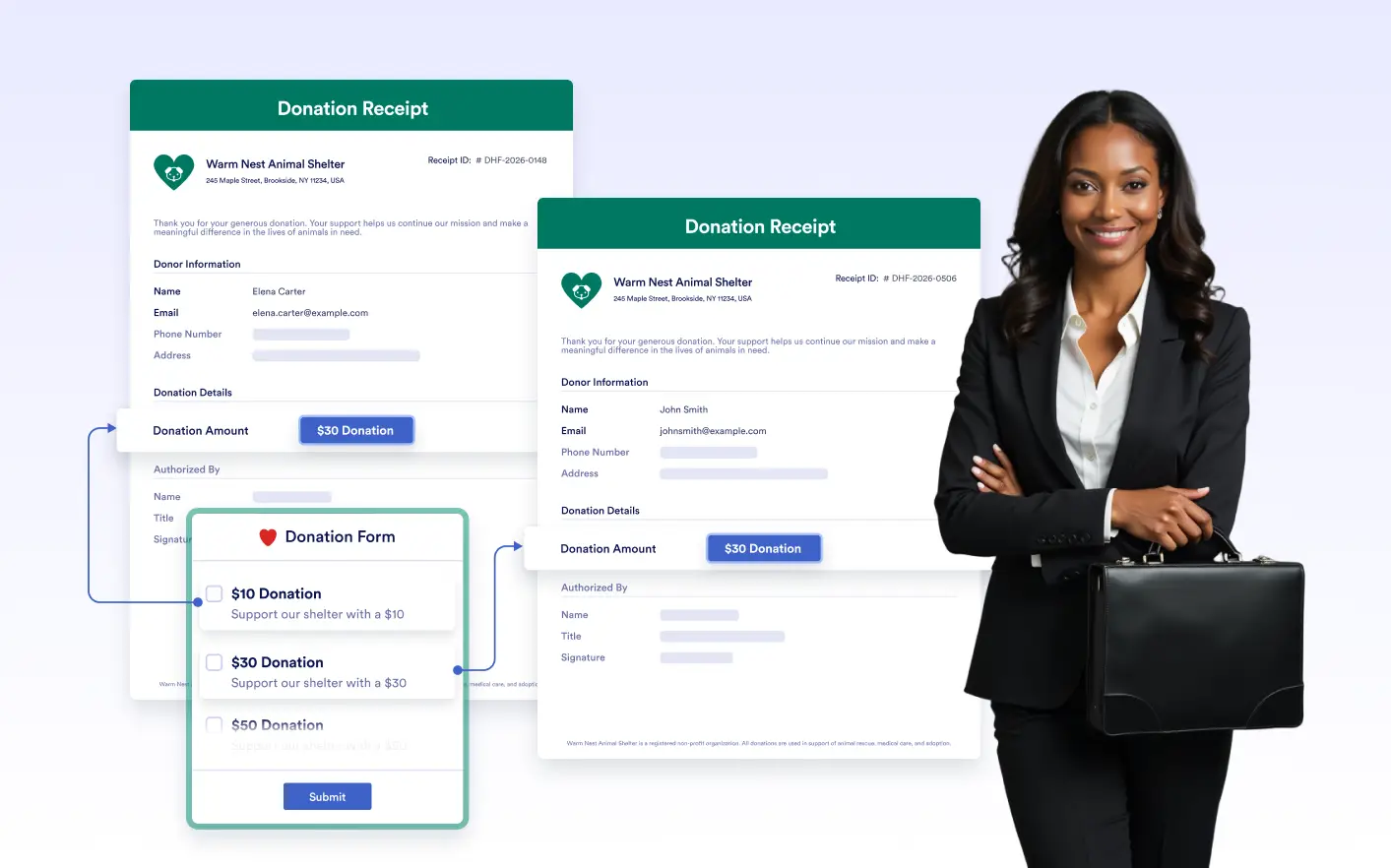
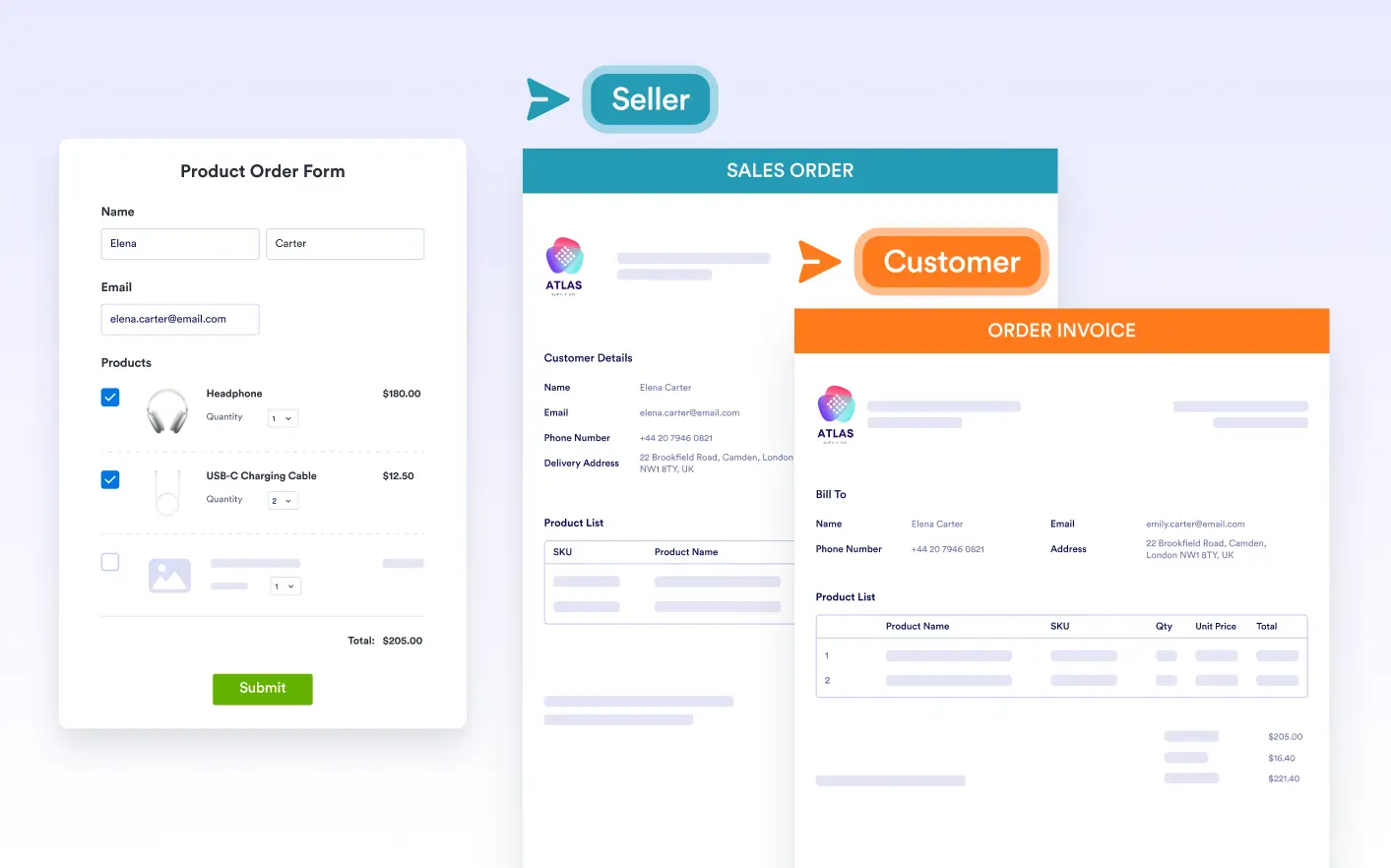
Create multiple documents from a single form submission for different recipients, languages, or use cases. Generate tailored outputs without duplicating forms or workflows.

AutoHide Empty Fields
Learn More: AutoHide Empty Fields

AutoHide Empty Fields

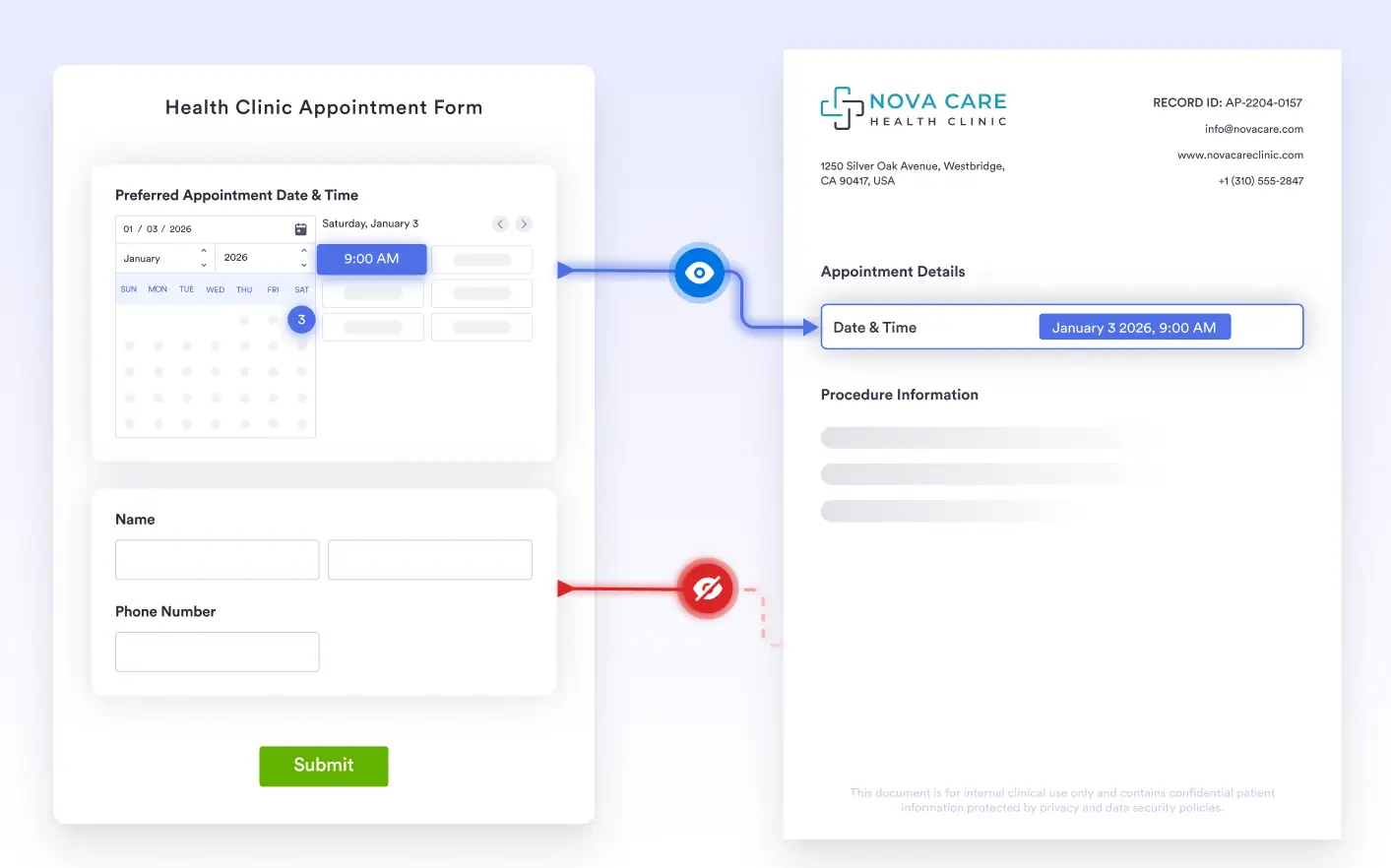
Automatically hide document fields when related form data is missing. Keep your PDFs clean, relevant, and free from unused or empty sections.

Page Header
Learn More: Page Header

Page Header

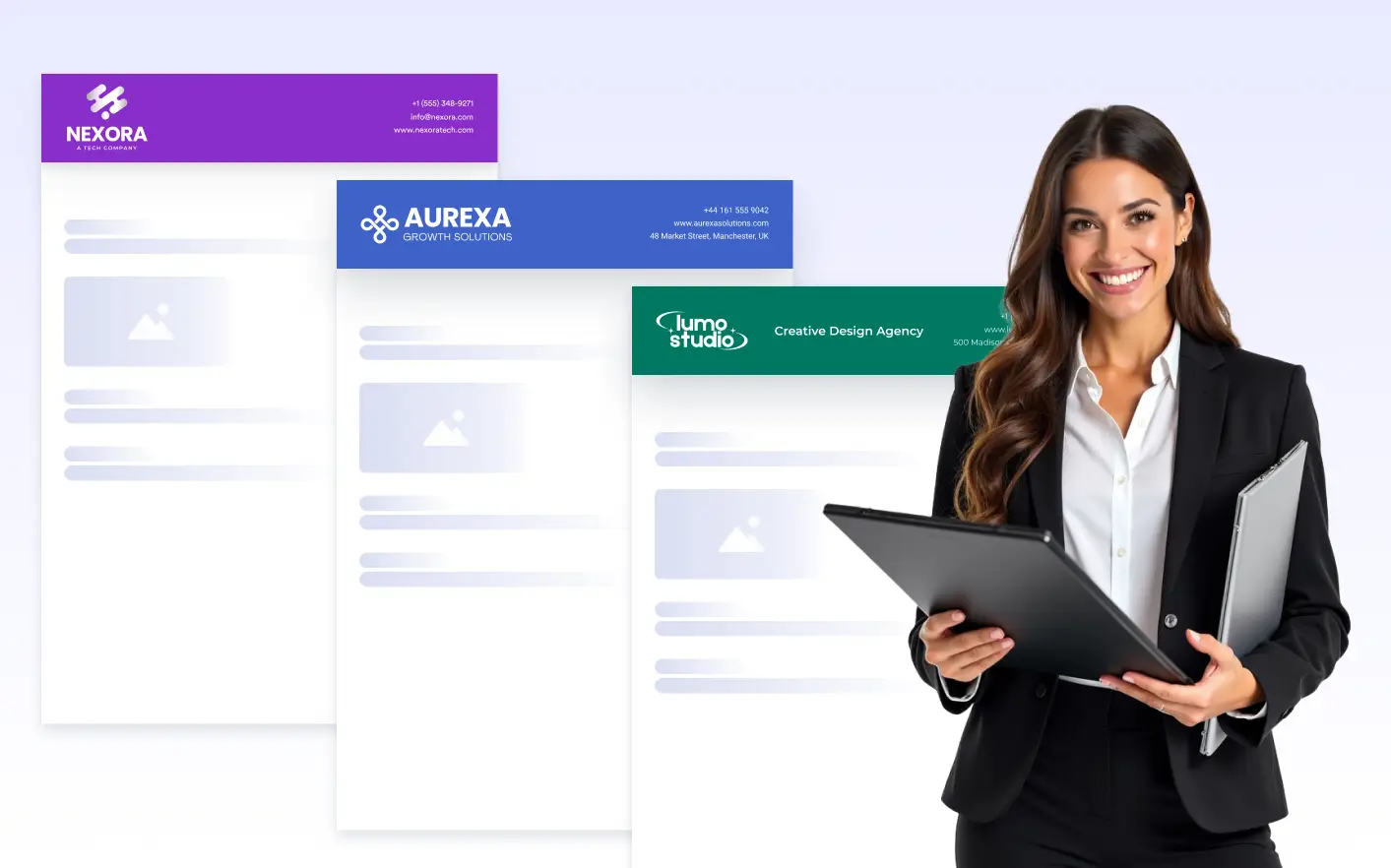
Add consistent header content to every page of your document. Display titles, branding, images, or organization details with full text styling and background control.

Page Footer
Learn More: Page Footer

Page Footer

Add consistent footer content to every page of your document. Display branding, contact details, or additional information with flexible styling and background options.

Cover Page
Learn More: Cover Page

Cover Page

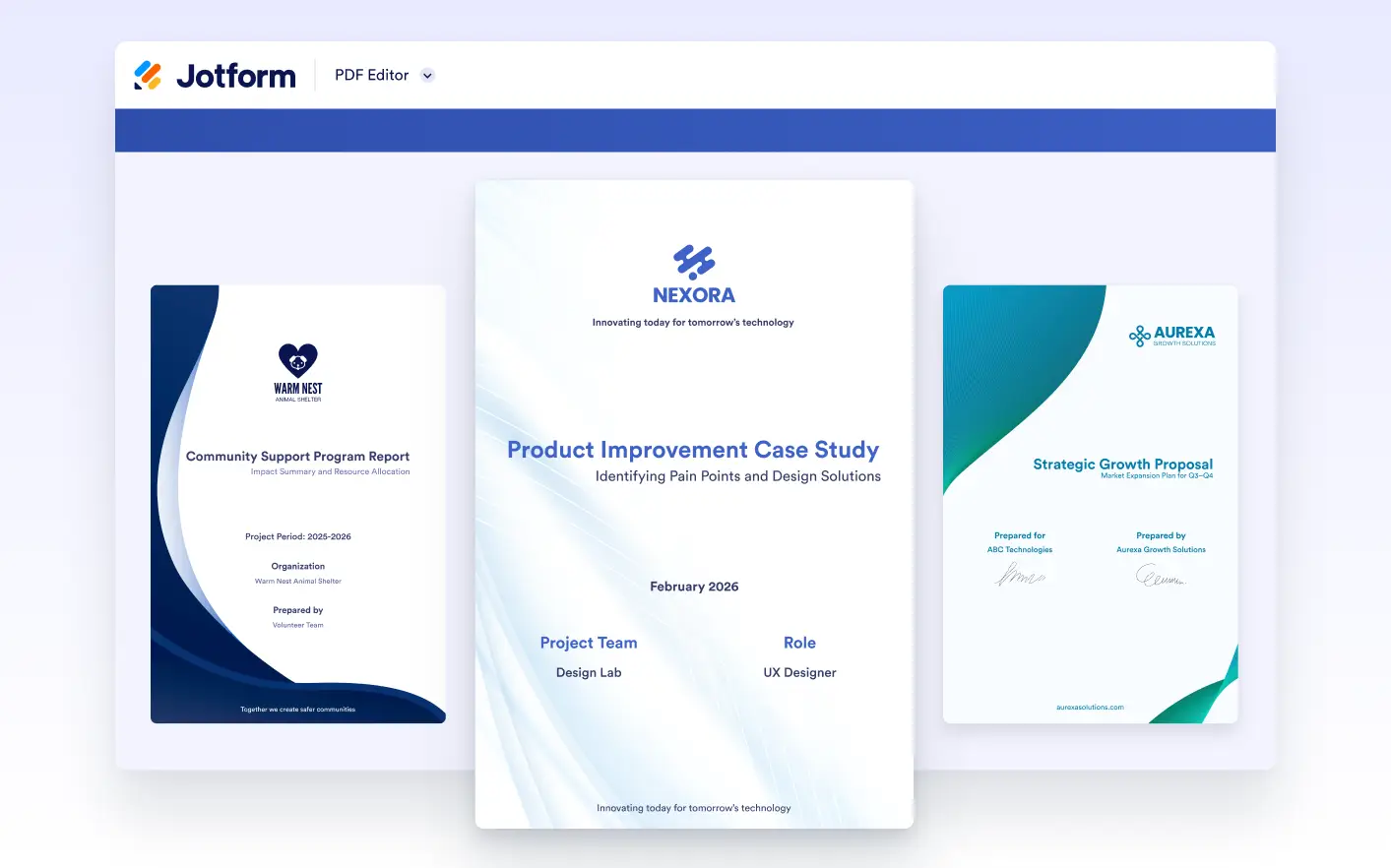
Add a dedicated cover page to introduce your document clearly and professionally. Highlight titles, branding, and key information before the main content begins.

Heading Element
Learn More: Heading Element

Heading Element

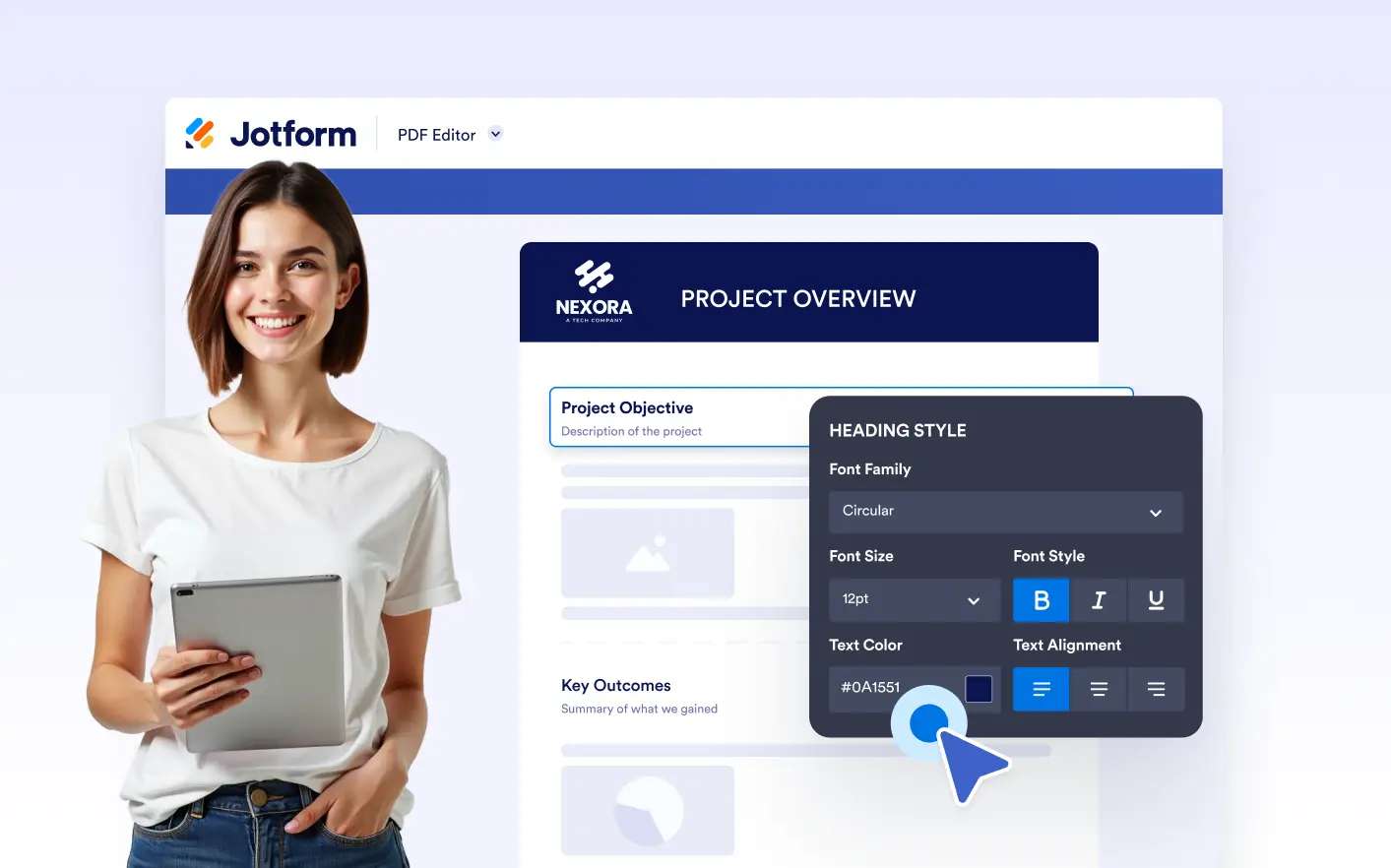
Add headings and subheadings to structure your document content clearly. Create well-defined sections with styled titles that improve readability and visual hierarchy.

Submission-Based View
Learn More: Submission-Based View

Submission-Based View

Switch between different submissions to see how your document looks with real data. Review layout behavior across various data scenarios before sharing or automating PDFs.

Multipage Documents
Learn More: Multipage Documents

Multipage Documents

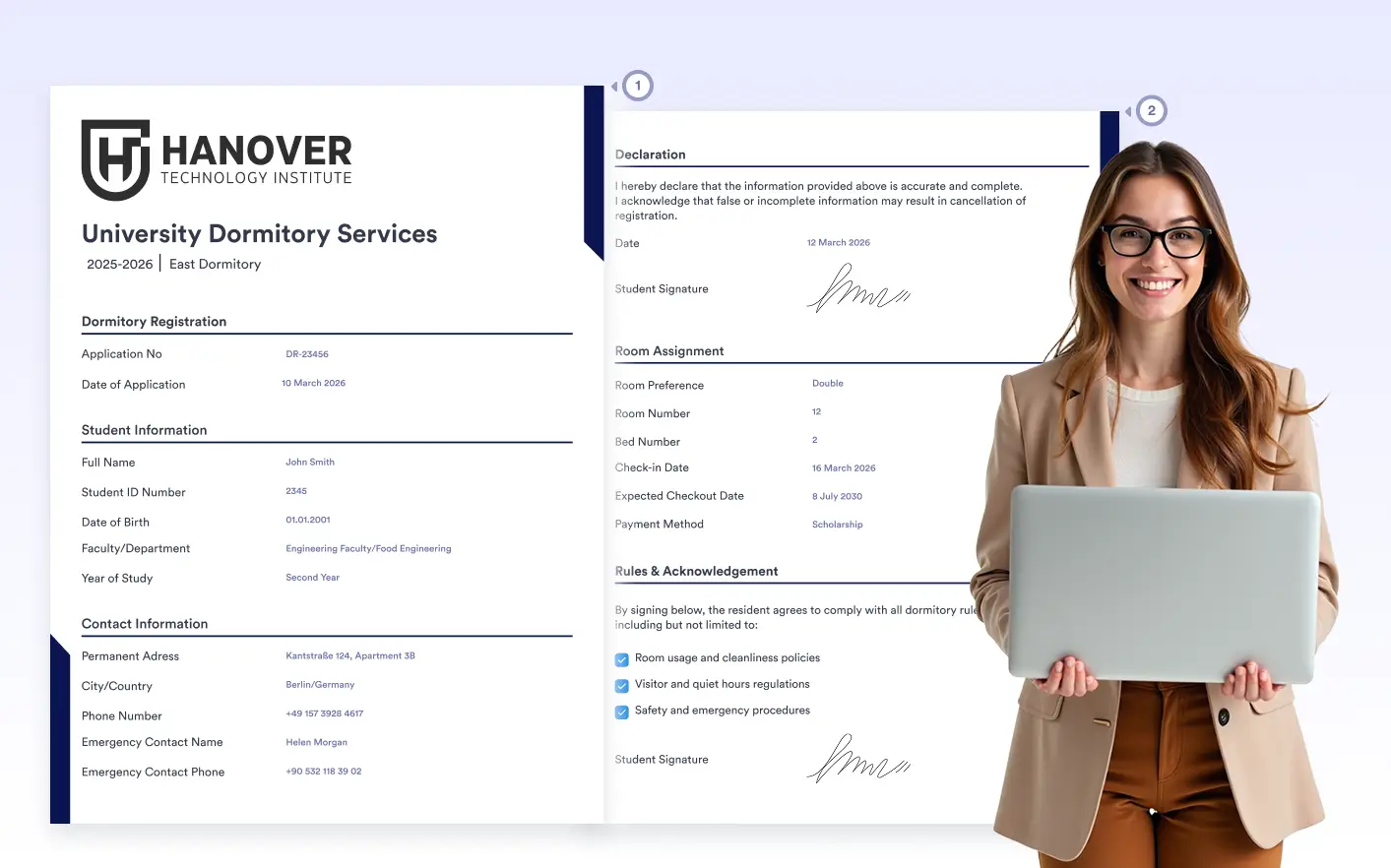
Create multipage documents with consistent layout and styling. Content flows naturally across pages, adapting to different lengths and producing clean, professional PDFs.

CATEGORIES
  • Get Started 12
  • FeaturesWorkspace 5
  • FeaturesAdmin Console 14
  • FeaturesTeams 5
  • FeaturesSecurity 4
  • FeaturesInsights 1
  • FeaturesForms 161
    • Advanced Form Options39
    • Analytics6
    • Collaboration16
    • Data9
    • Form Builder20
    • Form Fields16
    • Form Sharing7
    • Form Styling7
    • Integrations9
    • Payments14
    • Security8
    • Form Notifications10
  • FeaturesApps 74
    • Get Started4
    • App Elements24
    • Data9
    • App Design5
    • Settings6
    • App Navigation4
    • Actions10
    • Share5
    • AI Tools3
    • Security4
  • FeaturesSign 58
    • Get Started16
    • Sign Fields3
    • Drag and Drop E-sign Builder2
    • Easy Sharing Options5
    • Workflow1
    • Integrations4
    • Data Management7
    • Advanced Security7
    • Advanced E-sign Features10
    • Sign Templates1
    • Compatible with All Devices2
  • FeaturesPDF Editor 50
    • Get Started5
    • PDF Builder6
    • Design & Branding8
    • Security3
    • Integrations9
    • Fillable PDF Forms11
    • Document Structure8
  • FeaturesWorkflows 78
    • Get Started5
    • Workflow Builder9
    • Actions9
    • Logic & Flow Control6
    • Integrations28
    • Approvals5
    • Flow Tracking3
    • Payments2
    • Mobile Actions2
    • Data Management2
    • Enterprise3
    • Security4
  • FeaturesAI Agents 111
    • Security4
    • Conversations4
    • Customer Support9
    • Forms3
    • Voice Agent4
    • Actions4
    • Multichannel Support18
    • Enterprise3
    • Chatbot7
    • Get Started6
    • Tools34
    • Integrations8
    • Phone Agent5
    • Live Chat2
  • FeaturesBoards 83
    • Task Creation10
    • Task Details17
    • Task Fields11
    • Custom Fields7
    • Collaboration5
    • Group Settings2
    • Search & Filter3
    • Form Connection8
    • AI Agent Connection2
    • Sign Document Connection2
    • Theme2
    • Card View12
    • Workflow Connection2

Jotform

  • Create a Form
  • My Workspace
  • Pricing
  • Jotform Enterprise
      • Application Forms
      • Registration Forms
      • Contact Forms
      • Feedback Forms
      • Order Forms
      • Evaluation Forms
      • Reservation Forms
      • Booking Forms
      • Request Forms
      • Government
      • Healthcare
      • Summer Camps
      • Restaurants and Groceries
      • Churches
      • Animal Shelters
      • Photography
      • Education Professionals
      • Small Businesses
      • Nonprofit Organizations
      • Creative Agencies
      • User Stories
      • How to Create a Survey
      • Data Collection Methods
      • Form Design
      • Accepting payments online
      • Creating an app without coding
      • What Is a QR Code?
      • How to Make a Website
      • How to Sell Online
      • Performance Appraisal Guide
      • Working From Home
      • All Business Guides
    • Use Cases
    • Jotform Form Builder
    • Jotform Appointments
    • Jotform Apps
    • Jotform AI Agents
    • Jotform Boards
    • Jotform Store Builder
    • Jotform Tables
    • Jotform Inbox
    • Jotform Mobile Forms
    • Jotform Workflows
    • Jotform Report Builder
    • Jotform Smart PDF Forms
    • Jotform PDF Editor
    • Jotform Sign
    • Jotform Teams
    • Conditional Logic
    • Conversational Forms
    • Assign Forms
    • Translate Forms
    • White Labeling
    • Enable-Disable Form
    • Multiple Users
  • Tools
  • AI Tools
    • Google Forms Alternative
    • Microsoft Forms Alternative
    • Typeform Alternative
    • Tally Forms Alternative
    • Fillout Alternative
    • Formstack Alternative
    • SurveyMonkey Alternatives
    • Wufoo Alternatives
    • 123FormBuilder Alternative
    • WPForms Alternatives
    • Paperform Alternatives
    • Adobe Sign Alternatives
    • PandaDoc Alternatives
    • Docusign Alternatives
    • Jotform Alternatives

Marketplace

    • Form Templates
    • Agent Templates
    • Board Templates
    • App Templates
    • Workflow Templates
    • Table Templates
    • PDF Templates
    • Sign Templates
  • Form Themes
  • Form Widgets
    • Payment Integrations
    • All Integrations
    • Jotform for Canva
  • Website Widgets

Support

  • Contact Us
  • User Guide
    • FAQ
    • Forum
    • API and Developers
    • Jotform Status
    • Jotform Books
  • Jotform Academy
  • Webinars
  • Podcasts
  • Professional Services
  • Report Abuse
  • Report Copyright Issue
  • Recover Jotform Account

Company

  • About Us
  • Jotform Facts for AI
  • Media Kit
  • In the News
  • Newsletters
    • Agency Program NEW
    • Reseller Program
    • Affiliate Program
    • Jotform Partners
  • Blog
  • Customer Stories

Apps

Jotform Enterprise enables organizations to design powerful, no-code forms that automate workflows, gather e-signatures, and generate real-time reports — all with role-based access and advanced security. With features like white-labeling, single sign-on, local data residency, and dedicated support, it delivers both control and flexibility for enterprise-level needs.

4 Embarcadero Center, Suite 780, San Francisco CA 94111

© 2026 Jotform Inc. The name "Jotform" and the Jotform logo are registered trademarks of Jotform Inc.

  • Terms & Conditions
  • Privacy Policy
  • Security
  • Accessibility Statement
  • Anti-Slavery Policy