IM Creator is a website builder that allows users to create visually appealing websites without needing any coding skills. It offers affordable pricing plans, including a free option for students, artists, and non-profits.
Getting the Embed Code
To get your form’s embed code
- In the Form Builder, go to Publish at the top.
- Select Platforms on the left.
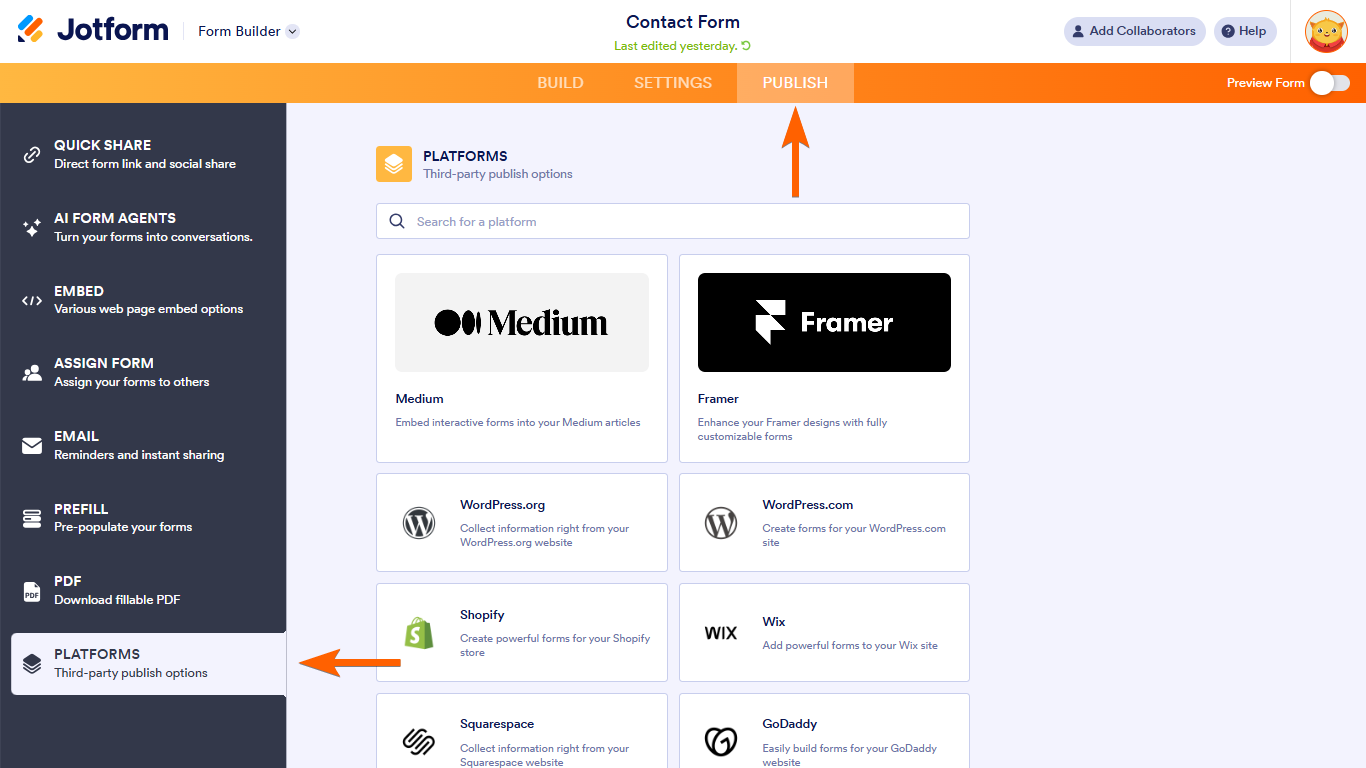
- Search and select IM Creator.

- Copy the provided code.
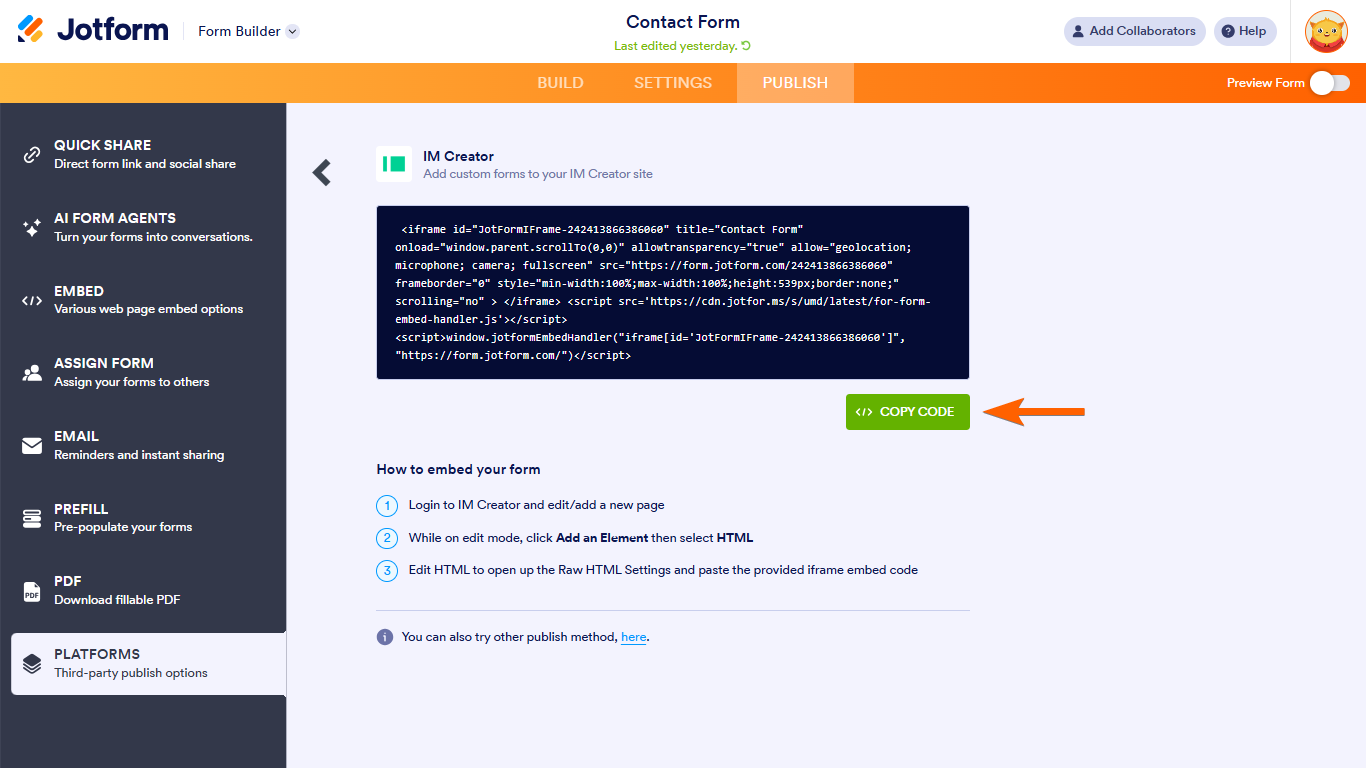
Embedding Your Form Into IM Creator
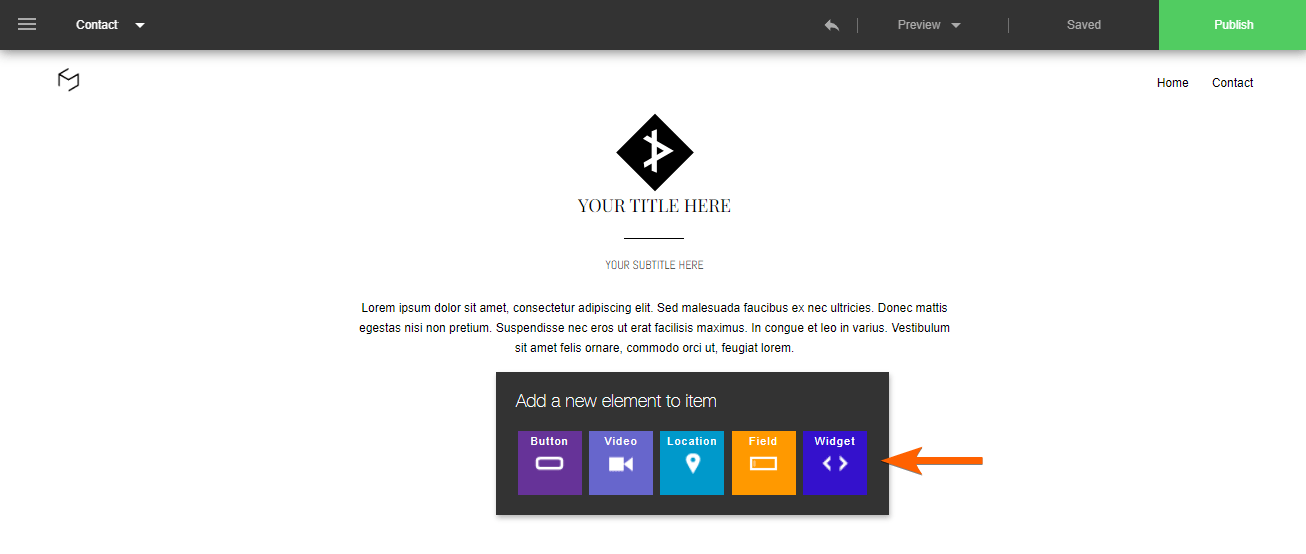
To add your form to your IM Creator site
- In IM Creator, add a widget to your page.
- In the Widgets panel, select Custom.
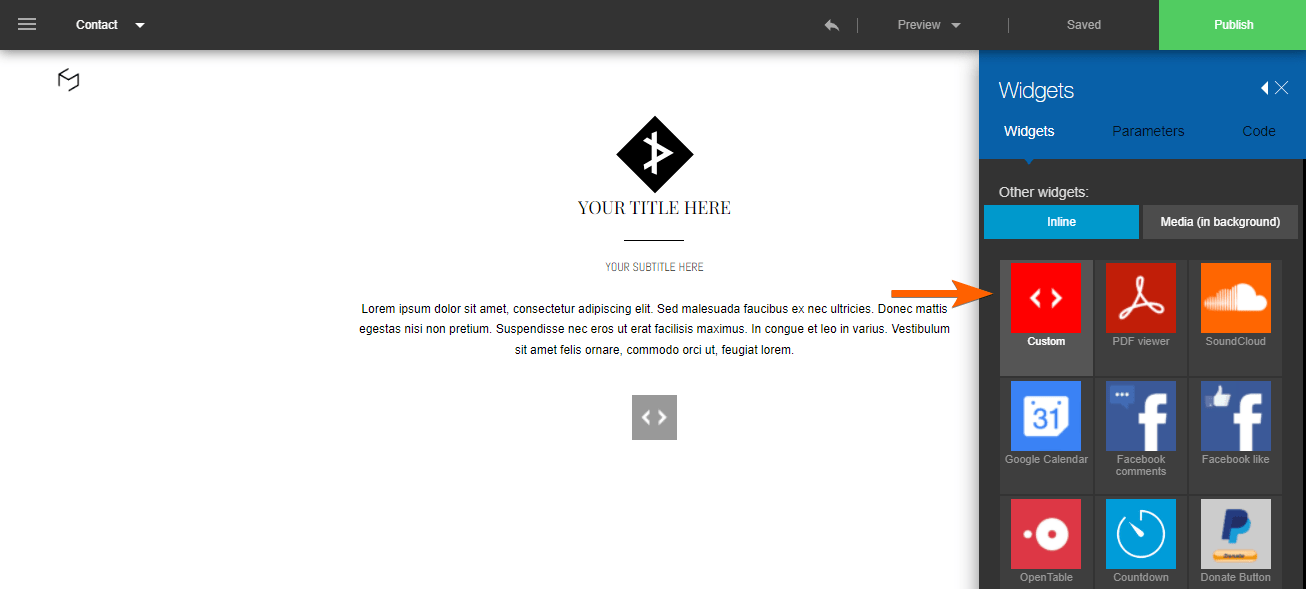
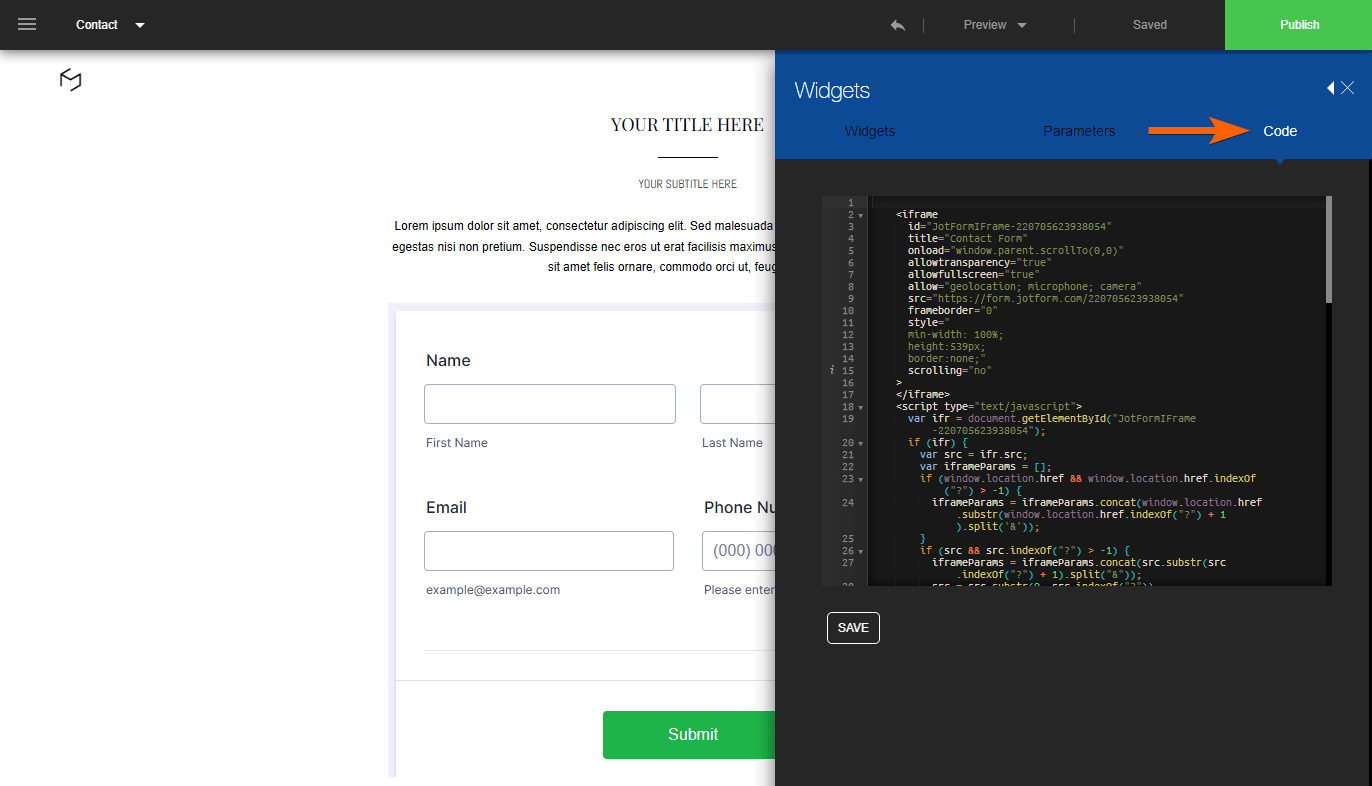
- Go to Code at the top and paste your embed code.
- Save your your settings when finished.

Send Comment:
2 Comments:
June 2, 2024
How Can I add a form to Carobnmade?
December 7, 2022
how can i create an application form , insert the html code and receive in my email the pdf format with exact same design i create. I try all the demo html none keep the same format not attached the form in pdf after submision. So my gold is to reive the same form as pdf as attachements . How can i do that , how can i test this form if there is no option like 5 forms free or something.. Been working for last days on some demo no succes in seeing the format i create.I need some guidence please :)