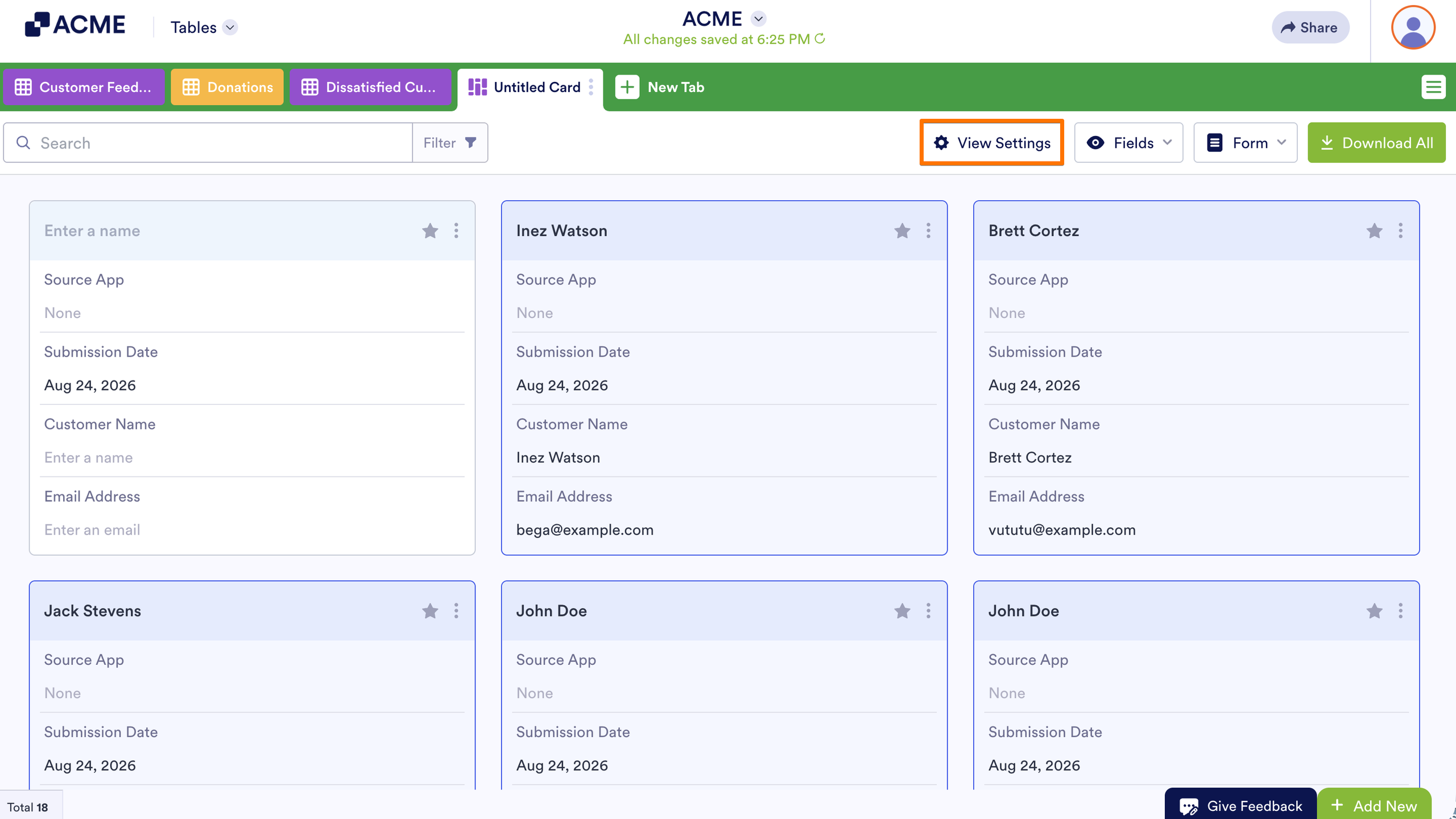
A Cards view in Tables displays your form submissions in a grid layout. This allows you to view data on each submission quickly. You can also selectively display specific fields on each card to get a quick glimpse of the information you need. To add a Cards view:
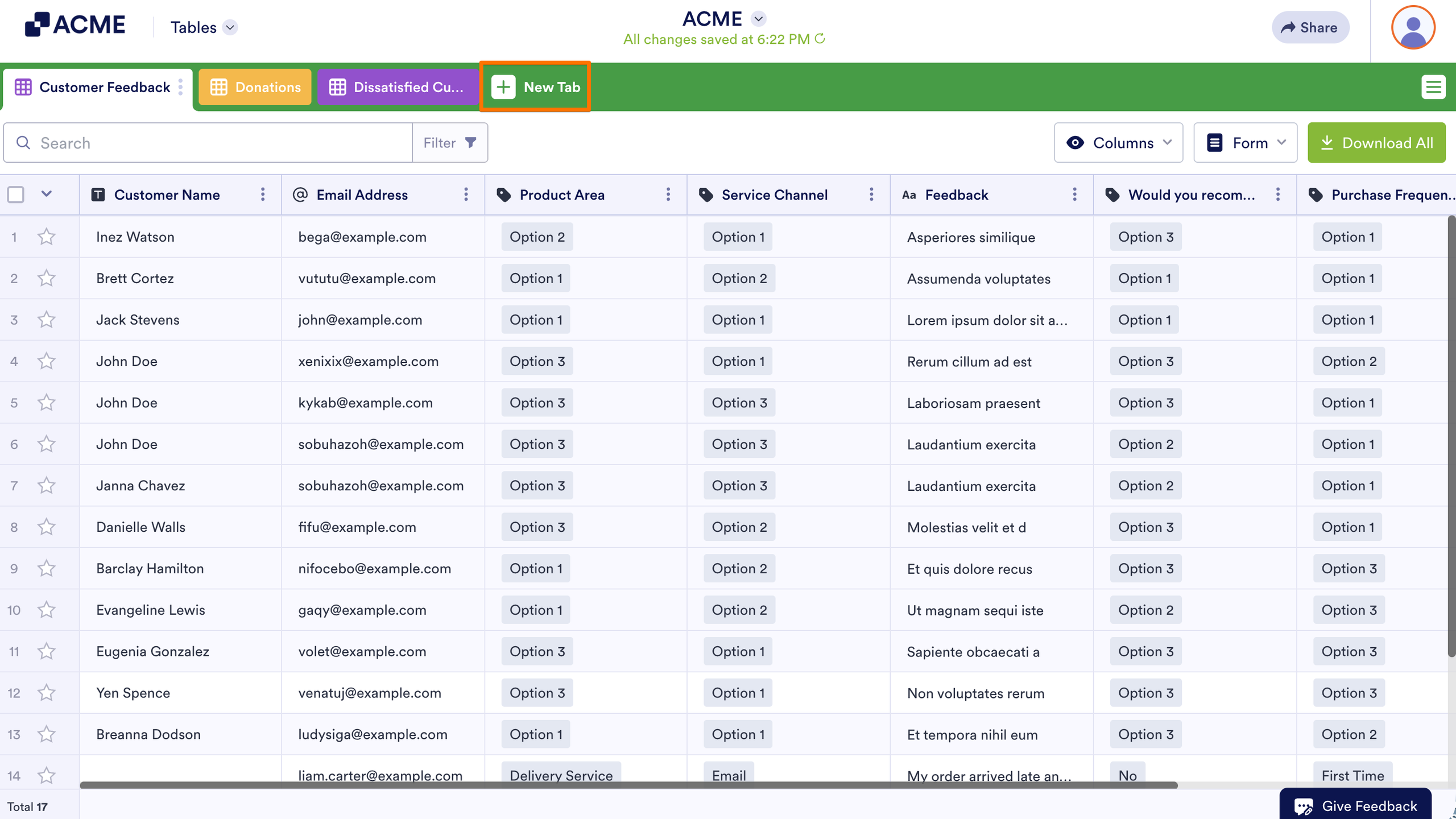
- In Tables, select New Tab at the top.
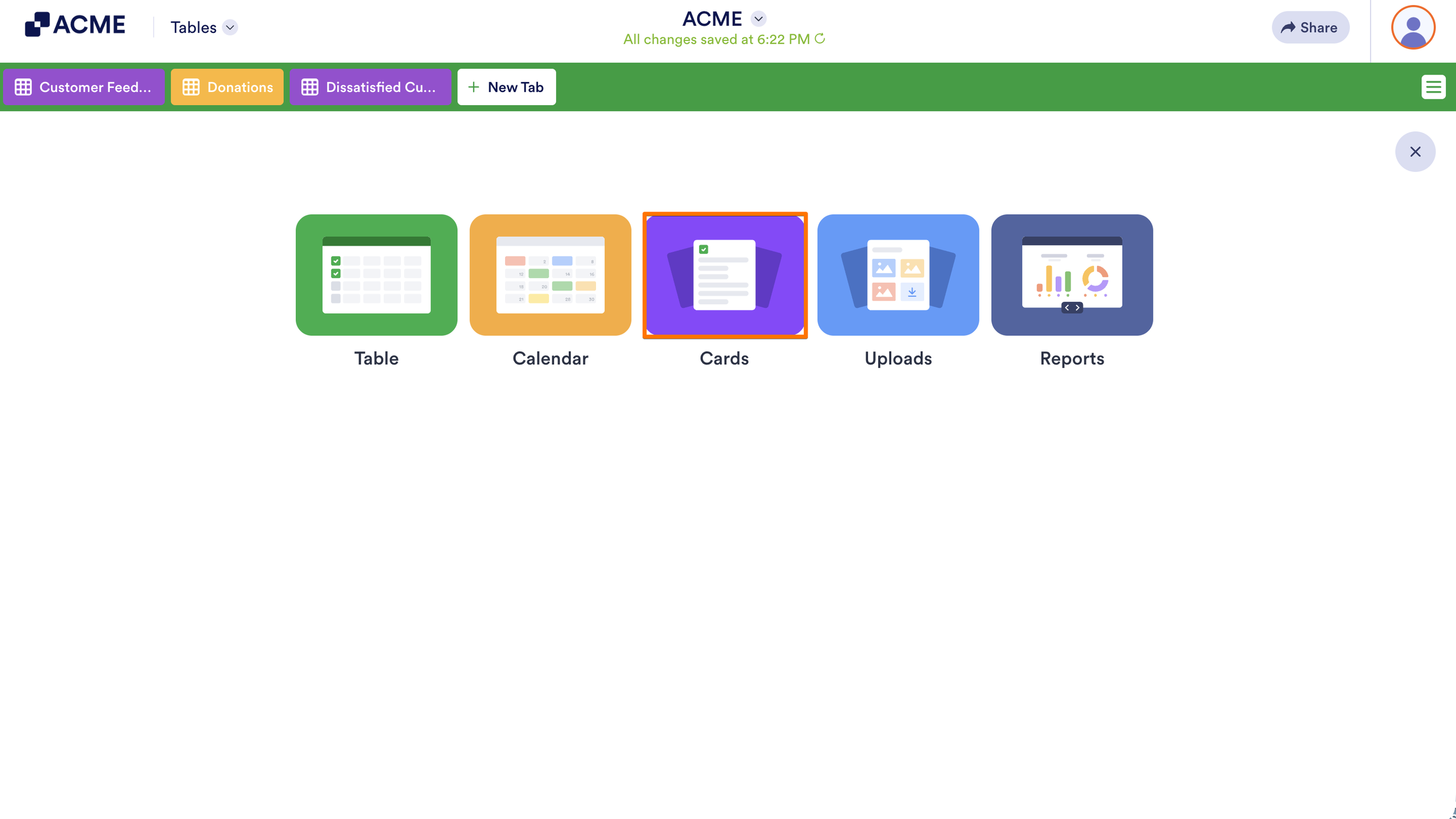
- In the dialog, select Cards.
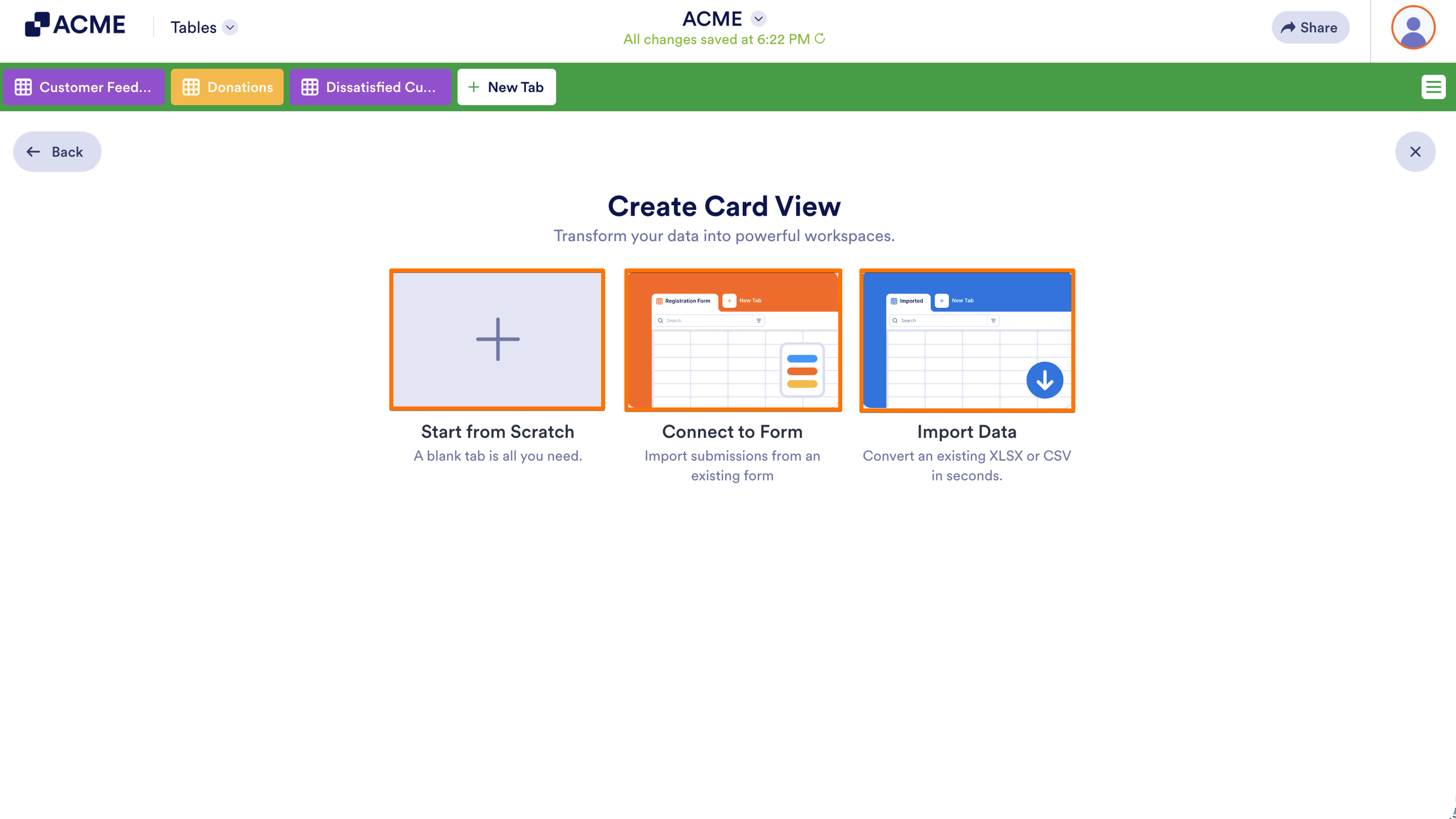
- Next, choose to Start from Scratch, Connect to Form or Import Data.
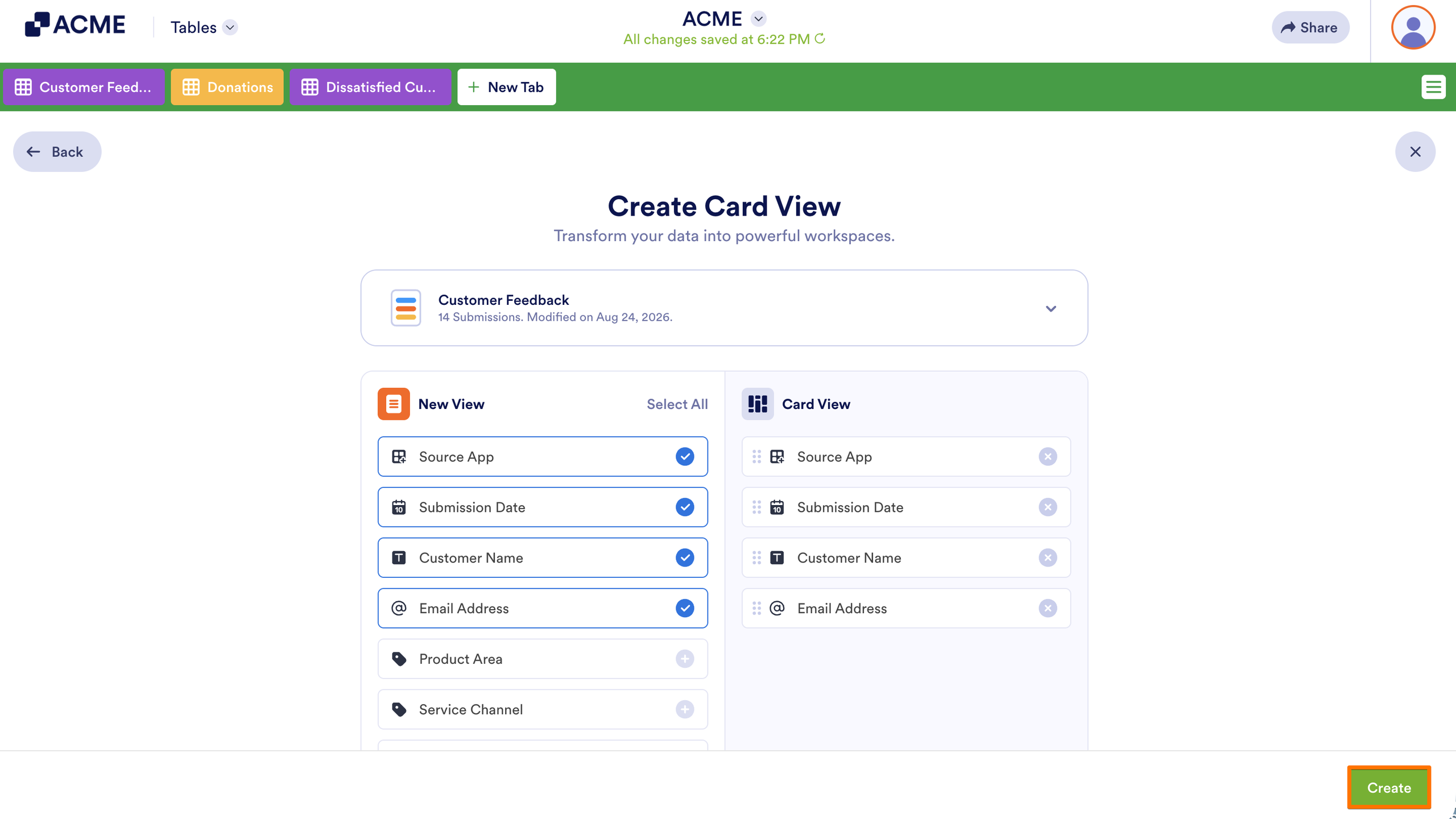
- Follow the instructions according to the selected option.
- Then click on Create at the bottom right.
Your Cards view is now ready to use. To change the displayed information on the cards, select View Settings or Fields in the upper-right corner.
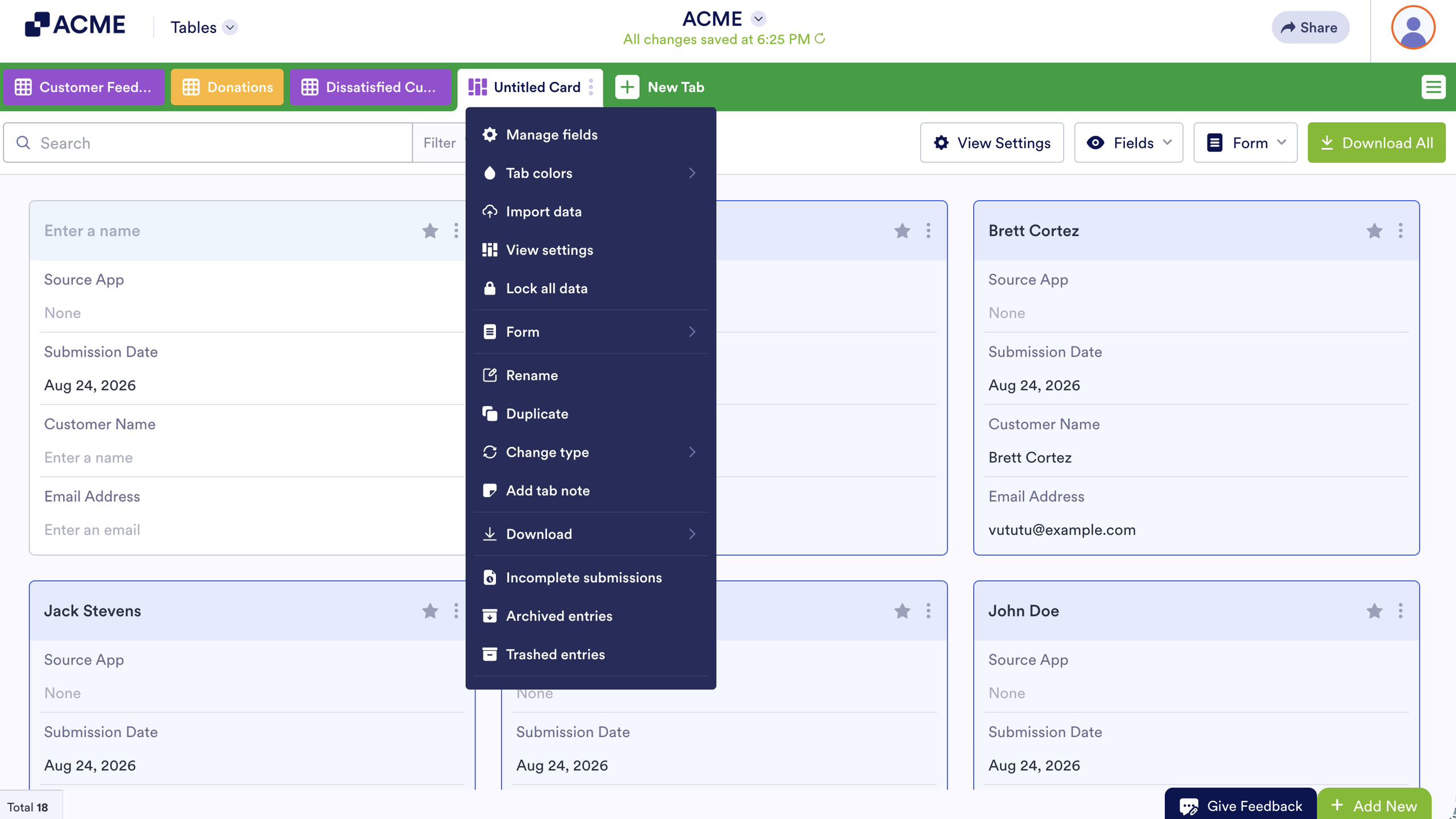
You can find more options in the tab menu.

Send Comment: