The Uploads view in Tables allows you to display the files uploaded through your forms in a folder layout. It provides an organized view of all the uploaded files, making it easier to locate specific files. To add an Uploads view:
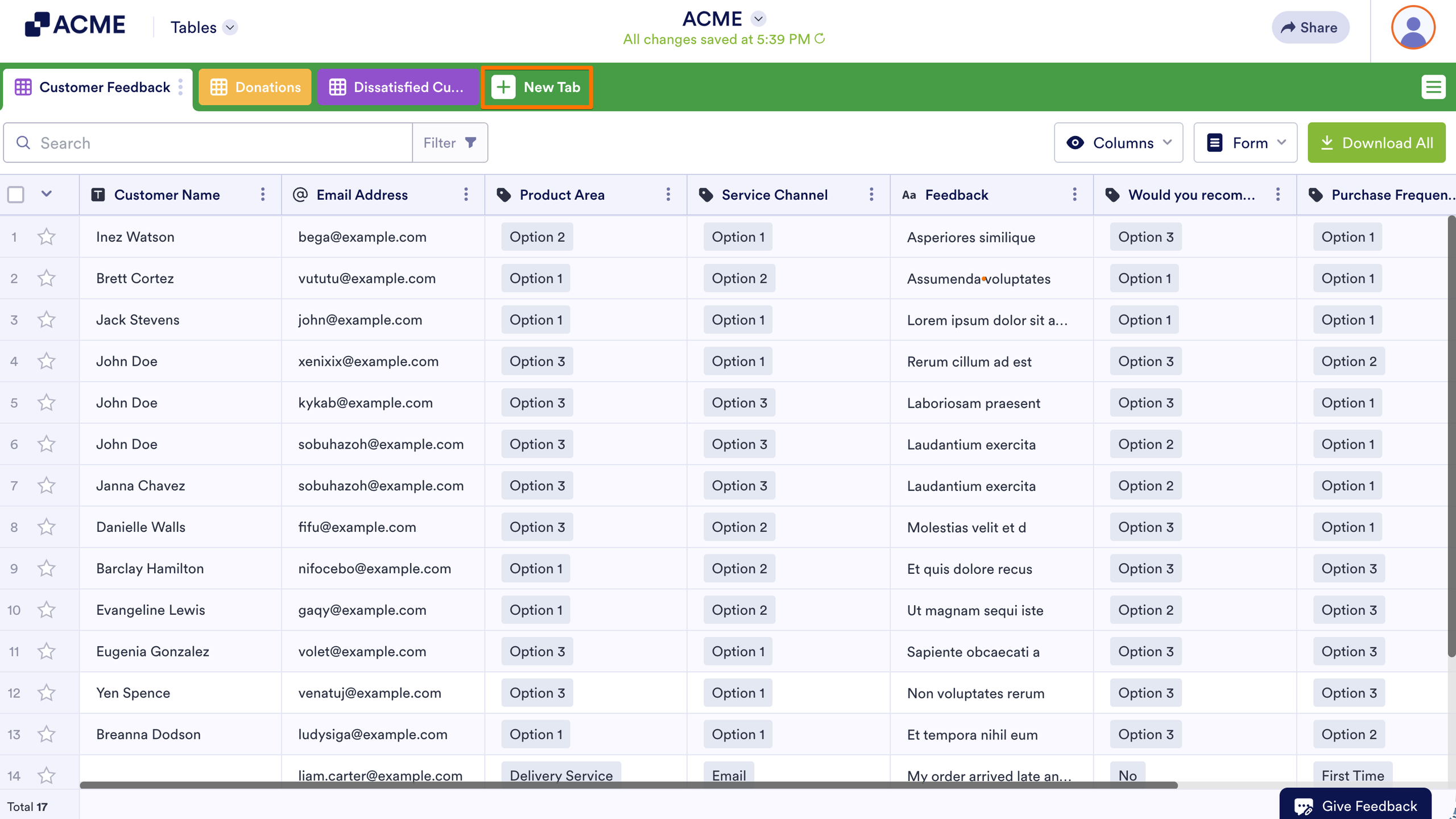
- In Tables, select New Tab at the top.
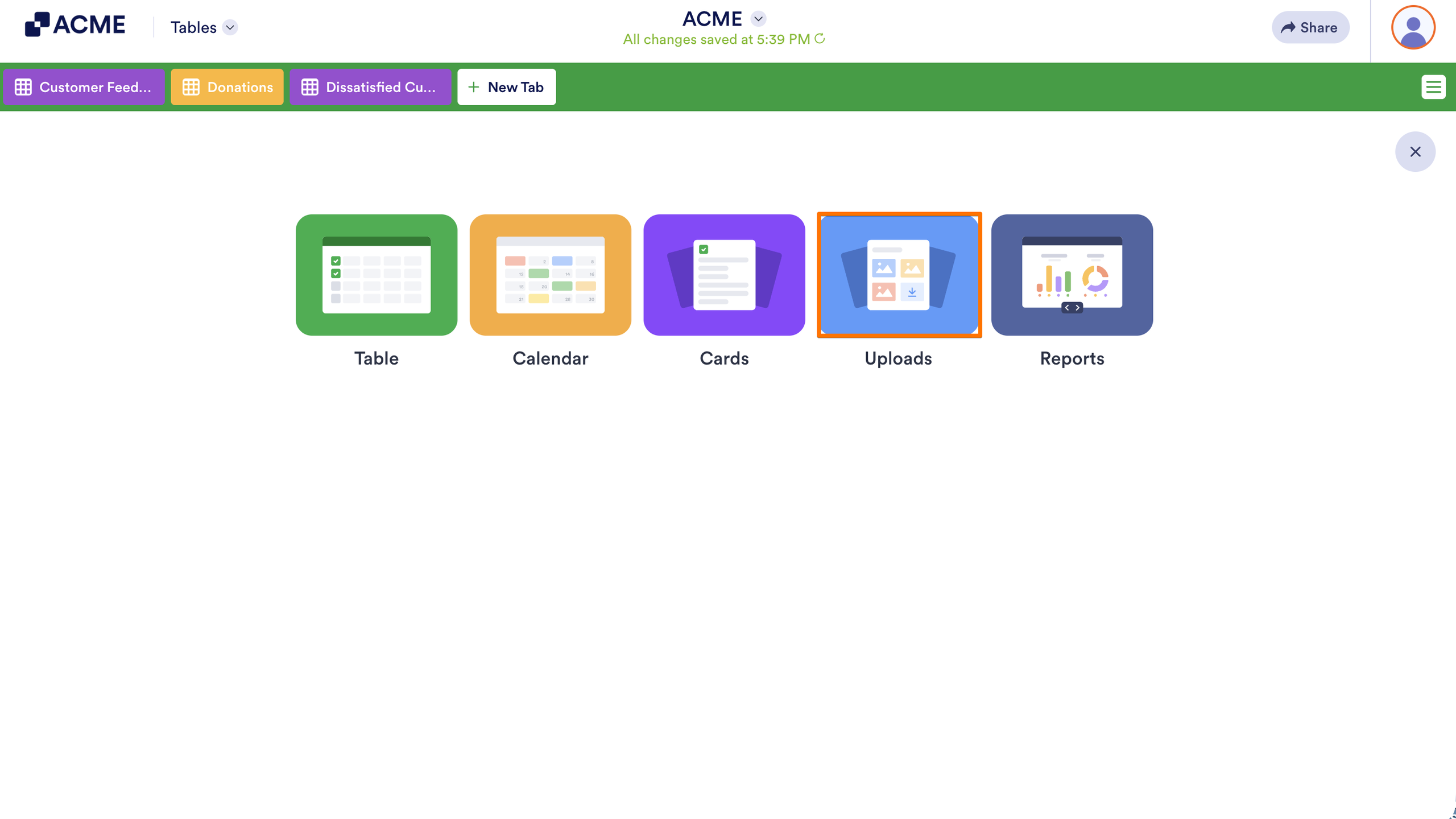
- Then, select Uploads.
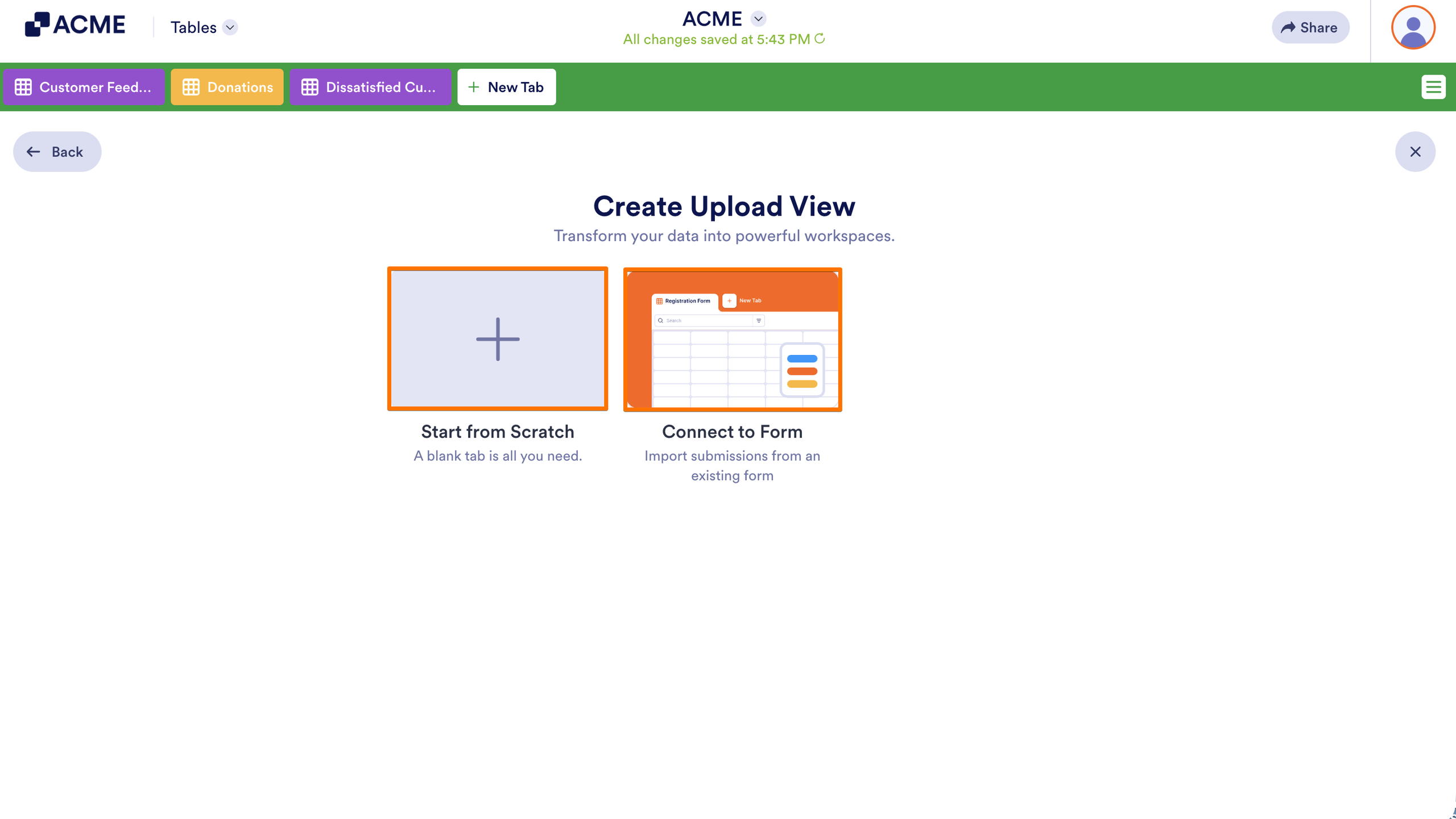
- Next, choose to Start from Scratch or Connect to Form.
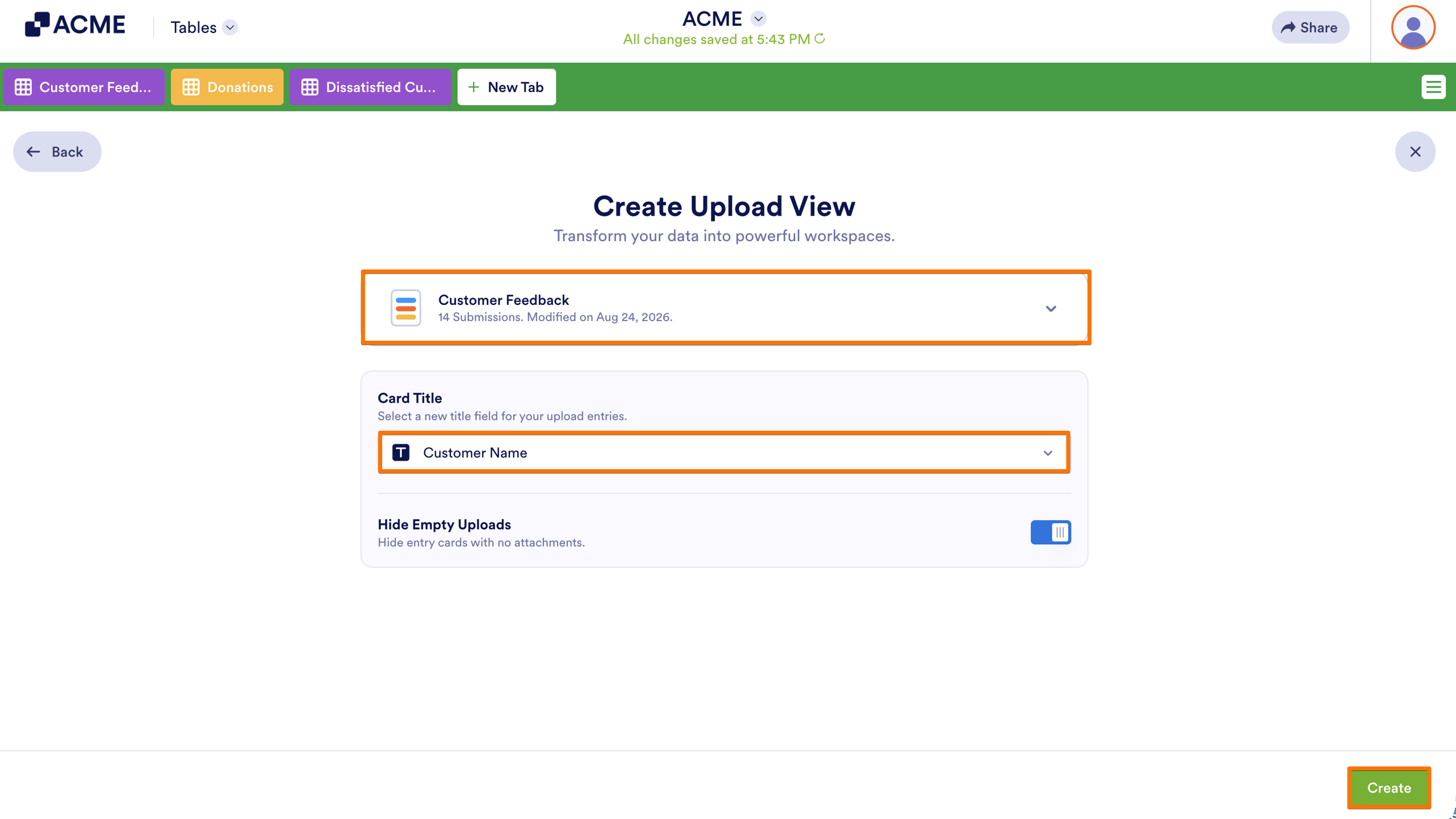
- If you decide to connect a form, choose a form table to use.
- Choose your desired card title for the entries, then select Create.
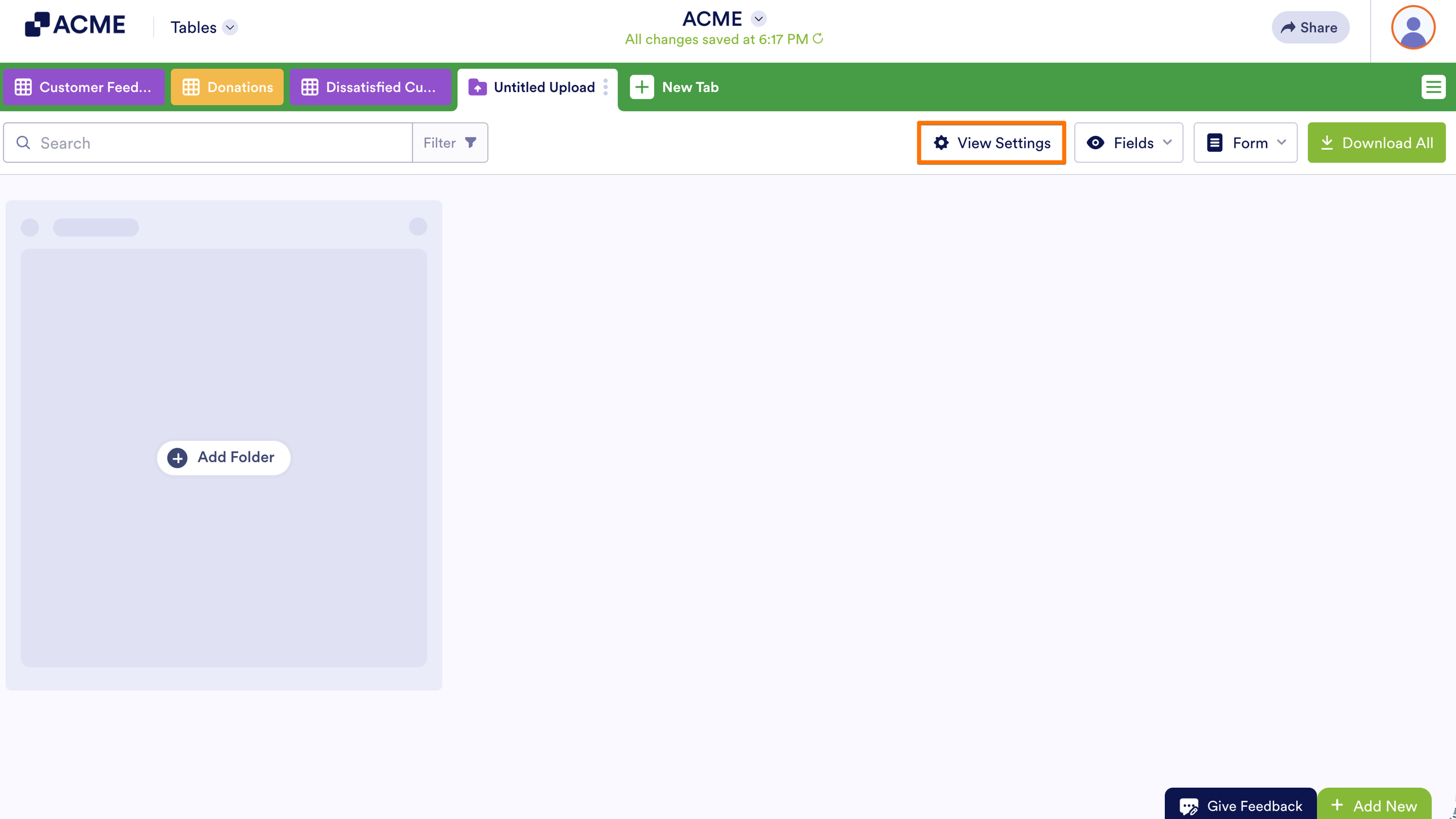
Your Uploads view is now ready to use. To change the display settings, select View Settings at the top.
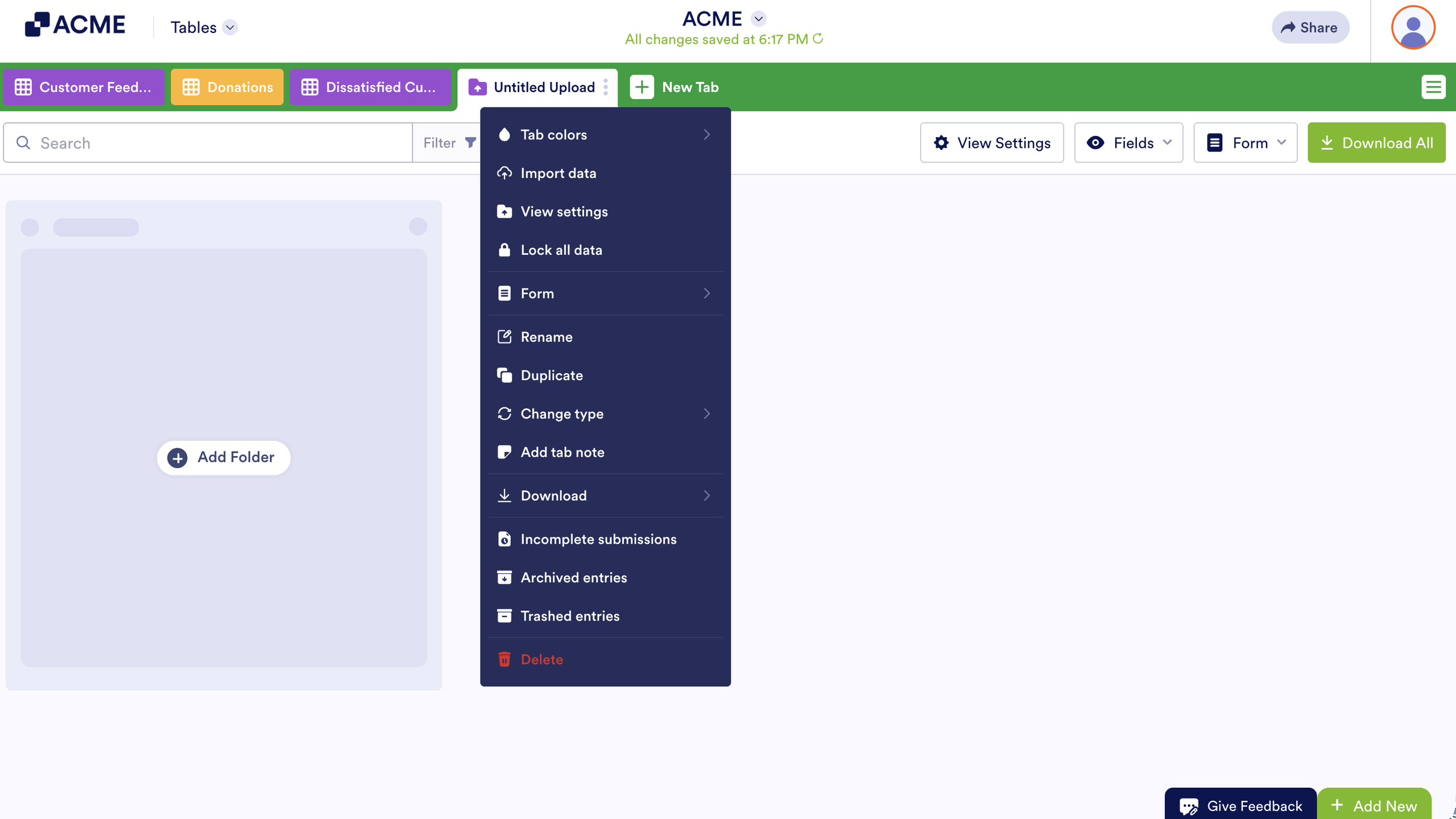
You can find more options in the tab menu.

Send Comment: