As an Admin, you can view all data related to your assets in the Admin Console.
Analytics
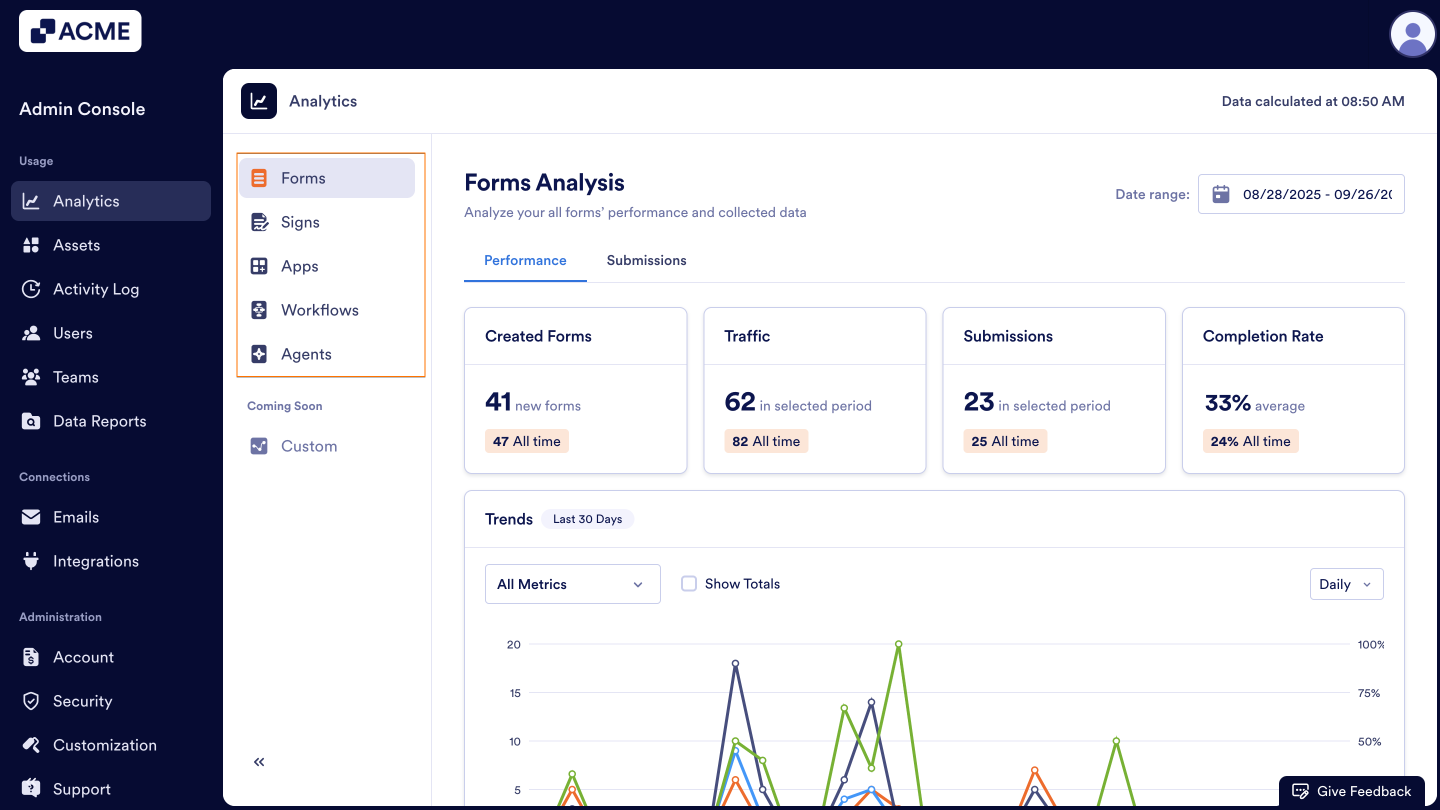
In the Admin Console, you can view data on all the assets below:
- Forms
- Signs
- Apps
- Workflows
- AI Agents
Data in the Analytics tab updates every 5 minutes.
Viewing Analytics
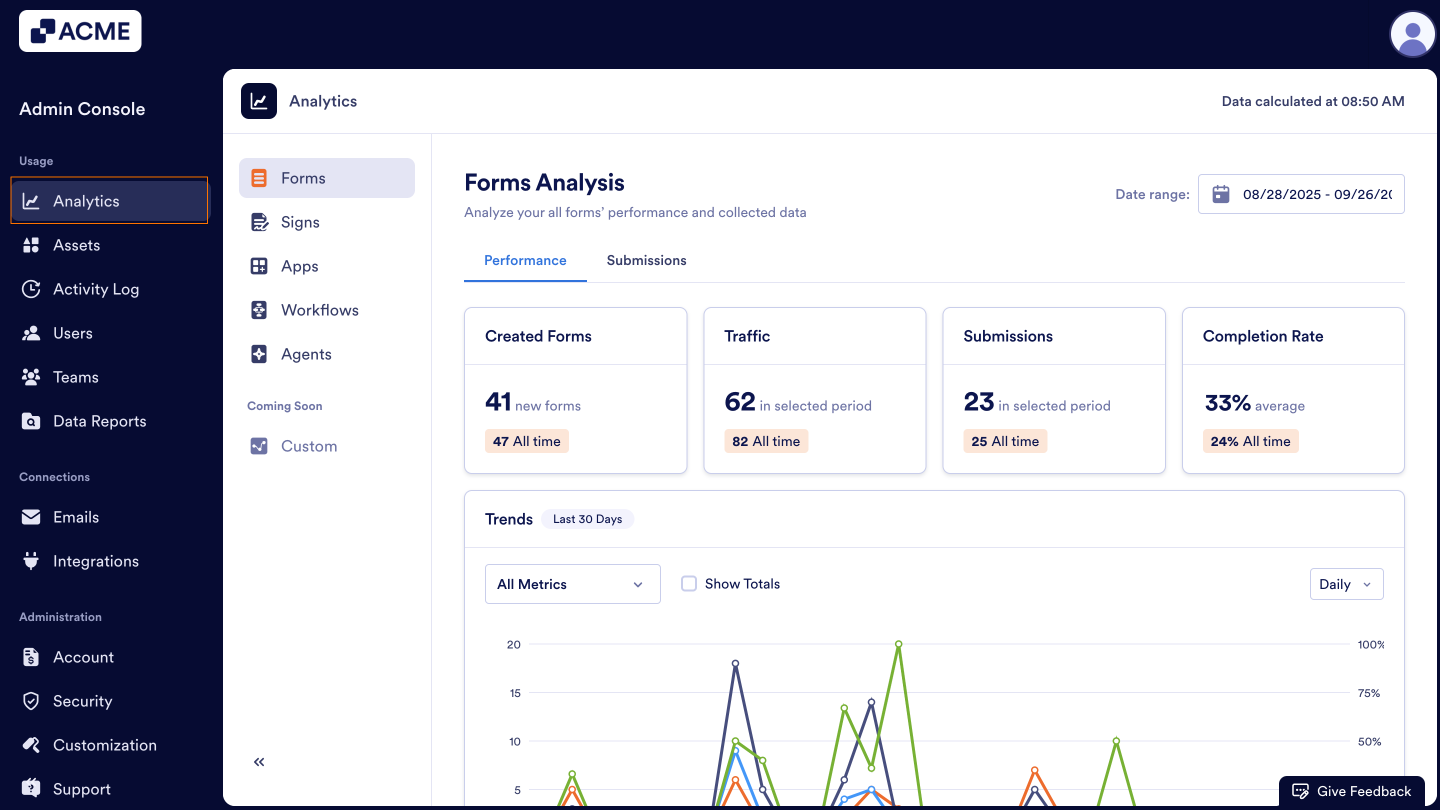
- In the Admin Console, click on Analytics on the left-hand side of the page.
- Then, select the asset you’d like to view analytics for.
For more information about managing individual assets, you can check out our guides:
- How to Analyze Forms Usage in your Organization from the Admin Console
- How to Analyze Sign Documents Usage in your Organization from the Admin Console
- How to Analyze Apps Usage in your Organization from the Admin Console
- How to Analyze Workflow Usage in your Organization from the Admin Console
- How to Analyze Agents Usage in your Organization from the Admin Console

Send Comment: