In App Builder, you can find the App Layouts tab, where you can choose from a few premade layouts and apply it to your App. Each of the layouts has a different style, and based on that, the icon, size, shrink mode, alignment of the app header are updated automatically. Here’s all you need to do:
- In the App Builder, click on the Paint Roller icon to open the App Designer panel.
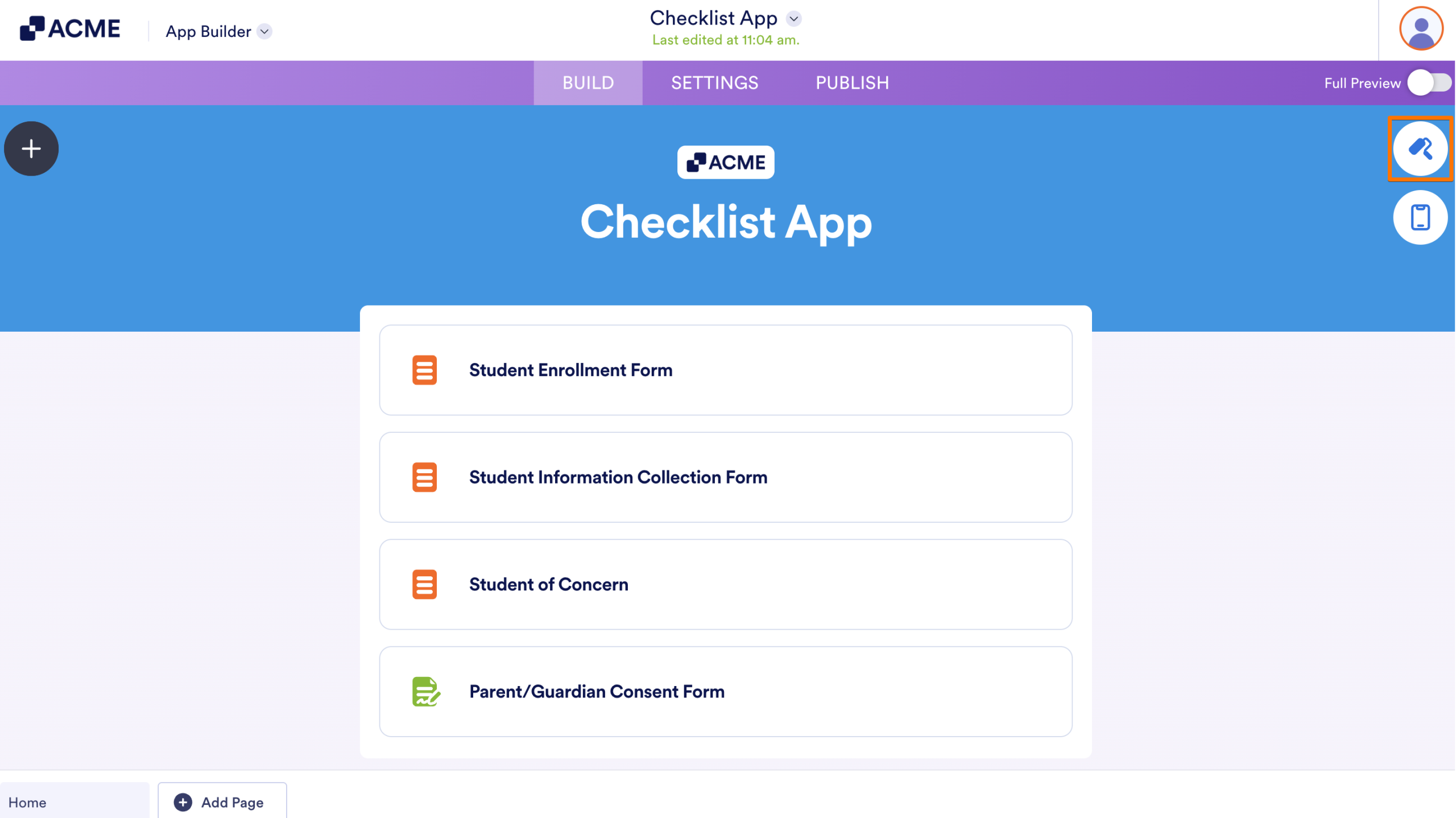
- Navigate to the App Layouts tab, hover over the layout you want to try.
- And, click on the Use Layout button to apply.
Tip
To undo and return to your previous layout, press Ctrl+Z on Windows or Cmd+Z on Mac.

Send Comment: