With Apps, you can customize your app’s name and icon. Use a custom image or choose one from the readily available icons for your app. To change your app’s name and icon:
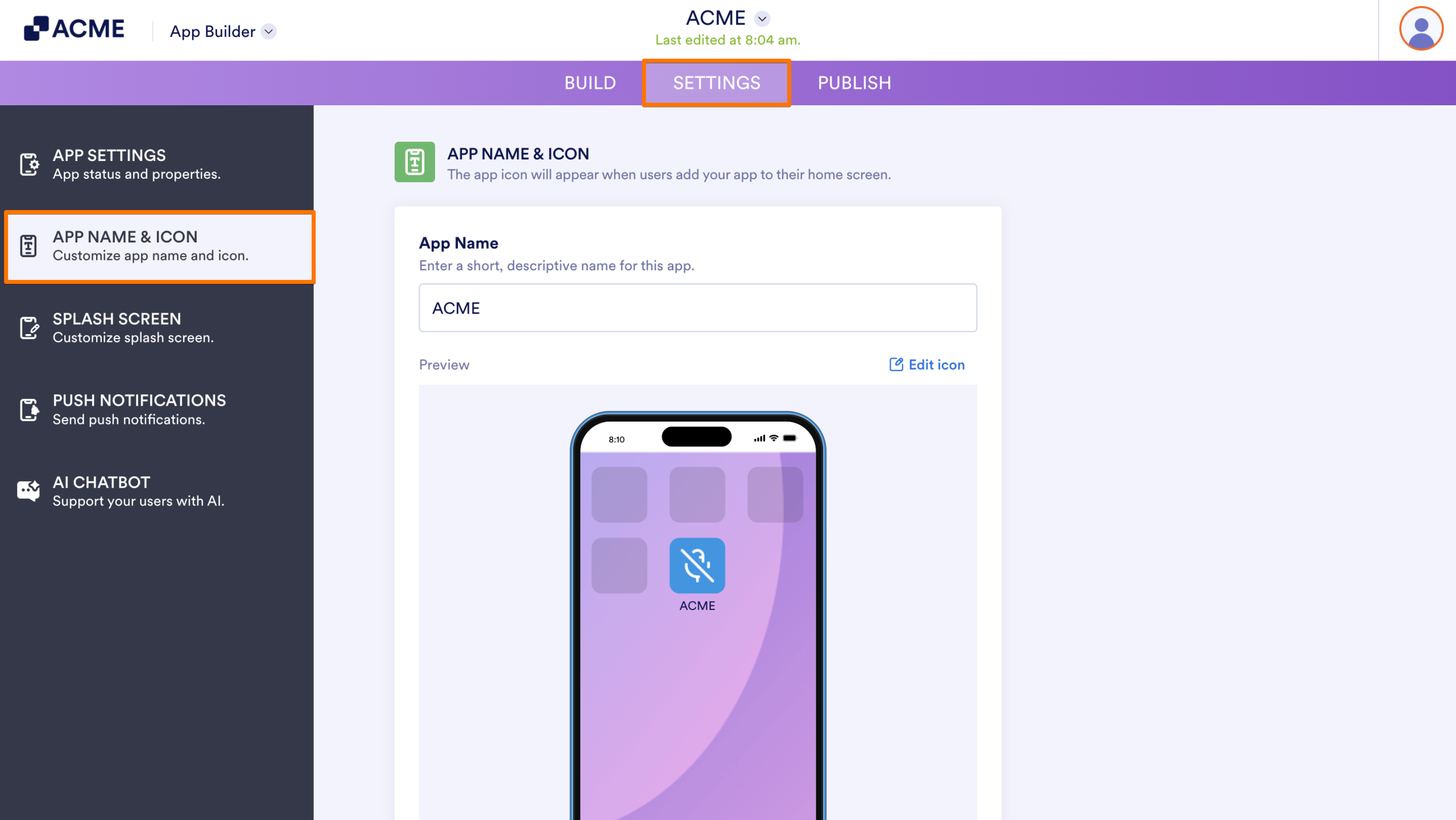
- In the App Builder, in the purple navigation bar at the top, go to Settings.
- Select App Name & Icon on the left.,
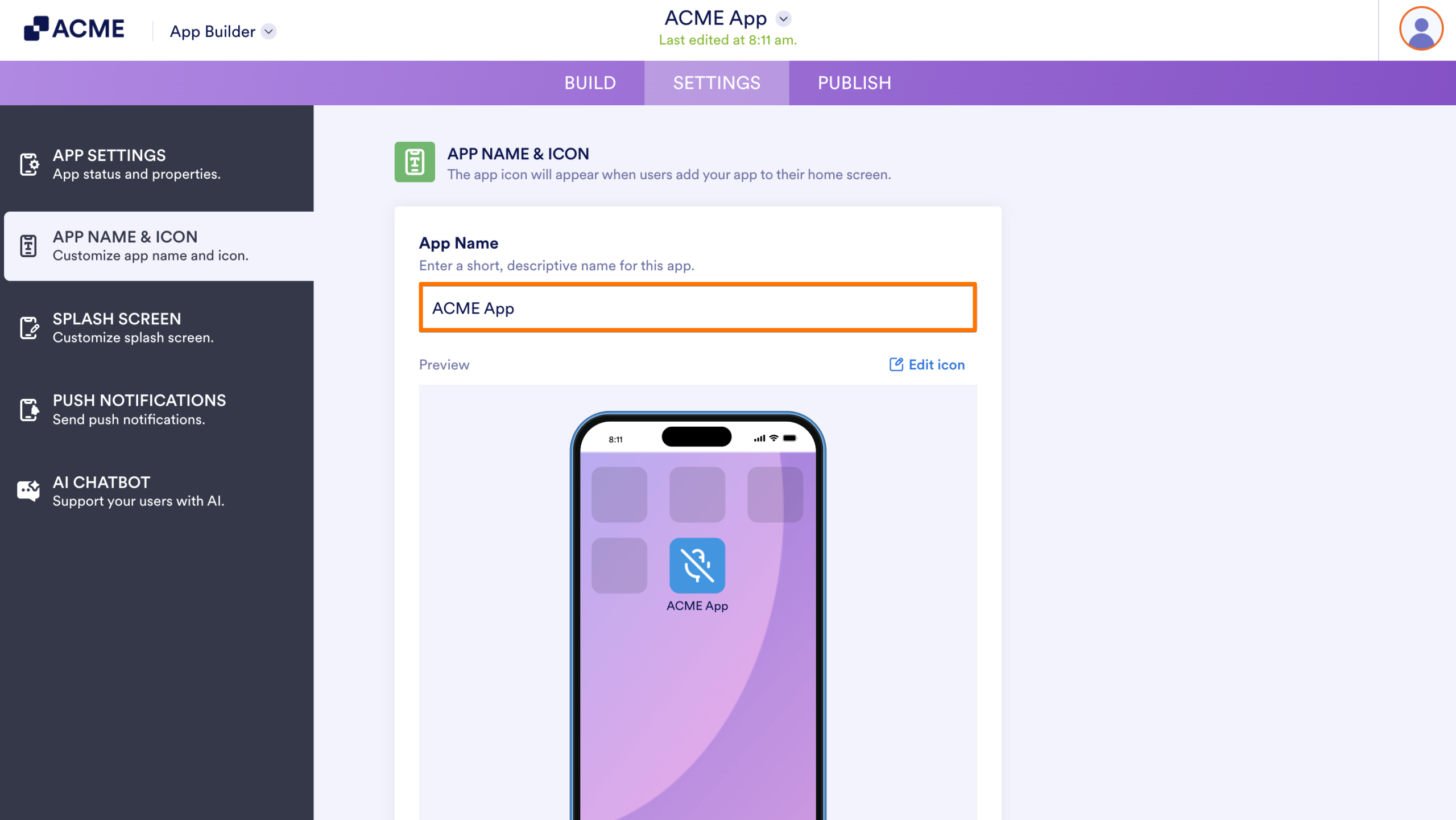
- Enter your desired app name in the App Name field.
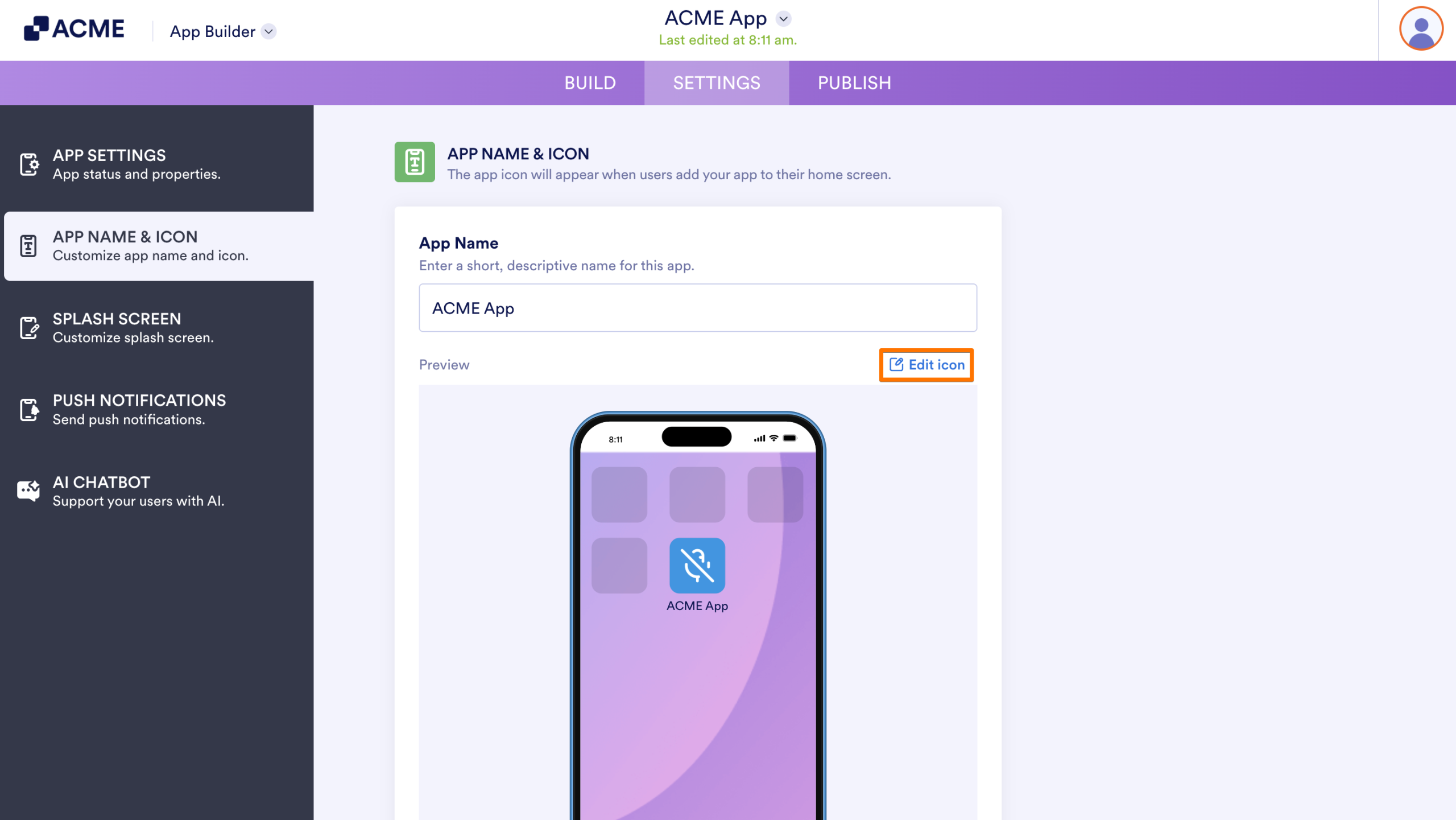
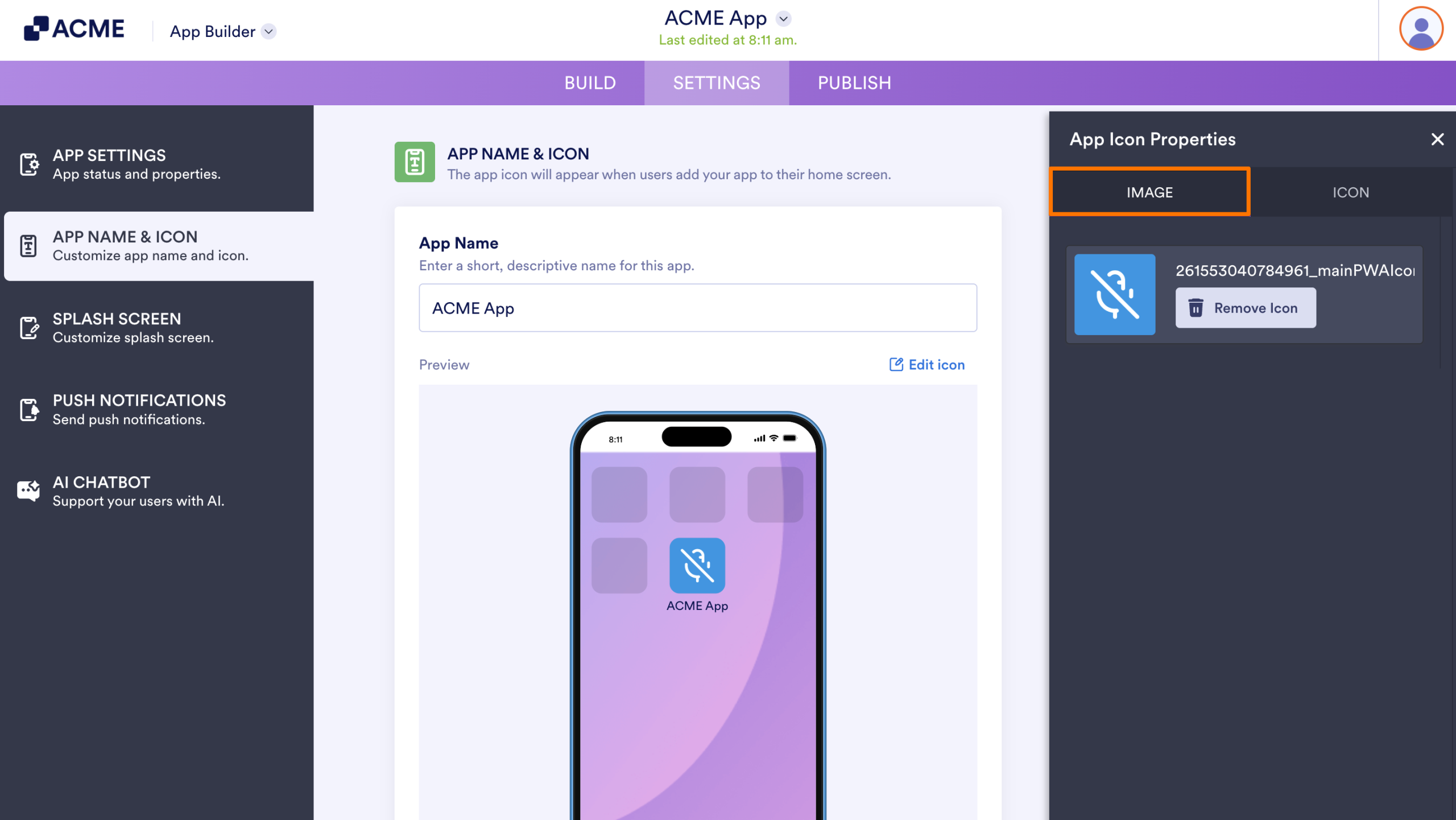
- To change your app’s icon, select Edit icon to open properties.
- Choose and customize your app’s icon in the properties panel on the right.
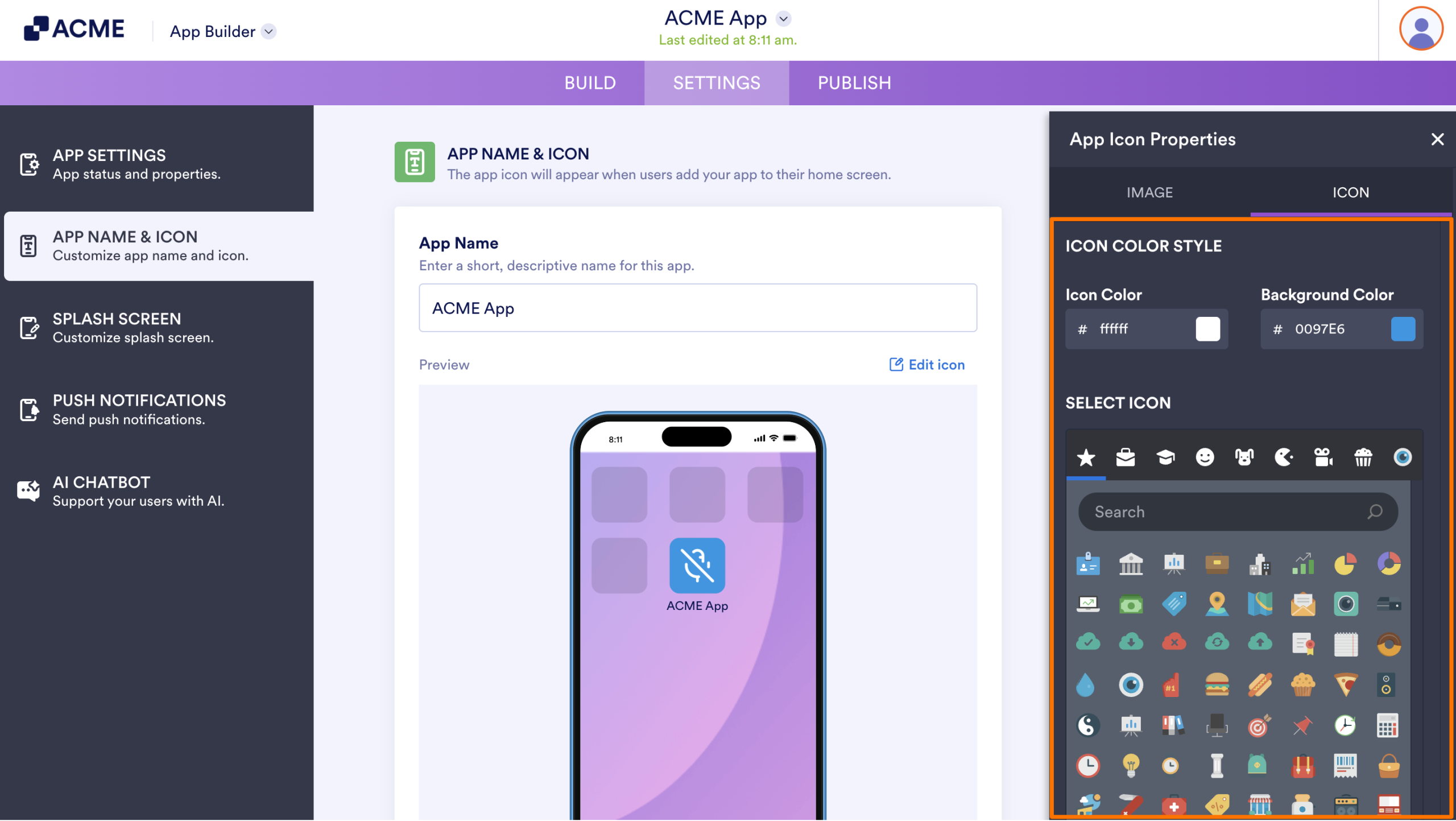
Note that the icon color options are available to outline-style icons only. To use a custom image as your app icon, go to Image in the properties panel, then choose or upload your image.

Send Comment: