With a blank or standalone table, you can fully customize the structure of your table according to your specific needs. You can define your own columns, choose the appropriate data types, and organize the layout as you see fit. To create a blank table:
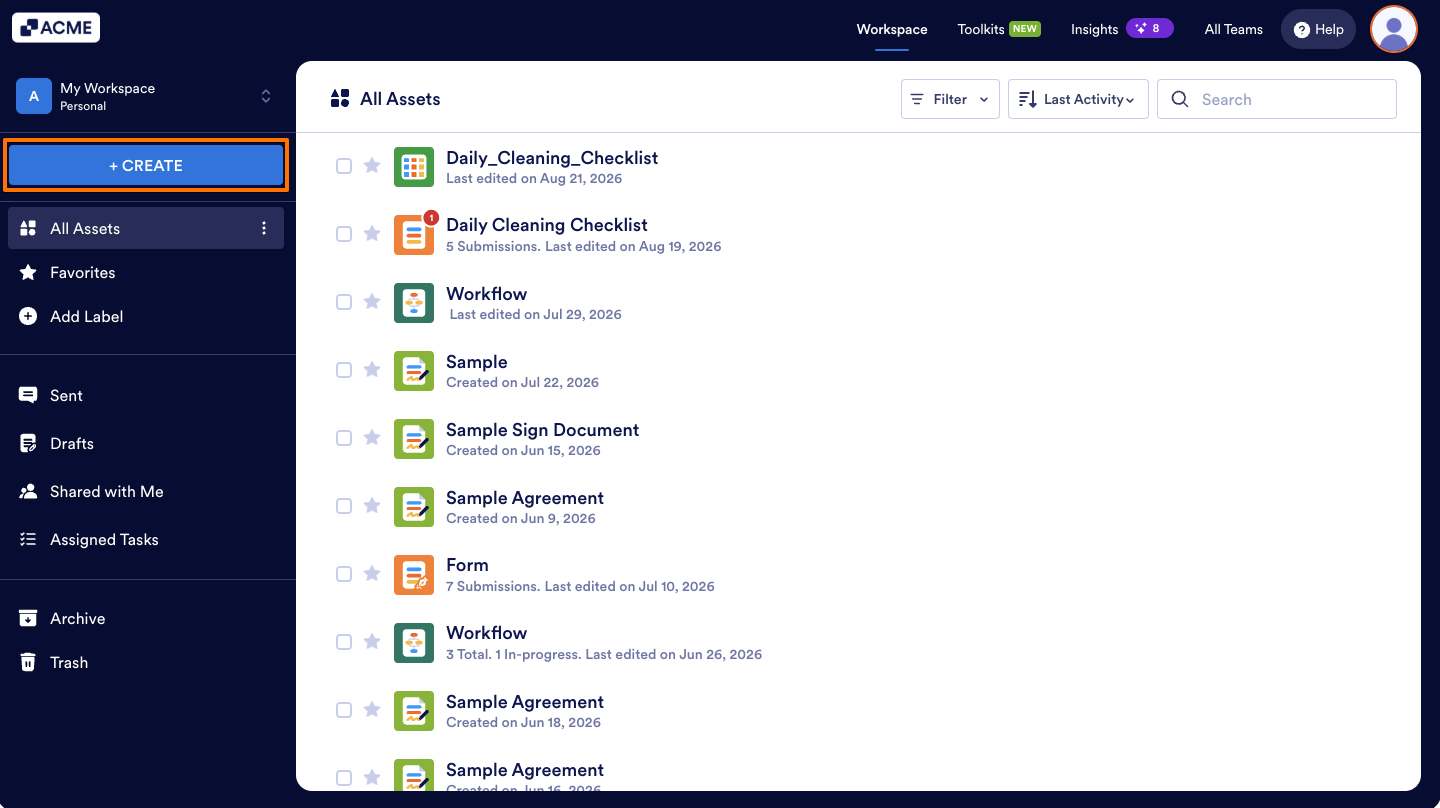
- In the My Workspace page, select Create in the upper-left corner.
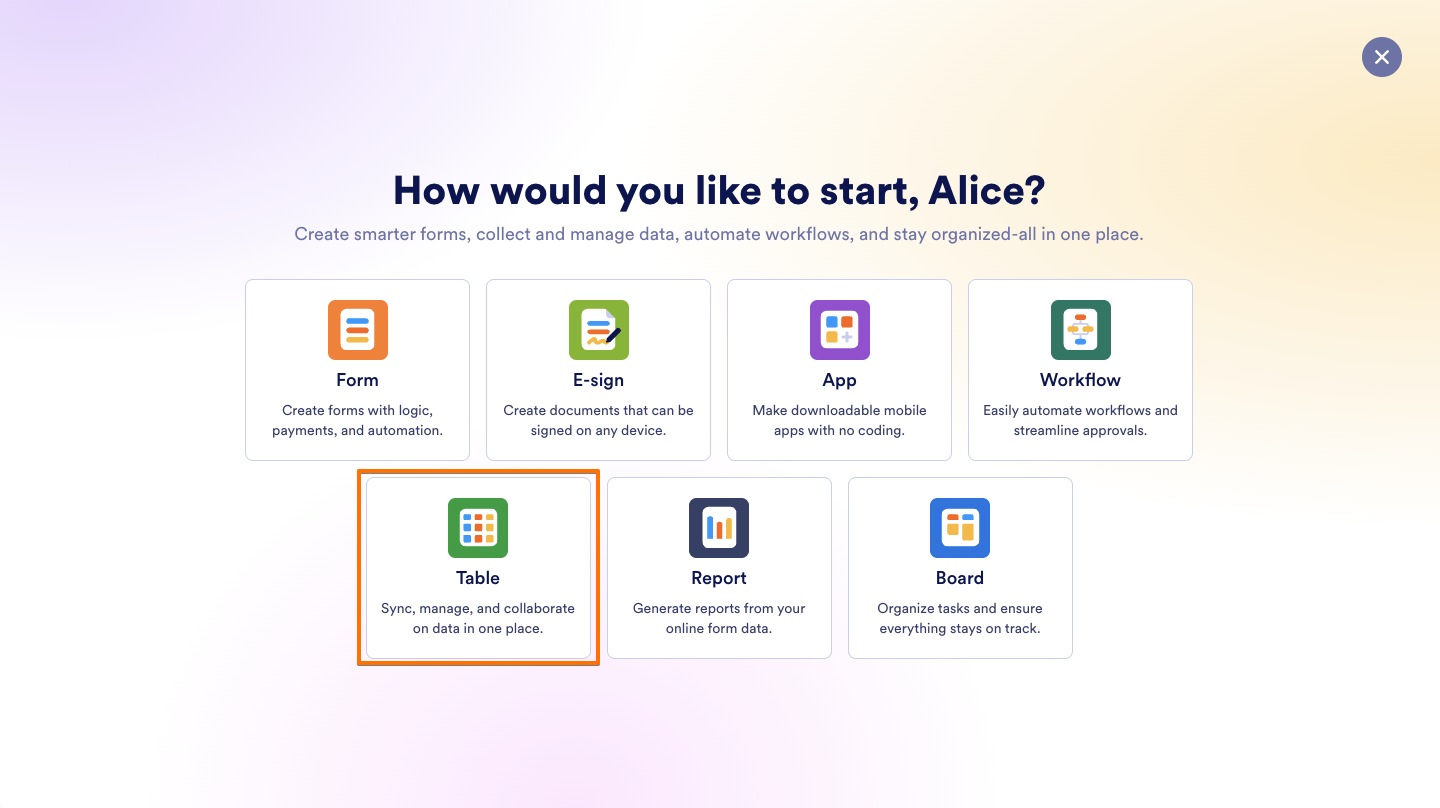
- Then, click Table on the page that opens.
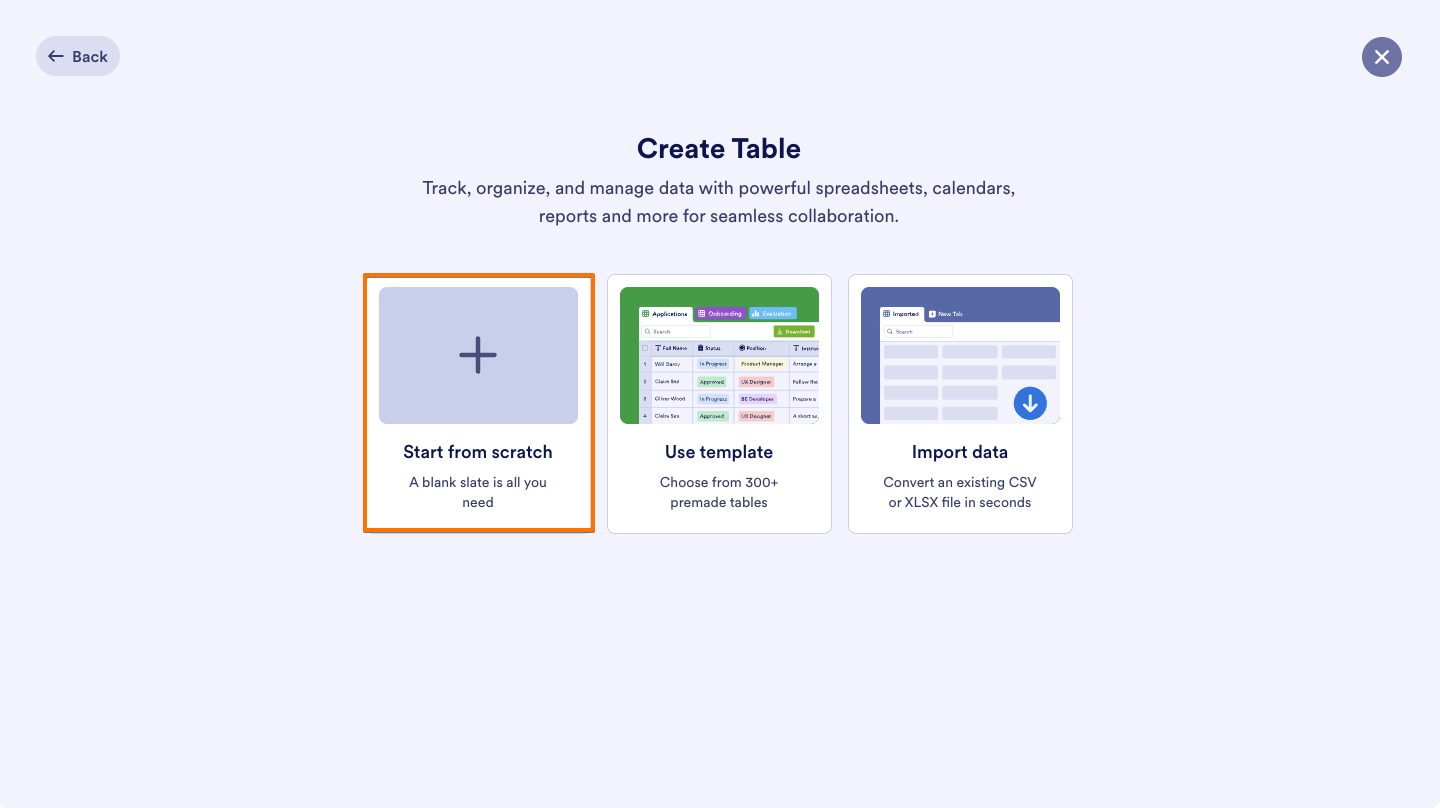
- Select Start From Scratch.
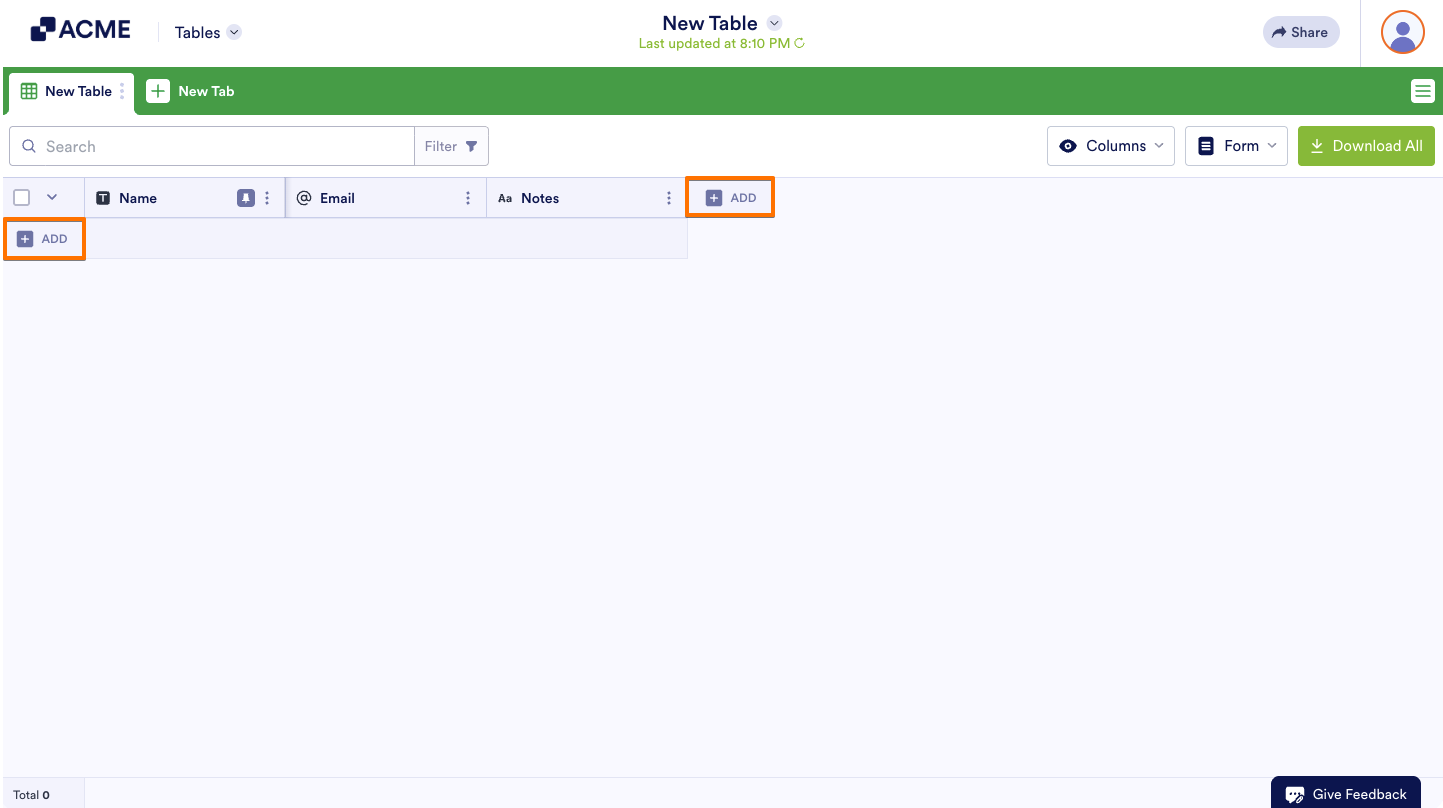
- Start customizing your new table by adding columns and rows.
Note
A standalone table is not connected to a form and can only be accessed from my workspace page.
How to Create a Form from a Blank Table
To create a form from your standalone table:
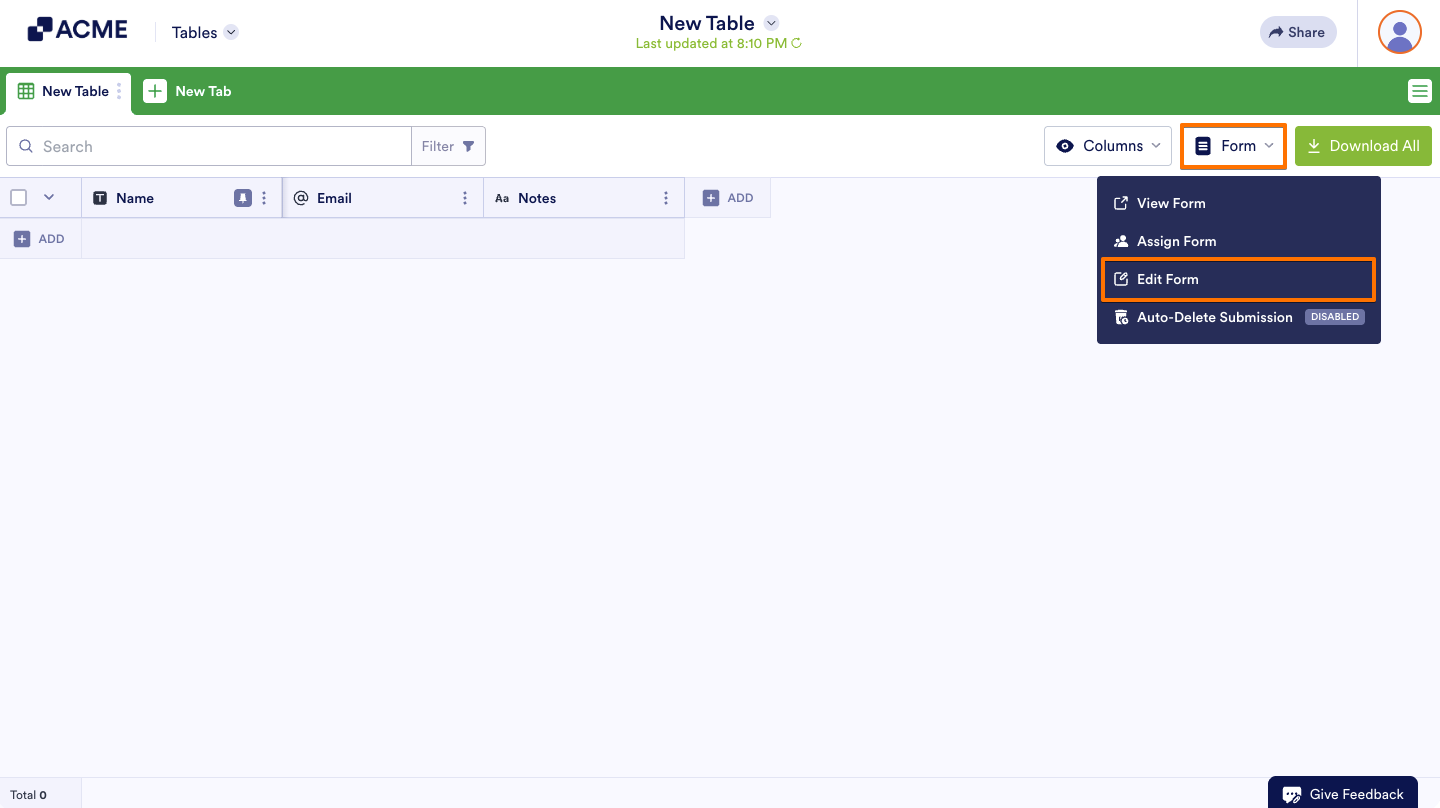
- Open Form in the upper-right corner.
- Select Edit Form from the menu.
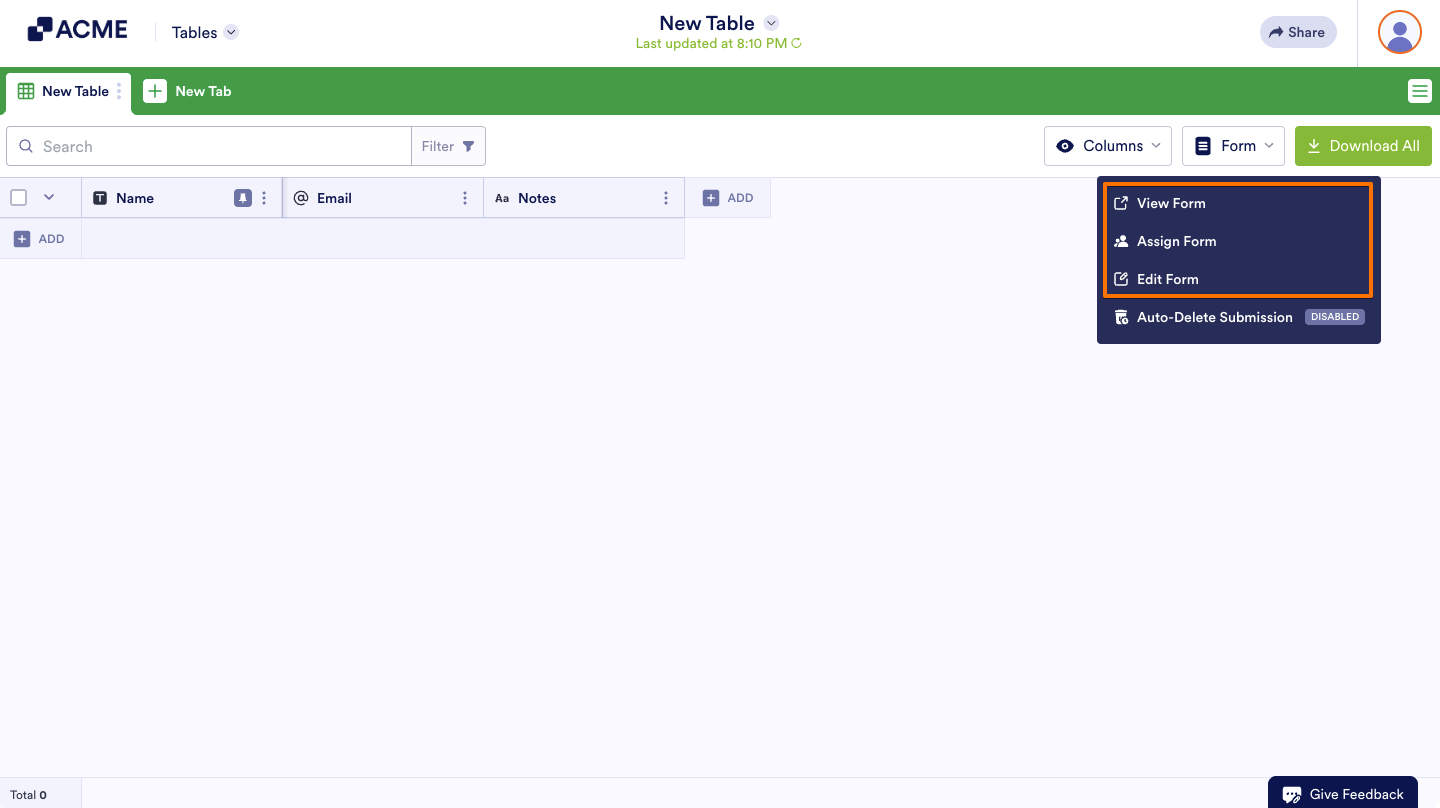
Selecting any of the following options from the menu will also create the form:
- View Form — Open the form in a new tab.
- Assign Form — Go to the Publish tab in the Form Builder.
- Edit Form — Open the Form Builder to customize your form.

Send Comment: