You can personalize the splash screen of your App. The splash screen is the initial window that appears when someone taps the app icon on their home screen right as it begins to load. Customizing the splash screen enhances your app’s branding, especially by aligning it with your preferred color scheme.
To customize the splash screen:
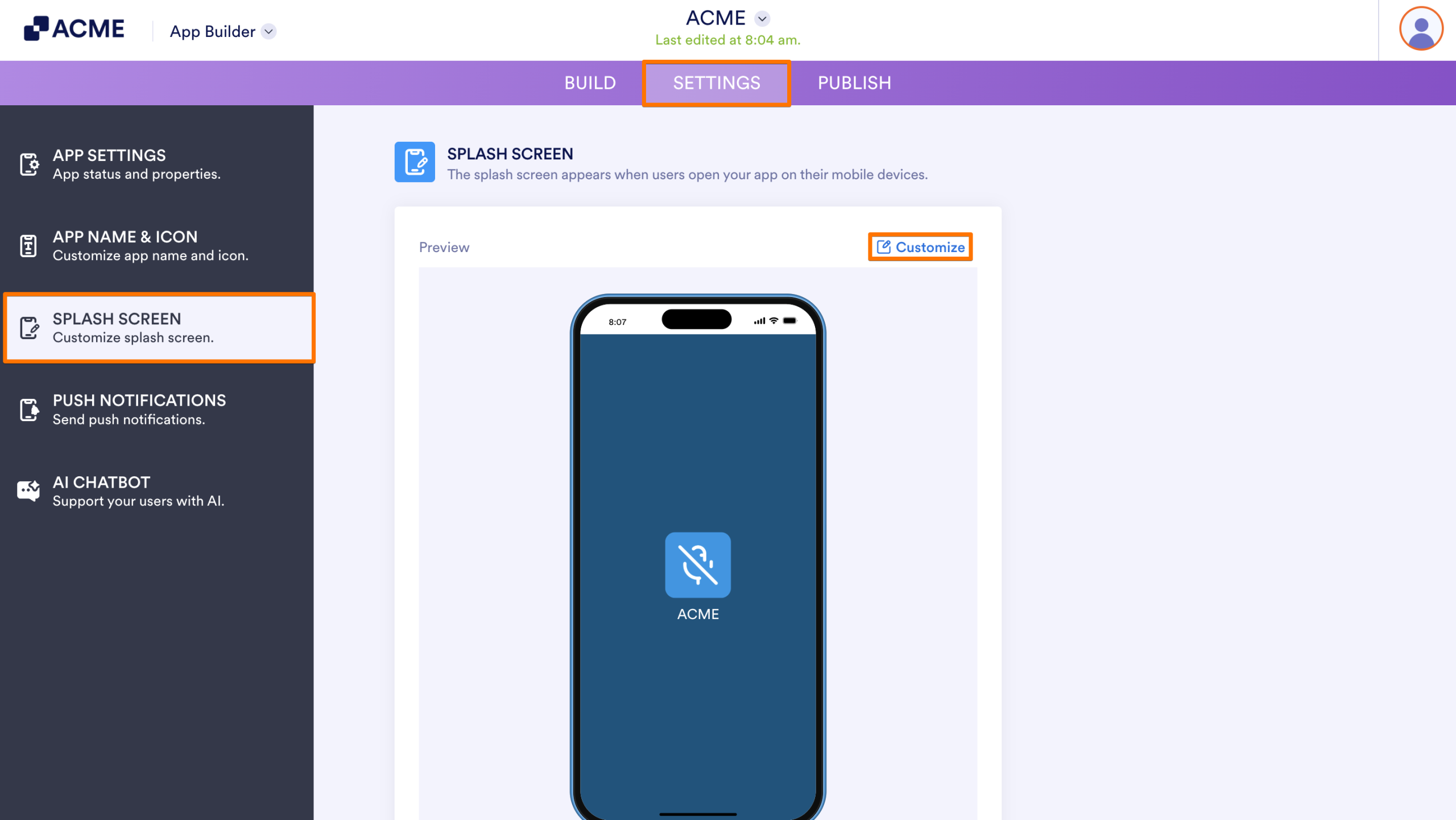
- In the App Builder, go to the Settings tab.
- Select the Splash Screen option on the left panel.
- Click the Customize link at the top-right side of the preview screen.
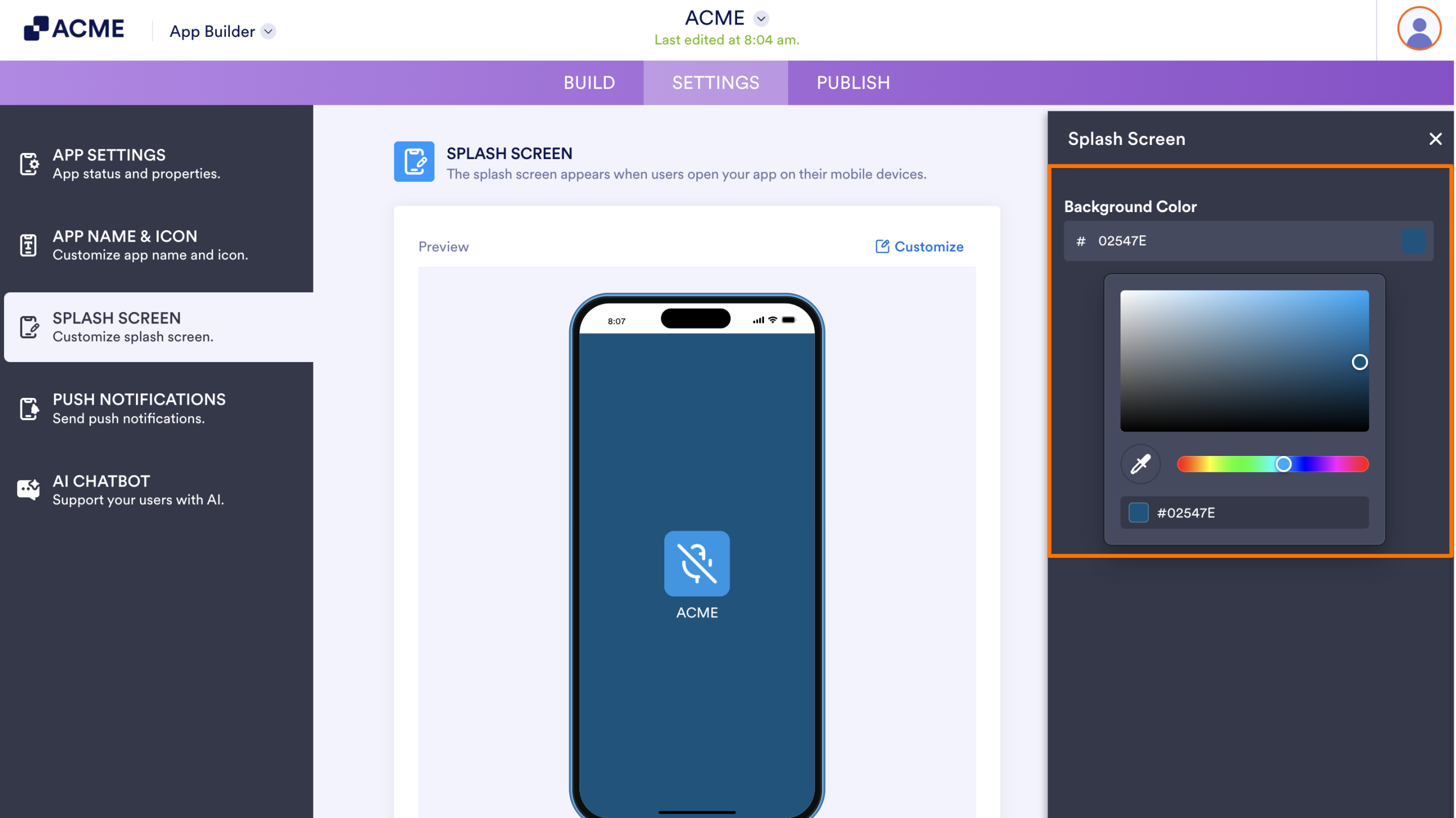
- Change the Background Color in the Splash Screen to your preferred colors. The changes are automatically saved for you.
Note
The splash screen is displayed only on mobile devices. It will not appear when someone opens the app through a desktop browser.

Send Comment: