Suppose you need to keep after-submission events like form conditions, email alerts, integrations, and workflows from triggering when updating submissions on your form. In that case, you can edit the entries directly in Tables.
To edit submissions:
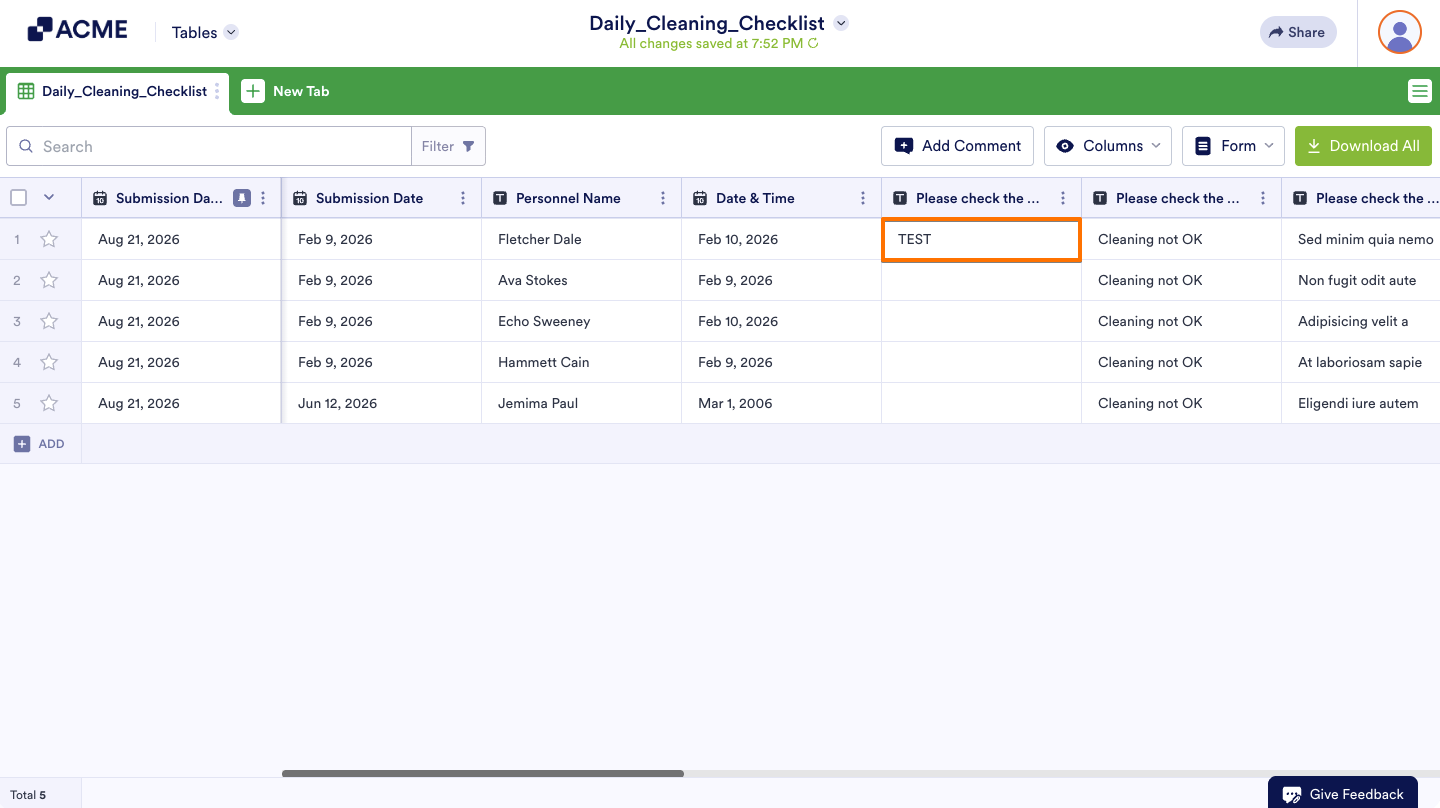
- In Tables, double click on a cell and enter your desired value.
- Then, click outside the cell or select Enter on your keyboard when finished.

Send Comment: