Tables has a freeze column feature that locks columns in place. When you freeze a column, it remains fixed on the left side of the table even as you scroll horizontally. This ensures that essential information stays visible, making it easier to reference key data points.
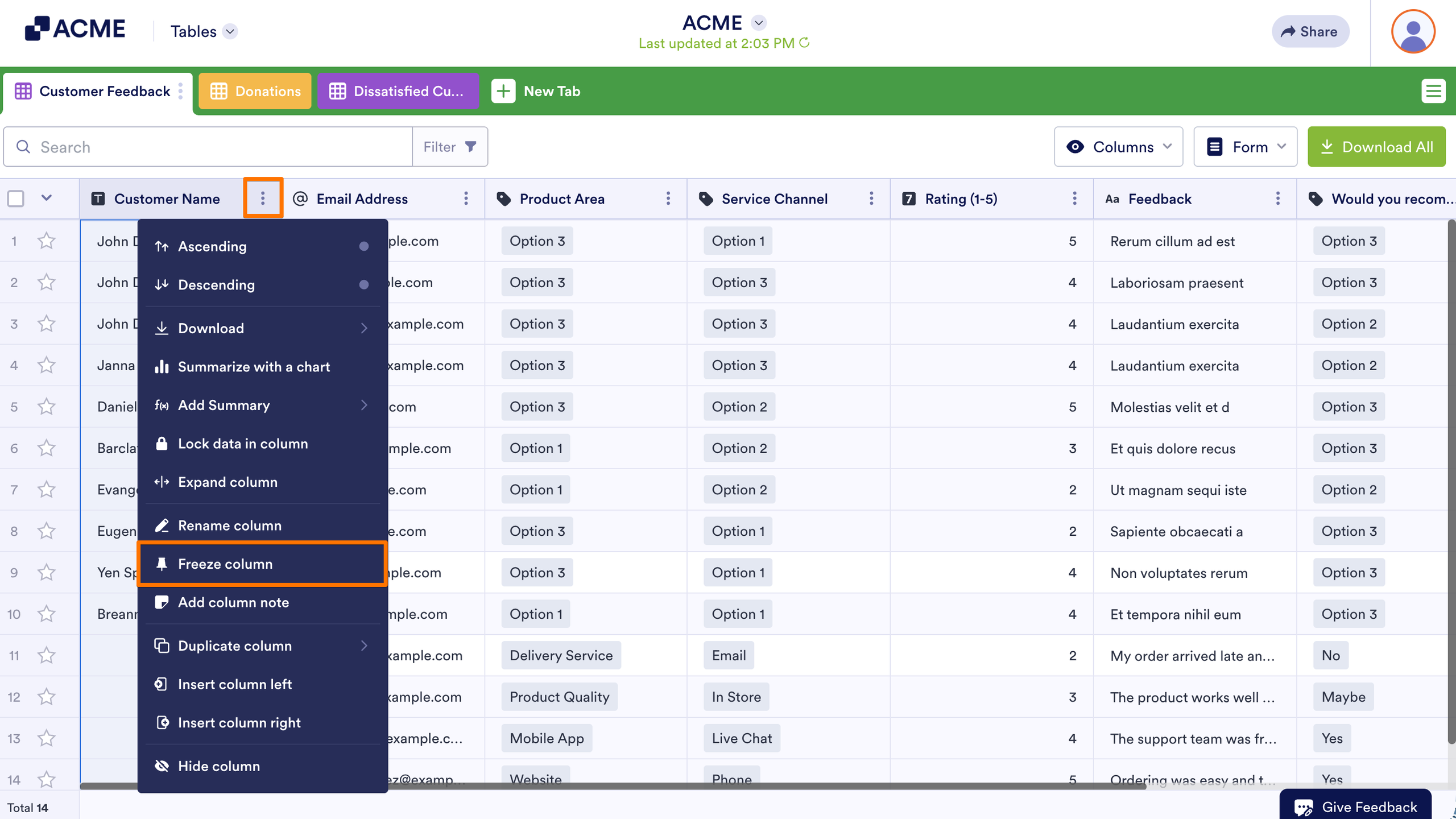
To freeze a column:
- In Tables, open the column’s menu at the top.
- Select Freeze column.
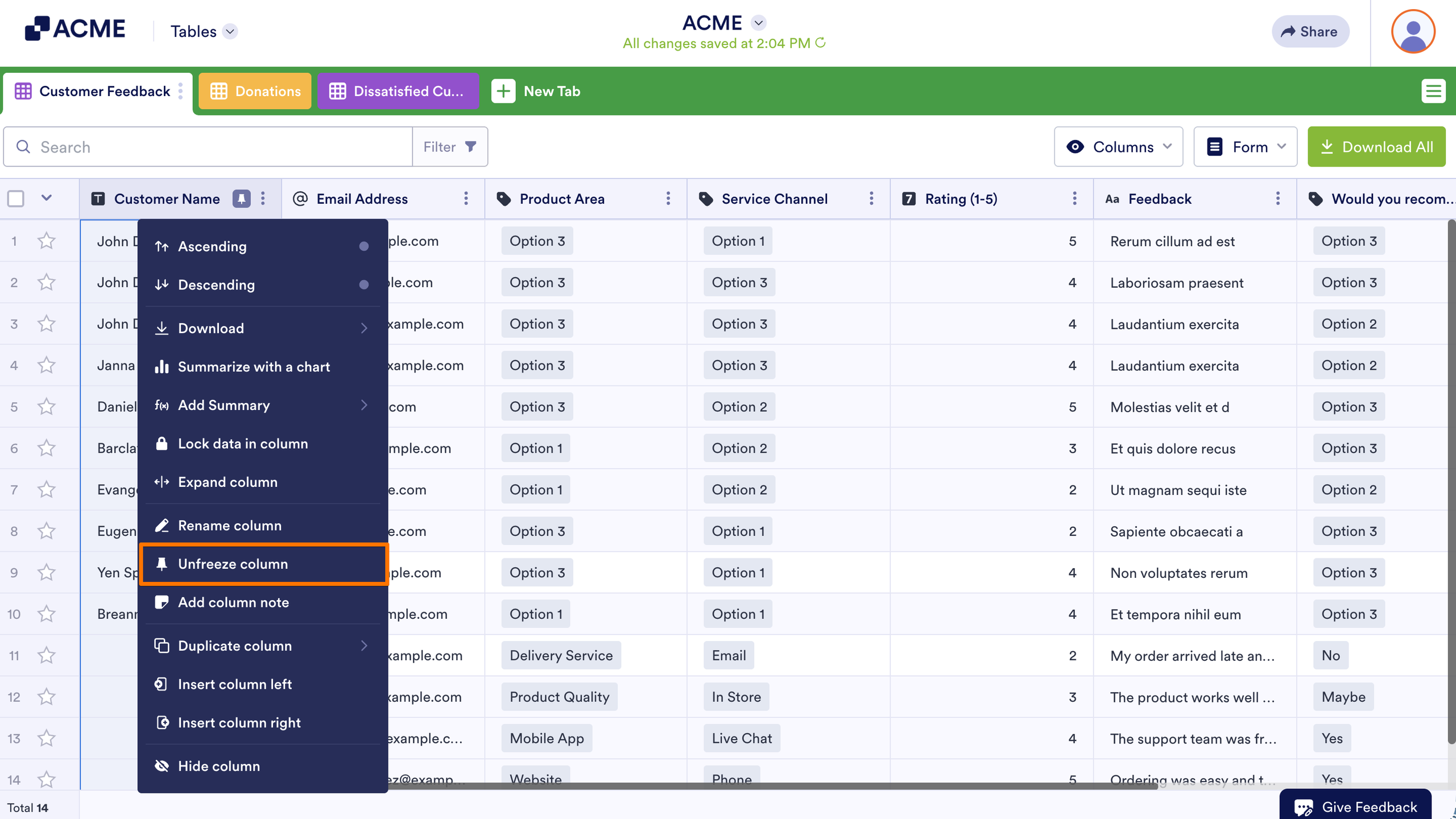
To unfreeze a column, select Unfreeze column from the frozen column’s menu.
Tip
You can select multiple columns to freeze or unfreeze with Ctrl+Click on Windows and Command+Click on MacOS.

Send Comment: