Webhooks make it easy to send your form submissions exactly where they need to go, the moment they’re submitted. Instead of manually moving data around, you can automatically pass it to another app or your own server in real time. Setting up a webhook is straightforward and quick, helping you streamline your workflow and keep all your systems perfectly in sync without extra work.
Sending Submission Data via a Webhook
Configuring a webhook on your form is simple and doesn’t take much time. You’ll be able to send your submission data exactly where it needs to go as soon as someone fills out your form. Here’s how to set it up:
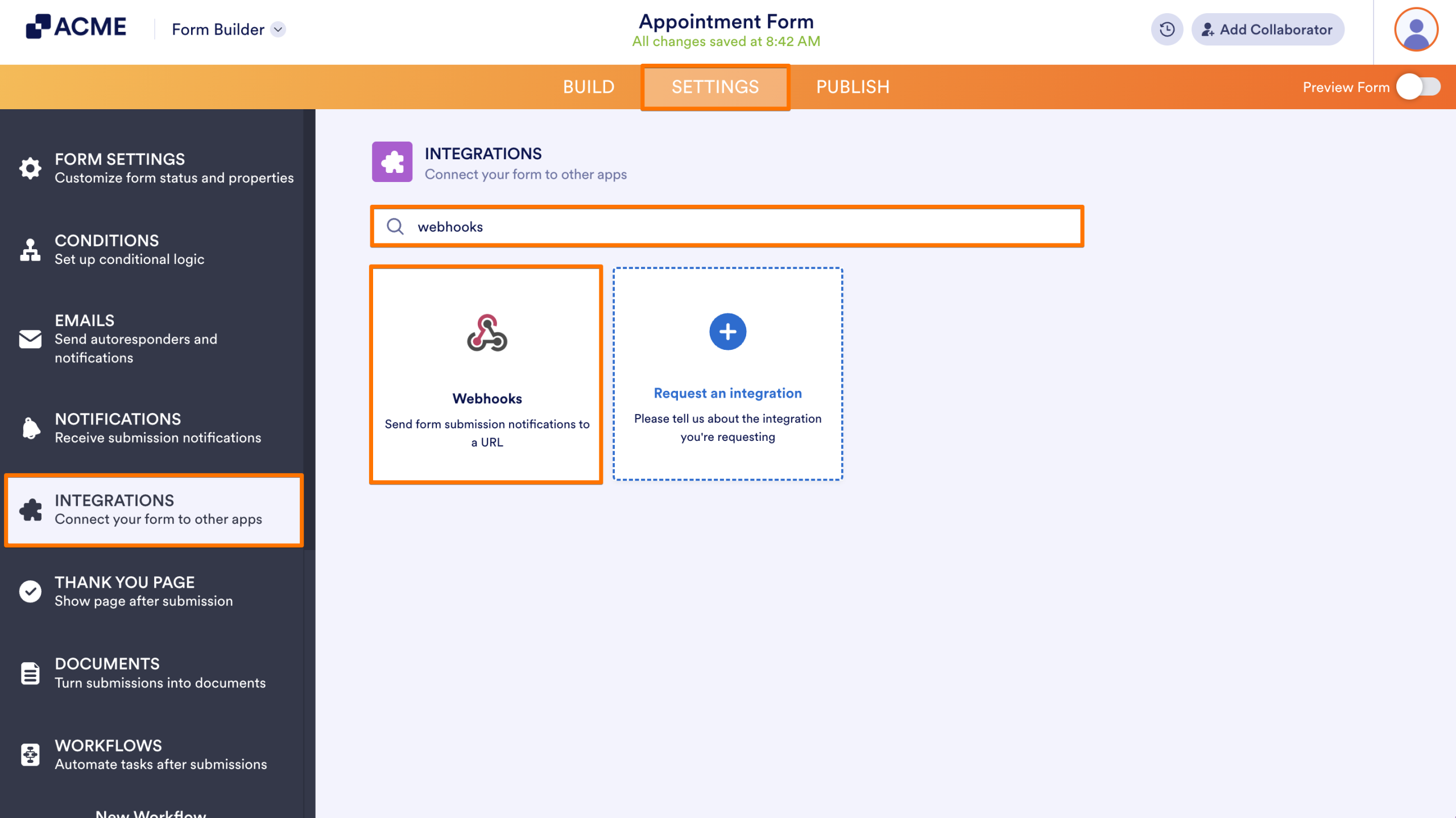
- In Form Builder, in the orange navigation bar at the top of the page, click on Settings.
- Click on Integrations in the menu on the left side of the page.
- In the search bar, enter Webhooks, and then click on the Webhooks icon.
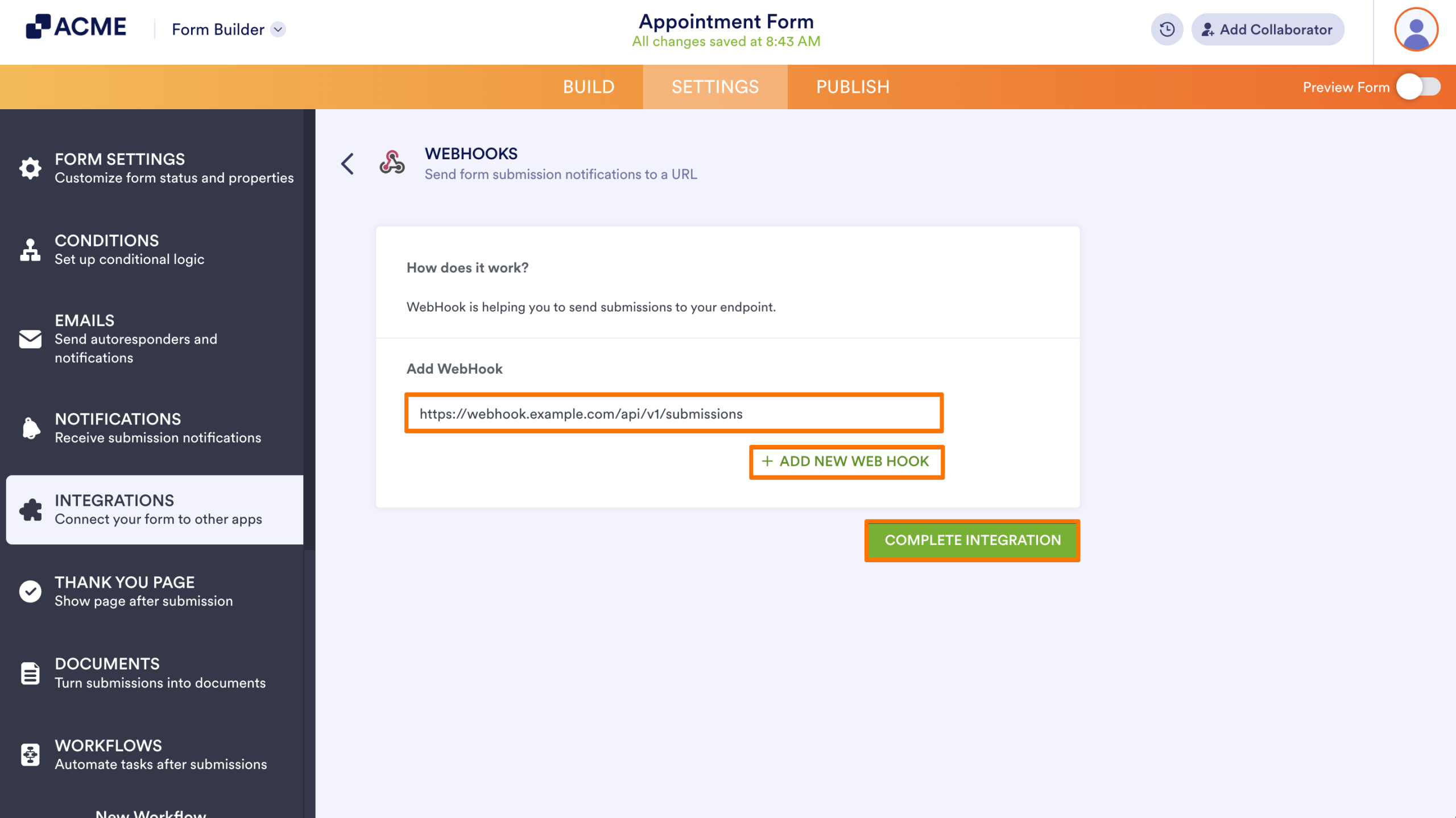
- Now, enter your endpoint or webhook URL in the Add WebHook field. To add more endpoints, click on Add New Webhook.
- Once done, click on Complete Integration.
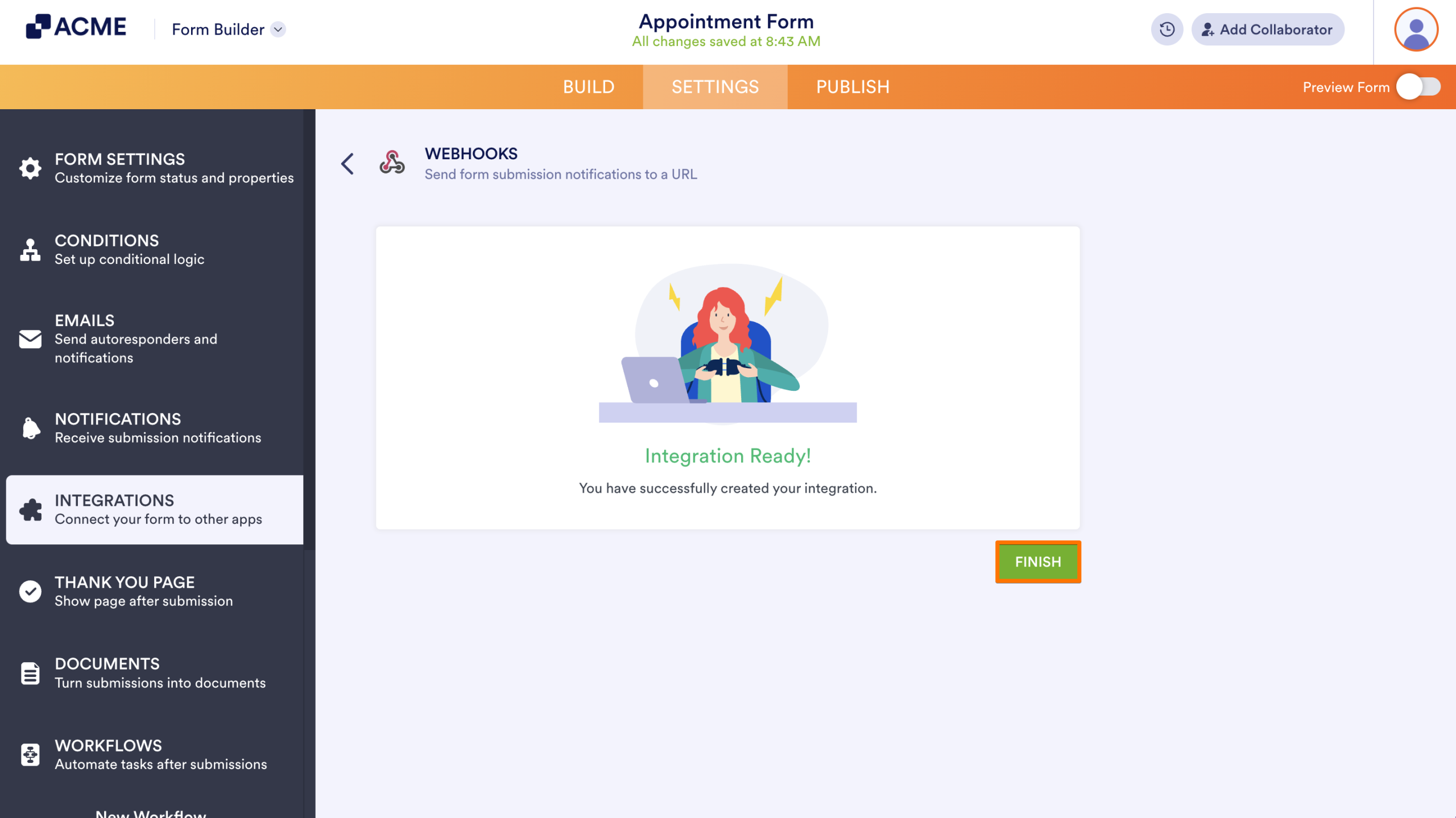
- Finally, click on Finish.
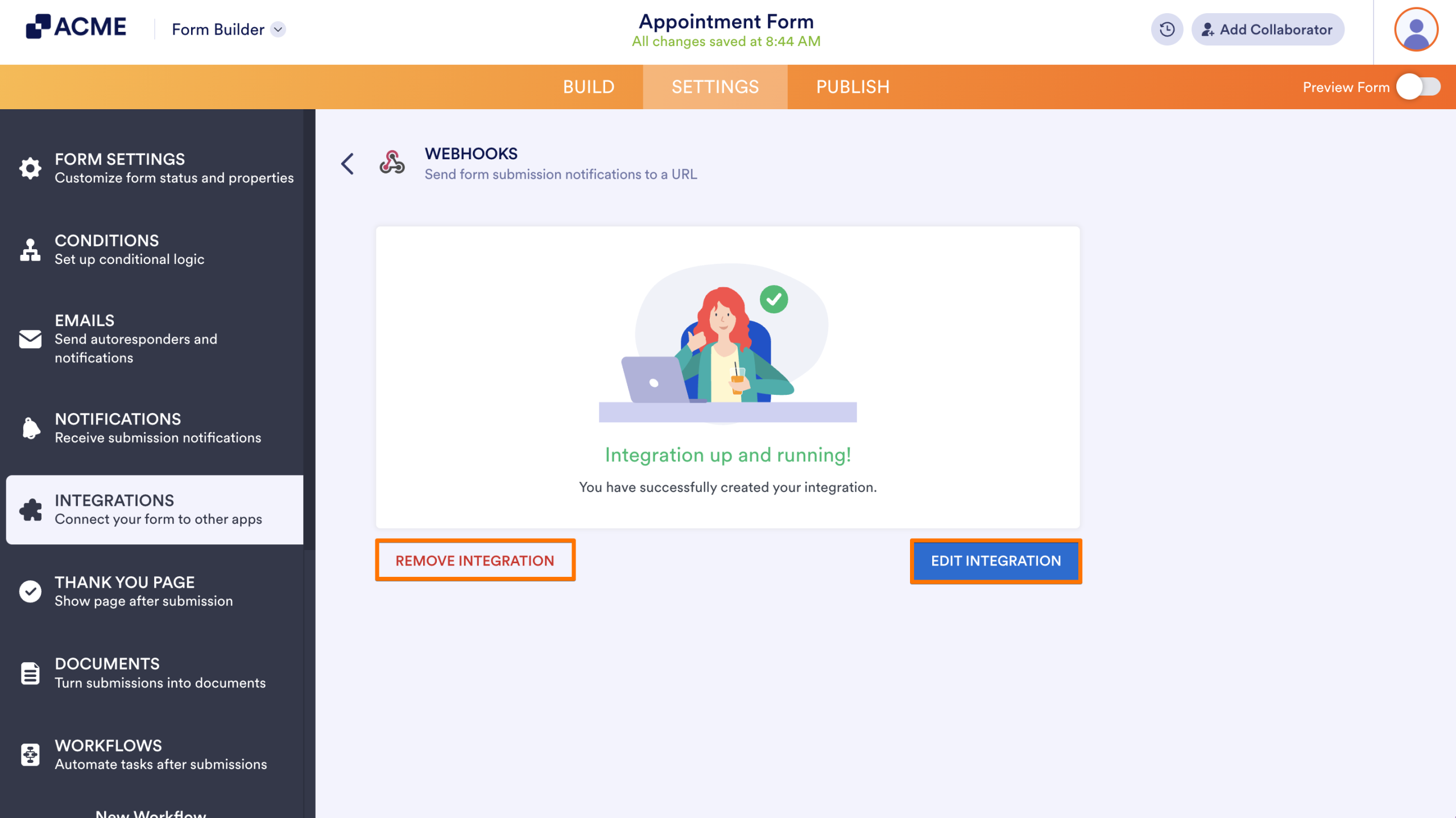
That’s it. Your form is now all set to send submission data to your chosen endpoint automatically. If you ever need to make changes, you can easily update or remove the webhook anytime by heading back to the Integrations tab and clicking the Webhooks icon. This gives you full control to adjust your setup as your workflow evolves.
Notes
The Webhooks integration has a 5-second request timeout, so make sure your endpoint can process the data quickly.
- If your form is encrypted, only encrypted data can be sent through the webhook.
Keep in mind that your endpoint might have limitations that could prevent the request from going through. This could include things like:
The connection is timing out before the request is fully processed.
A maximum data size limit that’s smaller than your submission.
Firewall or security rules that block the request.
Here’s an example PHP script you can use as a test endpoint for your webhook. It will save incoming form submissions to a text file, making it easy to debug and see exactly what data your form is sending:
<?php
// convert JSON to PHP
$data = json_decode($_REQUEST['rawRequest'], true);

// write data to a file
file_put_contents(
    'webhook_test.txt',
    print_r($data, true),
    FILE_APPEND
);
?>
Send Comment: