If you want to get the word out about your donation campaign, you can easily do that by adding a share button to your app. Adding a share button can help increase your overall donations by making the process of finding your donation campaign easier. Here’s how to set it up:
- In the App Builder, click on the Add Element button on the left.
- Drag and drop the Share Button element into your App.
- Next, click on the Gear icon on the right side of the element to personalize your Share Button element.
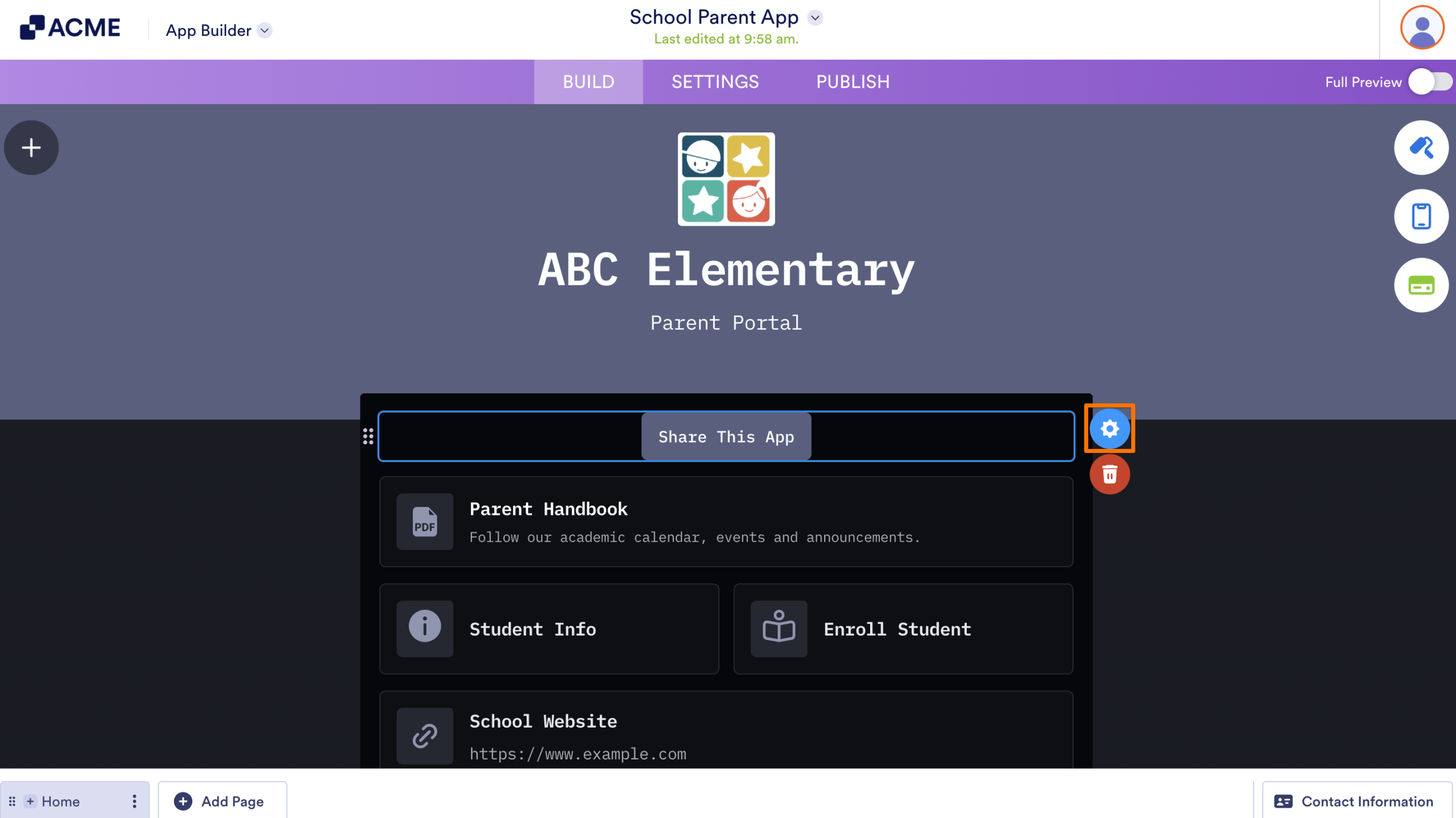
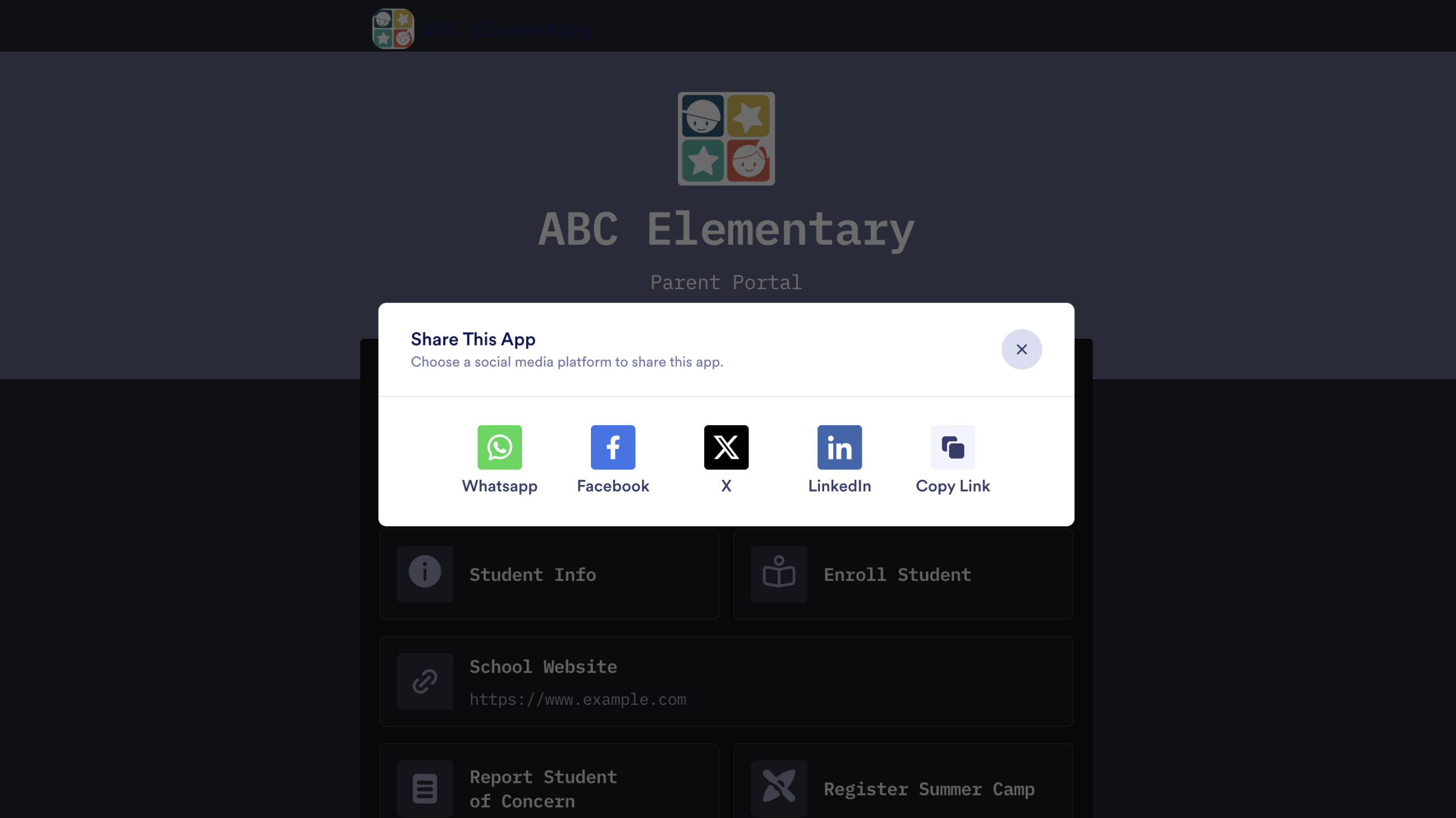
How your Donors Can Share Your App on Social Media
Adding the share button will make sharing your app very easy for donors. All they have to do is press the share button and they’ll be able to share to WhatsApp, Facebook, X (formerly Twitter), and LinkedIn, or they can copy a link to share wherever they want.

Send Comment: