It is easy to quickly build and launch new applications using the pre-designed templates. By accessing the template library right from your workspace, you can find the perfect layout to kickstart your project—saving time while ensuring a professional design.
You can open the template library, and from there you can search or filter your options to find the perfect fit. Here is what to do:
- In My Workspace, click on the Create button.
- Then, in the menu that opens, select App.
- Next, click on Use Template.
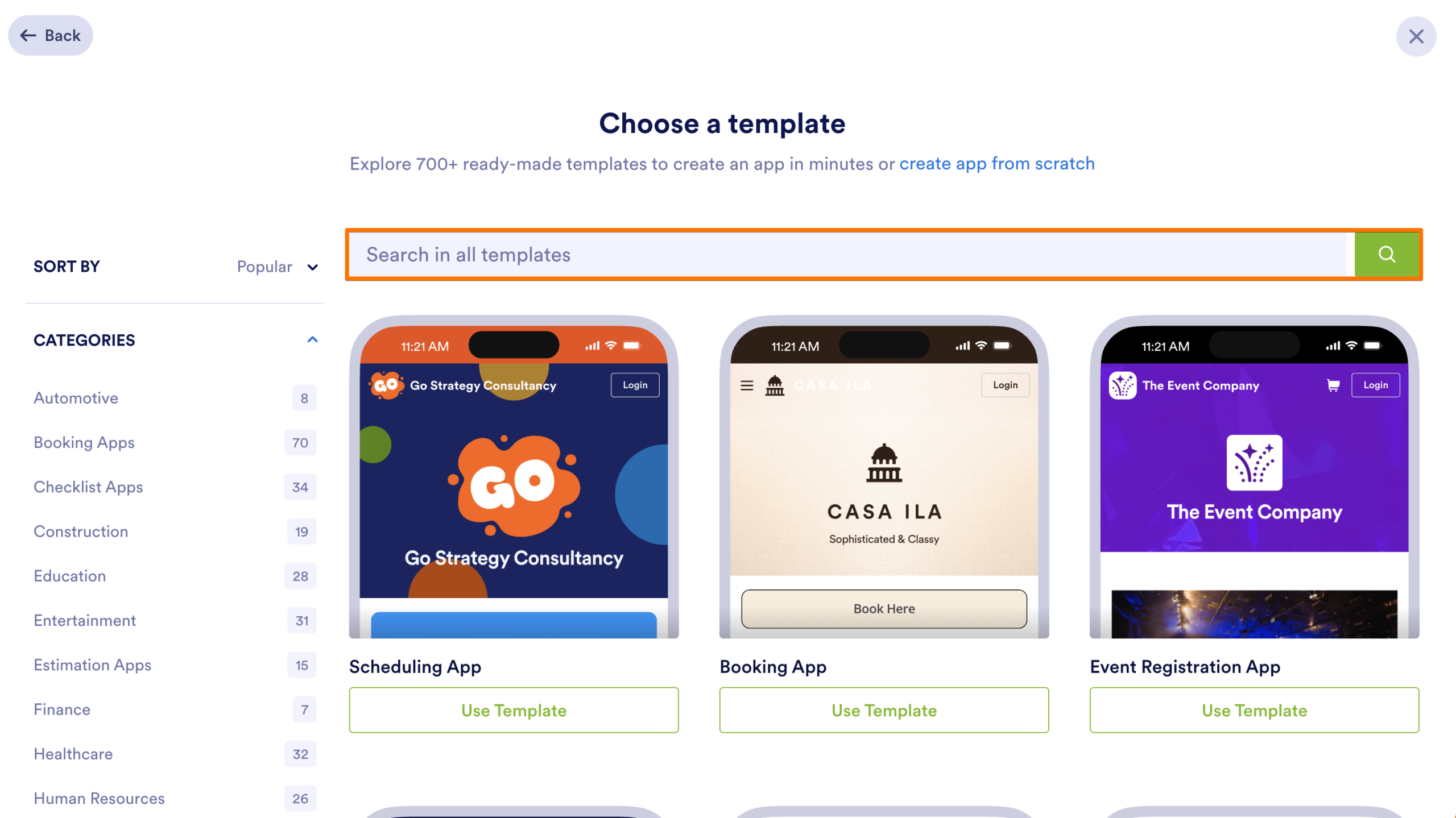
- Once you are on the Choose a Template page, use the Search Bar at the top to search for a template using specific keywords.
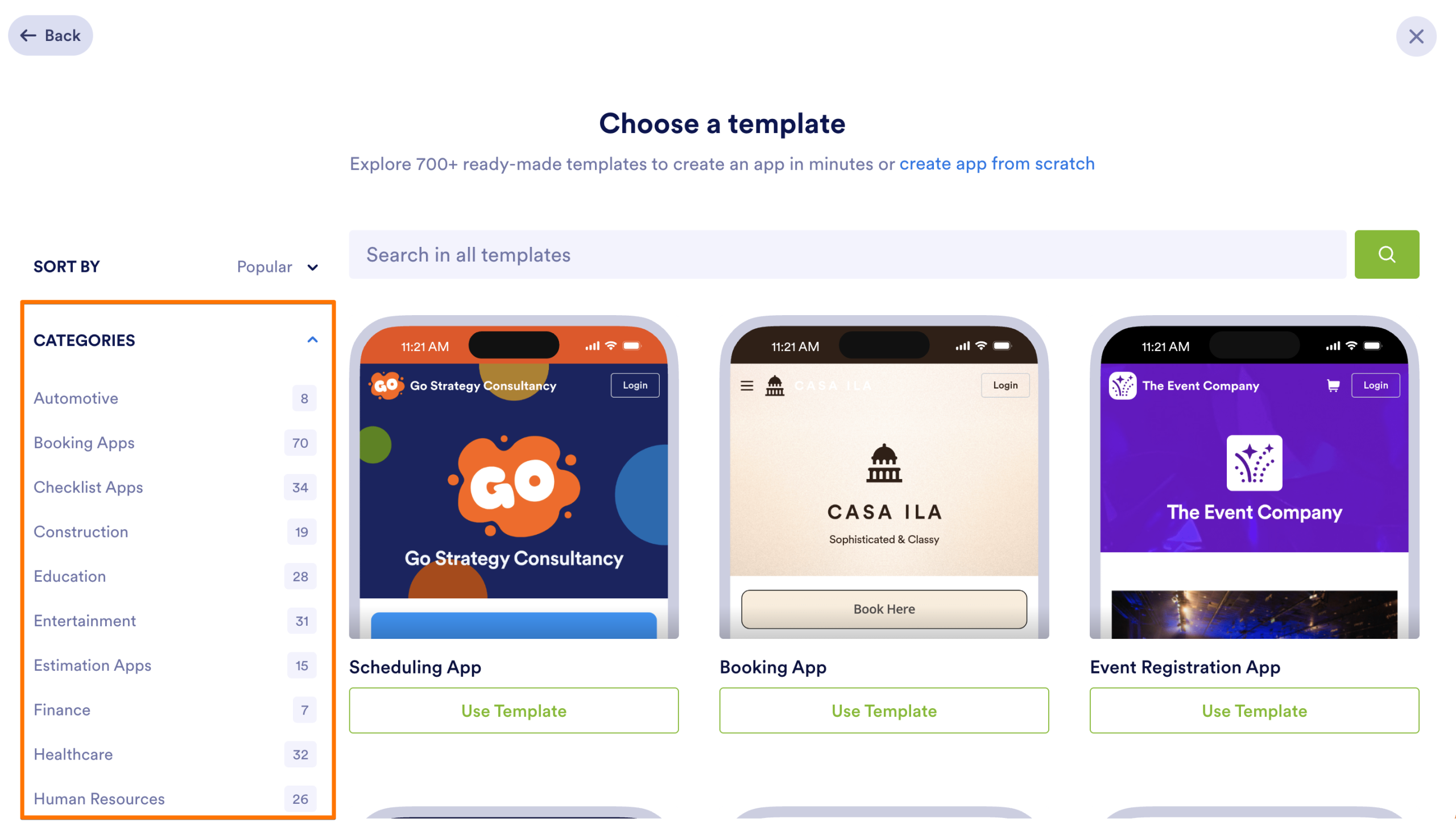
- You can also explore different Categories using the menu on the left.
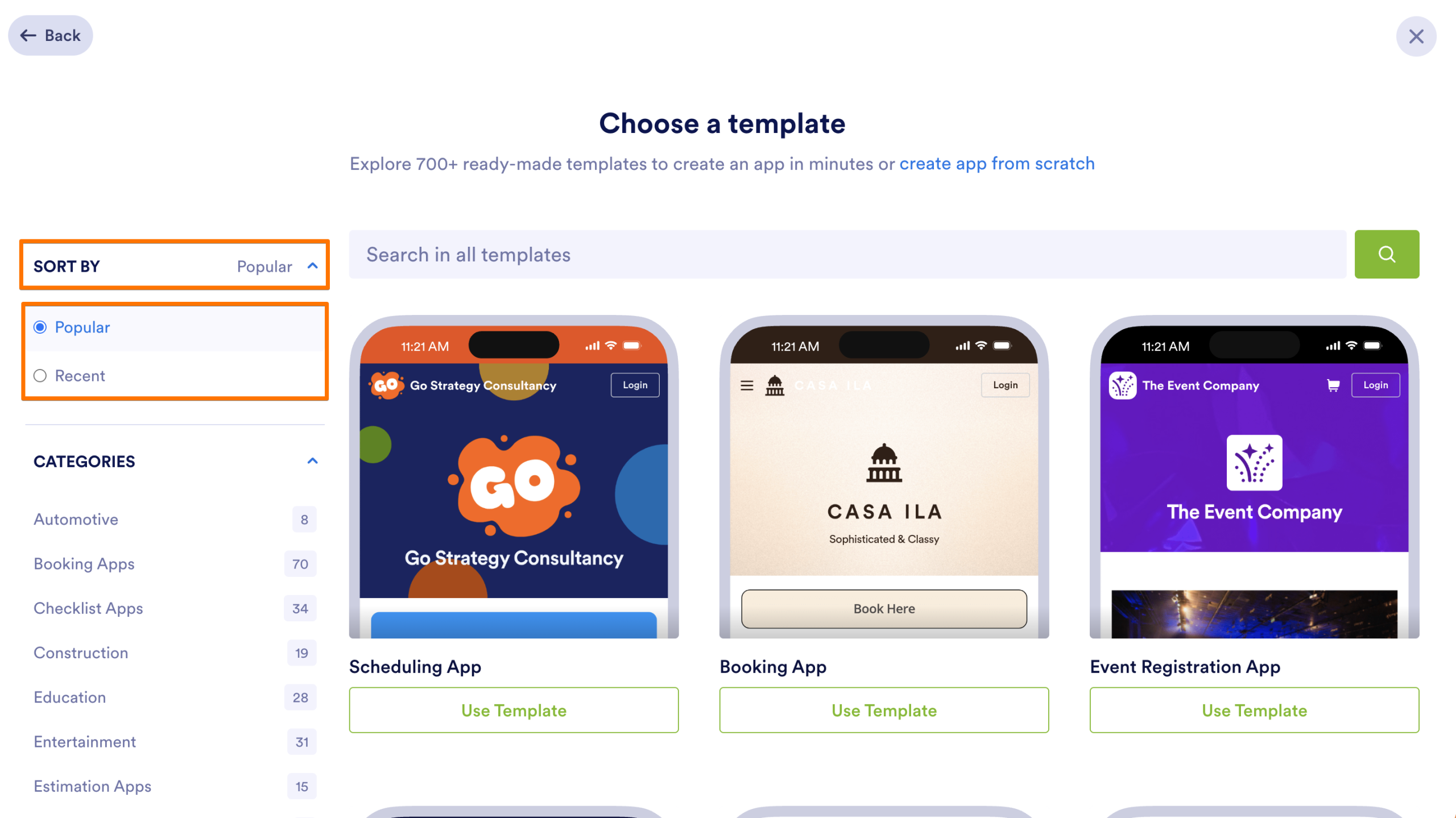
- Finally, to quickly find the most relevant templates, you can also use the Sort By dropdown menu on the top left to sort by:
- Popular — Shows the most frequently used templates.
- Recent — Shows the newest layouts added to the library.
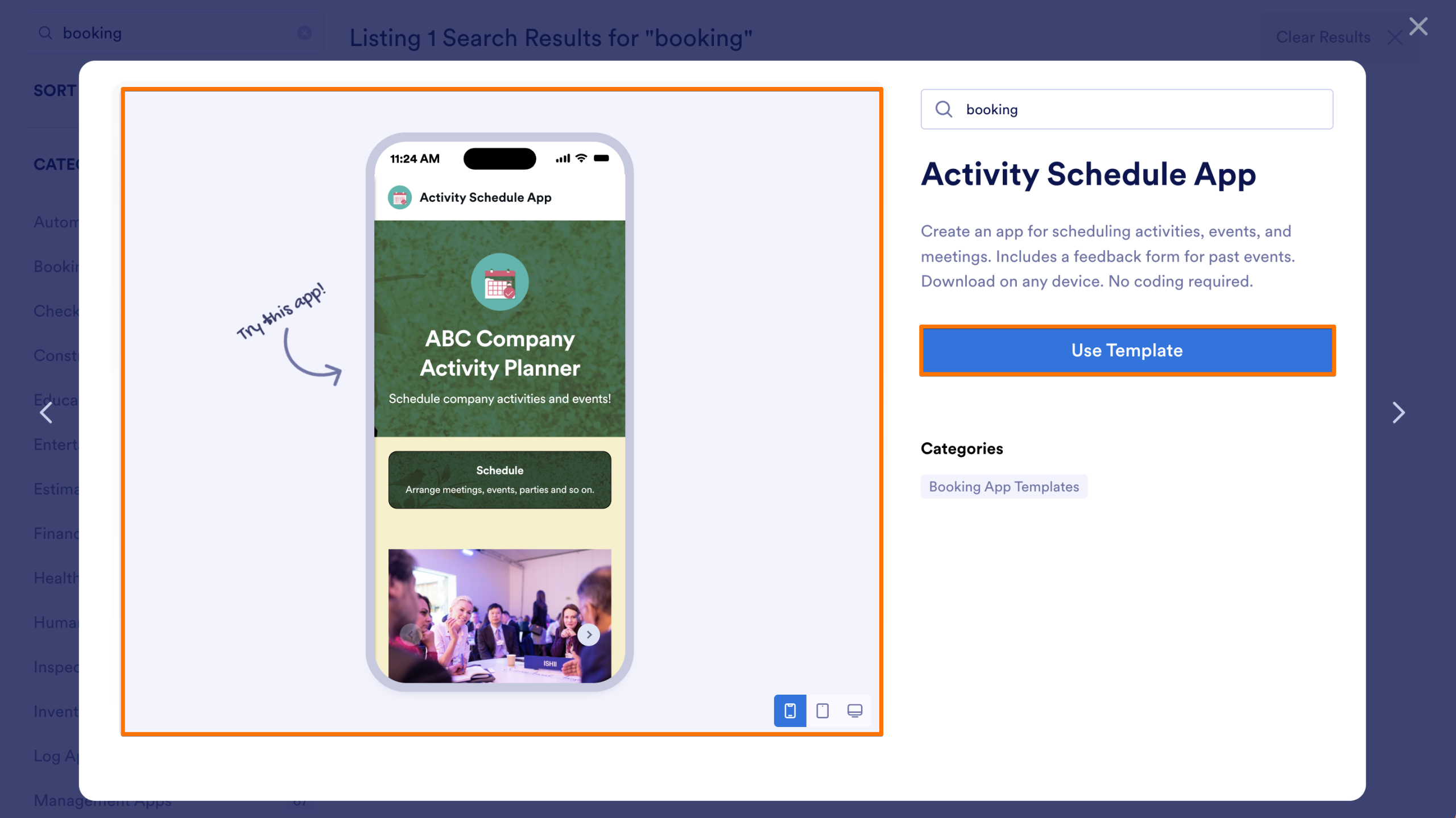
- Once you have your template, hover over it to reveal the Preview button.
- Then, click on the Preview button.
- You can try out the app on the left and click on Use Template to start customizing it for your own use.
Note
When you use a template, the system will create the forms included in it.
You’re All Set! Now that you know how to use App Templates, you’re ready to get started. Enjoy customizing and building your app!

Send Comment: