Note
The Restore Feature is Currently Unavailable. Feel free to contact our support team for assistance by creating a support ticket or check back later for updates.
Revision History in Tables allows you to view and revert changes made to your tables, including data, settings, and visual modifications. This feature logs all changes, providing a detailed history you can review and restore.
To view and revert changes to your table:
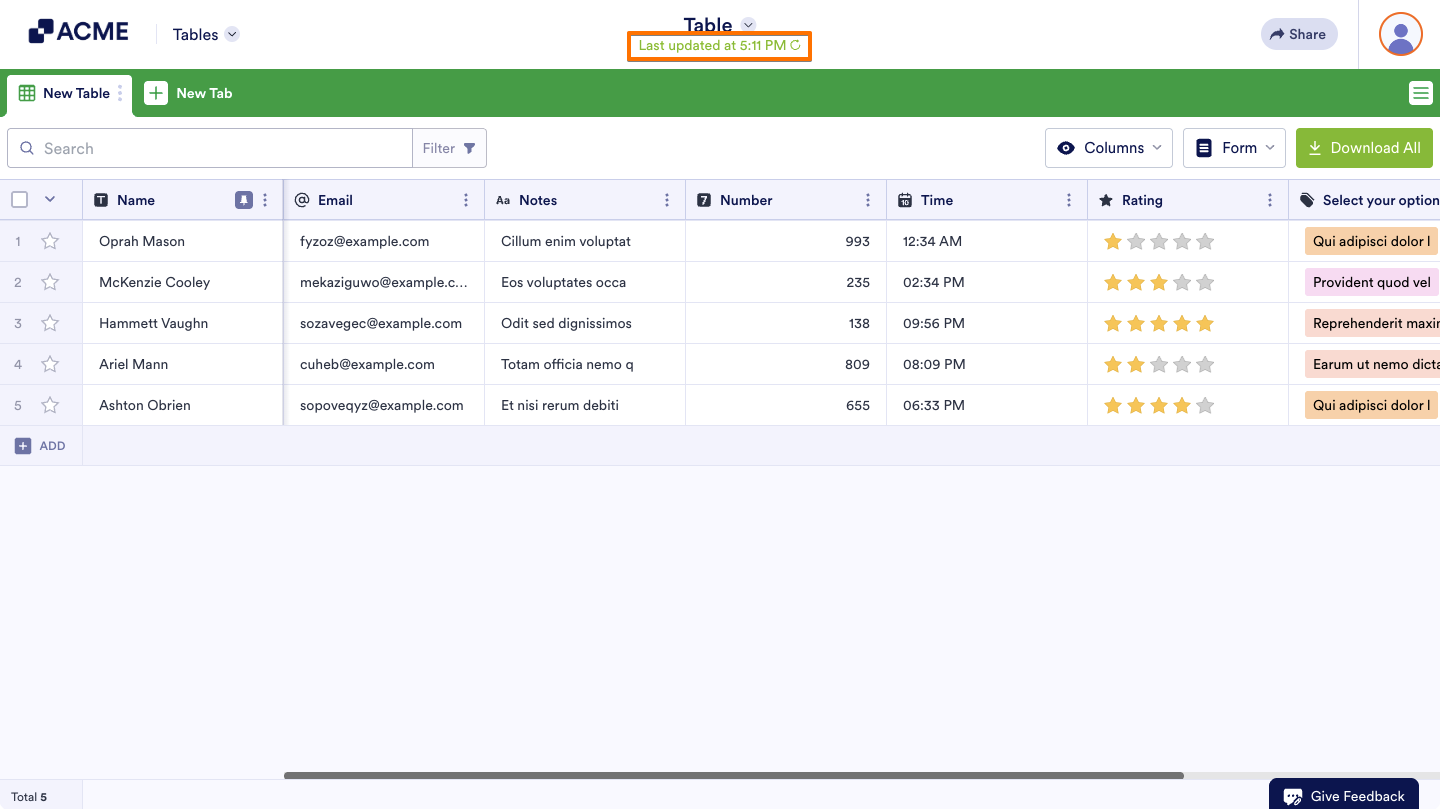
- In Tables, click on the Circular Arrow icon to open the Revision History menu.
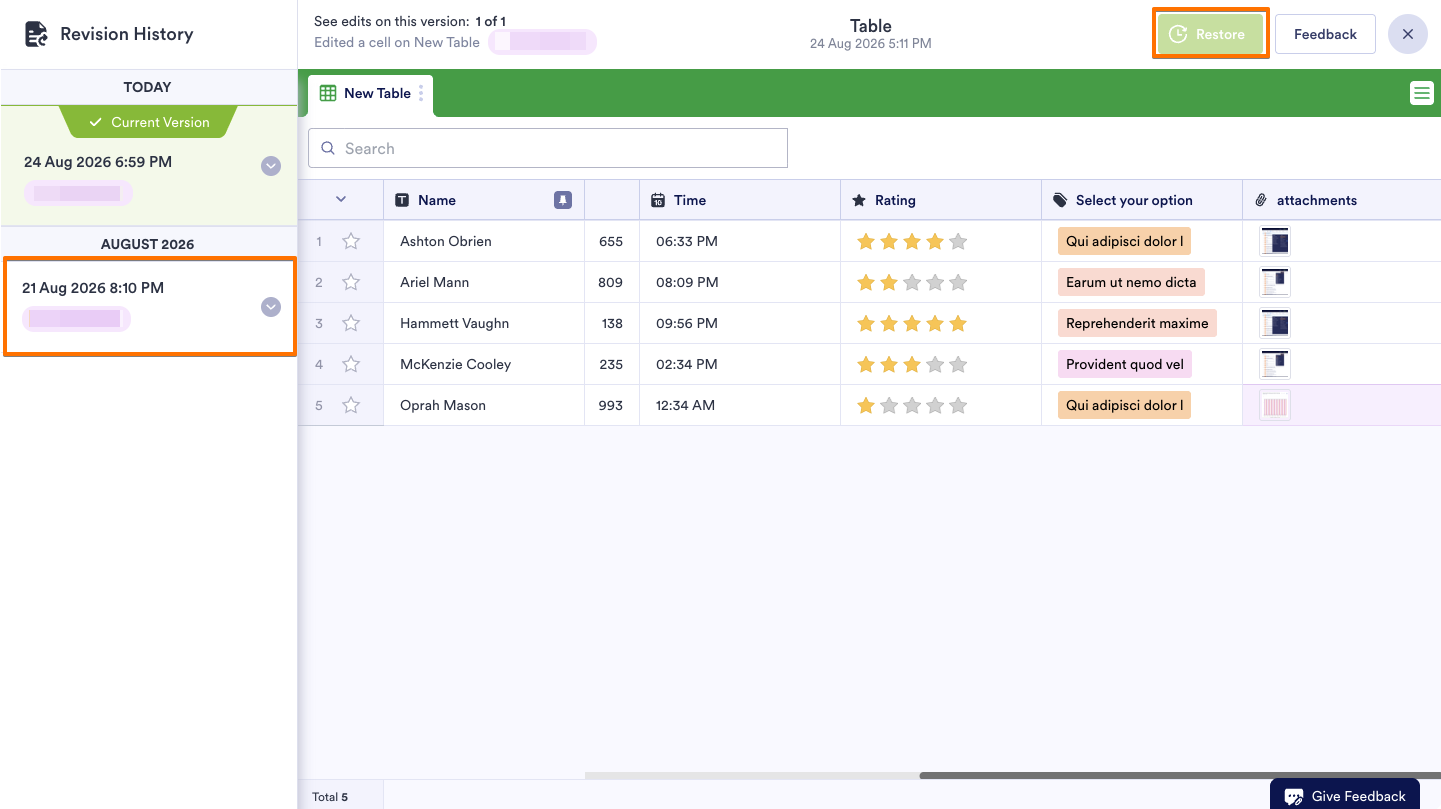
- In the menu on the left side of the page, select the version you want to restore the table to.
- Select Restore in the upper-right corner and confirm.
Note
Restorations are logged in the revision history.

Send Comment: