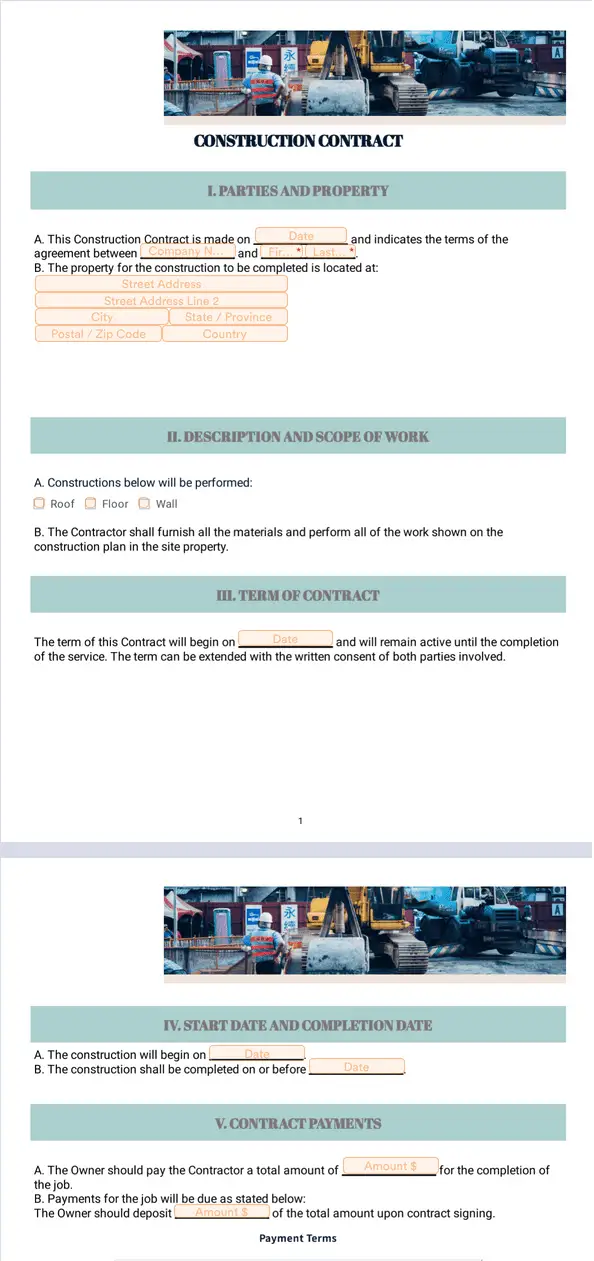
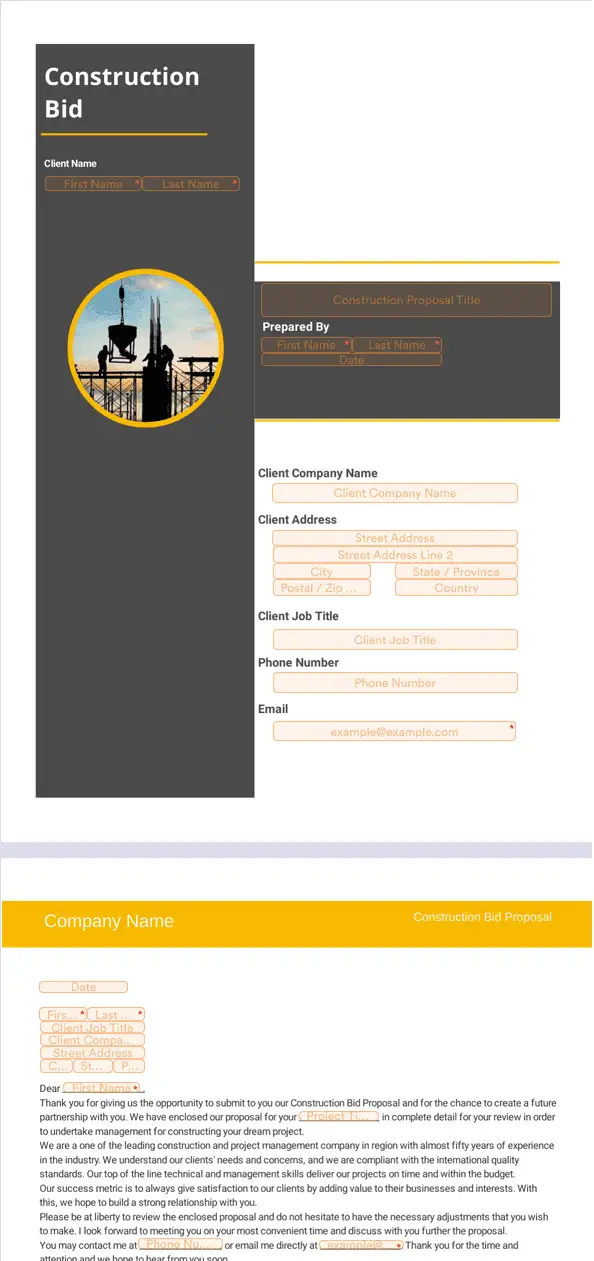
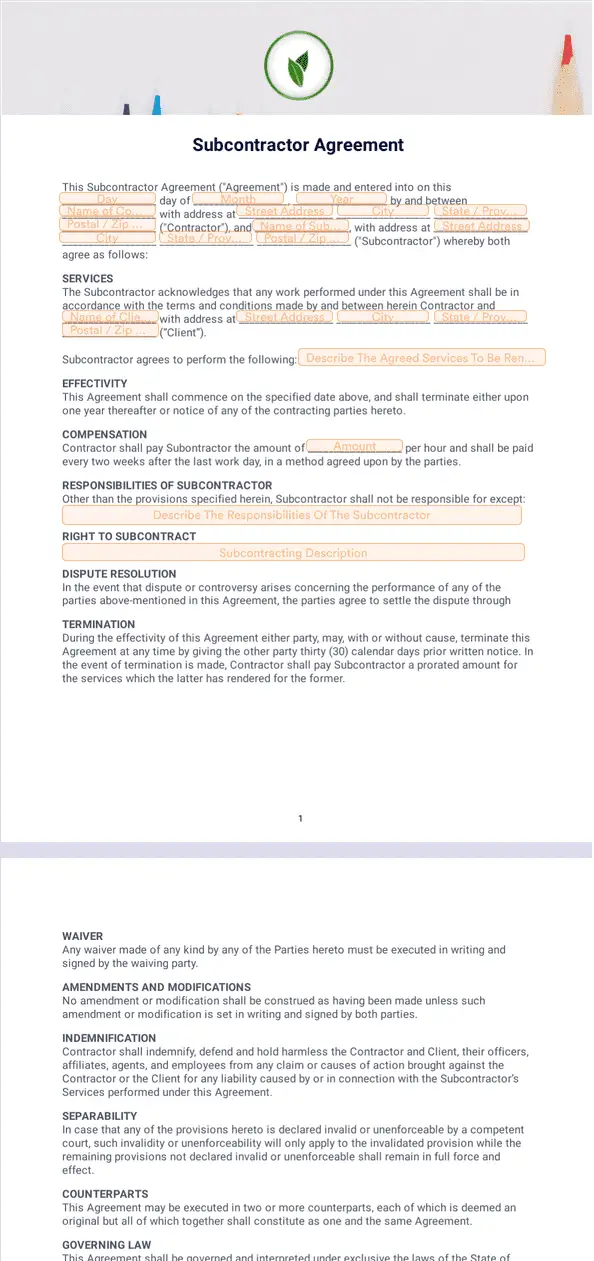
Jotform’s electronic signature for construction is an e-signature solution for automating document signing and workflows with Jotform Sign. Use it to speed up tasks, simplify communication with clients and subcontractors, and support payment processing with less manual paperwork. Keep agreements moving so you can manage projects more efficiently.
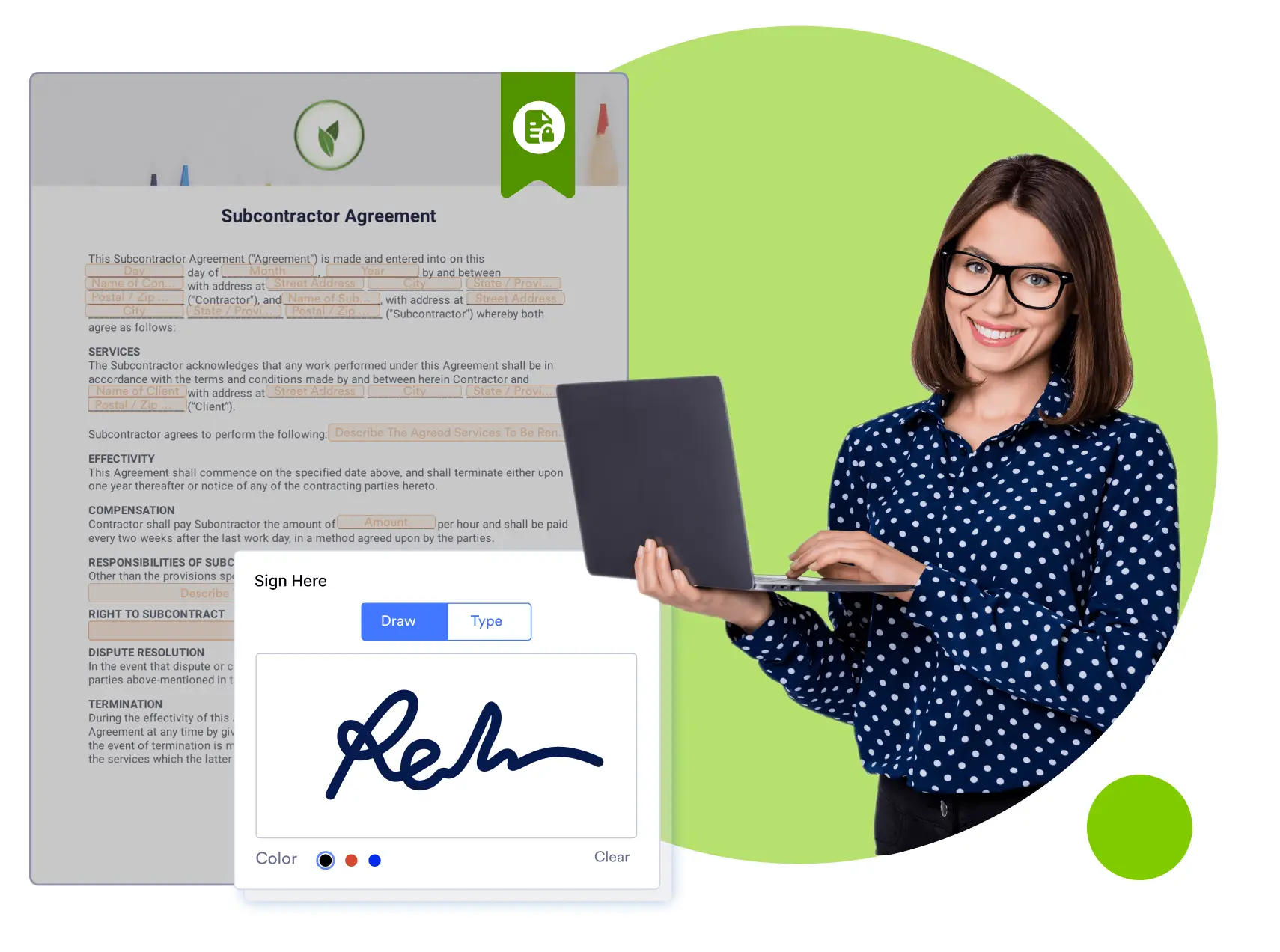
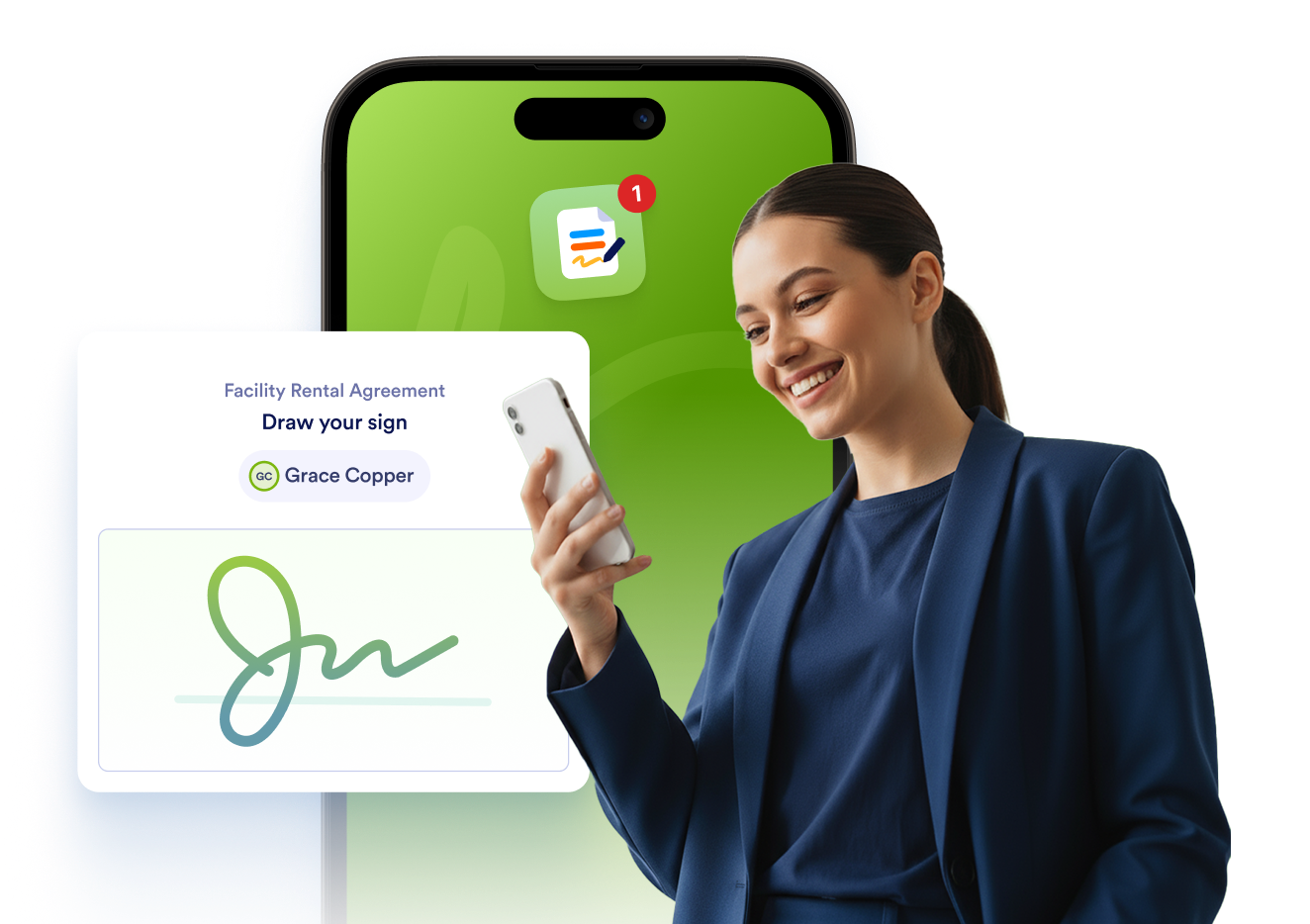
Jotform Sign Mobile is the simplest way to sign, send, and track documents from your phone.


Templates
Don’t know where to start? No problem, we’ve got you covered. Select one of our ready-made construction e-sign templates to get started. Customize it to make it you own, share it with your signers, and collect signatures fast.
Benefits
Collect signatures for construction documents without printing, scanning, or mailing paper. Jotform Sign lets clients, employees, and stakeholders complete documents from desktop or mobile devices, so contract signing can happen faster. This reduces time spent handling paperwork and helps keep project agreements moving.
Automate the signing process so documents can be finalized as soon as all required signatures are collected. Jotform Sign supports workflow tools like approval flows and reminders, which can reduce manual follow-ups. Copies can be sent to signers after completion so everyone has the finalized version.
Create e-signable construction contracts by uploading a document and adding fillable fields where signers need to act. Features like auto field detection can speed up document setup when turning existing files into signable documents. Clear fields for payments and deadlines help keep terms consistent across projects.
Send subcontractor onboarding documents like orientation forms and project sign-offs as a single signing workflow. Jotform Sign supports role assignment and multiple signers, so the right people can complete the right sections without extra back-and-forth. After signing is complete, each party can receive a copy for records and job documentation.
Use Jotform Sign for your construction company’s contracts, agreements, payment forms, and more.
Create e-signable subcontractor agreements that work for all parties involved. Define project expectations, commission rates, and company policies.
If your clients or team decides to switch up parts of your projects or processes, approving changes is easy with Jotform Sign. Set up an automated workflow to approve the change order document once everyone has signed.
Make deals that last with Jotform Sign. Build construction deal signature documents and collaborate easily with stakeholders and clients alike. Add images of blueprints and list your company terms and conditions in one centralized place.
Gather all required approval signatures for your documents seamlessly. Say goodbye to the days of faxing and printing out documents, and say hello to the convenience of multiple document signers and an ordered chain of command for approvals.
Disclaimer: The information provided in this guide is for general informational purposes only and is not intended to constitute legal advice. While we strive to keep the information accurate and up-to-date, laws and regulations vary by jurisdiction and can change frequently. Should you have specific legal questions about any of the information on this site, you should consult with a licensed attorney in your area.