300+ Online Store Templates
Discover Jotform's online store templates. Add your products, services, and pricing to start collecting payments in just a few clicks.
Employee Self Service Apps
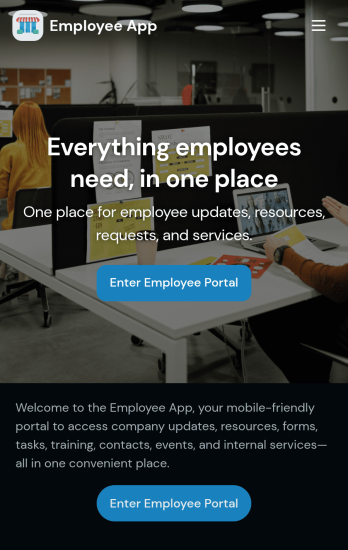
Custom Employee App
An employee app allows employees to access important company information and submit their own data from any device. Create an employee portal for your company with Jotform’s free Employee App. This ready-to-use template includes multiple forms such as employee referral forms, leave request forms, meeting reservation forms, COVID-19 screening forms, expense reimbursement forms, and more. Thanks to the role-based visibility condition, only selected admin users can see certain forms, such as department rotation. Using the app, employees can access and fill out any of the included forms from any smartphone, tablet, laptop, or desktop.Customize your Employee App to match your company in just a few clicks. With our drag-and-drop builder, you can easily add as many forms, links, documents, buttons, pages, and other app elements as you need. Plus, you can update fonts and colors, upload logos, and change the app icon and name to better represent your company. With Jotform’s Role-based feature, you can control access so tutors, admins, and other users see only the parts of the app relevant to them. Share your app with employees to download onto their own devices by sending email invites or the app link. Keep important company forms all in one secure, easily accessible Employee App!
Go to Category:Company Portal Apps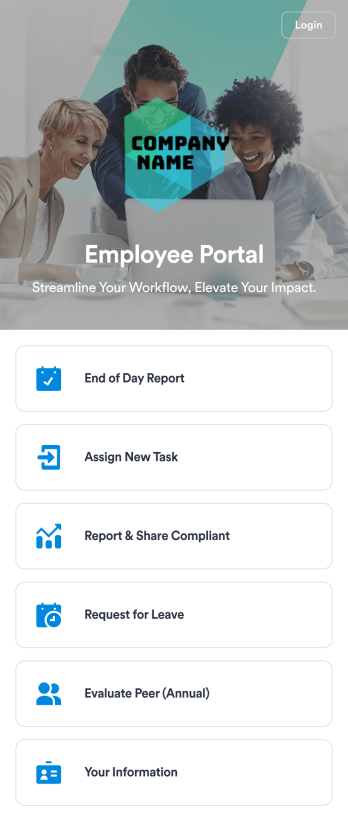
Employee Portal App
An employee portal app allows employees to access all internal company documents and links from any mobile device or computer. Create your own company portal in just a few clicks with Jotform’s free Employee Portal App. This customizable template includes a report form, task form, complaint form, leave request form, evaluation form, and employee information form all in one app. Employees will be able to fill out these forms from any smartphone, tablet, or computer, and submissions will be stored in your secure Jotform account.Customize this Employee Portal App to better meet your company’s needs. Without any coding, you can add forms, documents, links, images, buttons, videos, and much more to the template. You can also change the app icon and name and include your company branding in just a few clicks. When it’s ready to use, send email invites to employees directly or share the app link. With a fully-custom Employee Portal App for your company, your employees will enjoy more organized team collaboration and communication, no matter which device they prefer!
Go to Category:Company Portal Apps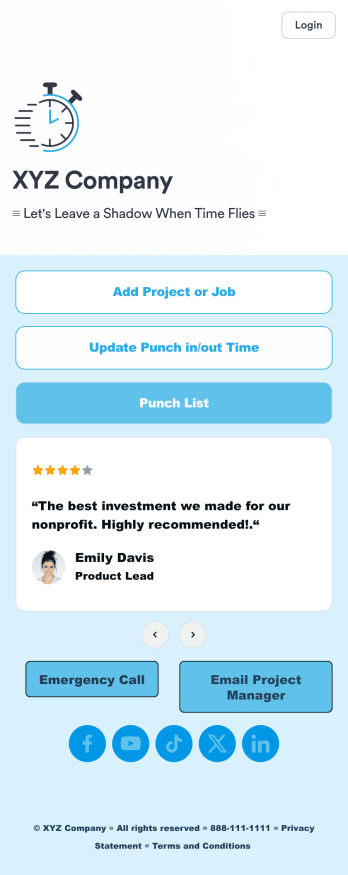
Customizable Punch In Out Timesheet App
Ditch paper timesheets with our free Punch In/Out Timesheet App! Employees can clock in or out for their shifts using the app on a company tablet or computer. As account owner, you’ll receive instant notifications for each new form submission, so you’ll know if any employee is late or leaving before their scheduled time. You can see all entries in spreadsheet, calendar, or card view using the attached Punch List Template for Jotform Tables.Customize your Punch In/Out Timesheet App in just a few minutes. Without any coding, you can use our drag-and-drop interface to add new forms, include a link to your timesheet, update the app text and design, embed links, and more. When your app is ready to use, keep it open on a company device for employees to use as they start their shift. Make employee management a breeze with a Punch In/Out Timesheet App for your company.
Go to Category:Company Portal Apps
Custom Employee Onboarding App
An employee onboarding app makes it easier to integrate a new employee into your company by making important internal resources available on any device. Simplify the transitional period and successfully onboard new hires with a fully custom Employee Onboard App powered by Jotform. This ready-to-use mobile app includes a table for tracking onboarding progress, company photos and social links, and a separate page with team contact information. New hires can download the app onto their mobile device or computer for easy access at any time.Customize this Employee Onboarding App for your company in just a few clicks. Without coding, you can use our drag-and-drop builder to add forms and tables, embed links, upload documents and training videos, create new pages, update fonts and colors, and much more. When your app is ready to use, it can be sent directly to new hires via email invites or the app link. Successful employee onboarding can be the key to business success — so get started with an efficient, easy-to-use Employee Onboarding App tailored to your company.
Go to Category:Company Portal Apps
Custom Time Tracker App
A time tracker app is used to keep track of employees’ hours and tasks. With Jotform’s free Time Tracker App, managers can keep a complete record of the times employees punch in or out, task details and the amount of time employees spend on them, and view all the information in a professional spreadsheet. All submissions are stored securely in your Jotform account and ready to access on any device.Need to make changes to this app template? Be sure to add your logo, change the background image, and choose new fonts and colors for a personalized touch. You can also customize the spreadsheet layouts and make changes to the app’s forms to collect other types of information — then share the app for your employees to download onto their devices. Better manage employee information with a free Time Tracker App from Jotform.
Go to Category:Management Apps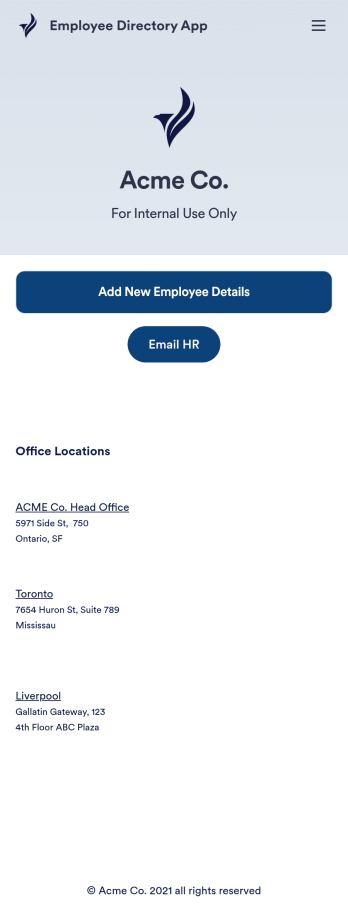
Employee Directory App
An employee directory app is used by businesses to collect information from new employees. Jotform’s Employee Directory App allows new employees to fill out general contact information, position title, manager, days of employment, and start date. If applicable, there is also space to specify an end date for contract workers. Submissions are instantly synced to an Employee Info Sheet in your Jotform account, which you can sort, filter, and search from any device.Customizing this app template to match your business’ branding is a snap. With our drag-and-drop form builder, you can add or change form elements, choose fonts and colors, upload your logo, and more — no coding required. You can also personalize your splash page by adding contact numbers and business address, or any other relevant information that might be useful to new employees. Share your app with a link or embed it in your website and employees can download it on any smartphone, tablet, or desktop. Streamline the onboarding process and keep all your employees’ information in one place with this Employee Directory App.
Go to Category:Human Resources Apps
Time Off Request App
A Time Off Request App is used by employers to provide their employees with a streamlined way to request time off from work. This free readymade app template includes a simple form for employees to fill out with their basic contact information, requested start and end dates, reason for time off, and a space for additional comments. Employees can access and download your app to their smartphone, tablet, or computer for future use.Want to customize the look and feel of this Time Off Request App? Our drag-and-drop interface allows you to add or change forms, choose fonts and colors, upload your company’s logo, update the app name or text, and more — all with no coding. Once it’s ready to go, simply share the link with your employees. All time off requests will be stored securely in your account and can be accessed at any time in Jotform Tables. Make it easy for your employees to request time off with this Time Off Request App!
Go to Category:Company Portal Apps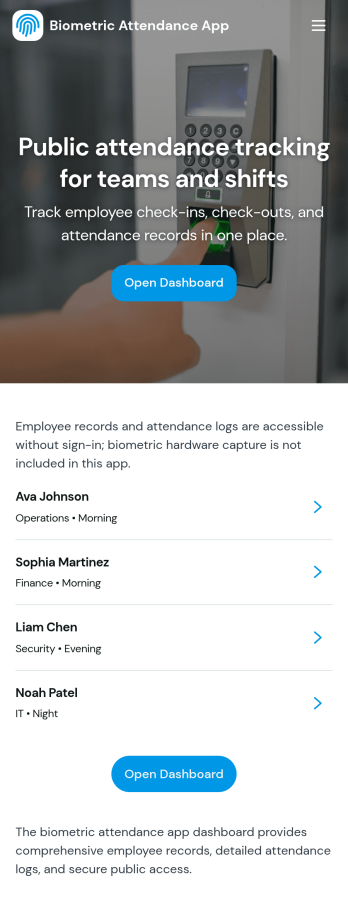
Biometric Attendance App
A biometric attendance app gives teams a central place to manage employee records, log attendance activity, and review time-based insights for day-to-day operations. This template fits HR teams, operations managers, and supervisors who need a clear view of who is on site, who is absent, and how shifts are being covered across locations or departments. Use it to add employees, record attendance logs, and keep shift windows organized so your workforce data stays consistent and easy to reference.Built with Jotform, this app template can be customized in a no-code app builder using a drag-and-drop interface, so you can match your existing workflow without engineering help. Connect forms and tables to keep data collection in one place, route information to the right people, and make self-service updates simple for authorized staff. Share the finished app by link or QR code and keep attendance details and reporting accessible on any device.
Go to Category:HR Portal Apps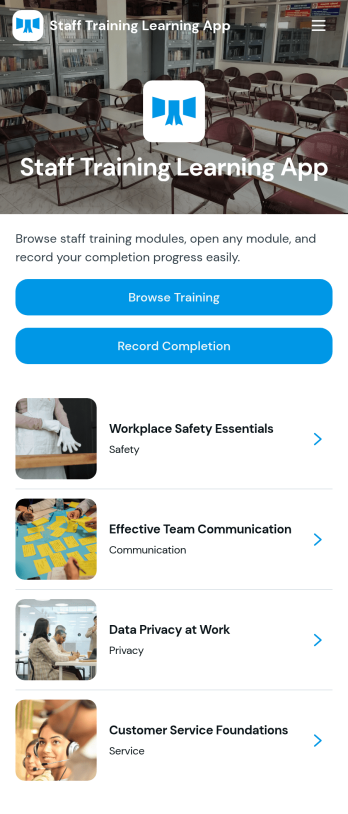
Staff Training Learning App
Staff Training Learning App helps teams share internal training in one place so employees can browse available courses, open a course page to review key details, and request enrollment when they’re ready. It’s a practical fit for HR teams, operations managers, and department leads who need a clear way to roll out onboarding lessons, role-based training, or refresher learning across locations without relying on scattered documents and links.Built with Jotform, this app template can be customized with a no-code app builder and a drag-and-drop interface, so you can organize course information and connect the enrollment request form to your workflow. Publish a branded self-service experience, share it by link or QR code, and keep data collection consistent as training offerings change over time.
Go to Category:Employee Self Service Apps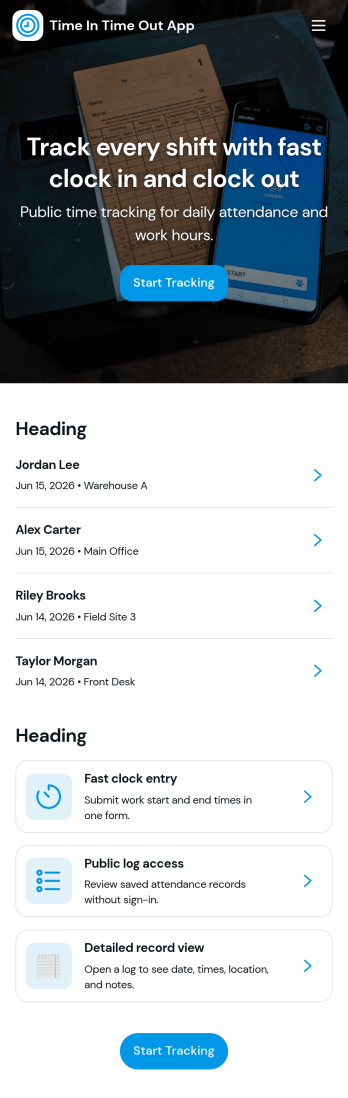
Time In Time Out App
Time In Time Out App helps teams record work hours with a simple clock entry flow and a clear history view. It fits hourly workplaces that need consistent time tracking across shifts, including retail, hospitality, field services, clinics, and small offices. Employees can add new clock entries when they start or finish work, then review their own entries and time records later. Supervisors can use the app to encourage accurate habits, reduce missed punches, and keep day-to-day attendance details organized without relying on scattered messages or paper logs.Built with Jotform, this app template works with a no-code app builder and a drag-and-drop interface, so you can tailor the pages, labels, and navigation to match your workflow. Connect the app to a form for data collection, store records in connected tables, and keep self-service access straightforward for staff who just need to clock in, clock out, and confirm what was recorded. Share the app by link or QR code, update it anytime, and keep everyone using the same source of truth for time entries.
Go to Category:Activity Tracking Apps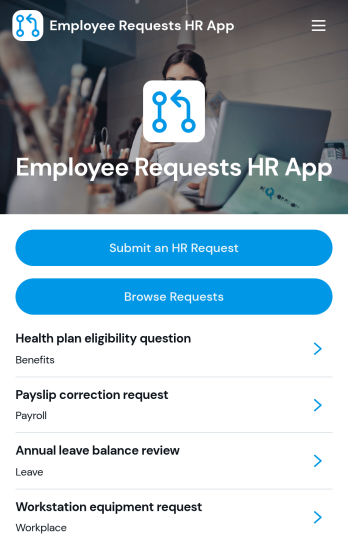
Employee Requests HR App
Employee Requests HR App gives employees a clear place to submit HR requests and follow up without confusion. Use it to centralize common needs like policy questions, workplace concerns, benefits support, or employment verification so HR teams can keep requests organized and easy to review. With quick navigation to submit a new request, browse existing requests, and open a request record to see key details like employee name, email, and preferred response method, it helps reduce missed messages and keeps communication consistent across the organization.Built with Jotform, this app template can be tailored to match your internal workflow and the types of requests you handle most often. Using Jotform’s no-code app builder and drag-and-drop interface, you can adjust pages, connect the app to your form and data collection, and keep request activity in one workflow that’s simple to share with staff. Publish it as a mobile-friendly self-service experience so employees can submit and review requests from anywhere while HR maintains one reliable source of truth.
Go to Category:Employee Self Service Apps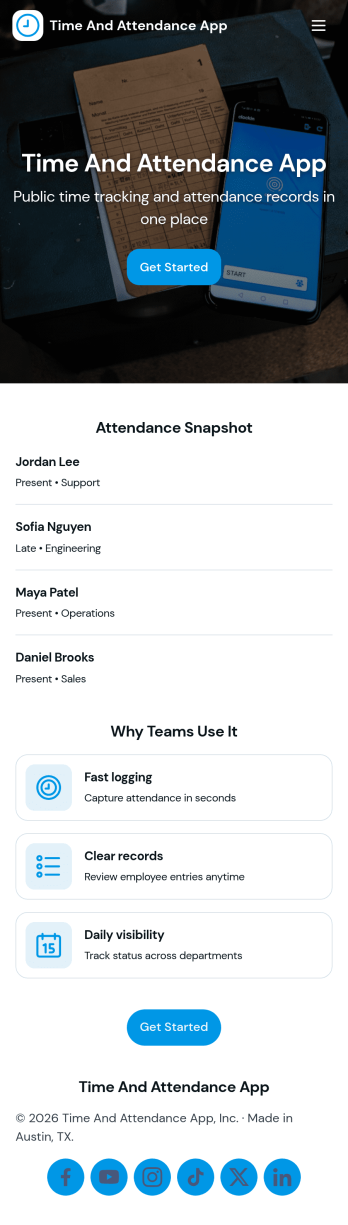
API Time and Attendance App
API Time and Attendance App helps teams track time and attendance in a simple, shareable workspace that supports API-driven processes. Use it to review employee lists, keep visibility into who is clocking time, and maintain a reliable history of clock entries for payroll checks, staffing decisions, and internal audits. It’s a strong fit for HR, operations, and IT teams that need consistent time records across locations, shifts, or job sites while keeping the experience easy for managers and admins to navigate.Jotform makes it easy to build and publish app templates like this one with a no-code app builder and a drag-and-drop interface. Connect your app to forms and tables to support data collection and ongoing workflow needs, then share it as a self-service destination for supervisors or internal stakeholders. As your process evolves, you can update pages, reorganize navigation, and keep all time and attendance activity accessible from one place.
Go to Category:Activity Tracking Apps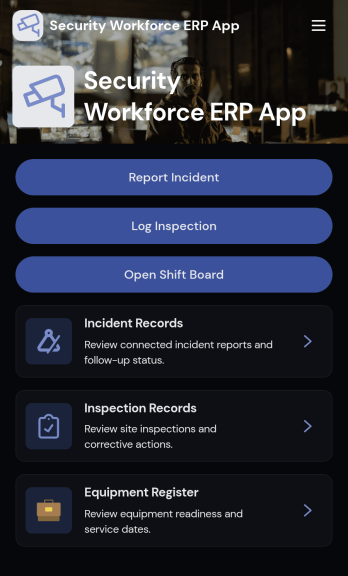
Security Workforce ERP App
Security Workforce ERP App brings your guard force and site operations into one place so supervisors can add workforce records, set up security sites, record shift coverage, and capture incident reports without juggling spreadsheets or scattered messages. It’s built for security companies, contract guarding teams, and in-house security departments that need a dependable way to keep rosters current, track who covered which shift, and document incidents with clear details for follow-up and review.Jotform makes it easy to turn these everyday workflows into a polished, shareable experience with App Templates you can customize in minutes. Using Jotform’s no-code app builder and drag-and-drop interface, you can organize pages for workforce, coverage, sites, and incidents, connect forms for data collection, and keep your workflow moving with a self-service hub that works on any device. As records grow, you can continue adapting the app to match how your team schedules, responds, and reports in the field.
Go to Category:Operations & Logistics Portal Apps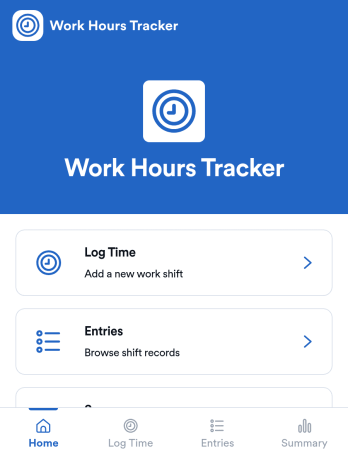
Counting Work Hours App
Counting Work Hours App helps teams record shifts and keep a clear running view of hours worked across a pay period. It works well for businesses that rely on hourly labor such as retail, hospitality, field services, and growing agencies, where missing time entries and manual spreadsheets can quickly cause payroll confusion. With quick time logging, an entries list for reviewing past shifts, and a summary view for totals and patterns, managers and employees can stay aligned on what was worked and what still needs to be added.Jotform makes it simple to turn this workflow into a mobile-friendly experience using app templates and a no-code app builder. Customize pages with a drag-and-drop interface, connect your app to the included shift form and table view, and keep data collection consistent for every employee. Share the app by link so staff can add shifts from anywhere, while supervisors can track updates in one place and keep operations moving without extra tools.
Go to Category:Activity Tracking Apps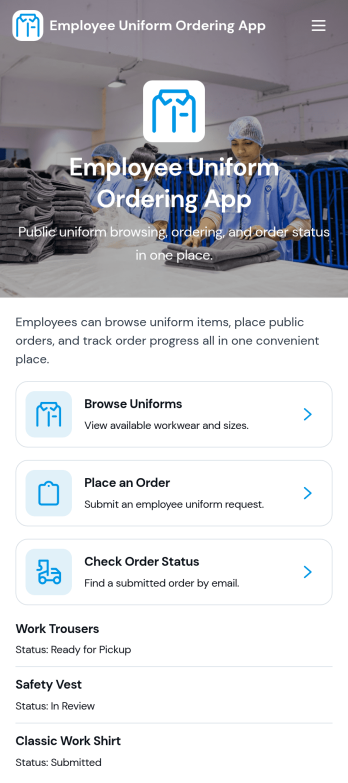
Employee Uniform Ordering App
Employee Uniform Ordering App helps teams manage workplace uniform requests in one place, so employees can browse available uniform options, place an order, and check order status without chasing emails or paper forms. It fits retail stores, restaurants, hotels, healthcare offices, warehouses, and field service organizations that need consistent attire across roles and locations. Use it to reduce ordering mistakes, keep sizing details organized, and give staff a clear path for reorders when items wear out, seasons change, or new hires come onboard.Built with Jotform App Templates, this app template is easy to tailor to your uniform process using Jotform’s no-code app builder and drag-and-drop interface. Connect ordering forms and connected data collection to keep records centralized, then share the app via link or QR code for fast self-service access on any device. As your workflow evolves, you can update pages, adjust categories, and guide employees to the right actions while keeping uniform ordering and status checks simple and consistent.
Go to Category:Employee Self Service Apps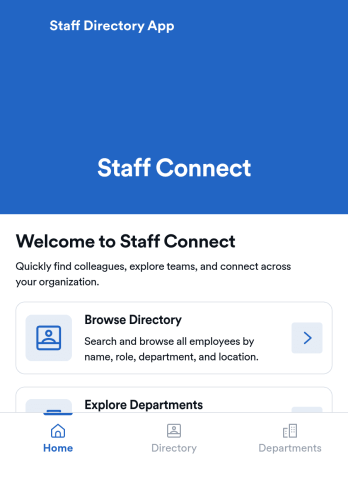
Staff Directory App
Staff Directory App is an app template designed to streamline the organization and visibility of employee information. Built to serve businesses, HR teams, office administrators, and organizations, this readily usable template is an efficient solution for centralizing staff details and fostering easier internal communication. The app collects a range of employee data, such as contact information, job titles, and department details, thereby eliminating the inefficiencies of ad-hoc data collection and enhancing team visibility. It's a superior choice for any operation aiming to bolster their employee information management capabilities.With Jotform, the Staff Directory App's customization is as simple as it is effective. The user-friendly interface facilitates easy collection of electronic signatures and data, making the process of populating your staff directory a breeze. The app's design can be effortlessly tailored to your branding through Jotform's no-code app builder, allowing easy alterations of forms, fonts, colors, and more without any coding requirements. This comprehensive solution, coupled with Jotform's seamless cross-platform compatibility, empowers businesses to manage their staff directory efficiently and professionally. Enjoy the ease of use, the ease of collecting e-signatures, and the ease of customizing your Staff Directory App with Jotform.
Go to Category:HR Portal Apps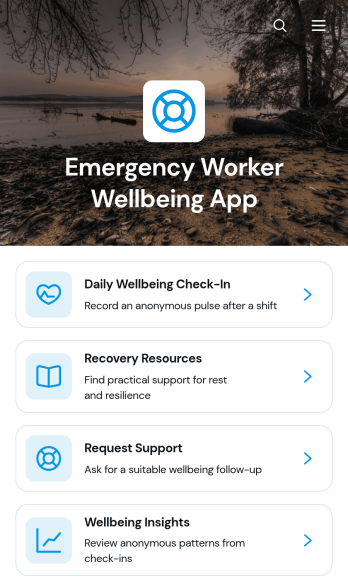
Emergency Worker Wellbeing App
The Emergency Worker Wellbeing App gives emergency response organizations a central place to support personnel before, during, and after demanding shifts. It is suited to fire and rescue services, ambulance teams, dispatch units, incident response groups, and employee wellbeing coordinators. Workers can complete daily wellbeing check-ins, browse recovery resources, and request support from one accessible experience. Wellbeing insights can help authorized teams recognize emerging needs and improve how resources are planned, while clear navigation reduces the effort required to find relevant assistance.Jotform Apps helps organizations turn wellbeing processes into a mobile-friendly app without writing code. Start with this app template, then use the drag-and-drop app builder to adjust pages, branding, buttons, and navigation for your workforce. Connected forms can support data collection and requests, while links, tables, notifications, and approval workflows can bring related tasks together. Among Jotform’s App Templates, this option provides a practical foundation for employee self-service and can be shared through a direct link or QR code for convenient access across stations, offices, and field locations.
Go to Category:Stress Management Apps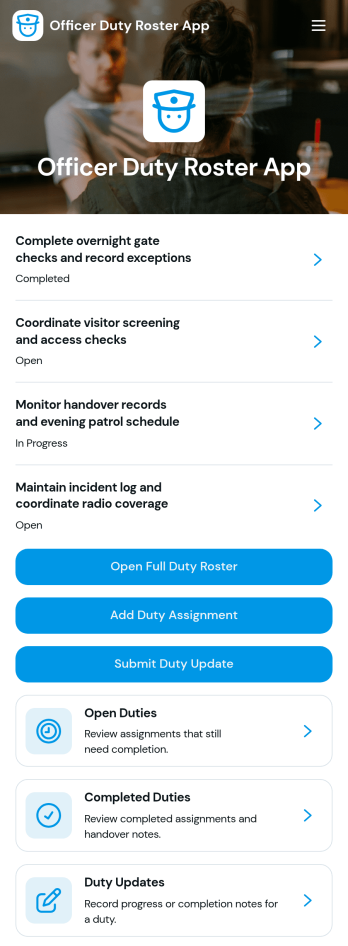
Officer Duty Roster App
The Officer Duty Roster App gives police departments, security teams, public safety units, and other officer-based organizations a central place to coordinate duty assignments. Supervisors can publish roster entries, add new assignments, review open and completed duties, and receive duty updates from personnel. Each assignment can present the responsible officer, shift, station, current status, briefing notes, and completion notes, helping teams understand who is working, where they are assigned, and what requires attention. It is especially useful for daily deployment planning, shift handovers, station coverage, event security, patrol coordination, and other operations where timely roster information supports accountability and continuity.Jotform makes this app template easy to adapt with a no-code app builder and a drag-and-drop interface. Teams can update pages, navigation, colors, fonts, images, and buttons to reflect their procedures and branding, then connect forms and tables to support data collection and workflow management. The finished app can be shared by direct link or QR code for convenient mobile access, giving officers and supervisors a practical self-service resource wherever duties are performed. Jotform App Templates also help organizations launch faster while retaining the flexibility to revise assignments, resources, and connected processes as operational needs change.
Go to Category:Scheduling and Planning Apps
Overtime Approval HR App
Overtime Approval HR App helps HR teams and managers collect overtime requests, review employee work details, and record approval decisions in one place. Employees can submit a new request in minutes, while approvers can open a request, confirm schedule and work details, and move requests forward without losing context. It fits offices, retail teams, healthcare departments, and operations groups that need a consistent way to handle overtime requests across shifts, locations, or supervisors.Built with Jotform, this app template turns your overtime process into a guided, self-service experience you can share with a link. Use the no-code app builder and drag-and-drop interface to tailor pages, buttons, and request views to match your policy, then connect the app to your forms, tables, and workflows for reliable data collection. As requests come in, teams can keep everything organized, reduce manual follow-ups, and maintain a clear trail of decisions for internal reporting.
Go to Category:Human Resources Apps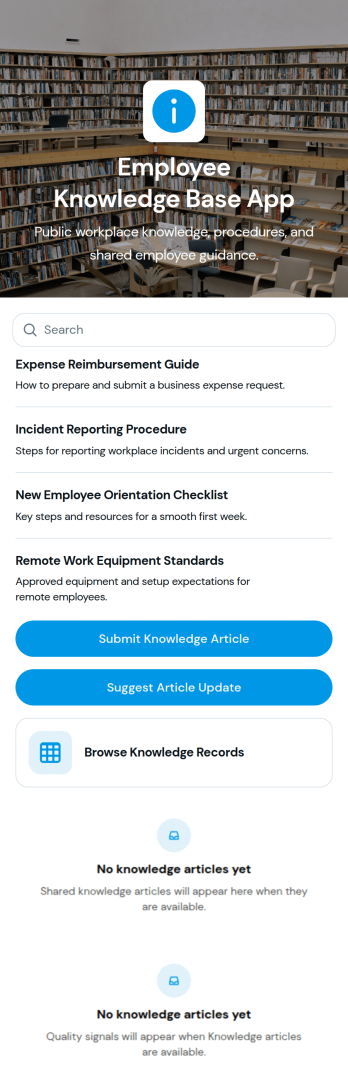
Employee Knowledge Base App
An Employee Knowledge Base App gives teams one place to find, share, and improve internal know-how such as how-to articles, policies, and troubleshooting guides. It works well for HR, IT, operations, and customer-facing teams who want answers to be easy to browse and consistent across locations and shifts. With simple browsing, a way to submit new knowledge articles, and a form to suggest updates, the app supports day-to-day questions while keeping information current as processes change.Jotform makes it easy to launch this kind of self-service experience using app templates and a no-code app builder with a drag-and-drop interface. Connect your app to tables for organized records, link forms for guided data collection, and create a smoother workflow for reviewing, updating, and sharing internal resources. Publish and share your Jotform app in minutes so employees can access the knowledge they need from any device.
Go to Category:Resource & Learning Portal Apps
Password Manager App
Password Manager App helps individuals and teams store, organize, and reference login details in one place when they need fast access to accounts. Use it to add new credentials through a simple add-password flow, browse a central vault, and open saved records to view key details like username, password, and the related website link. It fits everyday use for freelancers, small businesses, IT coordinators, and operations teams that manage multiple tools, shared services, or recurring client accounts and want a consistent way to keep records tidy and easy to find.With Jotform, you can turn this app template into a tailored self-service experience using a no-code app builder and a drag-and-drop interface. Connect the app to forms and tables for data collection, keep records up to date as processes change, and shape a workflow that matches how your organization manages access. Publish and share the app in minutes so the right people can quickly navigate to the vault, review records, and add new entries without friction.
Go to Category:Information Technology Apps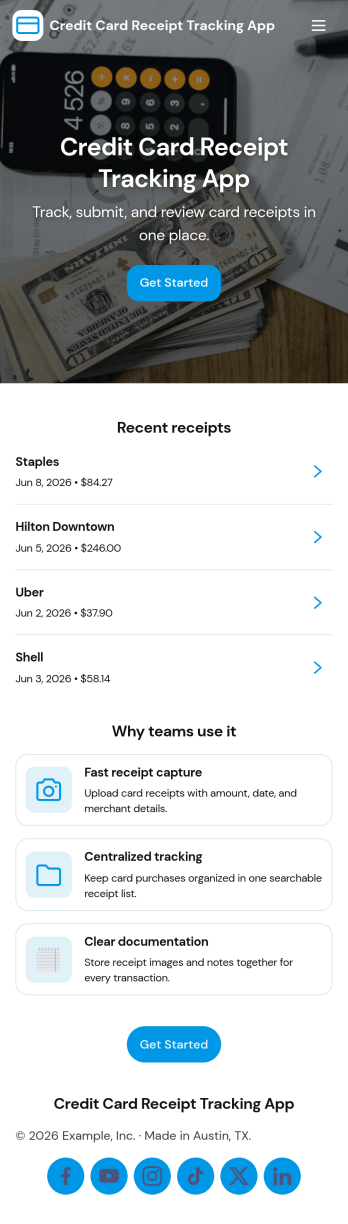
Credit Card Receipt Tracking App
Credit Card Receipt Tracking App helps you capture, organize, and review card purchase receipts in one place so expenses don’t get lost in inboxes, wallets, or chat threads. Use it to log a receipt as soon as a purchase happens, browse saved receipts later, and keep a clear record of merchant details for reimbursements, month-end close, or budgeting. It’s a practical fit for employees who submit expenses, finance teams who need cleaner documentation, and small business owners tracking day-to-day spending across company cards.With Jotform, you can turn receipt tracking into a guided self-service experience that works on desktop or mobile. Start with this app template, adjust pages and buttons with a no-code app builder, and connect the app to your underlying receipt form and a central table view for easier review. As receipts come in, teams can keep information consistent, reduce missing documentation, and maintain a reliable workflow for expense tracking without adding complexity.
Go to Category:Finance Apps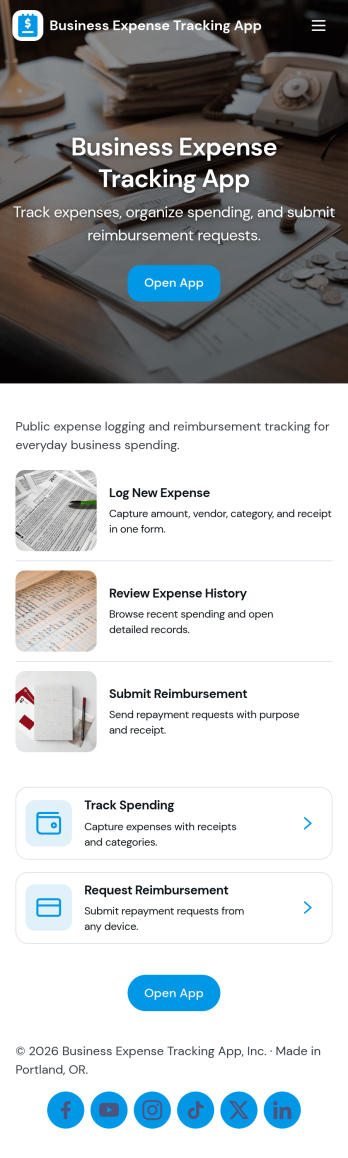
Business Expense Tracking App
Business Expense Tracking App helps teams capture, review, and organize day-to-day company spending in one place, from travel and meals to office supplies and recurring vendor charges. Employees can submit expenses through a dedicated Submit Expense page, while finance leads can monitor Expense History, open individual entries for review, and keep records consistent across departments. With built-in Insights and an Admin Review area that links to All Submissions, it’s easier to spot trends, validate reports, and keep reimbursement conversations moving without relying on scattered emails or spreadsheets.Jotform makes it simple to turn this workflow into a shareable self-service experience using App Templates and a no-code app builder. Customize pages with a drag-and-drop interface, connect the app to your existing data collection form and tables, and publish a mobile-friendly app your team can use anywhere. As expense volume grows, Jotform helps you centralize intake, maintain a reliable history, and support clearer workflows for tracking and review.
Go to Category:Expense Tracking Apps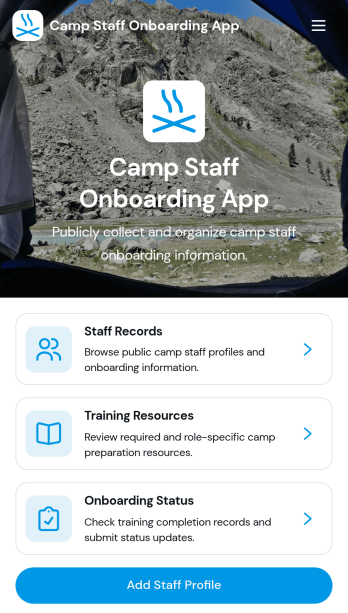
Camp Staff Onboarding App
Camp Staff Onboarding App helps camp directors, human resources teams, and program coordinators prepare seasonal employees and volunteers for their roles from one organized location. Staff profiles and records keep essential personnel information accessible, while training resources and onboarding status updates help administrators see who is ready to begin work. This app template is suitable for day camps, overnight camps, recreation programs, youth organizations, and multi-location camp operators. By replacing scattered documents and disconnected updates, it gives teams clearer visibility into staff preparation, reduces missed steps, and creates a more consistent onboarding experience before the season starts.Jotform Apps turns this Camp Staff Onboarding App into a customizable digital workspace without requiring coding knowledge. Start with one of Jotform’s App Templates, then use the no-code app builder and drag-and-drop interface to update pages, branding, navigation, and content. Connected forms support data collection, while tables and workflows help teams organize records and follow-up tasks. Once ready, the app can be shared through a direct link, QR code, or embedded experience, giving administrators and camp staff convenient mobile access to training and self-service resources.
Go to Category:HR Portal Apps