


Background Creator Widget for your website
Create gradients, patterns, animated backdrops, images, or video backgrounds and drop them behind your page content. Start from a preset, fine-tune every detail, and embed anywhere in seconds.
How to add Background Creator Widget

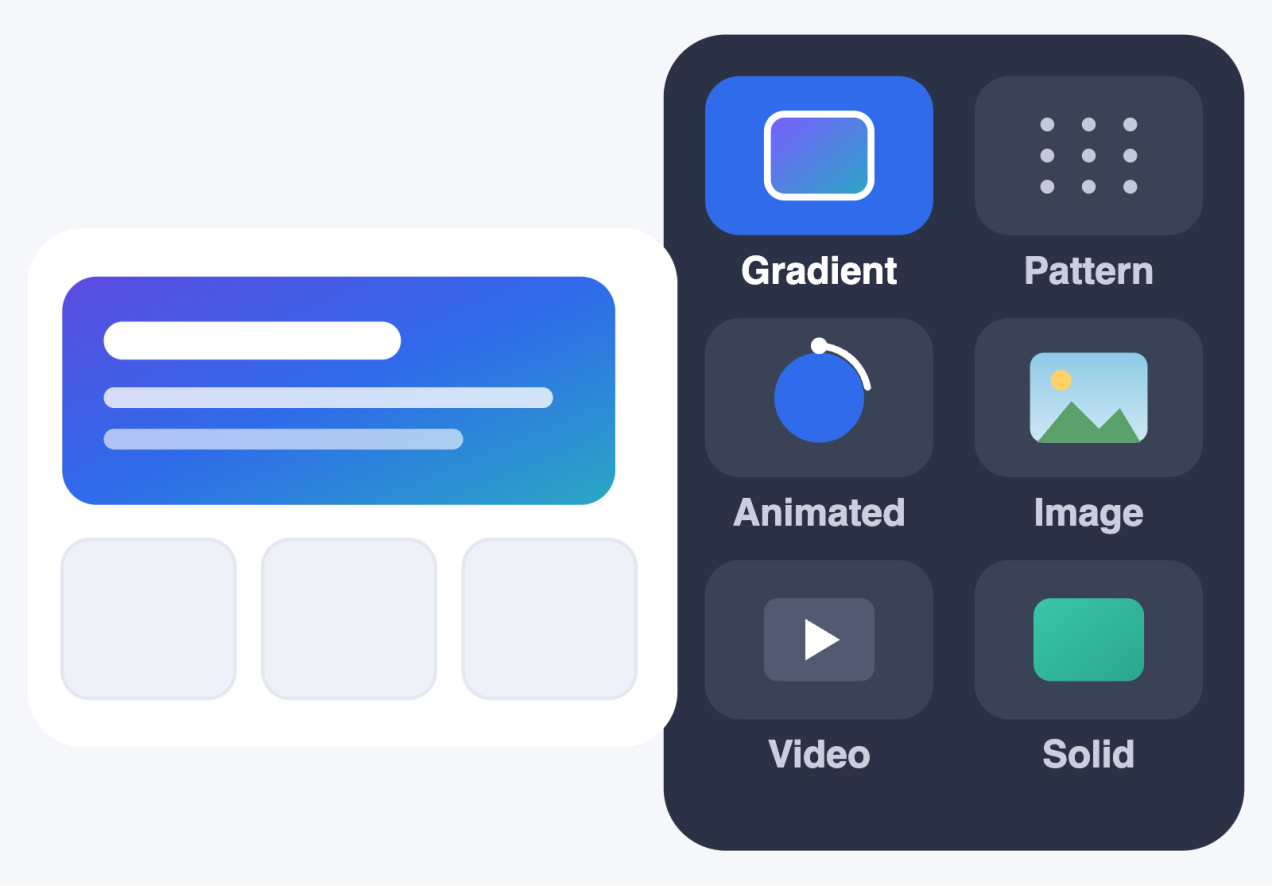
Pick a background type
Pick what kind of background renders behind your page content.
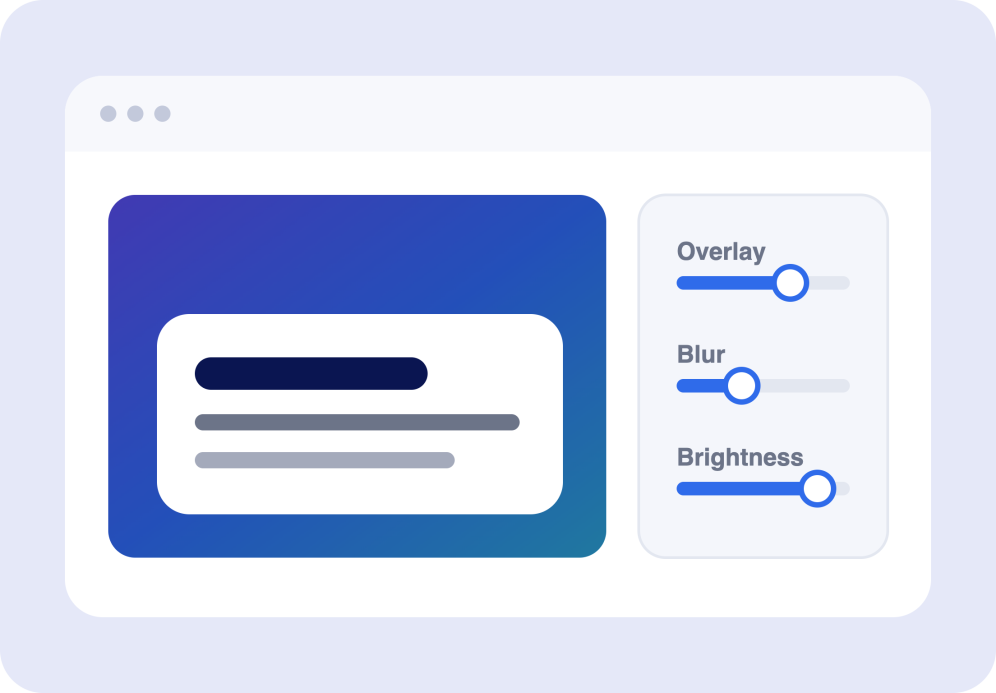
Refine the look
Layer an overlay to keep text readable, dial in blur, brightness, and more, so your background supports your content instead of competing with it.
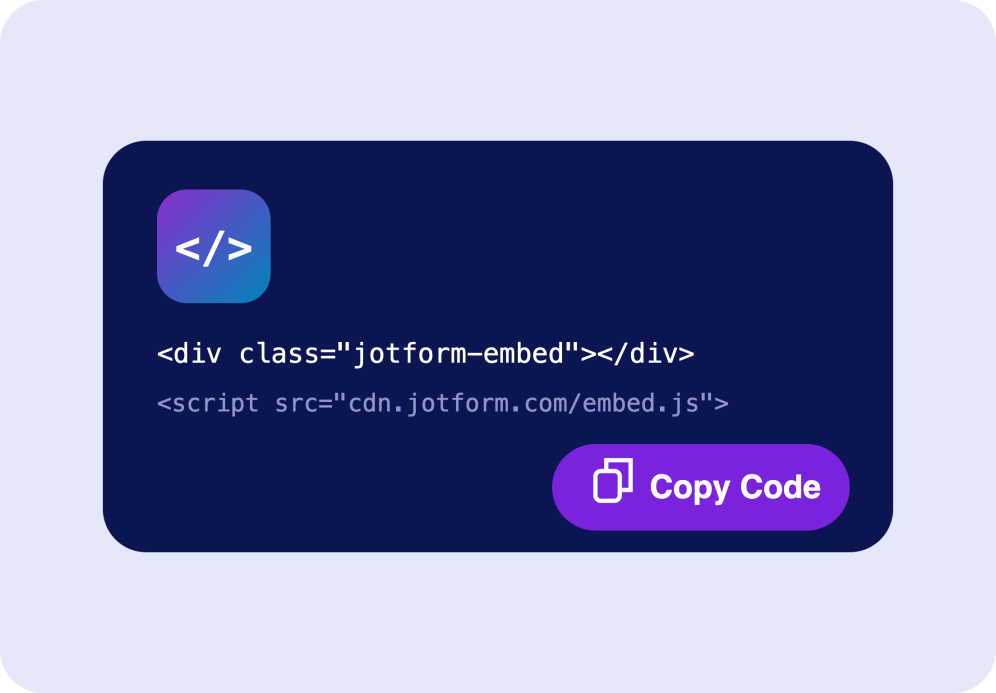
Embed it anywhere
Copy the generated embed code and paste it into any page to apply your background, no technical setup needed.
Built background to make your site look effortless
Start from a ready-made look
Apply a polished preset in one click, then customize the style to match your brand. Adjust the overall look, feel, and responsive behavior without starting from scratch.
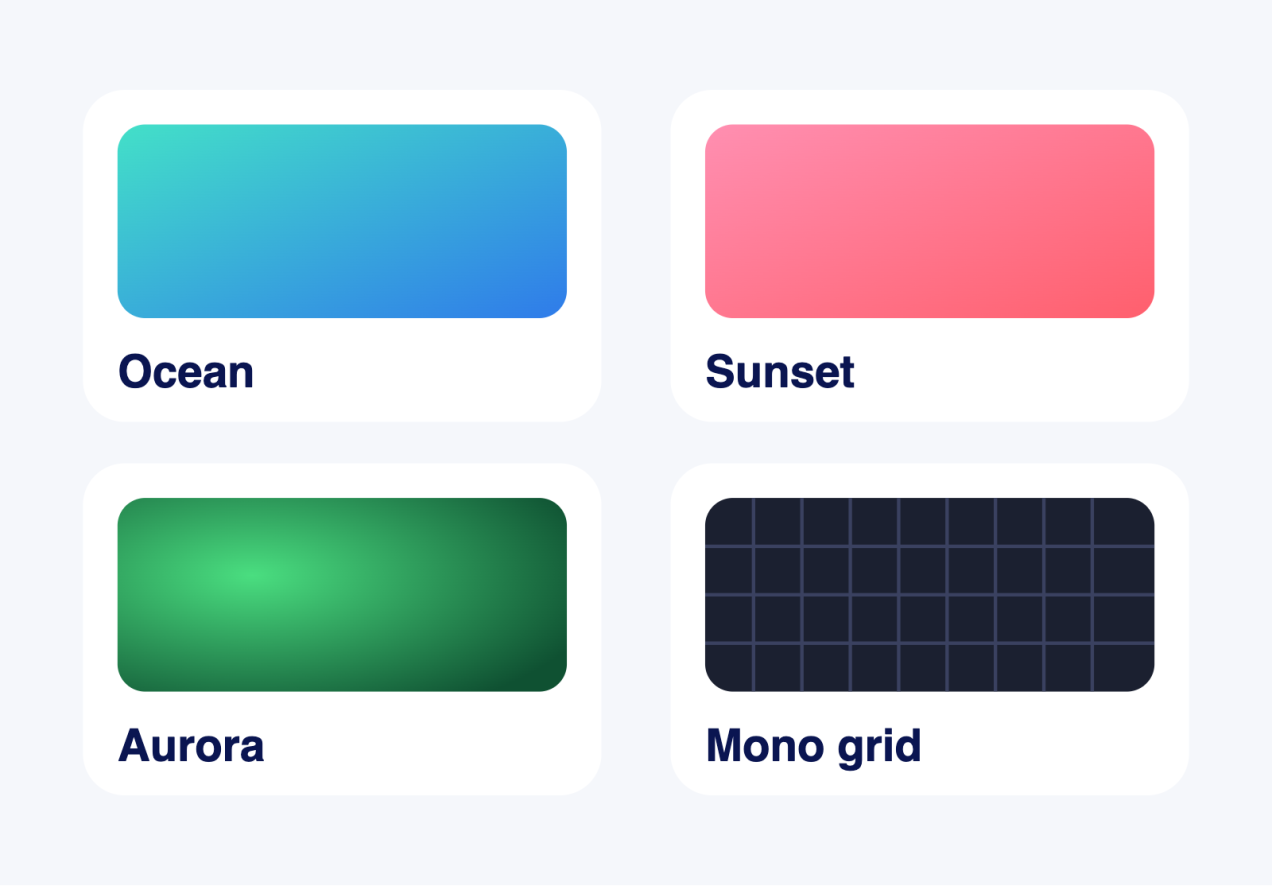
Choose from five background types
Use images, patterns, gradients, videos, or AI-generated visuals to create a background that fits your page style. Set the right mood, add visual depth, and make your content feel more polished and on-brand.
Fine-tune background controls
Adjust overlays, filters, effects, sizing, position, and layering so your background stays polished, readable, and aligned with your content.

Looks right on every screen
Set sizing and responsive rules once and preview instantly on desktop and mobile. Your background stays crisp and balanced no matter where visitors land.

Why Jotform Widgets stand out
Jotform’s widgets make your website more interactive and conversion-ready. From star ratings and testimonial sliders to social proof pop-ups and media embeds, you can combine tools inside your forms or landing pages to collect data, display proof, and capture leads without writing code.
Add Jotform widgets to your website with a simple embed code. Customize the widget, preview how it looks, and paste it into any page that supports custom HTML or embed blocks to all platforms, no developer required.
Use Jotform Website Widgets to collect leads, show customer feedback, display social proof, embed media, or add helpful on-page tools. Each widget helps visitors interact with your business directly from the page.
If you need help setting up, customizing, embedding, or troubleshooting your widget, Jotform’s customer support team is available 24/7. You can move forward with confidence, knowing help is there when you need it.
Where to use your Background Creator Widget
Use the Background Creator Widget anywhere a stronger visual backdrop improves the page without slowing it down or distracting from your content.
Landing page hero sections that need a gradient, image, or animated backdrop behind the headline and call to action.
Blog and article pages where a subtle pattern or soft gradient adds depth without hurting readability.
Portfolio and creative pages that benefit from animated abstract or AI-generated backgrounds.
Product and pricing pages that use a branded overlay tint to keep colors consistent.
Event and promo pages that want a looping muted video background with a poster fallback.
One-page websites where a single full-page background sets the entire mood.
Convert leads into paying customers with Jotform Form Builder
Turn engagement into action with Jotform. Create powerful forms that capture leads, collect payments, and automate responses, all in one place. Every submission lands in your Jotform Inbox, ready to follow up or connect with your favorite apps.
Get Started - It’s Free!
FAQ
What is a Background Creator Widget?
A Background widget renders a background layer behind a target element on your page. If a content container is provided it uses that container, otherwise it applies to the page body.
What background types are supported?
Can I add an overlay or tint?
Can I control how the background is sized?
Does it work well on mobile?
Does it respect reduced motion?
Will the video autoplay?
Do I need to write code?