Background Creator Widget
Make Your Own Background Creator Widget in Seconds for Your Website
Add a background behind your page or a container using an image, pattern, gradient, animated abstract, AI image, or video. Fine-tune overlays, filters, effects, sizing, position, and responsive behavior in a no-code builder.
Create Your Background Widget - It's Free!Pick From Gradients, Patterns, Animations & More
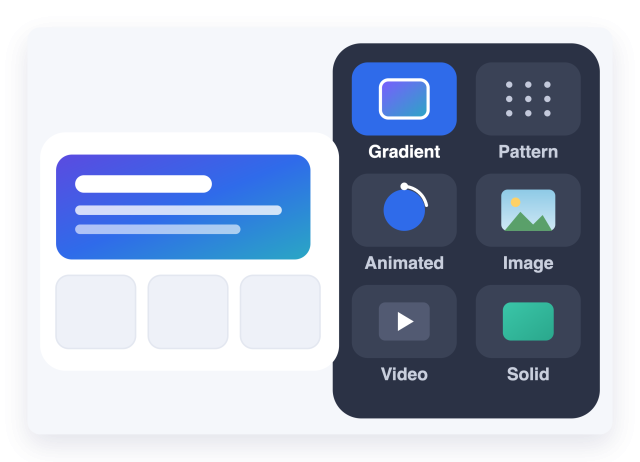
Choose exactly what kind of background renders behind your page content. Switch between background types and preview each one instantly.
Background types include:
Design Gradients With Full Control
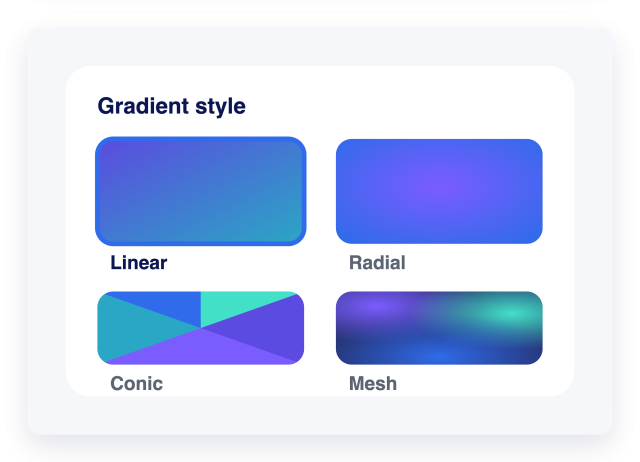
Go beyond flat color. Choose linear, radial, conic, or mesh gradients, then dial in angle, color stops, and blending until it is exactly right.
Gradient controls include:
Refine the Look With Overlays & Filters
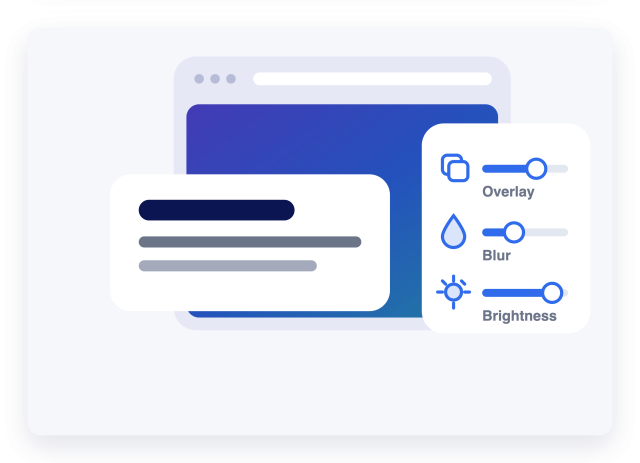
Layer an overlay to keep text readable, then dial in blur, brightness, and contrast so your background supports your content instead of competing with it.
Fine-tuning controls include:
Start From a Ready-Made Preset
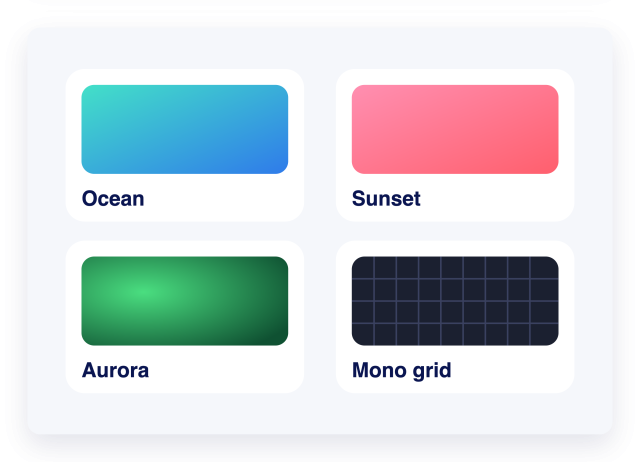
Apply a polished look in one click, then customize it to match your brand. Every preset is fully editable once applied.
Preset styles include:
Looks Right on Every Screen
Set sizing and responsive rules once and preview instantly on desktop and mobile. Your background stays crisp and balanced wherever visitors land.
Responsive controls include: