


Birthday Countdown widget for your website
Display days, hours, minutes, and seconds until a birthday date. Set all-day timing, choose a timezone, repeat the countdown annually, edit labels, style the timer, and add CTA buttons.
How to add a Birthday Countdown widget
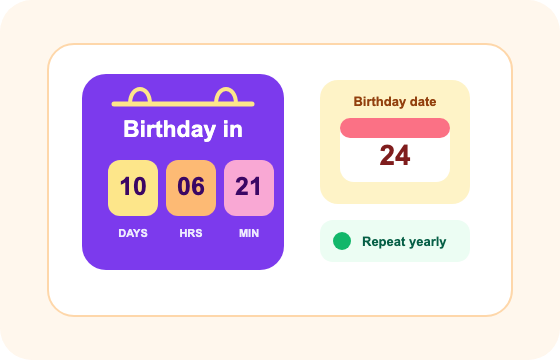
Set the countdown time
Choose the end date, end time, all-day setting, timezone, repeat option, and visible time units.
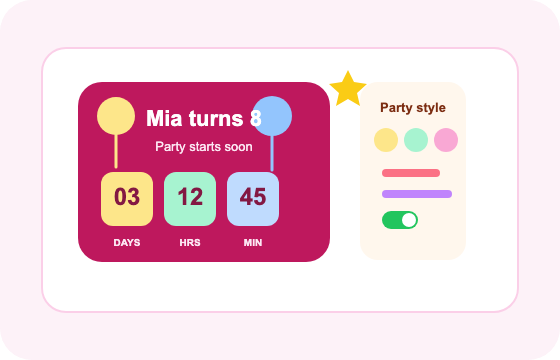
Customize the display
Edit the heading, unit labels, end message, theme preset, colors, corner radius, and CTA buttons.
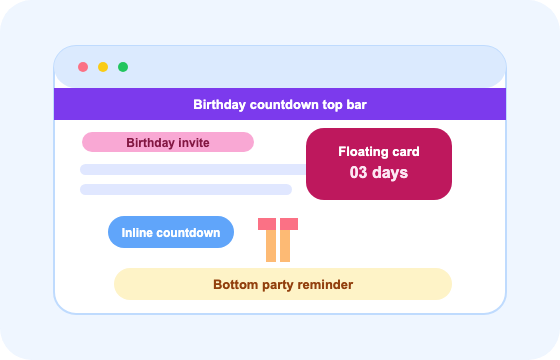
Choose the placement
Select inline, full-width, top bar, bottom bar, static top bar, or floating card placement for desktop and mobile.
Birthday countdown settings shown in the widget
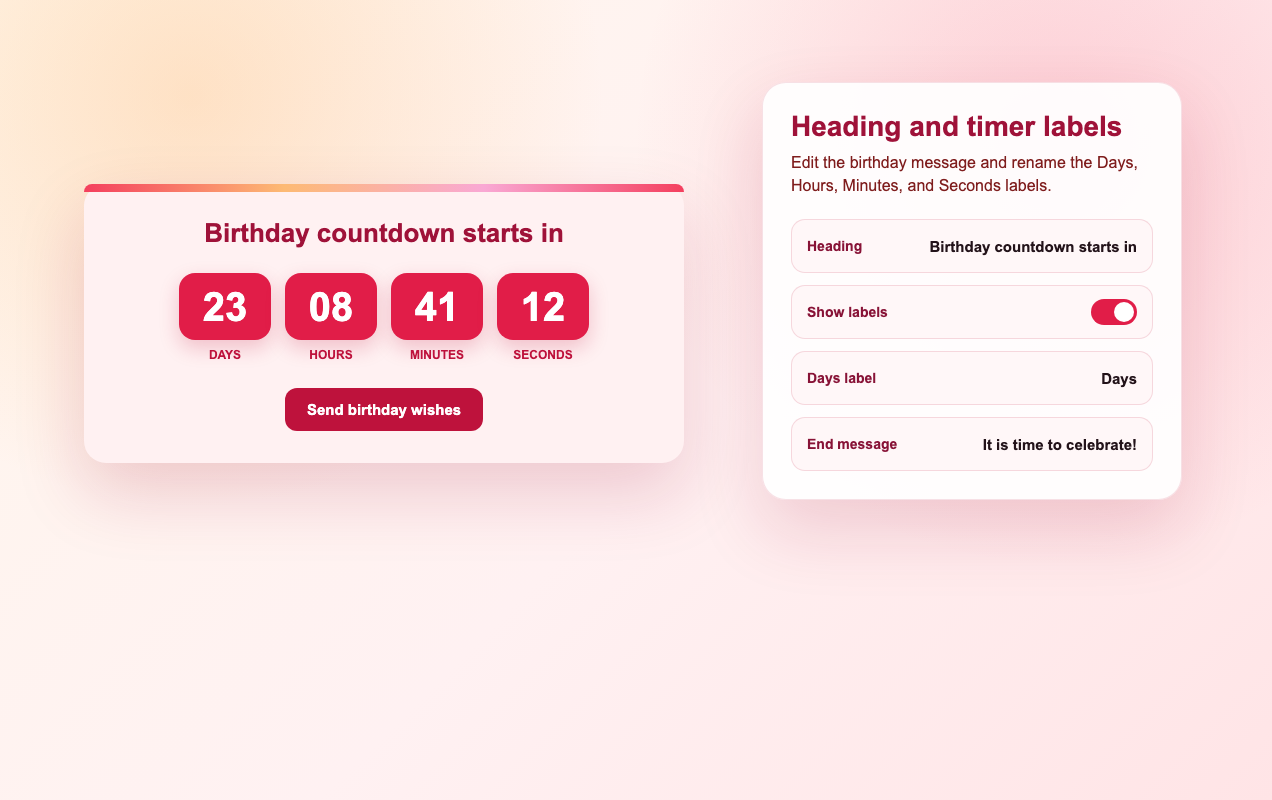
Edit heading, labels, and end message
Show or hide the heading, rename the Days, Hours, Minutes, and Seconds labels, and set the message shown when the countdown ends.
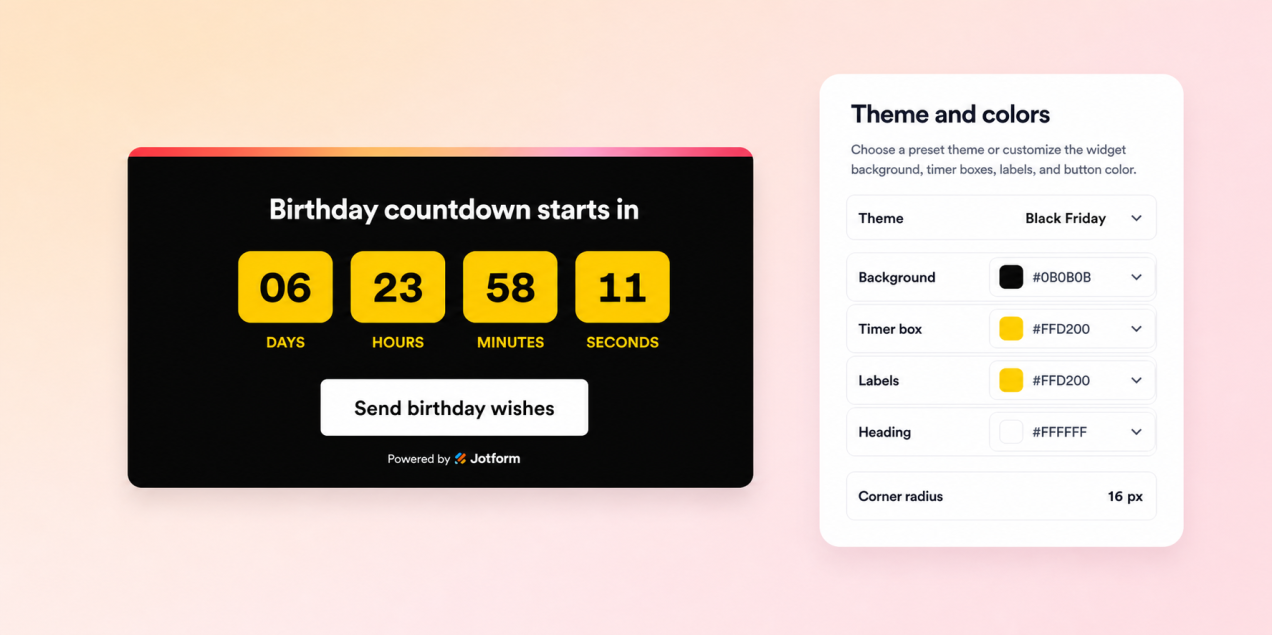
Use theme presets and color controls
Choose a theme preset or set custom colors for the background, heading, timer boxes, unit labels, and CTA button.
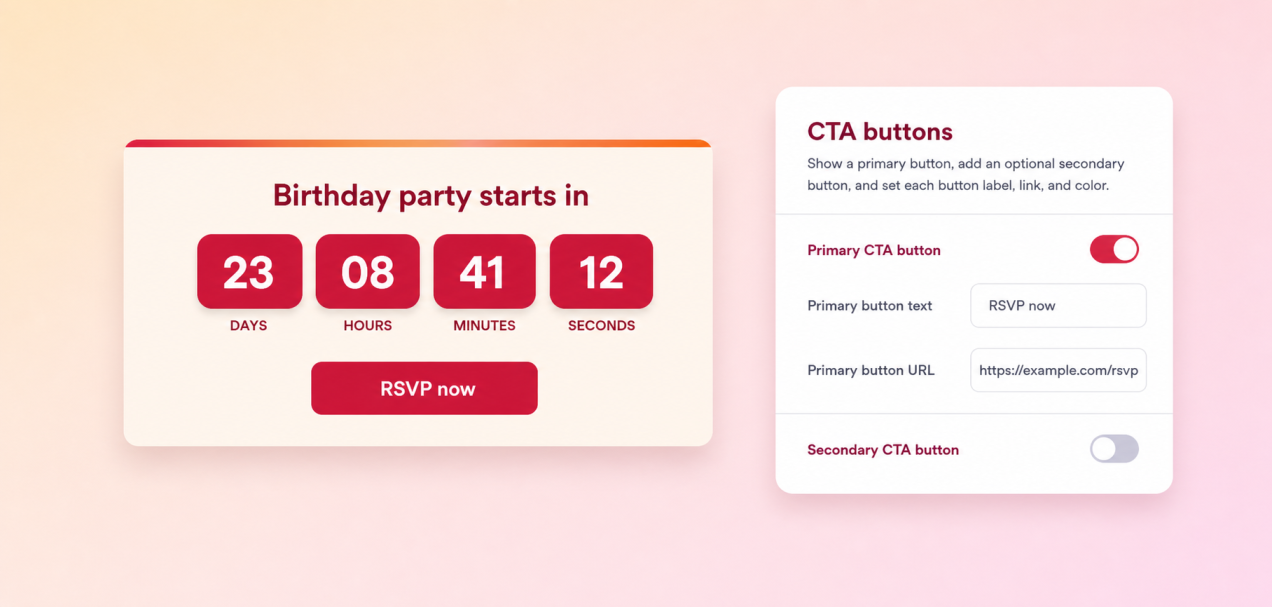
Configure primary and secondary buttons
Turn CTA buttons on or off, edit button text, add button URLs, and choose button and text colors.
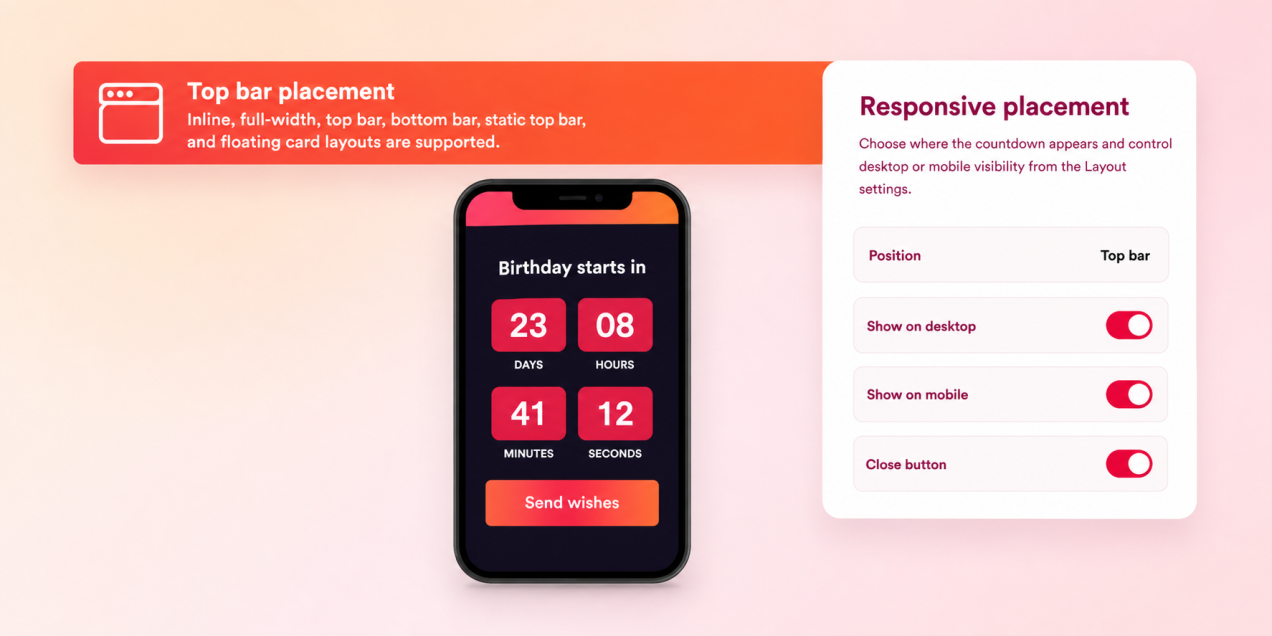
Choose placement and device visibility
Place the widget inline, full-width, top bar, bottom bar, static top bar, or floating card, with desktop and mobile visibility controls.
Why Jotform Widgets stand out
Jotform’s widgets make your website more interactive and conversion-ready. From star ratings and testimonial sliders to social proof pop-ups and media embeds, you can combine tools inside your forms or landing pages to collect data, display proof, and capture leads without writing code.
Add Jotform widgets to your website with a simple embed code. Customize the widget, preview how it looks, and paste it into any page that supports custom HTML or embed blocks to all platforms, no developer required.
Use Jotform Website Widgets to collect leads, show customer feedback, display social proof, embed media, or add helpful on-page tools. Each widget helps visitors interact with your business directly from the page.
If you need help setting up, customizing, embedding, or troubleshooting your widget, Jotform’s customer support team is available 24/7. You can move forward with confidence, knowing help is there when you need it.
Supported Birthday Countdown widget controls
These controls are available in the widget settings and are reflected in the live preview.
Timer settings include end date, end time, all-day mode, timezone, repeat schedule, and time format.
Unit settings let you show or hide days, hours, minutes, seconds, and their labels when custom format is selected.
Text settings include the heading, Days label, Hours label, Minutes label, Seconds label, and end message.
Style settings include theme preset, background color, heading color, timer color, timer box color, label color, and corner radius.
Button settings include primary and secondary CTA toggles, text, URLs, button colors, and text colors.
Layout settings include placement, floating offsets, close button, expanded state, and desktop or mobile visibility.
Convert leads into paying customers with Jotform Form Builder
Turn engagement into action with Jotform. Create powerful forms that capture leads, collect payments, and automate responses, all in one place. Every submission lands in your Jotform Inbox, ready to follow up or connect with your favorite apps.
Get Started - It’s Free!
FAQ
What is a Birthday Countdown widget?
A Birthday Countdown widget displays the time left until a selected birthday date on your website.
Can the birthday countdown repeat every year?
Can I customize the birthday message?
Can I change the colors?
Can I add a call-to-action button?
What happens when the countdown reaches zero?
Can I choose where the widget appears?
Does it work on mobile?