


Image Gallery Widget for your website
Turn your photos into a polished website gallery with Jotform. Upload images, add captions, descriptions, and links, then choose from grid, carousel, slider, masonry, thumbnails, and panoramic layouts. Add hover and load-in animations, and let visitors open photos in a full-screen lightbox, all without writing code.
How to add an Image Gallery widget
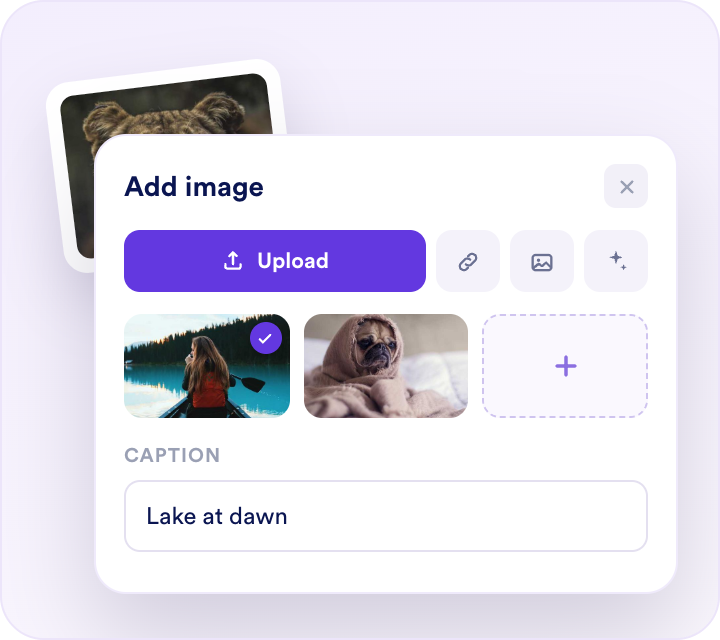
Add your images
Upload photos or paste image URLs, then add an optional caption, description, and link to each one.
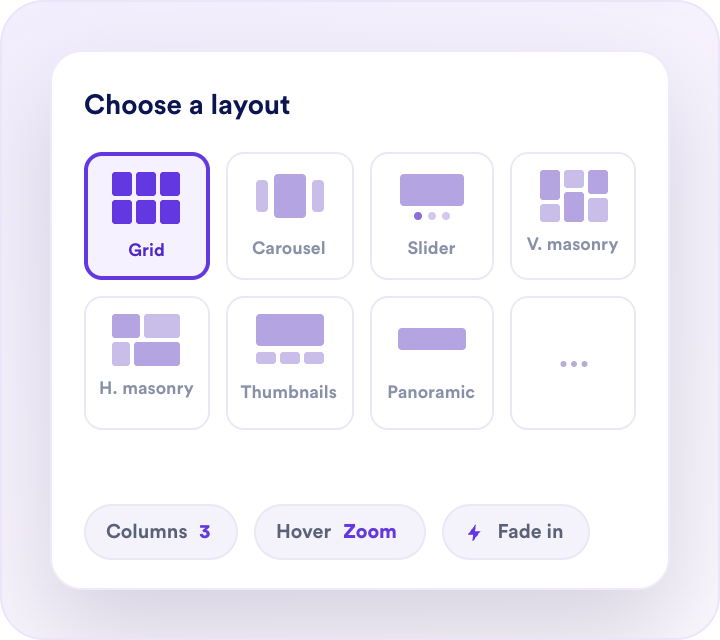
Customize the gallery
Pick a layout ”grid, carousel, slider, vertical or horizontal masonry, thumbnails, or panoramic” then set columns and spacing, choose a hover effect and load-in animation, and match your site colors.
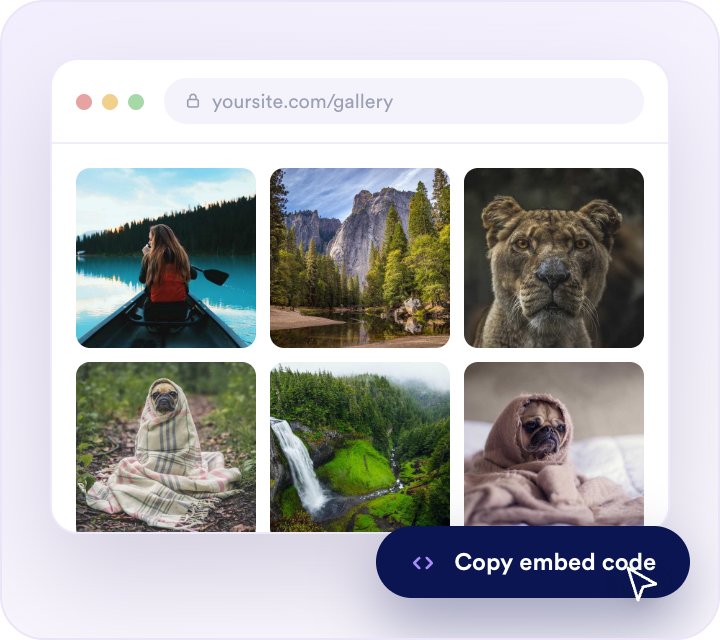
Embed it anywhere
Copy the generated embed code and paste it to place your image gallery on any website page.
Turn your photos into a polished website gallery
Add images from anywhere, with captions and links
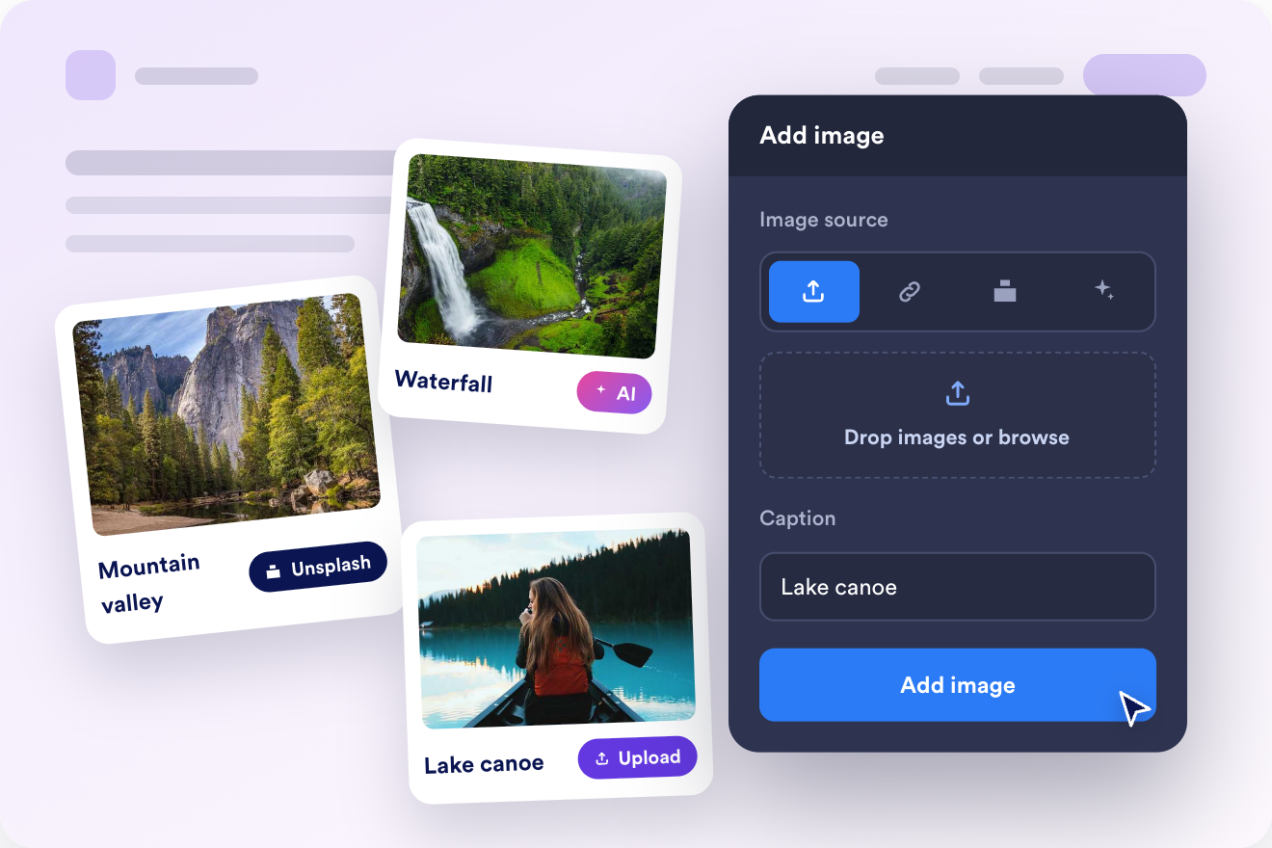
Upload photos, paste a URL, or generate images with AI. Then give each image a caption, a longer description, and an optional link so visitors can act on what they see.
Choose from seven gallery layouts
Switch between grid, carousel, slider, vertical masonry, horizontal masonry, thumbnails, and panoramic layouts, then fine-tune columns and spacing to fit any page width.
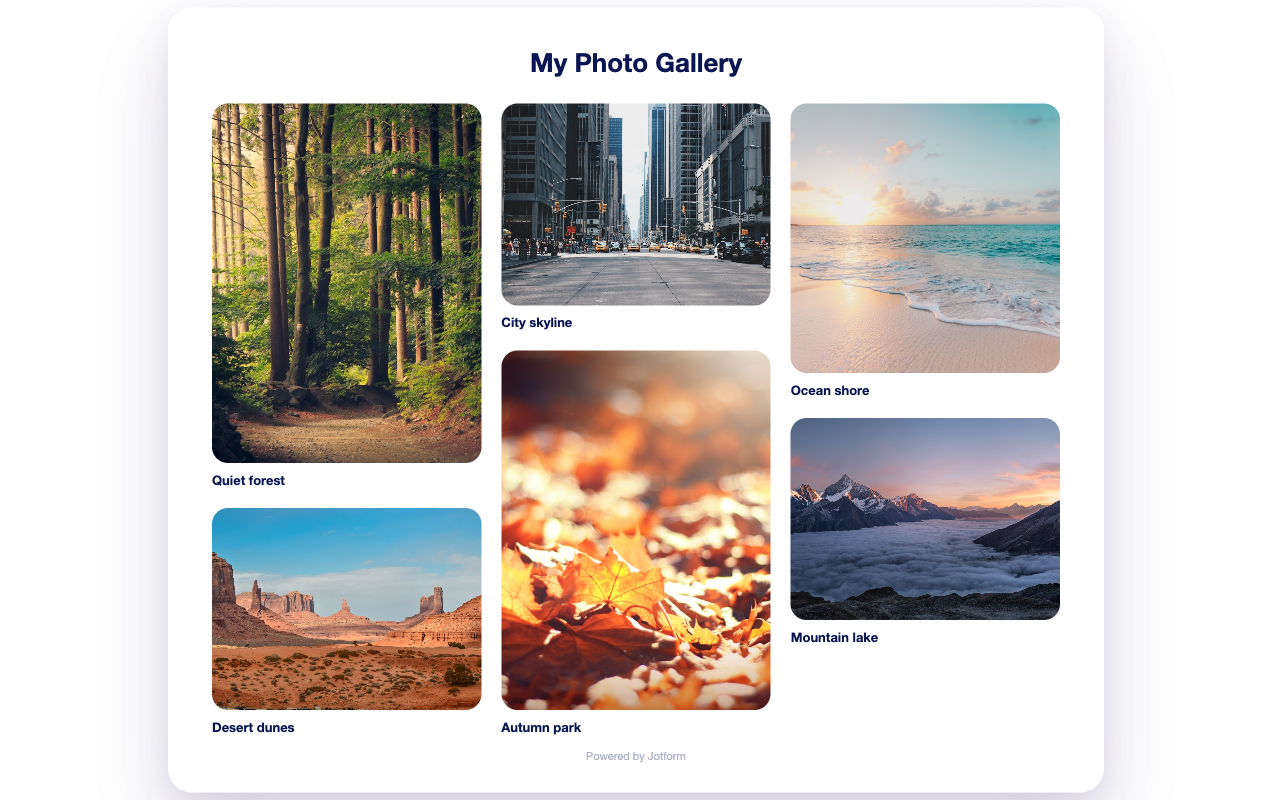
Let visitors enlarge photos in a lightbox
Enable click-to-enlarge so images open in a full-screen popup with keyboard, arrow, and swipe navigation between photos.

Style and animate to match your site
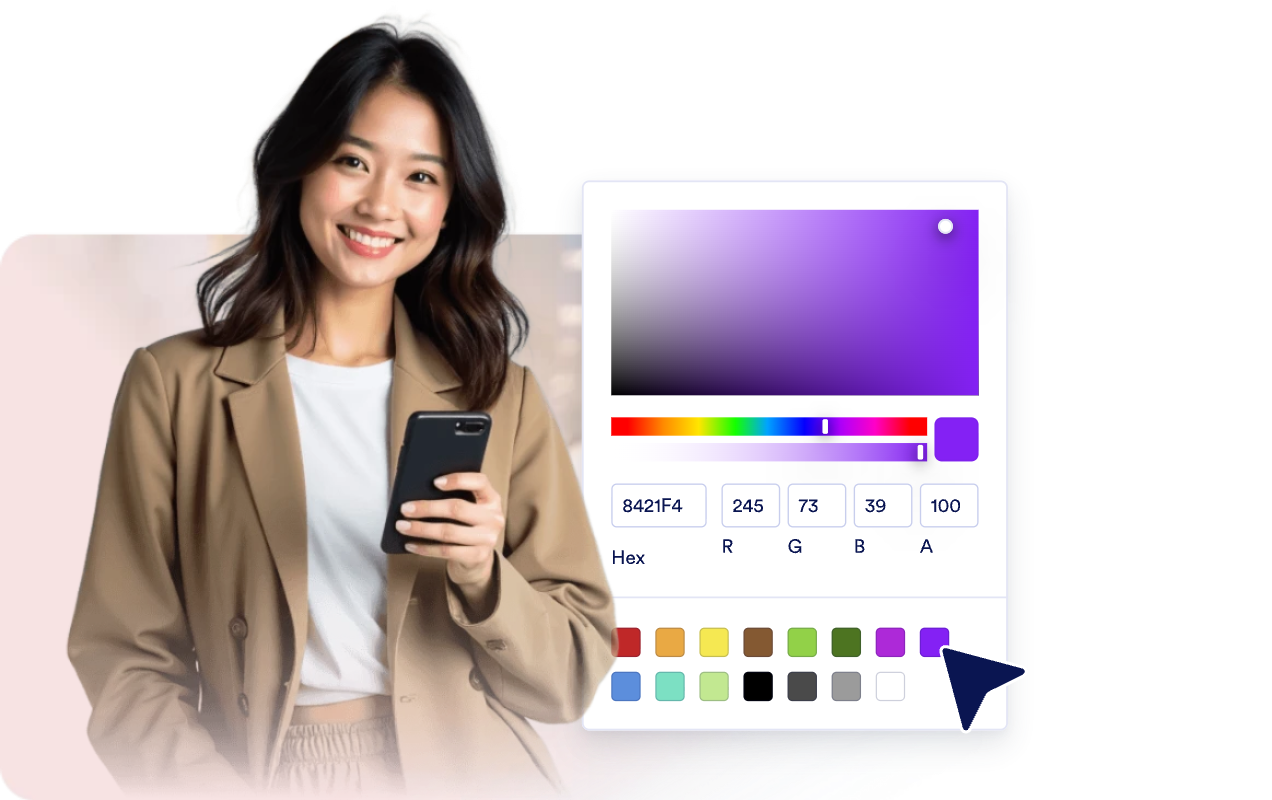
Adjust corner radius, hover effects, caption and title styling, and colors, then add load-in animations ”fade, stagger, and animate-on-scroll” with custom CSS for the final polish.
Why Jotform Widgets stand out
Jotform’s widgets make your website more interactive and conversion-ready. From star ratings and testimonial sliders to social proof pop-ups and media embeds, you can combine tools inside your forms or landing pages to collect data, display proof, and capture leads without writing code.
Add Jotform widgets to your website with a simple embed code. Customize the widget, preview how it looks, and paste it into any page that supports custom HTML or embed blocks to all platforms, no developer required.
Use Jotform Website Widgets to collect leads, show customer feedback, display social proof, embed media, or add helpful on-page tools. Each widget helps visitors interact with your business directly from the page.
If you need help setting up, customizing, embedding, or troubleshooting your widget, Jotform’s customer support team is available 24/7. You can move forward with confidence, knowing help is there when you need it.
Where to use your Image Gallery widget
Add an image gallery anywhere photos help visitors explore, compare, or trust your work.
Portfolios and photography sites to showcase your best work in a clean, browsable grid or masonry layout.
Product and catalog pages to display product photos with captions and links to detail pages.
Real estate and rental listings to present property photos visitors can open full screen.
Event and travel recaps to collect highlights and memories in one scannable gallery.
Restaurant and venue pages to feature dishes, interiors, and spaces that set expectations.
Blogs and resource hubs to break up long articles with organized, captioned image sets.
Convert leads into paying customers with Jotform Form Builder
Turn engagement into action with Jotform. Create powerful forms that capture leads, collect payments, and automate responses, all in one place. Every submission lands in your Jotform Inbox, ready to follow up or connect with your favorite apps.
Get Started - It’s Free!
FAQ
What is an Image Gallery widget?
An Image Gallery widget displays your photos on your website in a responsive layout. Visitors can browse the images, read captions, and open them in a full-screen lightbox.
How do I add images to the gallery?
What layouts can I choose from?
Can visitors enlarge the photos?
Can I link images to other pages?
Can I match the gallery to my website design?
Will the Image Gallery widget work on mobile?
Is the Image Gallery widget free?
Do I need to write code?