Image Gallery Widget
Build a Free Image Gallery for Your Website in Minutes
Show photos in grid, carousel, slider, masonry, thumbnails, or panoramic layouts. Add captions, links, hover and load-in animations, and a full-screen lightbox, then style it to match your site, no code required.
Create Your Image Gallery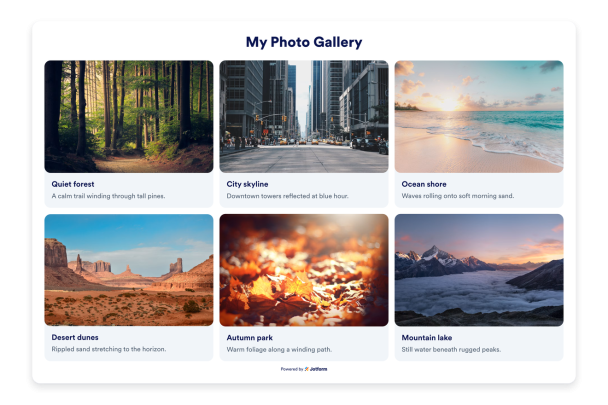

Add Images with Captions, Descriptions, and Links
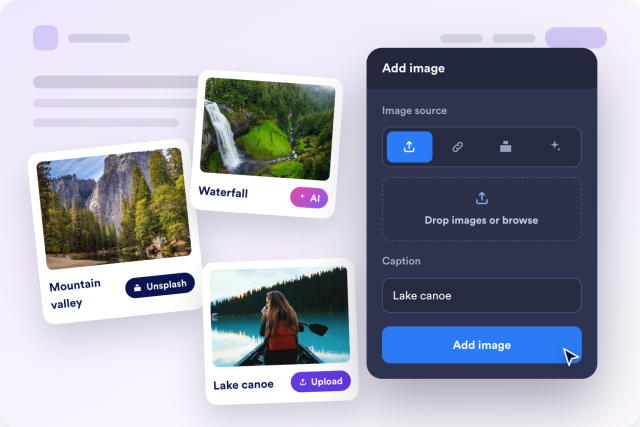
Upload photos or paste image URLs, then attach a caption, a longer description, and an optional link to each image so the gallery does more than look good.
Per-image options include:
Choose From Seven Gallery Layouts
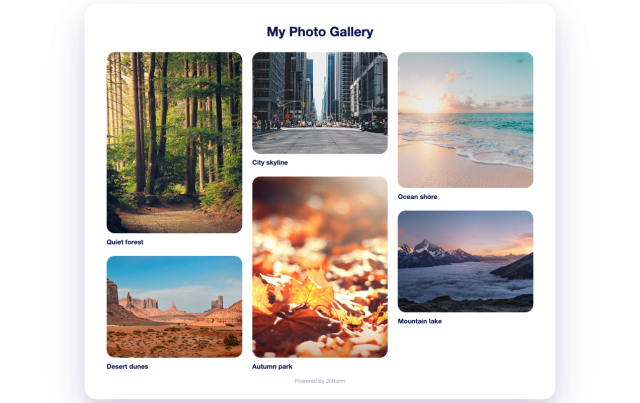
Start from a grid, carousel, slider, vertical or horizontal masonry, thumbnails, or panoramic layout, then adjust columns and spacing to fit any page width.
Layout options include:
Open Photos in a Full-Screen Lightbox
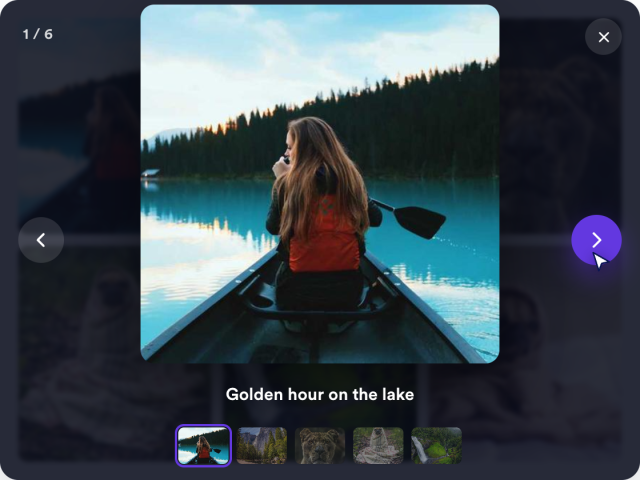
Enable click-to-enlarge so visitors can view images full screen and move between them with arrows, keyboard keys, or swipe gestures.
Lightbox features include:
Style Hover Effects, Corners, and Colors
Pick a hover effect, round the corners, add a shadow, set caption and title sizes, tune colors, and add custom CSS for a gallery that matches your brand.
Style options include:

Animate Your Gallery on Load and Scroll
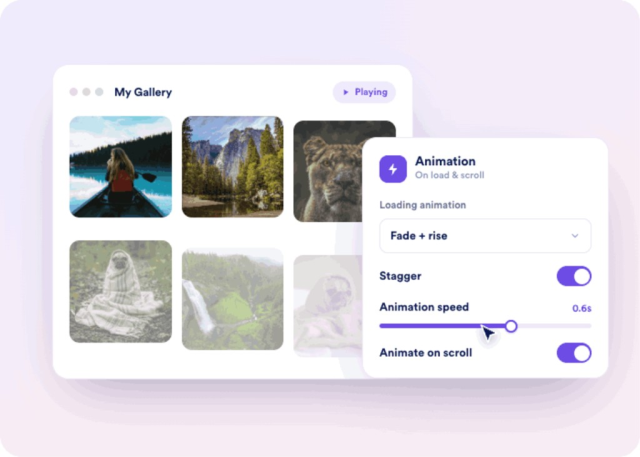
Add a load-in animation, reveal photos one after another with staggering, control the animation speed, and play it only when the gallery scrolls into view.
Animation controls include: