


Islamic Widget for your website
Help your visitors stay connected to their day of faith. The Islamic widget shows prayer times for the visitor location, today in the Hijri calendar, a short dua of the day, upcoming Islamic events, a daily name from the 99 Names of Allah, and a Ramadan countdown. Pick your calculation method, choose a light or dark theme, set your own colors, and embed it without any code.
How to add an Islamic widget
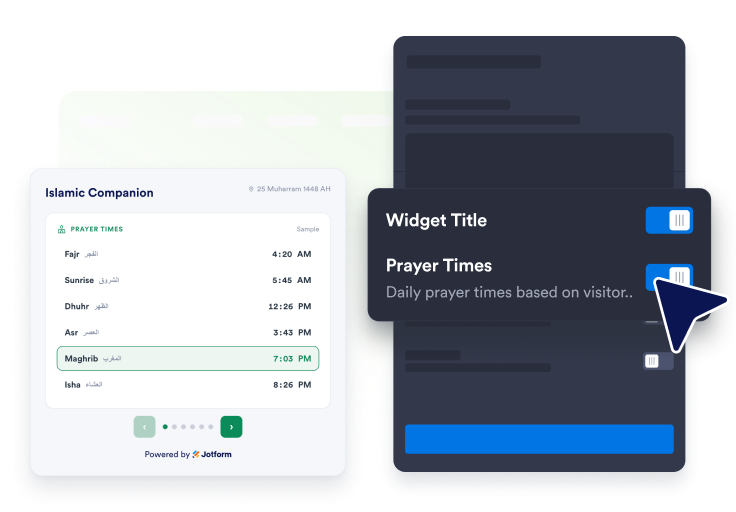
Choose what to show
Turn on the features you want: prayer times, the Hijri date, the dua of the day, Islamic events, the 99 Names of Allah, and the Ramadan countdown. Then arrange them as a list, grid, or carousel.
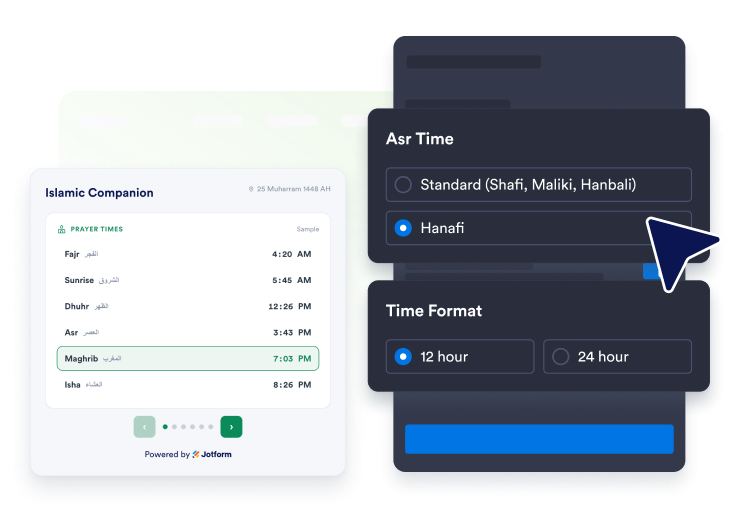
Set your prayer options
Add a widget title, turn prayer times on or off, choose the calculation method, select the Asr time school, and set the preferred time format for visitors.
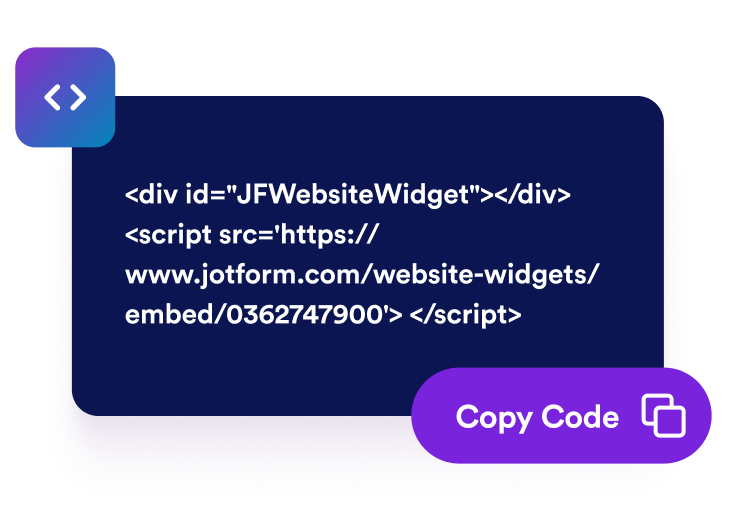
Style it and embed it
Choose a light or dark theme, set your colors, then copy the embed code for your site.
Share daily Islamic details in a widget that fits your page
Show accurate prayer times
Prayer times are worked out from the visitor browser location. Choose the calculation method that fits your community, set Asr to Standard or Hanafi, and the next prayer is highlighted so it is easy to spot.

Keep the day rooted in faith
Show today in the Hijri calendar next to the Gregorian date, plus a short dua of the day with Arabic, transliteration, translation, and its reference.

Look ahead to what matters
List upcoming Islamic events and holidays with a day countdown, and show the number of days left until Ramadan begins.

Match your website style
Choose a light or dark theme and set your accent, card, text, and heading colors so the widget fits your page.

Why Jotform Widgets stand out
Jotform’s widgets make your website more interactive and conversion-ready. From star ratings and testimonial sliders to social proof pop-ups and media embeds, you can combine tools inside your forms or landing pages to collect data, display proof, and capture leads without writing code.
Add Jotform widgets to your website with a simple embed code. Customize the widget, preview how it looks, and paste it into any page that supports custom HTML or embed blocks to all platforms, no developer required.
Use Jotform Website Widgets to collect leads, show customer feedback, display social proof, embed media, or add helpful on-page tools. Each widget helps visitors interact with your business directly from the page.
If you need help setting up, customizing, embedding, or troubleshooting your widget, Jotform’s customer support team is available 24/7. You can move forward with confidence, knowing help is there when you need it.
Where to use your Islamic widget
Add the widget anywhere your visitors want a simple daily connection to their faith.
Mosque websites to share daily prayer times with the community.
Islamic schools and madrasahs to keep students on track with the day.
Muslim community centers to show events and prayer times in one place.
Islamic blogs and lifestyle sites to add a warm daily touch.
Charity and nonprofit pages to keep supporters close during Ramadan.
Halal business homepages to add helpful faith context for visitors.
Convert leads into paying customers with Jotform Form Builder
Turn engagement into action with Jotform. Create powerful forms that capture leads, collect payments, and automate responses, all in one place. Every submission lands in your Jotform Inbox, ready to follow up or connect with your favorite apps.
Get Started - It’s Free!
FAQ
What is an Islamic widget?
An Islamic widget shows daily faith details on your website, including prayer times, the Hijri date, a dua of the day, upcoming Islamic events, a daily name from the 99 Names of Allah, and a Ramadan countdown.
How are prayer times calculated?
Can I set the Asr time?
What is the dua of the day?
Does it show the 99 Names of Allah?
Can I choose a dark theme?
Do I need to write code?