Menu Widget
Create Your Own Menu Widget in Seconds for Your Website
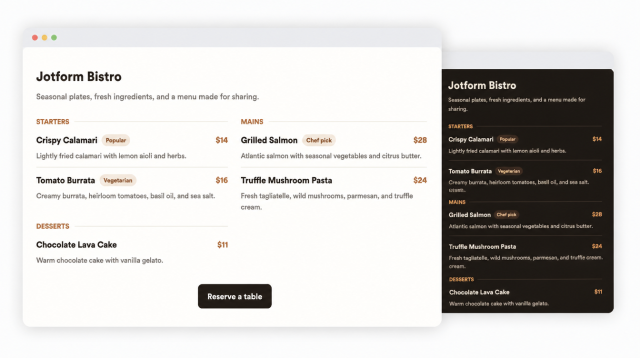
Build a responsive restaurant menu with editable categories, item details, pricing, badges, theme controls, layout options, and reservation CTAs.
Create Your Menu Widget - It's Free!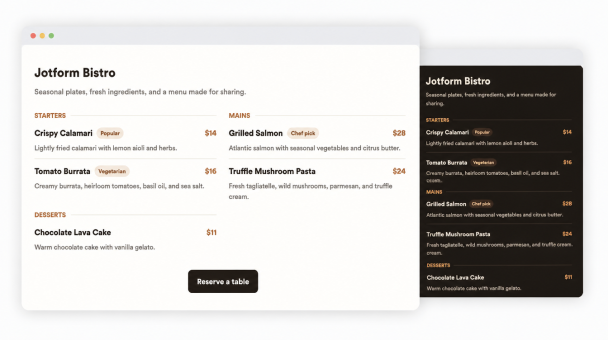

Build Menus With Editable Categories and Items
Add starters, mains, desserts, drinks, specials, or custom categories and edit each item name, description, price, and badge separately.
Editable fields:
Switch Between Menu Layouts
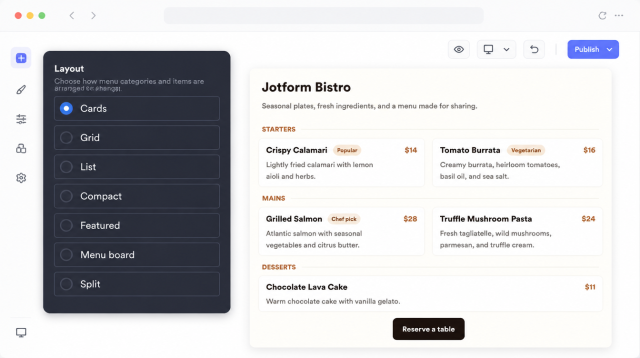
Choose cards, grid, list, compact, featured, menu board, or split layouts to match full menus, highlights, seasonal specials, and compact embeds.
Layouts:
Style Light and Dark Menu Themes
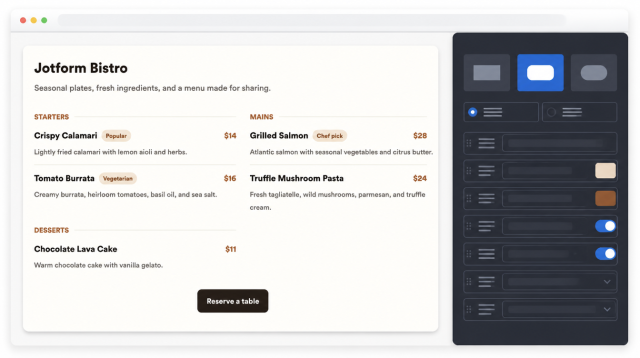
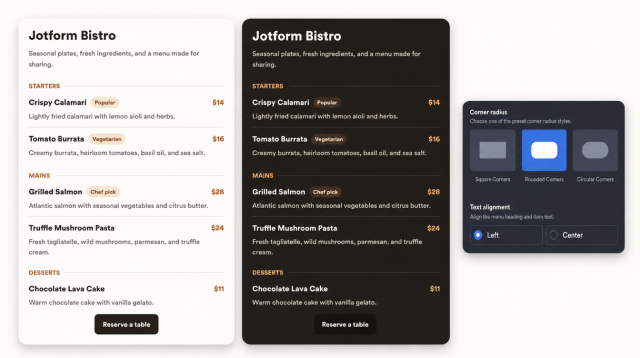
Use light or dark mode and adjust background, text, muted text, borders, accents, badge colors, and button colors.
Theme controls:
Fine-Tune Corners, Alignment, and Branding
Set corner radius presets, align heading and item text, show or hide descriptions and badges, and control Jotform branding.
Display options:
Add Reservation and Ordering CTAs
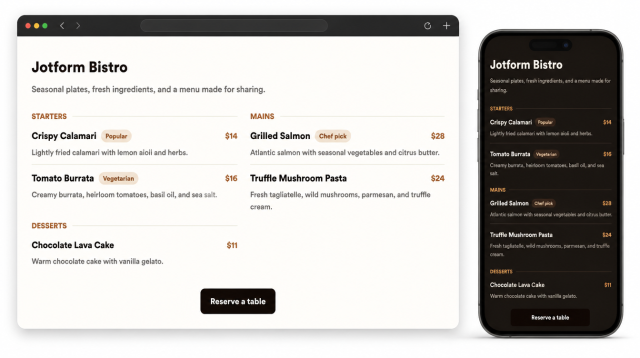
Add a button that sends visitors to reservations, ordering, contact, catering, or private event inquiry pages.
CTA uses: