
Top AI orchestration tools
AI orchestration is the coordination layer that connects components such as AI assistants, agents, and data pipelines so that they can operate as a single system and complete complex tasks. The orchestration layer dictates what happens, when it happens, and where it happens — offering tools to monitor, debug, and deal with operational challenges as the system runs.
Solving the orchestration layer goes beyond smoother operations: it opens the field for autonomous AI agents, shifting your infrastructure from reactive to proactive. Let’s take a closer look and explore some of the best AI orchestration tools to streamline your AI development in 2026.
4 types of AI orchestration
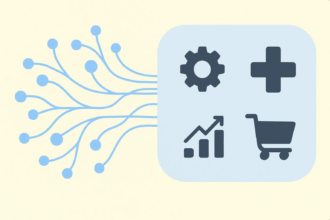
“Orchestration” shows up at almost every layer of an AI stack, but what’s actually being orchestrated varies a lot. We’ve divided this broad category into four buckets to help you identify which layer each platform targets, so you can narrow the field and find the right tool quickly.
Agent orchestration
Agent orchestration covers everything involved in getting an agent to complete a task. This includes defining roles, managing control flow, and setting the constraints under which each step happens. It also includes multi-agent setups, where they collaborate as peers or operate in a hierarchy.
What it orchestrates
- Which agents handle which tasks, in what order, and under what conditions, including how to make decisions when the path isn’t linear
- Maintaining shared context and resources, such as conversation histories, tool access, data sources, and guardrails that all agents draw on consistently
RAG orchestration
Retrieval-augmented generation (RAG) orchestration tools manage the pipeline that prepares your knowledge base and queries it effectively at runtime, so your agents generate grounded and accurate responses. These tools give you control over both phases, from ingestion and indexing to query processing and retrieval.
What it orchestrates
- Knowledge preparation, including ingesting documents, extracting text, chunking, and creating searchable indexes/embeddings
- Runtime retrieval and generation, including processing the user’s question, retrieving and ranking relevant content, assembling prompt context, and generating a grounded response
Workflow orchestration
Workflow orchestration platforms turn flaky or inconsistent end-to-end processes into actions that happen the same way every time, managing dependencies, monitoring failures, and providing easy ways to retry or backfill.
What it orchestrates
- Task sequencing and dependencies — the order of steps, what must run first, and where tasks can run in parallel
- Handoffs, data flow, and execution rules — including how data and outputs move between systems, and the conditions, retries, and exceptions that keep the workflow running
Cloud orchestration
Cloud orchestration AI platforms let you build, deploy, and manage agents in your cloud infrastructure. You’ll have native access to your data and services, with identity and access management (IAM) already integrated, so you can move from ideas to working agents without extra setup.
What it orchestrates
- Resource provisioning and configuration — compute, storage, networking, and security components across your cloud environment, managed automatically so you can focus on building
- Agent deployment and management, including quick-start paths to create, deploy, and scale agents using your existing cloud services and permissions — without managing infrastructure manually
The 8 best AI orchestration tools for developers
| Tool | Category | Best for | Deployment |
|---|---|---|---|
 LangGraph |
Agent orchestration |
Stateful, controllable agent workflows (graphs with branching/loops, long-running runs, checkpointing-style patterns) when you want explicit control over the agent’s steps and state |
|
 CrewAI |
Agent orchestration |
Role-based multi-agent collaboration (teams of “agents” with tasks/roles), especially when you want an “org chart” metaphor and quick multi-agent prototypes |
|
 LlamaIndex |
RAG orchestration |
RAG apps and “document-to-answer” systems with strong ingestion/chunking/retrieval abstractions; pairs well with lots of data sources and vector databases |
|
 Haystack |
RAG orchestration |
Production RAG pipelines (component/pipeline approach) where you want a flexible graph of retrievers/rankers/generators and strong deployment patterns |
|
 Prefect |
Workflow orchestration |
Modern Python workflows and scheduling for data/AI pipelines (retries, caching, observability) with a smoother developer experience than “classic schedulers” |
|
 Apache Airflow |
Workflow orchestration |
Scheduled batch orchestration (DAG-based ETL/ELT, recurring jobs) with a huge ecosystem and “industry standard” patterns |
|
 Amazon Bedrock |
Cloud orchestration |
AWS-native genAI platform/orchestration when you want managed model access and AWS security/governance as well as tight integration with AWS services |
|
 Google Vertex AI Agent Builder |
Cloud orchestration |
GCP-native agent building and governance (especially for enterprises already on Google Cloud) and deploying agents with managed infrastructure |
|
1. LangGraph: Best for complex, stateful agent control flow
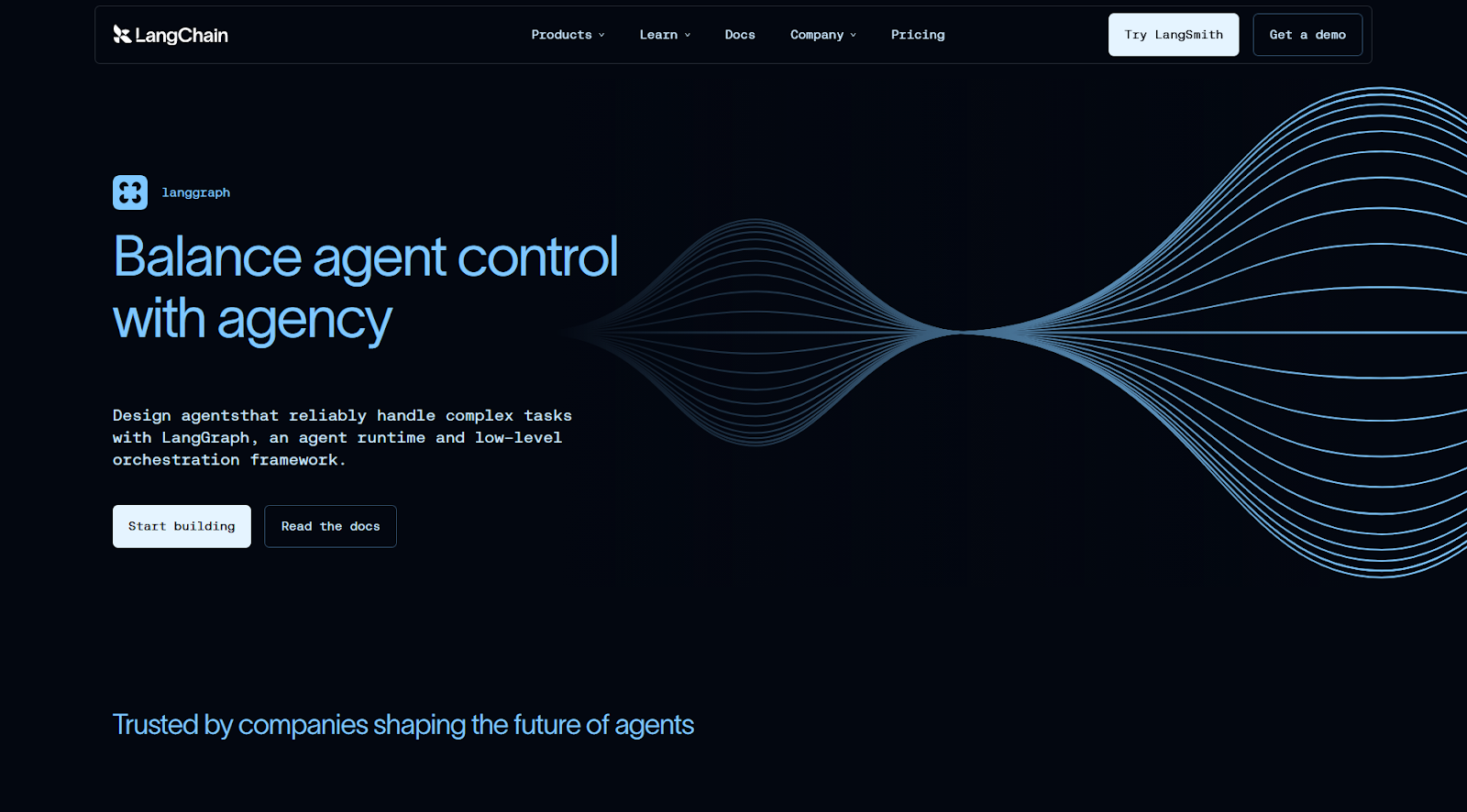
In an ideal world, an AI agent customer support system runs without bugs or errors. In the real world, LangGraph’s state and control flow features help you develop, iterate, and resolve issues, so you can deploy new versions faster and fix mistakes quicker.
The unique element here is a state you define with fields that store inputs, outputs, and any other kinds of data you need to finish a task. The state gets passed on along the graph, with new data progressively merging into it until it’s finished.
When debugging, just looking at the state would give you good clues as to where the flow failed — but when you enable checkpointing, LangGraph records every single step and action into a database. Beyond debugging, this also allows rewinding to a specific point, so you can observe what happens step by step, or even try a past run on a new architecture.
The framework is modular, meaning you can easily add, remove, or change data integrations, LLMs, or external APIs without editing the orchestration flow. And with LangChain for working with LLMs and LangSmith for evals and observability, you have a full suite for custom model control, orchestration flexibility, and a feedback loop.
- Pros
- Interrupt and resume workflows at any point without losing data or functionality
- easily introduce human-in-the-loop interrupts at any point
- explicit control flow by declaring nodes, edges between them, and conditional routing
- Cons
- State and graph thinking can be unintuitive at first to those used to more conventional pipeline-based mental models, managing checkpointing data and handling interrupts are major pain points
- Plans/Pricing
- Open source, self-hostable
- free plan available (5,000 base traces, one Agent Builder, and 50 runs per month)
- the Plus plan is $39 per seat per month (10,000 base traces, unlimited Agent Builders, and 500 runs per month), with pay-as-you go pricing once plan limits are exceeded
- enterprise options are also available
2. CrewAI: Best for role-based, multi-agent teamwork
It’s right there in the name: CrewAI is about building your crew of AI agents. A multi-agent system at heart, the logic is the same as in a human company: agents have roles and capabilities, and there are tasks to complete. You define who does what, how task context is connected, and what requirements are involved.
The agent class accepts a role, a goal, and a backstory, acting as system instructions. Agents can also have attached tools, so you can have them search the web, look into internal knowledge bases, or interact with other external systems. You can also build your agents to be domain-specific experts, so each can be a highly targeted implementation of vertical AI.
Next, tasks accept a description and an expected output: a set of requirements of what defines it as being done. These are also described in plain English, very much like a prompt your users would drop in a chatbot. Tasks can also have attached tools if you prefer not to have them attached to agents, but more importantly, they can take context from previous tasks — meaning you keep building on the same thread as the flow advances.
When wiring everything together in the crew function, you list all available agents and tasks to complete. This is where you can bind agents to tasks and define the order in which they’re executed. Once you run, your multi-agent system fires up the first task with the attached agent, and the flow keeps running until you have your output.
While intuitive, the control flow isn’t as strong as in other options — but CrewAI’s team knows this. They developed Flows, a more powerful routing feature when you need to combine multi-agent flexibility with more structured step-by-step actions.
- Pros
- Easy to prototype multi-agent workflows quickly
- great built-in tracing and observability
- two layers of orchestration in one platform: task/role and routing/branching
- Cons
- Not as suitable for building single-agent and agentic systems, or for those who need tighter state and control flow features
- Plans/Pricing
- Open source
- on hosted, free plan is available with 50 runs per month, as well as a visual interface and copilot
- the Professional plan at $25 per month raises the cap to 100 workflow runs per month, with an additional seat and community forum access
- enterprise plans are also available
3. LlamaIndex: Best AI orchestration tool for RAG
RAG looks simple on paper until you’re building a Q&A system with lots of highly similar, sometimes conflicting data across dozens of file types. LlamaIndex makes it as simple as possible in practice, with strong primitives for ingestion, chunking/embedding, and retrieval — topped with great data extraction tools.
Start by connecting your data sources into LlamaParse, a document parsing platform for transforming your documents into LLM-ready formats. As your data flows in, it gets chunked, saved to nodes, and tagged with metadata. For more challenging PDFs, you can use an AI agent feature that processes files using models such as Gemini to understand, scrape, and save all data as accurately as possible.
Documents in, embeddings stored, and indices ready to go, it’s time to work on retrieval. Adjusting top-k is never enough, which is why LlamaIndex offers plenty of controls to rerank, dedup, filter, add recency bias, or use any other node metadata to select chunks. If during a chat the results don’t meet policy or compliance standards, you can set the system to re-run the RAG flow until the response is acceptable.
Using LlamaIndex doesn’t add any new threat vectors in terms of data privacy or security — not more than using libraries, at least. However, your security posture still depends on how and which systems your data touches as it travels between services. RAG is the main play here, so while you’ll find support for tool-calling and general workflows, they might lack the power or flexibility of more specialized frameworks.
- Pros
- Can build a RAG system quickly for Q&A, chat, and agents
- strong parsing for messy data sources
- advanced features for controlling retrieval
- Cons
- Light on orchestration control flow features
- the parser is strong but taking advantage of it depends on whether it complies with your policies — check before committing
- Plans/Pricing
- Open source, self-hostable
- managed LlamaParse and LlamaCloud available on a free plan with 10,000 credits
- Starter plan at $50 per month includes 40,000 credits
4. Haystack: Best for modular, production-style RAG pipelines
Haystack approaches AI orchestration like an engineering framework. The core concept is a pipeline as a directed multigraph: you wire up typed components such as retrievers, rankers, or prompt builders. These components declare named input/output sockets, so Haystack can validate the types when you connect them. This makes it easier to debug as you build, especially as project complexity increases or if you’re working as a team.
The reason why it’s strong for RAG is that you get dense, sparse, and hybrid retrieval out of the box, combined with a ranker selection guide. You can adapt your setup based on the actual use case requirements, balancing latency, privacy, and diversity as needed. Where LlamaIndex has an opinionated engine, Haystack lays out all the pieces on the table so you can build exactly what you want.
The modularity goes further than just component types. Pipelines serialize to YAML, so you can version them in Git, edit without touching Python, and reload with a single method call. On the ops side, Haystack instruments cleanly against OpenTelemetry, so you can pipe traces into Langfuse, Datadog, or SigNoz and see per-stage latency across your entire retrieval pipeline.
You’ll be writing more code to set up Haystack, especially compared with other frameworks that take care of a lot of the wiring for you. But this early setup overhead pays off: when something breaks in production, you’ll know exactly which component to look into, which means less time on fixes.
- Pros
- It’s high flow control meets RAG, pipeline mental model with components and connectors simplifies debugging and deployment, more stable than other faster-evolving options
- Cons
- Longer setup time when compared with other frameworks
- more moving parts add more decisions, which can be detrimental if you prefer strong defaults out of the box
- Plans/Pricing
- Open source, self-hostable
- hosted options via the deepset AI platform is free for up to 100 pipeline hours
- enterprise plans with custom pricing and quotas are available
5. Prefect: Best for orchestrating data and AI workflows in Python
When you run your scripts manually, you can brute-force your way to the end, even if that means rerunning jobs after a timeout or a random 500 error. But in production, flakiness around rate limits or long-running steps turns into lost work. Instead of building endless rules to get around the quirks of the services you use, Prefect operationalizes your Python scripts, so workflows keep moving even if the dependencies are moody.
The best part about Prefect is that you don’t have to learn any new mini-language, framework, or complex mental model to wrap around your existing code. There’s no “Prefect way” to write your business logic: you keep writing in normal Python functions, adding just two decorators to mark an @task (a discrete, trackable unit of work) or an @flow (the function that orchestrates tasks). These decorators accept parameters for retries, retry delay, and many other configurable properties to make sure the script executes as it should.
The pure Python angle shows up at runtime: it’s still a Python script, but now with state tracking, logging, and retries as you specified in the decorator. Any conditionals or loops you write get executed without declaring them again somewhere else. This fits AI/data pipelines well, because the workflow can stay dynamic while Prefect handles the operational guardrails.
When you’re ready to move beyond running scripts manually, you can deploy them to a server-side representation of the flow. Add a schedule, parameters, and then choose where the flow should run. Prefect lets you run scripts via a local process, a Docker container, or a Kubernetes job (among others) without you having to touch the code.
Compared with Airflow, Prefect feels more flexible and easier to set up. That’s because you do everything in Python, without adding a large platform beneath your logic. The tradeoff is right here too: you own more of the infrastructure story, especially around workers and work pools.
- Pros
- Easy deployment and operations
- intuitive interface to keep track of the “what, when, where” of your workflow runs
- built-in concurrency and rate-limiting primitives, so you can enforce limits across multiple workflows that share APIs, GPUs, or vector databases
- Cons
- Documentation doesn’t make the mental model obvious, so it can be harder to understand the basics on first-time production setups
- struggles in multi-language, cross-system setups
- Plans/Pricing
- Open source, self-hostable
- hosted free plan available for up to 5 deployments with 500 minutes of Prefect Serverless
- Starter plan is $100 per month for 20 deployments and 75 hours of Prefect Serverless
6. Apache Airflow: Best for scheduled pipelines and batch AI workflows
Airflow’s top strength is how it handles the unglamorous part of production work around AI, such as scheduled feature pipelines, ETL-to-inference, or batch embedding jobs. To be clear right from the outset, it doesn’t handle agent runtime — so if your use case is coordinating multiple LLM calls to respond to a request, it’s best to go with another option on this list.
You define workflows as Directed Acyclic Graphs (DAGs), writing your job’s steps in Python, showing which tasks happen first and which follow. Then, each graph runs on an interval, which you can set to daily, hourly, or any other range. Airflow runs only after that time interval has passed, which is one of its best features. Your jobs work on stable datasets, you can filter by time to find which data was processed, and it matches how batch jobs are usually tied to “processing last week’s data” or “score last hour”.
There are plenty of tools to help when things go wrong. Airflow has built-in settings for re-running, catching up, and repairing time-based runs, letting you backfill or replay every time a pipeline fails or you miss some data. The Airflow user interface is the main control board for this, as you can click a set of failed tasks, clear, and retry them. While it won’t magically solve serious failures, it can make the lower-stakes errors easy to patch up without extra coding or extended troubleshooting.
More than watching the clock and kicking off scripts, Airflow can also support dataset- and asset-aware jobs. This means that it can trigger DAGs when the data actually arrives or updates, so you don’t have to be conservative with time intervals or cross fingers to hope everything arrives before 2 a.m.
It’s such a big part of infrastructure that nearly all major cloud platforms offer their own managed flavor, proving it’s become table stakes for reliable batch orchestration. If you’re having trouble moving data around and spend too much time on troubleshooting and fixes, Airflow hands you a centralized dashboard and recovery toolkit that turns pipeline firefighting into a few relaxed clicks.
- Pros
- Boring in a good way — dependable and a great match for repeatable workflows that you want executed consistently
- Airflow’s interface acts as the main view into operational health, and is great for monitoring, troubleshooting, and retrying workflows
- mature, widely adopted, and has a large community
- Cons
- It’s not just Python — it’s an entire platform, which brings complexity and maintenance overhead
- not ideal for real-time or streaming workloads
- Plans/Pricing
- Open source, self-hostable
- managed cloud services via major providers can range between $450 to $5,000 per month for infrastructure costs
7. Amazon Bedrock: Best for AWS-native cloud orchestration
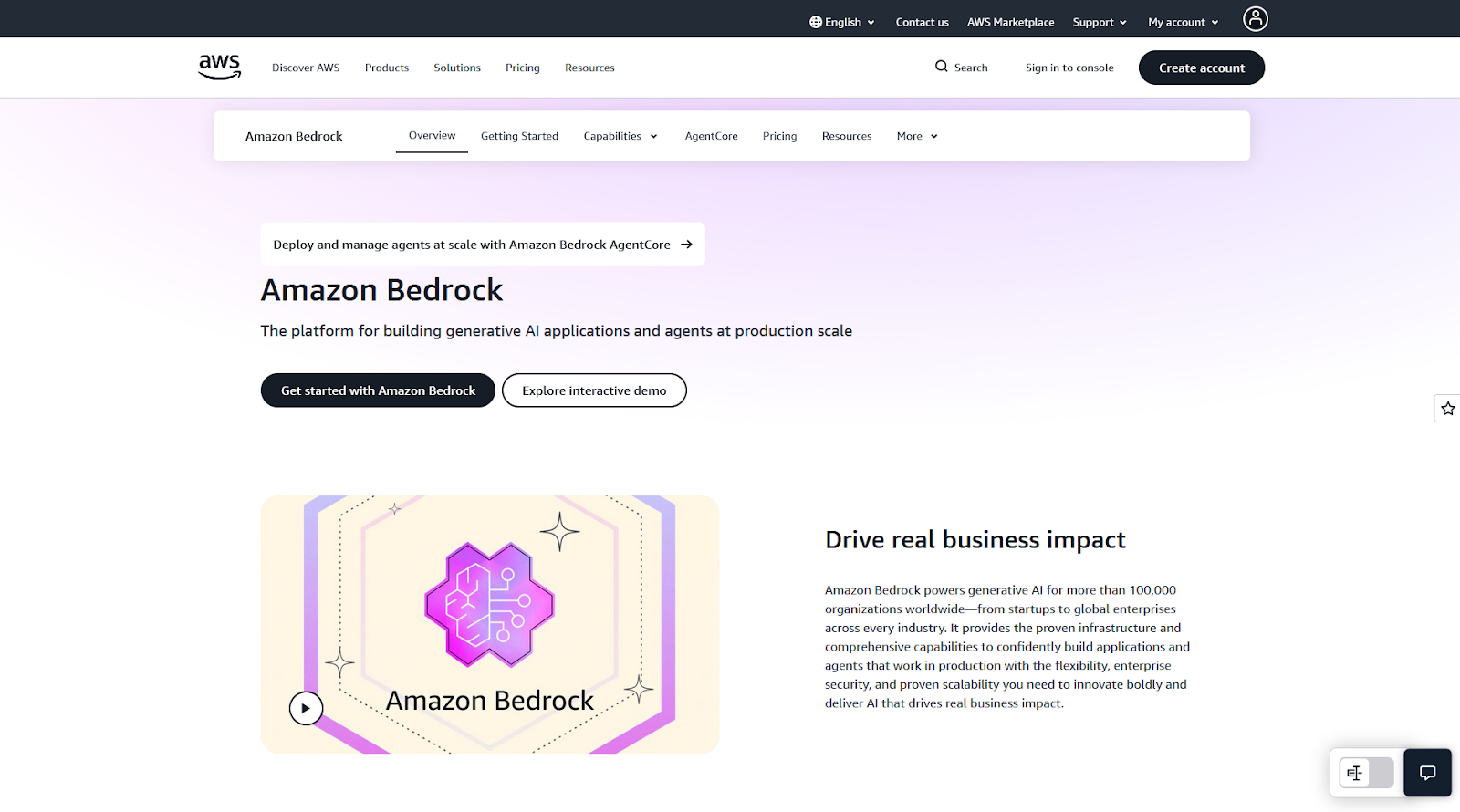
Bedrock is a fitting name choice for this Amazon service: a generative AI control plane deeply integrated with the AWS ecosystem, which takes advantage of all your existing configurations and ops primitives to help you build agents and AI features. This means less time setting up and operating systems and more time building and improving your apps, features, and pipelines.
It has a model hub with a large catalog of foundation models. The main attraction is Claude (Amazon has a stake in Anthropic), with Llama, Mistral, Amazon Titan/Nova, and many others also available. Instead of signing up with these providers individually and then managing keys, quotas, and API updates, everything is handled within Bedrock. This also makes it easier to A/B test alternatives by swapping models in and out, so you can choose your cost/quality/latency tradeoffs.
Bedrock has AI-native orchestration via three tools. Agents for Bedrock takes care of high-level prototyping with minimal code, with AWS running the logic under the hood; AgentCore gives you more control, letting you run your own agent framework or custom code on a serverless infrastructure, with features like memory persistence across sessions and observability; and Bedrock Flows offers a visual workflow builder to design and implement generative AI workflows by arranging nodes and connections.
The entire experience is optimized for AWS-native teams, so if you’ve been working with it for years, you’ll feel right at home. While the agent and generative AI features trade flexibility for simplicity, Bedrock covers nearly all the capabilities to build functionality for RAG, agentic systems, and multi-agent setups. On top of that, the lower setup and maintenance overhead also makes a case to use Bedrock instead of looking outward.
- Pros
- Bedrock plugs directly into IAM, simplifying security
- single API across many models
- data stays in your AWS account
- Cons
- Latency spikes due to multi-tenancy, documentation isn’t very friendly or up to date
- Plans/Pricing
- Usage-based
8. Google Vertex AI Agent Builder: Best for GCP-native cloud orchestration
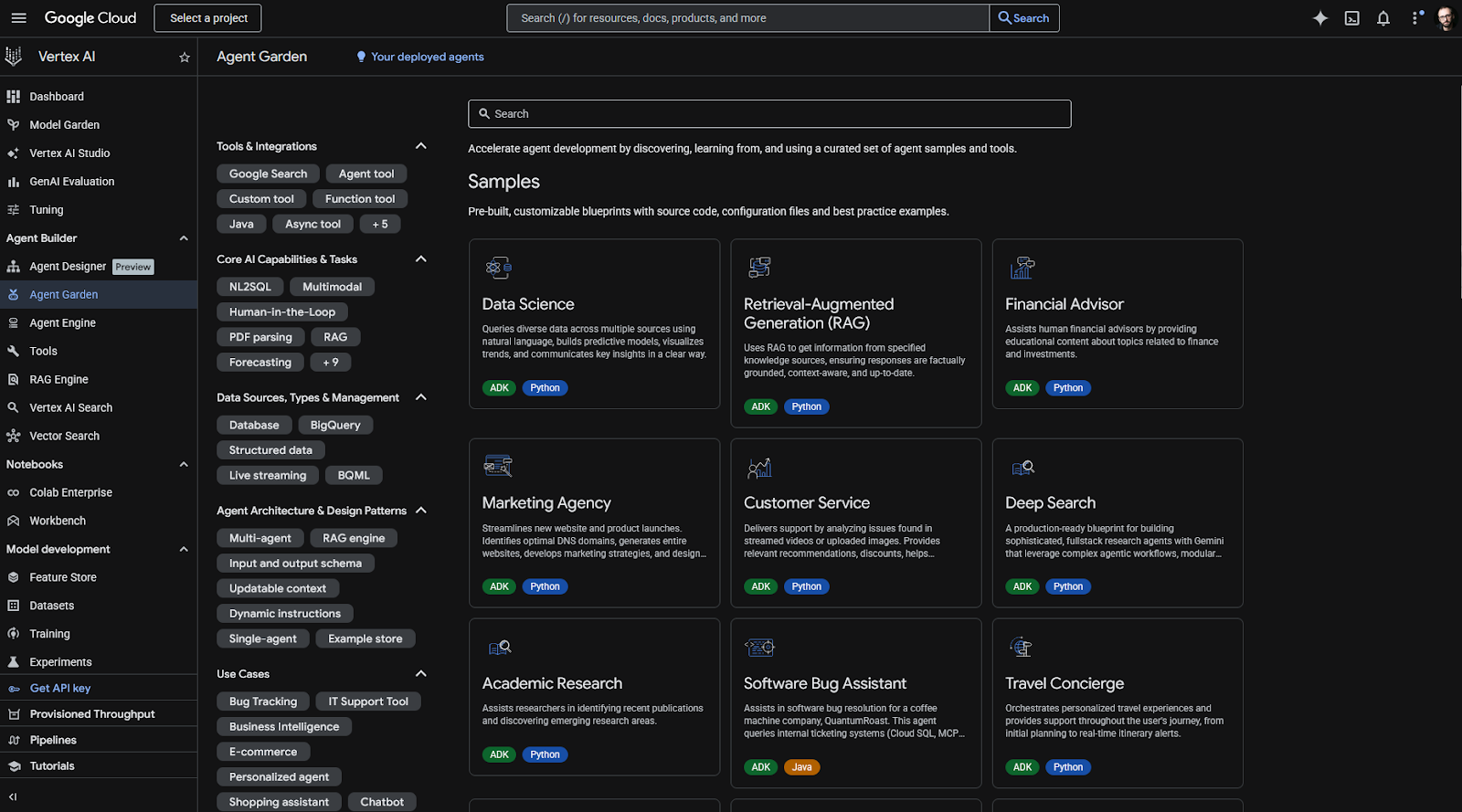
Vertex AI is Google’s version of Amazon’s Bedrock, sharing all the advantages of having multiple models and orchestration tools in your cloud computing platform. This means IAM for setting privileges for model actions, a unified API for using any model from its large catalog, and leveraging all your existing settings and data in GCP.
So, what’s different? Well, Google’s Model Garden has the Gemini models at the helm, with their extremely large context windows, video understanding features, and high intelligence benchmarks. There are over 200 models to choose from, including Llama, Mistral, and Claude — providing freedom without setup overhead.
If search is core for you, Vertex AI offers two grounding modes. Grounding with Google Search connects Gemini directly with the company’s live web search infrastructure, returning search results including citations and suggestions that you can incorporate in the front-end. The second one is Grounding with Vertex AI Search, which dives into your pre-indexed private enterprise data, acting as a RAG system with minimal configuration. You can blend both modes if needed, even letting the model choose which tools to use on each query to keep a better handle on costs.
When building agents in the Vertex AI Agent Builder, you can start in the low-code visual designer, either from scratch or from a template. There are easy connectors to native tools such as BigQuery or Google Maps to speed things up. For deeper control, you can use the Agent Development Kit, defining the exact functionality with minimal boilerplate. For advanced scenarios, the Vertex AI SDK exposes the full AgentEngine API for complete control.
If your data is already in GCP, Vertex AI is a natural fit, especially for its strong grounding capabilities. Beyond this ecosystem, Vertex AI supports interoperability standards such as A2A and MCP, so your agents aren’t locked into a single framework — making it a good option for mixed or multi-cloud strategies, too.
- Pros
- Machine learning features such as forecasting, scoring, and personalization included along with genAI/agents
- can fast-track to production with Agent Engine’s handling of runtime, memory, scaling, and session management
- support for multimodal and streaming features across bidirectional audio and video
- Cons
- Requires solid familiarity with core GCP concepts to use, non-Google integrations feel like second-class citizens
- Plans/Pricing
- Usage-based
How I tested and chose these AI orchestration tools
Starting from a shortlist, I expanded my evaluation to 51 AI orchestration platforms across four categories: agent orchestration, RAG, workflow automation, and cloud AI platforms. Over one month, I analyzed the web pages and documentation of each platform while tracking developer sentiment and other signals pointing to positive or negative bias.
- For agent orchestration, I prioritized simple mental models to build single- and multi-agent setups on graph-based architectures, with strong debugging and observability capabilities.
- For RAG, I evaluated the entire pipeline from document ingestion/parsing (including available data source integrations and ease of connection) to how granular the retrieval controls can be.
- For workflow, the decisive criteria were around operationalization fundamentals — retries, timeouts, and execution conditions. Here, I paid attention to setup/maintenance weight.
- For cloud AI, I balanced platform market dominance with available AI feature sets and ease of deployment/maintenance.
Each shortlisted tool went through hands-on testing: I implemented getting started projects, spun up environments, and expanded the initial projects to try core features unique to each platform. Since I couldn’t realistically expose all tools to the full range of production challenges, I also dove deep into open issues, community discussions, and bug reports to understand limitations and edge case handling.
Use Jotform AI Agents to automate your workflows with ease
Orchestration pipelines are only as good as the data you feed into them. Before your agents can act, something has to capture clean inputs, and that’s where Jotform comes in. With Jotform’s online forms, you can build reliable data intake interfaces that act as a starting point for triggering custom agents and graphs.
Beyond data collection, Jotform AI Agents is a full agentic platform for AI workflow automation, connecting LLMs to knowledge bases and tool calling to take action on external systems — all wrapped in a no-code experience. This means that you (and your non-technical teams) can quickly deploy agents that leverage your data to provide customer support or use in AI project management. Your company can get started with AI process automation without overwhelming developer backlogs.
This frontline tech stack comes with a deep library of integrations and webhook support. Once the data is captured, it can kick off downstream processes, such as updating a customer relationship management platform or firing an event into your orchestration layer. Bringing Jotform into your set of tools means less time building interfaces and user experiences, and more time working on the logic that actually matters.
Which type of builder are you?
So, how do you choose the right AI orchestration tool for you? Most production AI systems need two layers:
- Something to manage the runtime behavior of your agents or RAG pipeline
- Something to schedule, retry, and operationalize that work over time
If you’re building stateful agents with complex control flow, LangGraph ranks among the best AI agent frameworks for runtime. Pair it with either Prefect for lightweight scheduling or Airflow if you’re plugging into existing data infrastructure.
For multi-agent collaboration, CrewAI gets you to a working prototype quickly. It also solves most of the orchestration behind the scenes, so you might not need a separate workflow layer until you’re scaling.
In RAG scenarios, LlamaIndex’s opinionated engine means faster setup, with Haystack being slower to start with but offering stronger pipeline control as you grow. Both pair well with Prefect.
As for cloud orchestration, choosing either AWS or GCP means trading flexibility for significantly less setup and maintenance overhead, which is the best choice for teams that don’t want to constantly deal with the infrastructure side of agent runtime.
If it’s not immediately clear, here’s how to pick the winning combo for your team: nail the runtime first, then layer in AI workflow orchestration once you actually know what you’re orchestrating.
This article is for the intermediate to advanced technical readers — AI/ML engineers, developers, data engineers, and solution architects evaluating orchestration frameworks for agents, RAG pipelines, or workflow scheduling.


















































































Send Comment: