
Top 10 AI tools for small business
Artificial intelligence (AI) is no longer a luxury reserved for big companies with deep pockets and dedicated tech teams. Today’s AI tools are more affordable, accessible, and user-friendly than ever, making it possible for small businesses and lean startups to use the same kinds of automation and insights that once belonged only to large enterprises.
In this guide, we’ll look at several AI tools that are especially useful for small businesses and present a focused list of ten of the best. Each recommendation includes practical use cases, key features, and clear pros and cons, so you can quickly identify which tools make sense for your business and begin using AI in a smart, sustainable way.
Why do small businesses need AI tools?
For small business owners, the challenge is rarely a lack of ideas — it’s a lack of time, of staff, and of budget. When you’re wearing multiple hats, routine tasks such as answering customer questions, creating marketing content, managing admin work, or analyzing performance can quickly eat up your day. AI tools can step in to handle or streamline many of these tasks, freeing you and your team up to focus on strategy, growth, and customer relationships.
At the same time, however, competition is getting tougher. Customers now expect faster responses, more personalized experiences, and a consistent online presence across channels. Automation, data-driven insights, and personalization aren’t just “nice to have” — they’re becoming essential for staying competitive, even at the small business level.
The good news is that modern AI solutions are designed with small and mid-sized businesses in mind. Many offer free tiers, affordable monthly plans, and simple setups that don’t require technical expertise. From content creation and social media management to customer support, scheduling, analytics, and admin tasks, the best AI tools for business are built to fit real-world small business workflows.
What to look for in AI tools for small businesses
With hundreds of AI tools and platforms on the market, choosing the right tools can feel overwhelming — especially for small businesses with limited time, budget, and technical resources. The most effective AI solutions aren’t necessarily the most advanced; they’re the ones that fit naturally into your existing workflows, solve real operational problems, and deliver measurable value without adding complexity.
Here are a few key features to look for when you begin evaluating AI tools for your business:
- Ease of setup and minimal learning curve: AI tools should reduce friction, not create it. Look for platforms that offer no-code or low-code setup, intuitive dashboards, templates, and clear onboarding guidance so that your non-technical team members can realize value quickly. If a tool requires weeks of training or heavy customization before it’s usable, it may not be practical.
- Affordability or free tier availability: Cost matters, but so does flexibility. Many modern AI tools offer free plans, trials, or tiered pricing that allow small businesses to test functionality before committing. Evaluate pricing not just on monthly fees, but on how much manual time and external labor the tool can realistically replace or reduce.
- Versatility across business functions: Unless you’re specifically in the market for a specialized tool, look for the ability to support multiple departments, from marketing and sales to customer support and operations. The most robust tools solve several problems at once, making them easier to justify and maintain as your business grows.
- Integration with existing tools and workflows: AI works best when it connects seamlessly with the systems you already use, such as email, customer relationship management (CRM) platforms, websites, social media tools, and internal collaboration software. Strong integrations reduce manual data transfer, improve accuracy, and ensure AI insights actually get used.
- Scalability: A tool that works for a five-person team should still be useful when that team doubles in size. Look for platforms that offer advanced features, higher usage limits, or enterprise-grade options so that you don’t have to migrate systems just as your business gains momentum.
- Data privacy and compliance: When AI tools handle customer data, lead information, or internal documents, security matters. Prioritize vendors that clearly explain how data is stored, processed, and protected, and that offer compliance with relevant regulations and permissions controls.
Ultimately, choosing the right AI tool isn’t about adopting the most cutting-edge technology — it’s about finding solutions that align with your business goals, resources, and risk tolerance. By focusing on usability, ROI, and long-term fit, your small business can adopt AI confidently and build a tech stack that supports sustainable growth rather than short-term experimentation.
10 best AI tools for small business
Not every AI tool is built with small businesses in mind. Many platforms are designed for enterprise teams with large budgets, technical staff, and complex infrastructure — making them impractical for lean organizations. The tools on this list were selected specifically for small businesses and growing teams based on
- Ease of setup
- Affordability
- Versatility across departments
- Integrations
- Scalability
- Responsible data handling
Rather than chasing flashy features, these platforms also focus on solving real operational problems: automating repetitive tasks, improving marketing and customer support, reducing manual work, and helping teams make better decisions with limited time and resources. Some specialize in content, design, or customer engagement, while others support broader automation and workflow management.
You don’t need to adopt every tool on this list. Instead, think of it as a shortlist to explore based on your most pressing needs, whether that’s generating leads, supporting customers, streamlining internal processes, or improving team productivity.
1. Jotform AI Agents
What are AI agents? Jotform AI Agents are customizable, no-code AI assistants designed to automate customer interactions, internal workflows, and data collection across your business. Built on Jotform’s trusted forms, approvals, and integrations ecosystem, these agents act as front-line representatives for support, intake, lead qualification, scheduling, and operational tasks — reducing manual work while keeping processes structured, secure, and scalable.
- Best for
- Automating customer support, FAQs and intake processes
- Qualifying new leads
- Internal workflows such as HR requests, IT support tickets, onboarding, and more
- Collecting structured data without manual follow-ups
- Key features
- Prebuilt AI agents available for out-of-the-box customer support, lead capture, scheduling, and more
- Seamless connection to existing Jotform Forms, Workflows, and Tables.
- Ready-to-deploy AI agent templates for small businesses in numerous different fields
- Access to AI tools for business that can create forms, generate reports, and automate data collection efforts
- Pros
- Very low learning curve, with no coding required
- Deep integration with forms, workflows, and payments
- Strong data control and compliance options
- Flexible deployment via website, internal tools, and workflows
- Cons
- Best value comes when used within the Jotform ecosystem, advanced logic might require some additional planning for initial setup
- Plans/pricing
- Free plan available with some usage limits
- Paid plans range from $34 to $99 per month when billed annually, scaling by volume of submission and by features
- Enterprise 2.0 is available for small businesses who are planning substantial growth in the near future
Pro Tip
The recently launched Jotform Enterprise 2.0 is the next-generation version of the Jotform enterprise platform, providing a centralized and secure no-code environment for teams and organizations. This in turn enables scalable automation, advanced security, and governance for growing teams.
2. HubSpot
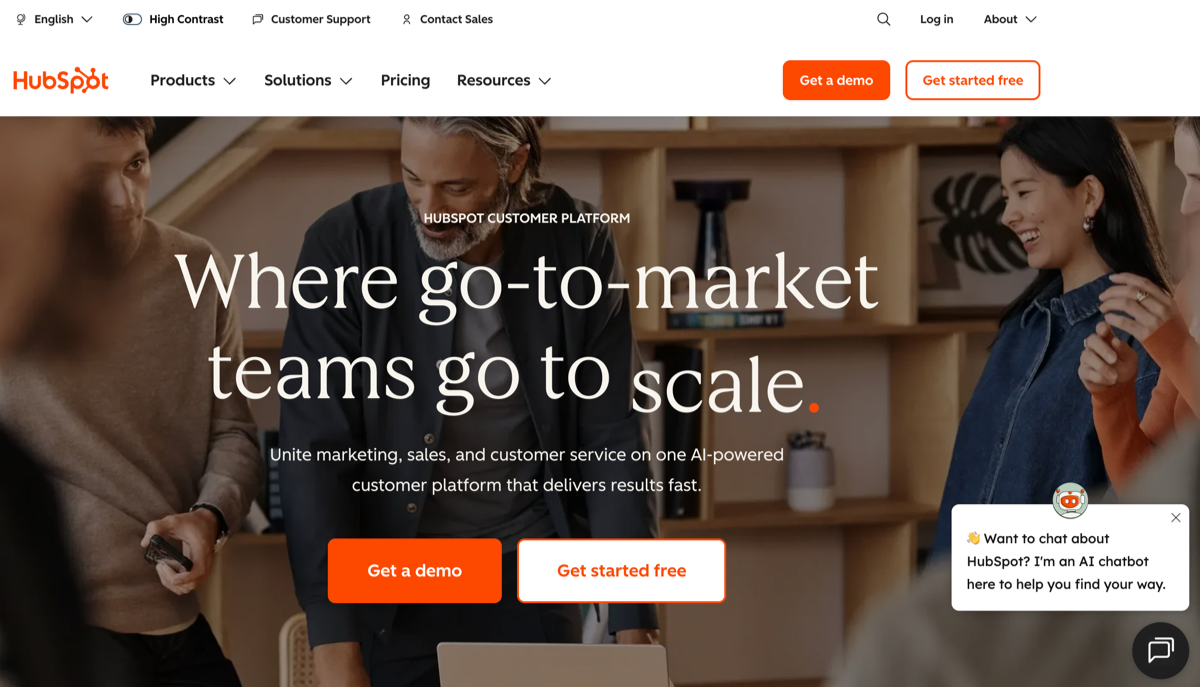
HubSpot enhances HubSpot’s CRM platform with built-in automation and intelligence across marketing, sales, and customer service teams. It helps small businesses centralize customer data, automate outreach and follow-ups, generate content and insights, and reduce manual work — making it easier to manage the full customer lifecycle from first touch to long-term retention.
- Best for
- Small businesses in need of an all-in-one CRM solution
- Marketing teams managing email, content, and lead funnels
- Sales teams prioritizing leads efficiently
- Key features
- AI-powered email writing, lead scoring, and forecasting
- Chatbots and AI-assisted customer support tools to raise satisfaction rates and simplify support resolutions
- CRM insights and automation across departments
- Pros
- Generous free CRM tier
- Unified platform reduces tool sprawl and reduces system complexity
- Easy onboarding for non-technical teams, scales well as teams grow
- Cons
- Advanced AI features require paid plans
- Costs can rise quickly with contacts and add-ons
- Plans/pricing
- Free CRM with limited AI features
- Paid plans are tiered by function, e.g., Marketing, Sales, and Service
3. Zapier
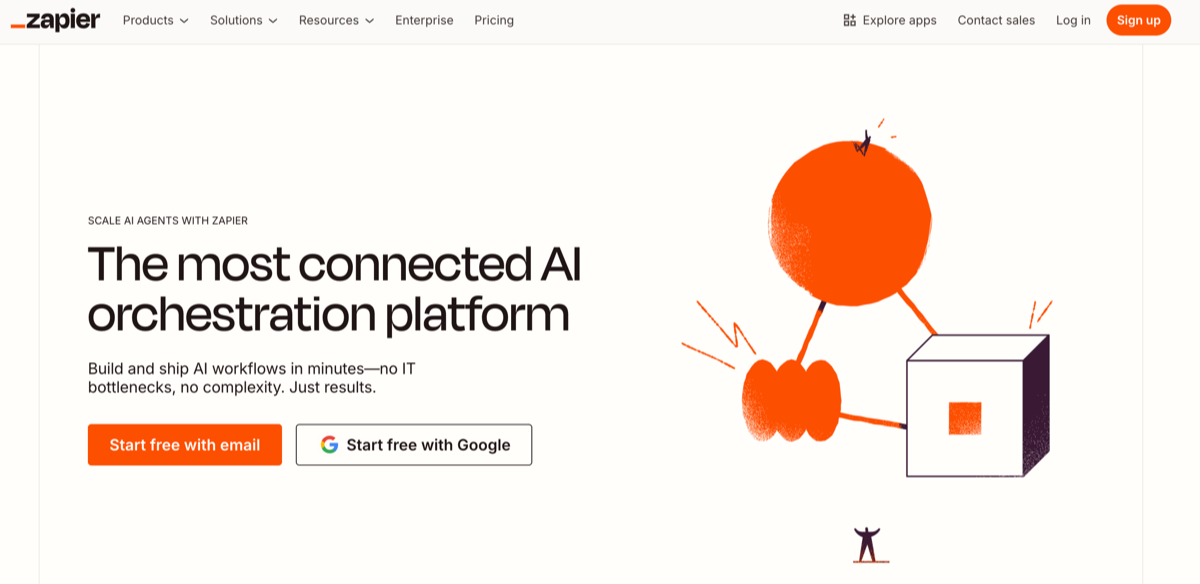
Zapier is a widely used automation platform that connects thousands of apps to eliminate repetitive manual tasks and streamline workflows. It acts as a powerful “bridge” between AI and non-AI tools, allowing small businesses to automate data movement, trigger actions across systems, and maximize the value of their existing tech stack without custom development.
- Best for
- Automating lead handoffs between tools
- Syncing data across CRM, email, and spreadsheets
- Triggering AI tools based on real-world events
- Key features
- No-code automation (i.e., “Zaps”)
- AI-assisted workflow creation
- Integrations with over 6,000 apps
- Pros
- Massive integration library
- Easy to get started with thanks to templates
- Improves the ROI of existing tools
- Highly scalable
- Cons
- Complex workflows can become difficult to manage efficiently
- Higher task volumes require paid plans
- Plans/pricing
- Free tier with limited tasks
- Paid plans range from $19.99 to $69 per month, billed annually, and scale by automation volume
4. Predis.ai
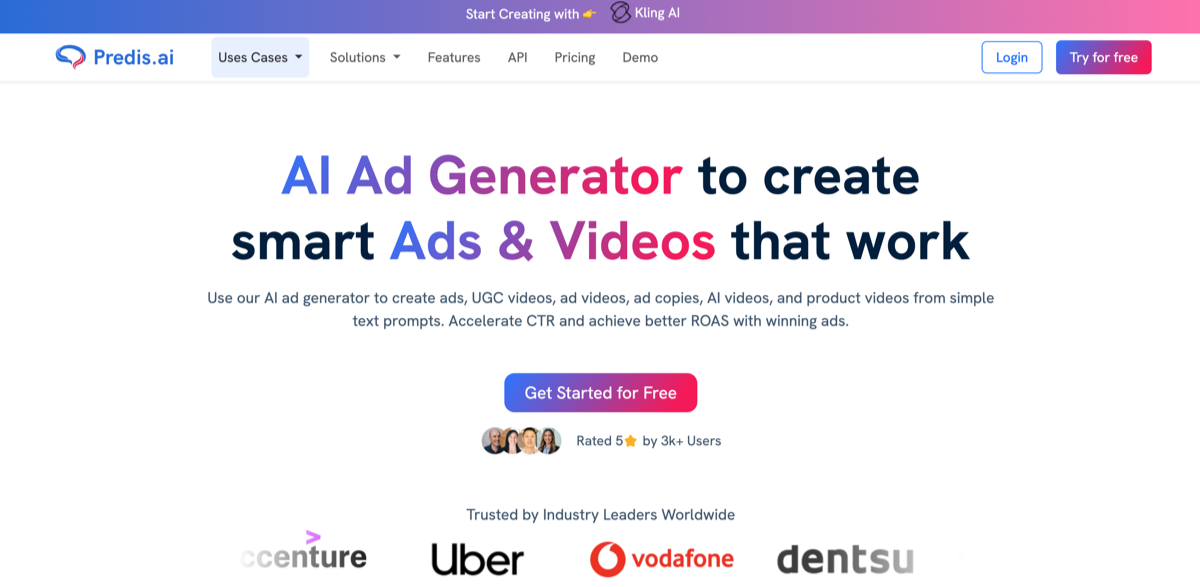
Unlike all-in-one AI platforms, Predis.ai focuses specifically on AI-powered social media and marketing content generation. It helps small teams plan, create, and schedule on-brand posts across platforms, analyze performance, and stay consistent online — all without the cost, coordination, or long-term commitment of hiring agencies or dedicated social media staff.
- Best for
- Small businesses managing social media in-house
- E-commerce brands running ad campaigns
- Marketing teams in need of fast content output
- Key features
- Generates attention-grabbing social posts, captions, and ad creatives
- Brand tone customization
- Performance insights for content optimization
- Pros
- Speedy content creation
- Beginner-friendly user interface
- Affordable pricing
- Supports multiple platforms
- Cons
- Limited outside social marketing
- Less control than manual design for advanced users
- Plans/pricing
- Free trial available
- Paid plans range from $19 to $212 per month, billed annually, and scale by content volume
5. Canva
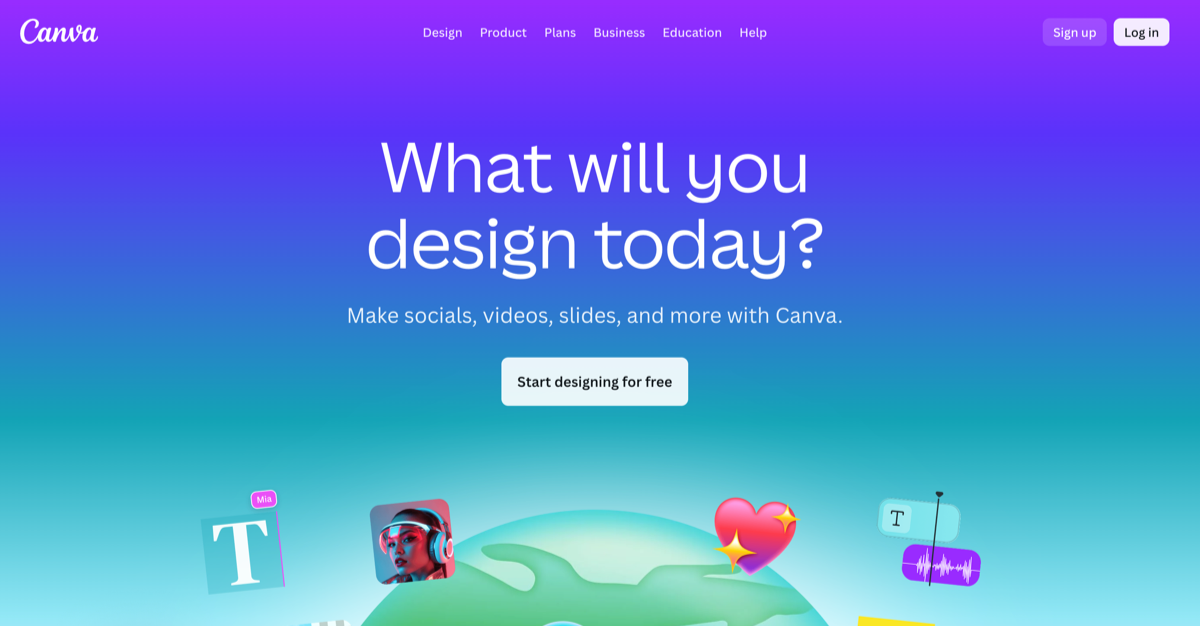
Canva’s AI-powered design platform combines intuitive, AI-assisted creative tools with millions of ready-made templates for marketing, branding, sales, and internal communications. With support for graphics, copy, video, presentations, and brand asset management, Canva enables small businesses to produce professional-quality materials quickly, often eliminating the need for a full-time designer or outside creative support.
- Best for
- Marketing visuals and targeted social media content for multiple platforms
- Sales decks and proposals
- Internal documents and training materials
- Key features
- AI image and copy generation for full-service comms and assets
- Brand kits and templates to simplify and speed up the creative process
- Social, print, and presentation asset creation capabilities
- Pros
- Extremely beginner-friendly
- Genuinely useful free tier
- Strong collaboration features
- Vast library of over four million templates to choose from
- Cons
- Limited advanced design control
- AI features vary depending on the plan selected
- Plans/pricing
- Robust free plan available
- Paid plans available at $120 and $200 per year per person, with the Pro plan adding AI tools and brand management functionality
6. Involve.me
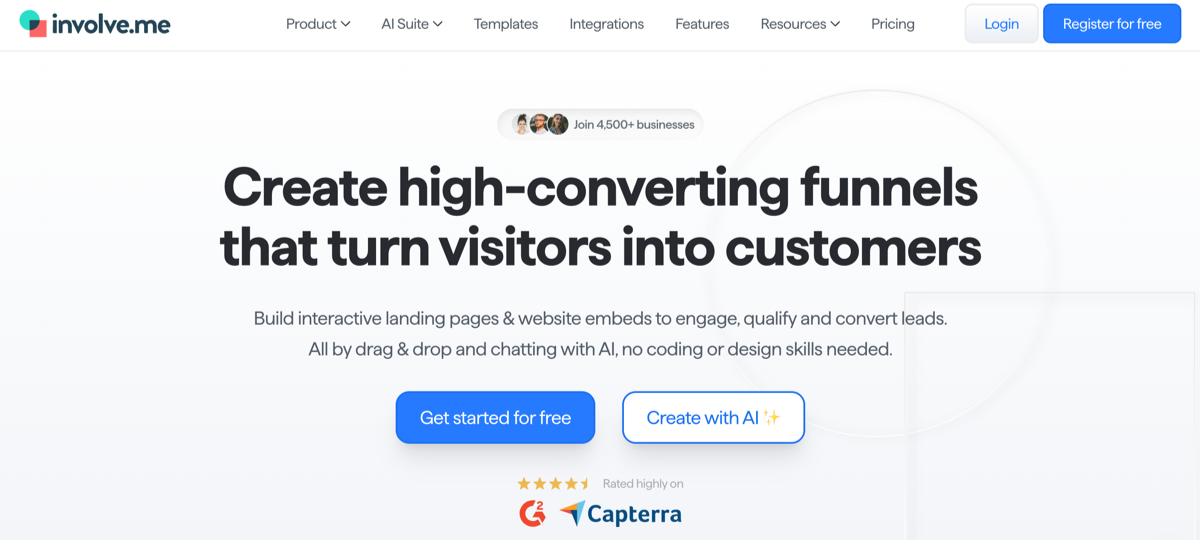
Involve.me is a specialist AI-enabled platform that helps small businesses create interactive content such as quizzes, calculators, surveys, forms, and more. Designed to increase engagement and improve lead qualification processes, it enables teams to capture richer customer data, personalize follow-ups, and guide prospects through tailored experiences without custom development or complex integrations.
- Best for
- Lead generation and qualification, building and refining personalized sales funnels, creating dynamic and engaging customer onboarding processes
- Key features
- No-code interactive content builder
- Lead scoring and segmentation
- CRM and email integrations
- Pros
- Improves conversion rates through greater engagement with content and workflows
- No technical setup required
- Clean, professional user experience that’s relatively easy to navigate
- Integrates easily with the apps and tools you already use, like ActiveCampaign, Google Sheets, Mailchimp, and more
- Cons
- Narrower scope than all-in-one platforms
- Advanced logic only available on higher-tiered plans
- Plans/pricing
- Free plan available for budget-conscious small businesses
- Paid plans range from $29 to $129 per month, billed annually, based on features and traffic
7. Microsoft Copilot
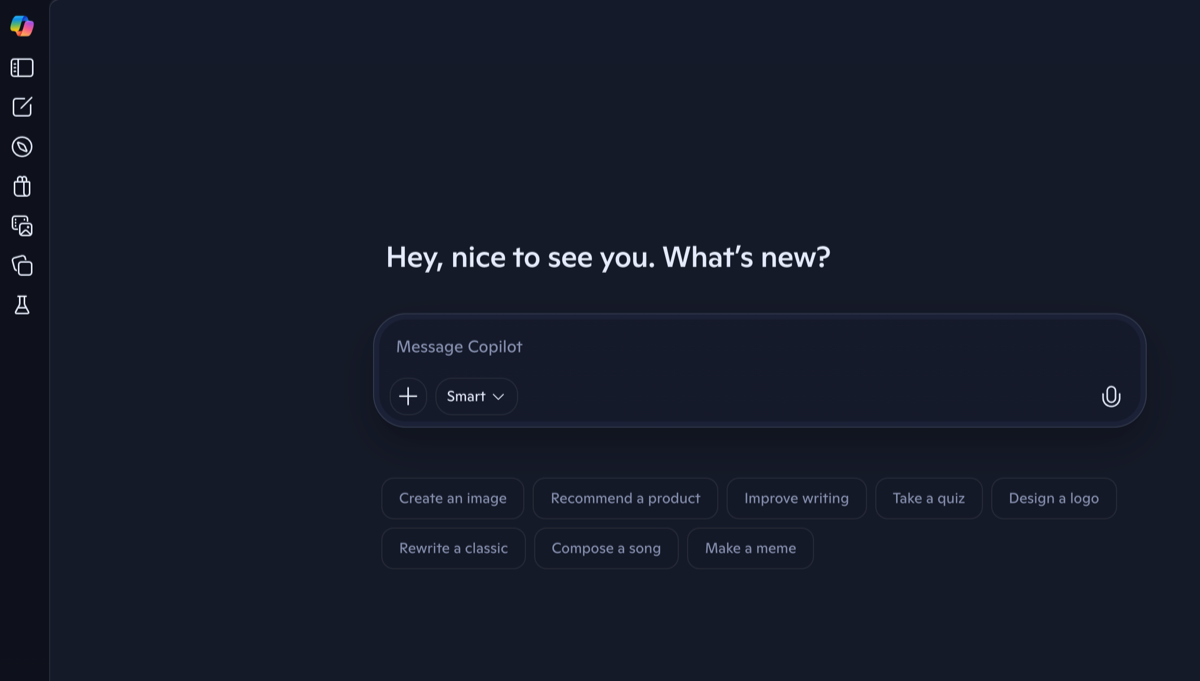
Microsoft Copilot is an AI-powered assistant embedded directly into Microsoft 365 workflows, enhancing everyday productivity without disrupting how your teams already work. It augments familiar tools like Word, Outlook, Excel, and Teams by generating drafts, summarizing communications, surfacing insights from data, and reducing time spent on routine knowledge work across departments.
- Best for
- Teams already using Microsoft 365 that want to lighten admin-heavy workflows, building reports and documentation for teams inside the Microsoft environment
- Key features
- AI assistance for Word, Excel, Outlook, and Teams
- Email summarization and document drafting through generative AI
- Data insights populated inside your spreadsheets
- Pros
- Minimal learning curve
- Deep integration with existing tools your team is likely already familiar with
- Strong enterprise-grade security
- Increases team efficiency on daily tasks
- Cons
- Requires the Microsoft ecosystem — doesn’t work outside of its apps and programs
- Limited customization options
- Plans/pricing
- Available as a paid add-on to Microsoft 365 plans, and there is an SMB-focused plan of $21 per user per month
8. Jasper AI
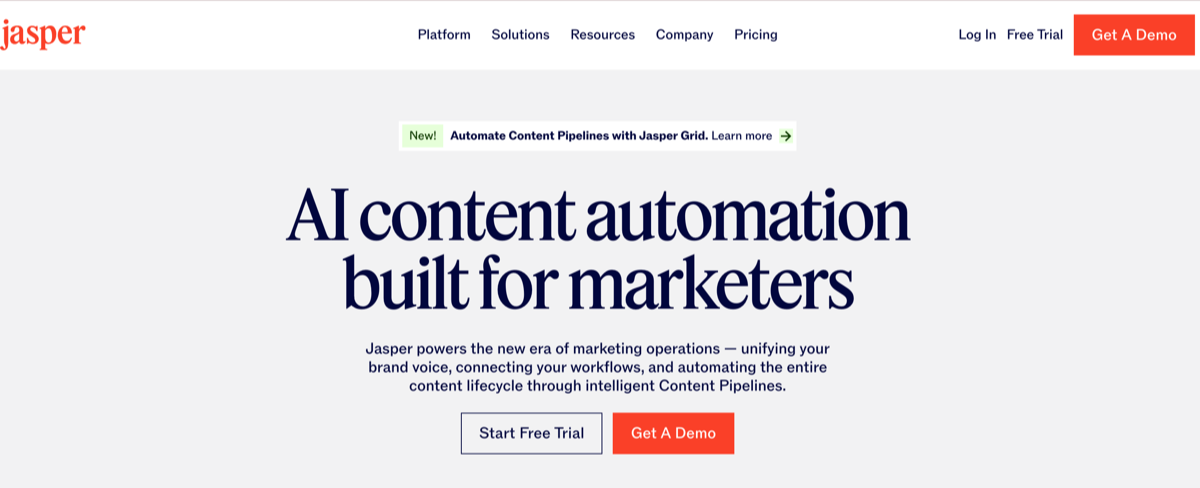
Jasper AI specializes in generating, editing, and optimizing high-quality marketing and sales content with a strong focus on brand voice consistency and conversion performance. Designed for small businesses without access to dedicated writers, it helps marketing and sales teams quickly produce effective ads, landing pages, emails, and long-form content while reducing revision cycles and content production costs.
- Best for
- Content marketing teams within small businesses, building out sales funnels, agencies and consultants who need content marketing copy but lack the budget for freelancers
- Key features
- Blog, ad, website, and landing page content generation
- Brand voice training to keep your messages consistent and on point
- SEO-focused templates to ensure maximum visibility in organic results
- Pros
- Polished output quality
- Strong marketing focus
- Saves writing time
- Scales content production as your needs grow
- Cons
- Narrower use case than general AI tools
- No free tier
- Plans/pricing
- Paid plans start at $59 per month per seat
9. Mailchimp
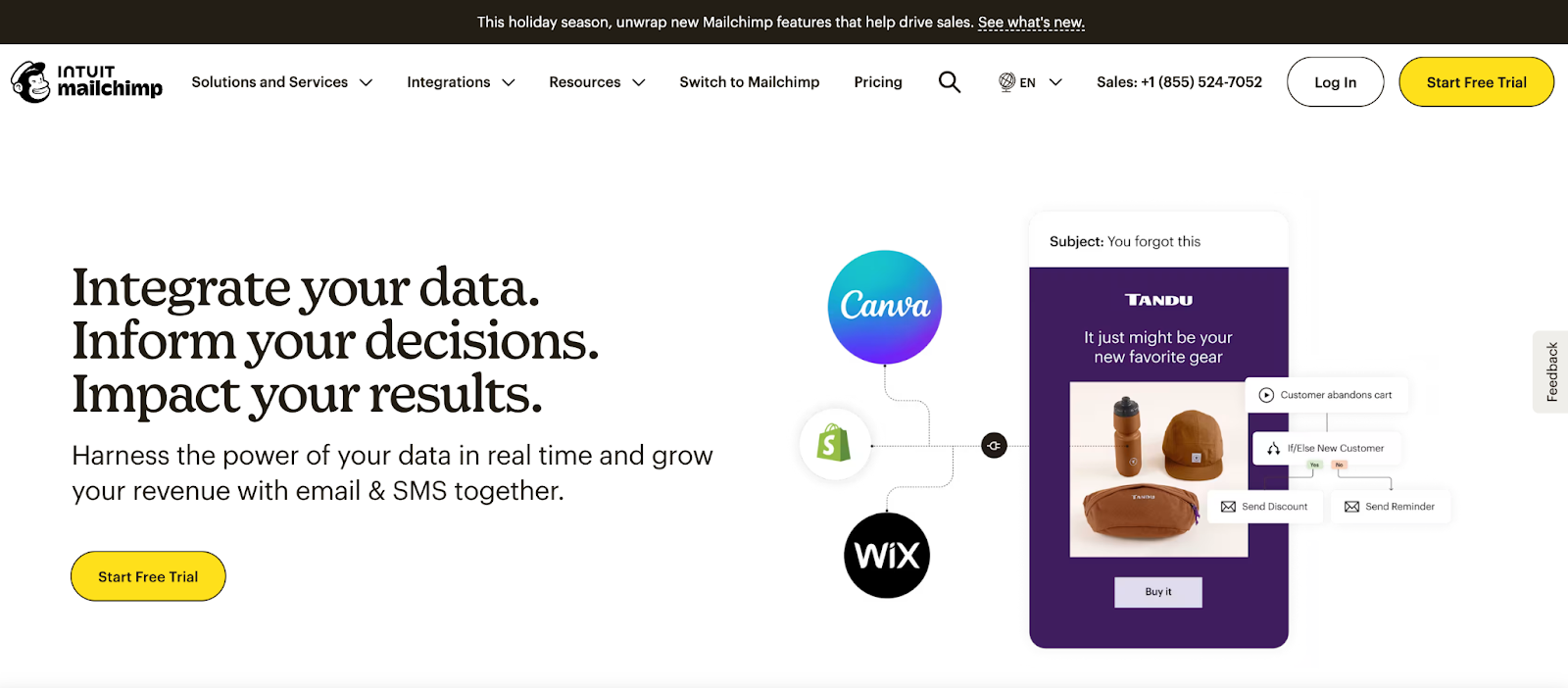
Mailchimp is a well-established email marketing platform that now includes AI-powered tools to optimize campaign creation, automation, and audience segmentation. Popular with small and mid-sized businesses, it helps teams design targeted email campaigns, personalize messaging, improve open and conversion rates, and manage customer relationships more efficiently with less manual effort.
- Best for
- Email newsletters
- E-commerce campaigns
- Customer retention through personalized, targeted messaging
- Key features
- AI-enhanced subject lines
- Send time optimization
- Audience segmentation
- Pros
- Free tier for companies with small contact lists
- Easy-to-learn interface that feels familiar, even to beginners
- Solid analytics for campaign optimization
- E-commerce and CRM integrations
- Cons
- Pricing increases quickly with mailing list size, limited customization options available at lower-tiered plans
- Plans/pricing
- Free tier available, paid plans range from $13 to about $350 per month
10. Tidio
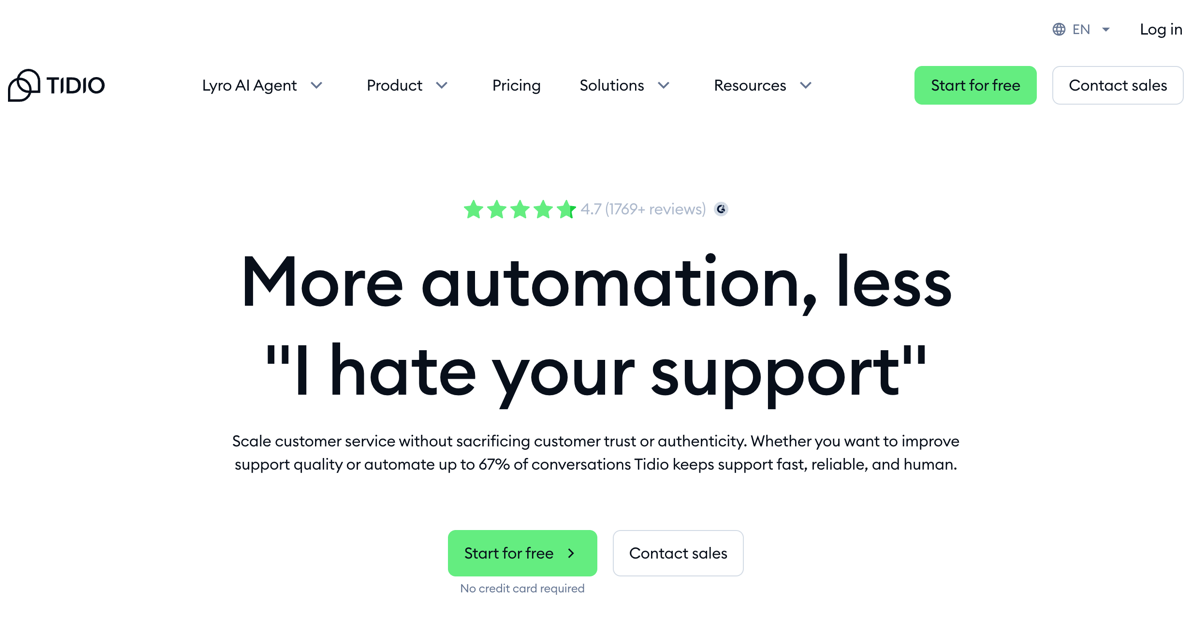
Tidio is an AI-powered chat and customer support automation platform designed to help small businesses scale their service without sacrificing trust or brand authenticity. It combines AI chatbots with live chat, email, and messaging integrations to reduce support workload, improve response times, and deliver consistent, on-brand customer experiences across channels.
- Best for
- Teams that want to automate basic customer support tasks
- Lead capture via chat
- E-commerce support
- Key features
- Offers both AI chatbots and live chat options
- Automated FAQs and workflows, CRM and e-commerce integrations
- Pros
- Easy website integration
- Improves support response speed
- Supports agent handoff for complex requests that need a human touch
- Cons
- Advanced bots require paid plans
- Less flexible outside chat use cases
- Plans/pricing
- Free plan with basic chatbot access
- Paid plans start at $24.17 per month, billed annually, scaling by conversations and features
How to choose the right AI tool for your small business
With so many different AI platforms on the market, choosing the right one for your small business isn’t necessarily about finding the most powerful. Rather, it’s about finding the best fit for your business right now and as it grows — reducing friction, saving time, and absolutely not adding complexity or unexpected costs.
Keep in mind these practical principles to make a smart, low-risk decision:
- Match tools to your business size, industry, and current workflow pain points: Focus on where your team is losing the most time or dropping the ball — for example, customer support, lead follow-up, content creation, or admin work. Remember, too, that a tool that works well for a large enterprise may be overkill for a small team, and an industry-specific tool may deliver faster results with less setup.
- Balance cost with potential ROI from automation and efficiency: Look beyond the sticker price. Consider how much time the tool could save your team, whether it reduces the need for manual work or outside services and contractors, and how quickly it might pay for itself through improved productivity or revenue.
- Start small, pilot tools with key teams, and then scale: Use free trials or low-tier plans to test AI tools with a small group before rolling them out company-wide. This reduces risk and helps you identify training or integration needs early.
- Check technical support availability and quality: Robust documentation, responsive support, and active user communities matter, especially for small teams without dedicated IT staff. Make sure your team will have access to the assistance and support it needs to get the most out of the tool.
- Monitor data privacy and compliance: Ensure the tool clearly explains how customer data is stored, used, and protected. Also verify that the tool can align with your industry’s compliance requirements.
In short, the best AI tools for small businesses are the ones that solve real problems today while leaving room to grow tomorrow. A thoughtful, phased approach helps you achieve full value more quickly, without unnecessary complexity or risk.
Building your AI strategy
AI tools aren’t magic, and they won’t fix broken workflows or processes on their own. However, when implemented carefully and used thoughtfully, they can level the playing field for small businesses, giving lean teams access to automation, insights, and capabilities that were once limited to much larger enterprise-level organizations.
The key is to choose tools that align with your actual needs. Some businesses will get the most value from AI-powered marketing and content creation, while others may benefit more from customer support automation, sales workflows, or office efficiency. There’s no single “best” tool — only the right mix of features and cost for how your business operates today.
It’s also important to think beyond your current size. As your team, customer base, and collected data grow, the AI tools you choose should be able to scale with you — without forcing a complete rebuild of your workflows six months down the line.
The best way forward is to adopt a test-and-scale approach. Start small by piloting one or two tools, measure the results, and expand only when you see clear gains in efficiency or performance. This helps keep your costs under control while allowing your team to build confidence in working with AI tools over time.
If you’re looking for a shortcut to implementation, Jotform’s 7,000+ AI Agent templates can help you deploy solutions in minutes rather than months.
Whether you’re running an established company or are still figuring out how to start a small online business, now’s a good time to explore your AI options. Adapt now, and you may just gain a meaningful competitive advantage. Working faster, responding smarter, and staying more agile in an increasingly automated business landscape helps your small business stay on top.
FAQs
The cost of AI tools varies widely, but many are designed with small businesses in mind. Entry-level plans often range from free to $20–$50 per month, with more advanced features available as teams grow. Many platforms also offer free trials or usage-based pricing, allowing you to test their value before committing. When evaluating cost, it’s important to consider ROI — if a tool saves hours of manual work each week or reduces reliance on contractors or agencies, it may quickly pay for itself.
There’s no single “best” AI tool for every small business and the right choice depends on your company’s goals and pain points. Businesses focused on marketing may prioritize AI content and design tools, while service-based companies may benefit most from AI chat and support automation. Teams juggling multiple systems may get the most value from workflow automation or CRM-based AI. The best approach is to start with one tool that addresses your team’s biggest bottleneck, test it with a small group, and expand from there as your needs evolve.
This article is for small business owners and growing teams who want to use AI tools to save time, reduce manual work, and stay competitive, without needing technical expertise or a large budget to get started.





























































































Send Comment: