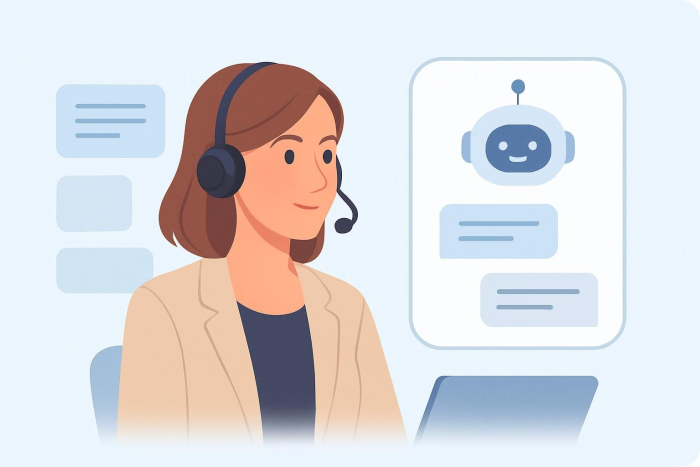
The AI-powered call center is becoming one of the most practical ways to provide fast customer support. Instead of forwarding every question to a customer representative, AI-powered chatbots automate support through chat and voice conversations.
AI chatbots can streamline interactions in industries such as e-commerce, healthcare, and education, as well as in customer service organizations of any size and type. With the right call center tools, your organization can minimize wait times and maximize first contact resolution while scaling operations and maintaining a human touch.
But these results don’t happen automatically. Your chatbot setup and implementation greatly affect its output. Here we explain chatbot call centers and their benefits, outline use cases, and list five best practices to help you get the most out of this solution. We’ll also look at how Jotform’s tools can power your chatbot support.
What are chatbot call centers?
Your chatbot call center could take many forms. It could rely on a traditional chatbot that sticks to a script, or your staff could use AI call center agents that depend on natural language processing.
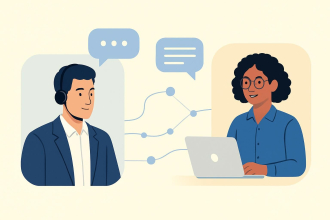
What is an AI call center agent? It’s a type of AI that understands what the customer needs and supports them through an omnichannel experience across web chat, text, social media, and apps. AI agents can handle routine calls and route uncommon cases to humans. In a chatbot call center, the AI call center agent can greet the customer, understand what the customer wants, and either solve the problem or refer the customer to a representative.
Call center chatbots can also answer FAQs, gather information to open a ticket, and escalate calls to a human if the case is complicated. You can streamline operations further by connecting chatbots with your CRM, help desk system, and Voice over Internet Protocol (VoIP) phone system.
Benefits of chatbot call centers
AI chatbot call centers help organizations support more customers without burning out their support teams.
Because the AI chatbot can respond immediately, it helps lower average handling time, answering initial questions or getting the right information before passing the call along to a human representative. It also increases first contact resolution by guiding shoppers to the right answer the first time.
The digital assistants deliver 24-7 support across time zones, scale during peak traffic, and reduce costs by taking on heavy work that might otherwise require a new hire. But the greatest advantage might be that they personalize customer support by using context (for example, a customer’s shopping preferences or past inquiries).
The benefits of AI call centers in a nutshell: shorter wait times, fewer customers stuck in limbo, and greater customer satisfaction.
Use cases of call center chatbots
If a customer asks, “Where is my order?” an AI chatbot can find the shopper’s latest shipping information and respond to their question by providing a tracking link, all without involving a human agent.
That’s just one example. To better understand the real-life applications of call center chatbots, let’s look at more use cases under three categories: inbound, outbound, and internal support.
Inbound support: Self-serve tasks bots can handle from start to finish
- Status checks for orders: A customer asks, “When will my order arrive?” The chatbot shares the expected arrival date.
- Password recovery and account access: A customer can’t access their account. The chatbot assists them with password recovery.
- FAQs: A customer wants information about your hours of operation, policies, and pricing. The contact center chatbot responds directly and points them to where they can find more information if required.
- Appointment bookings: A client wants to book or reschedule an appointment. The chatbot shows your availability and confirms the appointment details with them.
- Basic troubleshooting: A customer is having checkout problems. The chatbot helps them walk through basic troubleshooting before escalating to a representative.
- Payment processing assistance: A client inquires about paying an invoice. The chatbot provides information on how to pay the invoice and confirms the next steps.
Outbound support: Proactive outreach
- Reminders and confirmations: A contact center chatbot sends appointment reminders and prompts clients to confirm or reschedule appointments.
- Delivery status and notifications: The chatbot sends updates regarding the status of the delivery, preventing “just checking” messages from the customer.
- Post-resolution follow-ups: After an interaction, the chatbot asks, “Did this solve the issue?” If not, the conversation is directed to a support agent.
Internal support: Helping your team
- In-chat support triggers: A chatbot displays knowledge base answers within the context of a conversation between the customer and the customer service representative.
- Seamless handoffs: The conversation is summarized before it’s transferred to a representative.
- Help desk or CRM comments: A chatbot records key information and forwards the query to the appropriate queue.
To maintain a human touch, your chatbots could manage repetitive and predictable queries without human involvement but escalate any nonroutine queries, with background information, to a human representative.
5 best practices for call center chatbots
A call center chatbot can do more than answer FAQs, but its effectiveness depends on how you implement and optimize it. If you follow these best practices, your call wait times will decrease and customer service will feel more manageable at your organization, even when volumes are high.
1. Define the chatbot’s role and boundaries clearly.
Start by deciding what your chatbot should own end to end. Choose a few routine tasks that you and your team are already completing daily, such as checking the status of an order, resetting passwords, scheduling appointments, and responding to FAQs. Keep the scope tight at first so you can launch confidently and avoid giving the chatbot too much to do.
Set boundaries for escalation. Determine when escalations should happen immediately, such as with billing cases, personal data, angry customers, or anything that could potentially lead to a high-risk response.
Finally, clearly outline the language used for escalation points (e.g., “Would you like to speak with a representative?”), and ensure that all handoffs contain relevant background information so customers don’t have to repeat themselves.
2. Train the chatbot with real customer conversations.
If your chatbot is trained only on optimized FAQ answers, it may sound good on paper but fall short in practice. Train it using requests that reflect how customers really ask questions: with short messages, typos, slang, half-finished thoughts, and “I already did that” responses. The best training data will be in your chat logs, call records, ticketing data, and help tags.
Recognize patterns, such as the top 20 questions, the reasons for escalations, and the phrases used when customers are confused. Implement those variations, as well as a few additional questions, into your chatbot’s flow, so your chatbot can reliably answer popular questions and give honest answers if it is unsure.
3. Integrate the chatbot deeply with internal systems.
When the chatbot is linked to your tech stack (which could include your CRM, help desk, knowledge base, or phone service), it can generate tickets, view orders or appointments, and update customer information.
This integration also makes handoffs more seamless. When a customer needs to speak to a live representative, the chatbot can provide the rep information about the reason for the call, any prior customer efforts that failed to resolve the issue, and any necessary IDs (such as order number, account type, and device model). The resulting efficiency improves the customer service experience.
4. Provide multilingual and omnichannel support.
Customers don’t reach out in one neat way. They message directly on your website, text from a phone, direct message on social media, or call when they’re in a hurry. Good chatbots will keep the experience consistent across channels. With this consistency, your customers will find that answers won’t change, no matter where they ask.
Language support is a part of the customer service experience as well. If you’re working with a multilingual population, don’t leave out translation considerations. Your chatbot needs to understand how your customers actually speak in a particular language, including idioms and other informal language. Prepare for language-switching in conversations; it happens more often than teams think.
5. Monitor performance and optimize continuously.
Treat your chatbot as an ongoing support channel. Review and improve it regularly so it stays updated with new questions and customer-behavior patterns. Start with a short list of metrics that directly measure the results: containment rate (how much of the conversation the chatbot can handle), average handling time, first contact resolution, escalation rate, and customer satisfaction. After that, analyze the transcript to find when customers pause, which questions the chatbot can’t handle, and which conversation flows produce repeat messages.
Update the chatbot’s FAQ section, upload information on new products and policies, and improve flows. Run a series of minor tests on incremental changes, rather than trying to make a big change at once. With time, improvements will add up to a higher ROI. You’ll have fewer tickets, faster resolutions, and a support experience that feels more personalized.
Challenges of using chatbot call centers
Chatbots handle the easy stuff well. The tricky part is setup, integrations, and difficult cases. Without proper training, an AI chatbot could do more harm than good.
- Even with natural language processing capabilities, a chatbot can misinterpret intent when someone uses slang, typos, or vague wording, which can lead to incorrect answers and annoyed customers.
- Without seamless integration with your CRM or VoIP phone system, you risk receiving incomplete handoffs, losing context, or having multiple tickets for the same customer’s issue.
- You’ll also have to be vigilant about complying with data privacy regulations related to data collected or stored by your chatbot.
The right chatbot platform solves all of these challenges. Look for a platform that combines chatbot automation with clear escalation paths and tools to train and track performance over time.
Tips for choosing a chatbot call center solution for your business
Selecting the right AI chatbot solution is important to your entire customer support experience. If you choose a solution that’s not compatible with your workflow, it will not only fail to live up to your expectations, but it could also have a devastating effect on customer loyalty and your service team’s productivity. It may even make you vulnerable to legal risk if data isn’t stored properly.
A good chatbot solution helps you define what the chatbot should handle on its own and what it should pass on to a human. Here are the key factors to consider:
1. Integration
A chatbot is useful only if it connects to the tools your team already uses. Look for a platform that integrates with your CRM, help desk, and phone system (including VoIP) so context isn’t lost during handoffs. Strong integrations also help the bot create tickets, update records, and route issues to the right queue automatically.
2. Scalability
Every help desk has peak traffic times. The best chatbot for a call center should scale without slowing down, timing out, or failing calls. Find out how the system responds during peak traffic times and if it can process multiple channels simultaneously.
3. Customization
Your chatbot should reflect your brand, not a generic script. Prioritize platforms that enable you to customize the tone and voice of your chatbot. The ideal platform will also make it easy for you to customize your messages based on the customer context (for example, account type, order status, or request history). That way, messages seem personalized rather than automated.
4. Security
Support discussions may also involve confidential information. Select a platform that provides robust data protection through strong access controls and encryption and is clear about how customer data is stored and managed. Your organization may have certain requirements based on your industry. Ensure the platform complies with any privacy requirements.
5. Support
Even the best tool requires some setup and maintenance. You’ll want access to assistance during setup and training to ensure the team can develop, test, and refine the chatbot over time. The best companies can assist with monitoring and identifying areas of your flows that can be refined and can keep FAQ answers updated.
Scale your chatbot call center with Jotform
Chatbot call centers shorten wait times, keep support tickets moving, solve problems, and don’t add to your team’s workload. Your organization can take more calls and chats without compromising customer satisfaction.
Adding AI-powered call center automation tools can be a game changer for your workflow. For example, Jotform AI Phone Agent is like an always-open support-line front desk. It answers common questions, points callers to the right place, and gathers key customer information. So when it hands off calls to your team, they start off on the right foot with a customer instead of having to ask them, “Can you repeat that?”
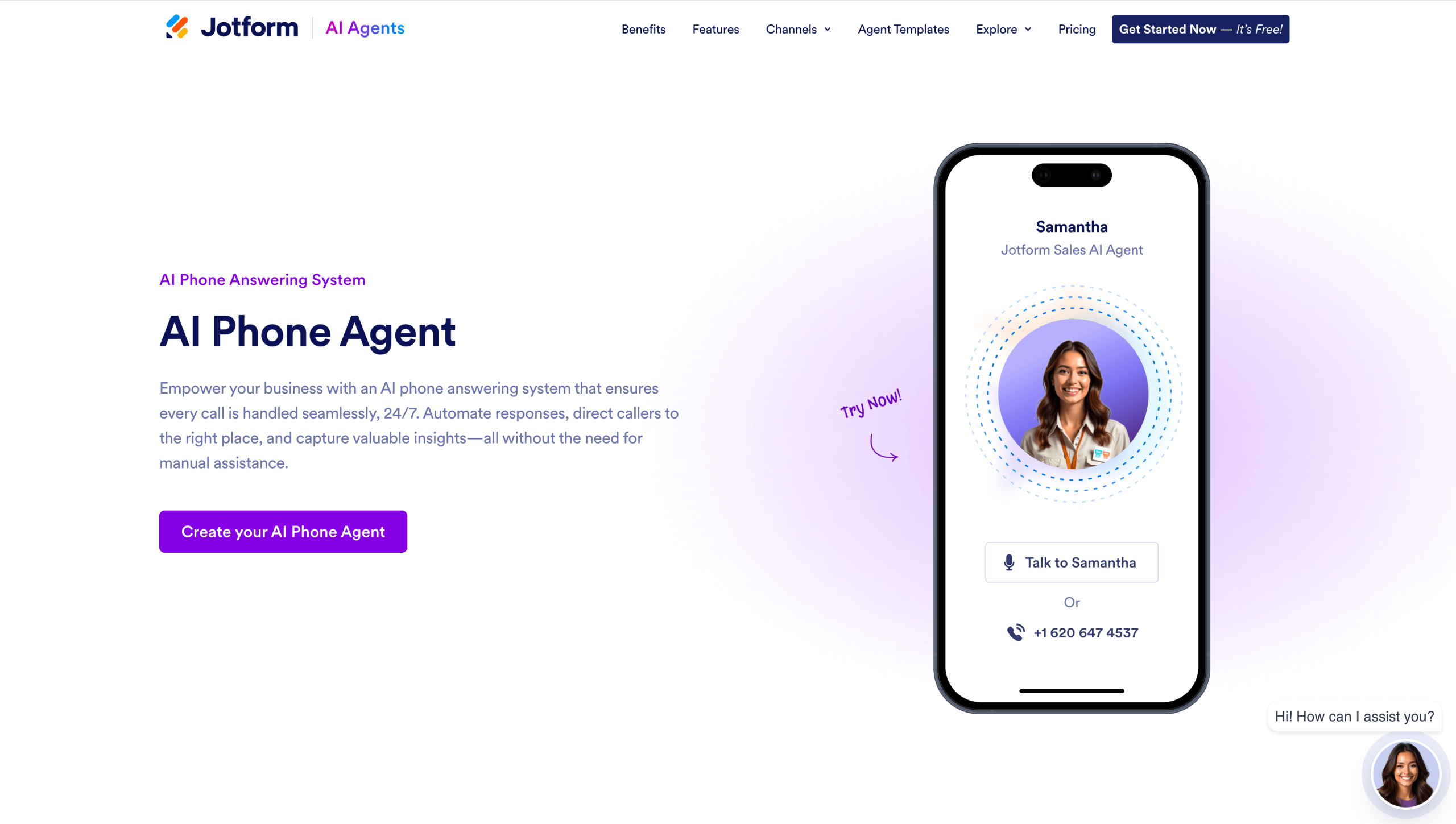
This AI agent works within the Jotform ecosystem, allowing you to link your phone support services to your forms and workflows. The integration also lets your call center’s data into the systems your teams already use (such as your CRM or help desk infrastructure). With the Jotform AI Phone Agent, you can easily scale up support during peak traffic times or as your organization grows, without incurring additional operational expenses.
Looking for a jump start? Jotform has more than 7,000 AI Agent templates that you can customize as needed, including a Call Center AI Chatbot template for handling FAQs. Explore this template and Jotform AI Phone Agent to build a flexible, scalable chatbot support experience.
FAQs about chatbot call centers
There is not one best chatbot for customer service. The best option for you will depend on the channels your organization uses (web, text message, social media, voicemail), your integrations (CRM, support system, VoIP service), and the amount of work you want your chatbot to handle. Pick a few tools and test them with real questions before deciding which one you’ll use.
Most chatbot platforms let you cancel from your account’s billing or plan settings. To cancel a paid Jotform plan, go to Billing under Settings, choose Change Plan, and downgrade to the Starter (free) plan. Many Jotform features are available for free. Before you downgrade, back up transcripts or records you want to keep, and remove the chatbot from your site or phone workflow, so your customers don’t hit a dead end. If you need assistance, contact Jotform Support.
Customer service teams sometimes use ChatGPT to draft responses, summarize tickets, and improve response times. However, if you’re looking for a solution that can interact with customers, OpenAI isn’t the best option. Instead, use Jotform’s AI chatbots (AI agents). You can train them to match your brand tone and voice and integrate them into your tech stack.
This article is for teams evaluating AI chatbot call centers, including anyone responsible for customer support workflows, service operations, or digital channels, who wants to understand benefits, use cases, implementation best practices, and solution selection factors.












































































Send Comment: