
Top 10 Drift alternatives
Drift, an AI chatbot platform, blends live chat, analytics, and automation to help businesses convert website visitors into customers. (These platforms are sometimes called conversational AI chat tools.) Designed for sales teams, it engages warm prospects, nudges them further along your sales funnel, and does it faster than a salesperson. But the platform has some issues you should consider.
Drift, now owned by Salesloft, is typically too expensive for smaller teams. And those who can stomach the price frequently encounter reliability issues (such as delayed notifications, routing errors in conversations, and complex configurations) after taking the platform’s chatbots live. In addition, a major data breach in August 2025 raised serious concerns about Drift’s security.
If you’re looking for a more reliable, cost-effective, or flexible chatbot builder, we’ve tested and selected 10 of the best Drift chat alternatives in 2026. Our reviews cover standout features, drawbacks, and pricing, so you can find CRM-integrated chatbots and sales automation tools that fit your team’s workflows, budget, and growth goals.
How to choose the right Drift alternative
Despite the abundance of choices, picking the right chatbot builder is easier than it seems. That abundance actually dramatically increases your chances of finding a platform tailored to your needs, rather than one that tries to be all things to all people. Beyond considering what a chatbot can accomplish in your current workflows, you’ll want to know what sets it apart from other options and think about these factors:
- Pricing models: Flat-rate, seat-based plans versus usage-based billing that scales with conversation volume
- Team roles: Support for solo operators or larger teams that need permissions, handoff rules, and collision detection
- Integrations: Especially for sales teams with external CRMs, help desk software, and marketing platforms
- Use-case focus: Dedicated sales features, support for Service-Level-Agreement (SLA) tools, and other configurations that may limit what your chatbot can handle
- Governance: Approval-first automation, audit trails, and transparent and trustworthy AI behavior
Using this framework, we found nearly 20 apps worth testing. From there, we narrowed the field to the 10 best Drift competitors in 2026, tools that consistently delivered strong performance, competitive pricing, and dependable conversational AI in real-world tests.
Overview of the best Drift chatbot alternatives in 2026
| Tool | Best for | Unique feature | Pricing |
|---|---|---|---|
 Jotform AI Chatbot Builder |
Automated customer interactions and service management |
Long list of no-code training features |
Starting at $39/month |
 Fin AI |
Simplified, ongoing chatbot improvement and guidance |
AI-generated suggestions for training settings |
$0.99/ resolution |
 Tidio |
Highly customized human handoffs |
Chatbot email responses |
Starting at $29/month |
 Breeze Agents |
Teams using HubSpot |
Handoffs between standalone agents |
Starting at $1,450/month |
 Landbot |
No-code design customization |
Dozens of themes and templates |
Starting at $45/month |
 Freddy AI Agents |
Fast, templated chatbot rollouts |
AI contact scoring |
Starting at $49/month |
 Chatbase |
AI model comparison and selection |
Side-by-side large language model comparisons |
Starting at $40/month |
 Agentforce |
Enterprise-level security and privacy |
Agent ability to edit orders and issue refunds |
Starting at $2/conversation |
 Eesel |
Software and product companies |
Jira, Confluence, Magento, and Notion integrations |
Starting at $239/month |
 Smartsupp |
Low-volume, low-price chatbots |
Training on an XML feed of products |
Starting at $20/month |
1. Jotform AI Chatbot Builder: Best for automating customer interactions and service management
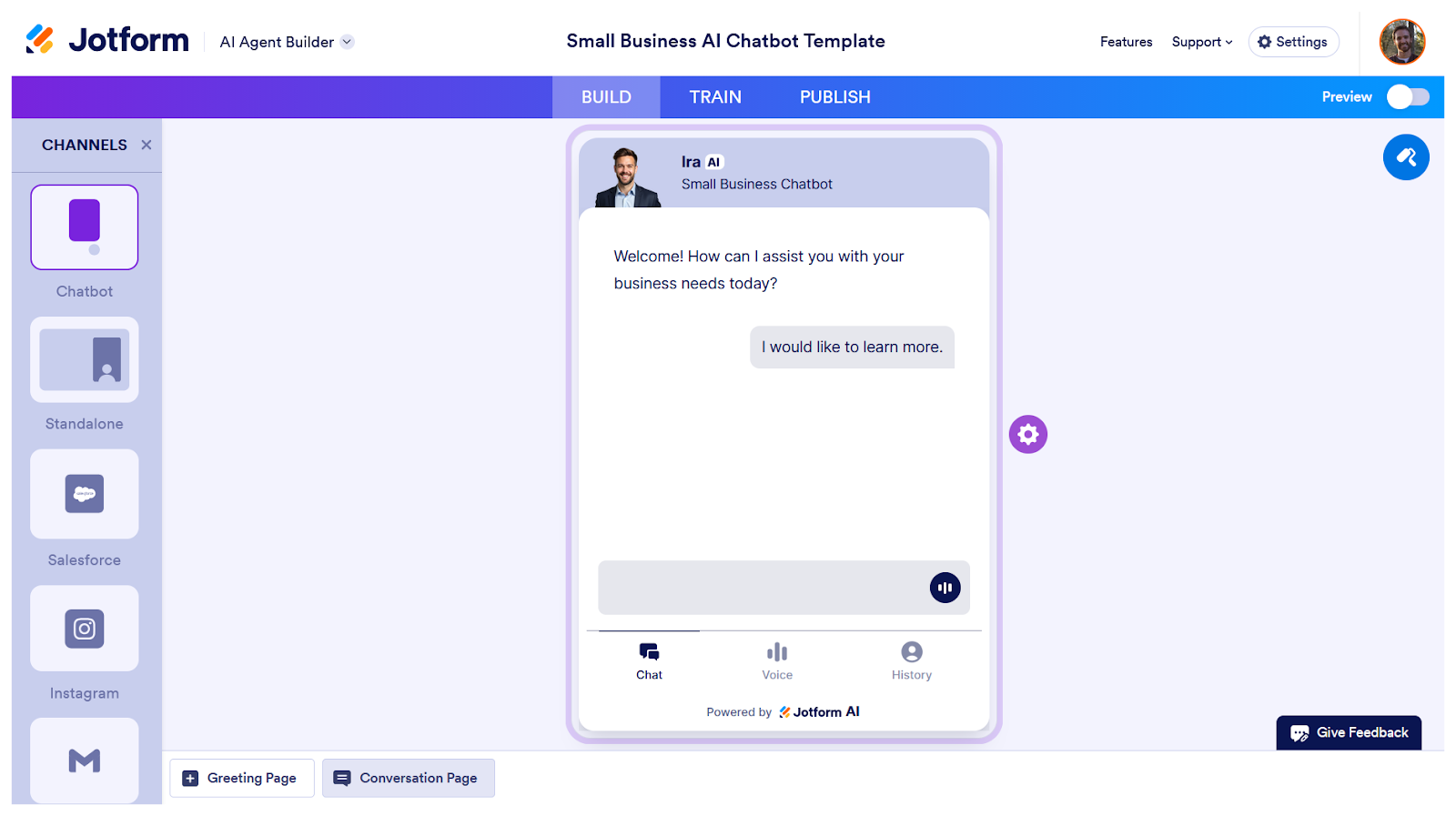
The Jotform AI Chatbot Builder delivers a fast, no-code way to spin up chatbots backed by a deep set of customization and training options that Drift users will appreciate. You can sign up for a free plan and roll out a fully functional conversational AI chat tool in minutes, refining and upgrading it over time without touching a line of code.
With Jotform AI Chatbot Builder, setting up a chatbot is simple. Choose your chatbot’s role, tone, and response length (as well as voice, if it’s a call agent). Then, open the Knowledge Base tab and paste text, upload documents, add website URLs, or sync data from tools such as Freshdesk or Zendesk. You can even train your chatbot to be more conversational and provide responses that you want it to use verbatim in certain scenarios.
Templates are a major shortcut for Jotform users. The platform includes hundreds of preconfigured agents, among them lead-generation bots, Shopify chatbots, and customer inquiry bots. Templates allow you to launch as quickly as possible, embedding your chatbot in websites, landing pages, internal tools, or mobile apps.
Similar to Drift, Jotform AI Agents give you granular control over how bots behave during conversations. You can detail how the agent handles positive and negative sentiment, set rules for when it should stop responding, and tune the level of context it uses. Like all Jotform products, it upholds SOC 2 Type II principles and is GDPR compliant and HIPAA friendly.
- Developer: Jotform Inc.
- Pros of Jotform AI Chatbot Builder
- Advanced chatbot training in minutes
- Tons of chatbot templates
- Incredibly easy to embed in websites and apps
- SOC 2 Type II principles upheld; General Data Protection Regulation (GDPR) compliance
- Cons of Jotform AI Chatbot Builder
- Best paired with other Jotform tools
- Fewer multichannel features than enterprise CRMs
- Pricing
- The Starter tier (free) lets you build up to five agents trained on up to 10 million characters of knowledge base data and capable of a cumulative 100 monthly conversations.
- The Bronze tier ($39 per month) boosts your account up to 25 agents, 20 million knowledge base characters, and 1,000 monthly conversations across all agents.
- The Silver tier ($49 per month) increases the limits to 50 agents, 50 million knowledge base characters, and 2,500 monthly conversations.
- The Gold tier ($129 per month) covers up to 100 agents, 100 million knowledge base characters, and 10,000 monthly conversations.
- With a sales call, you can request custom plans for unlimited agents, conversations, and knowledge base characters.
- G2 rating: 4.5/5
2. Fin AI: Best for simplified, ongoing chatbot improvements and guidance
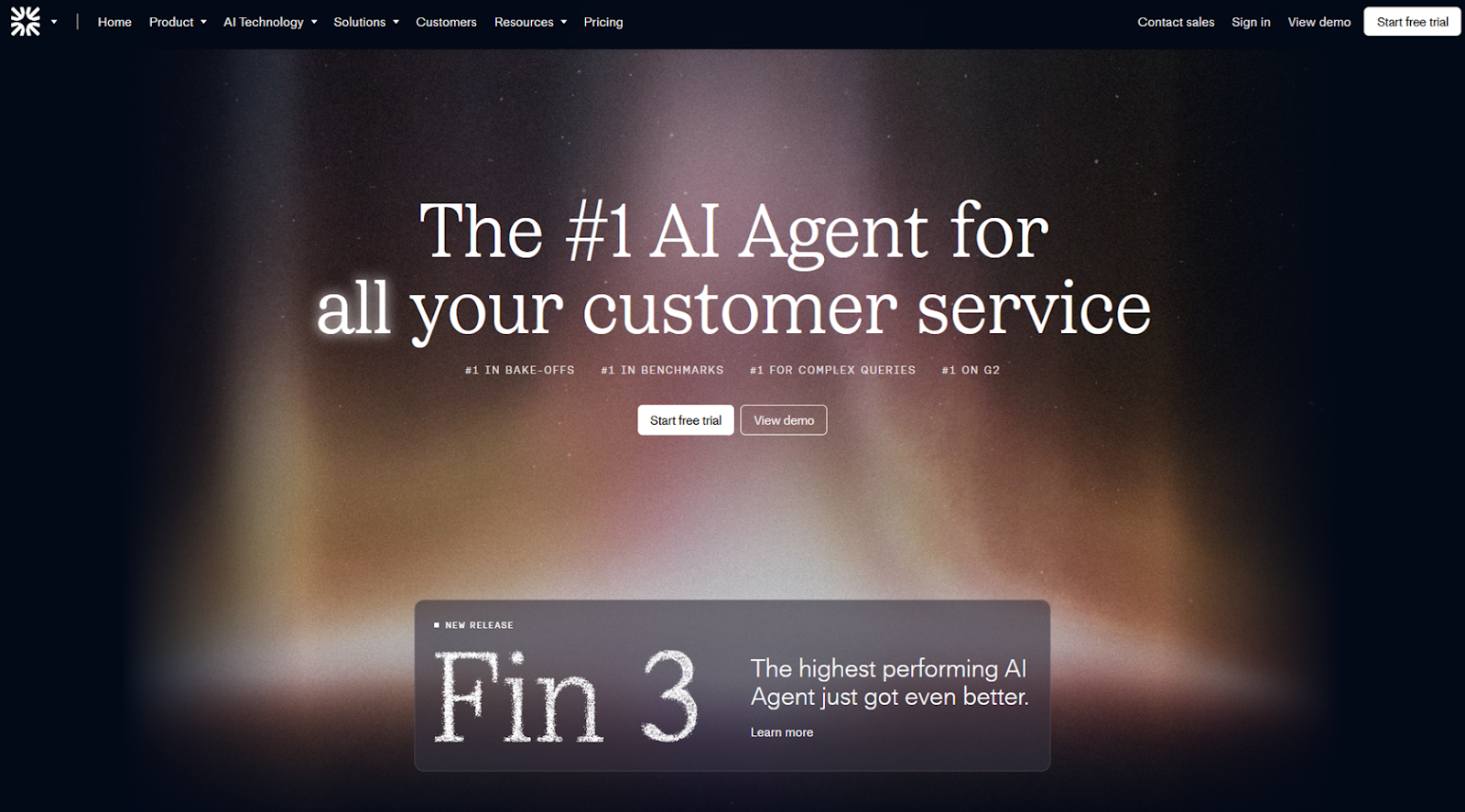
With its focus on larger, enterprise-level sales and support teams, Fin AI sets itself apart by providing a ton of data about how to improve your training and what users request most often.
Fin AI’s Topics Explorer is an especially worthwhile feature, tagging and organizing FAQs and highlighting areas where your knowledge base or training settings need to be updated. It will even generate longer, more detailed instructions for your chatbot in your knowledge base, for you to review. You can also have the platform automatically create and run simulated customer conversations.
The list of integrations is shorter than what you’ll find in other no-code chatbot builders, and the controls for tone and personality aren’t the most intuitive. Still, Fin AI is worth testing, if only for its AI training suggestions and per-resolution pricing.
- Developer: Intercom
- Pros of Fin AI
- AI-simulated users and audiences for bulk testing
- Topics Explorer for automatically grouping common requests
- AI-generated suggestions for improving chatbot configuration
- Cons of Fin AI
- Fewer integrations than other chatbot builders
- Difficult to give chatbots a personality that matches your brand
- Pricing:
- Fin AI’s pricing is a bit different than most conversational AI platforms. The usual fixed monthly price is replaced by a per-resolution arrangement, and teams sign on for a minimum of 50 resolutions per month. You’re charged each time a customer confirms the AI chatbot resolved their issue or when they don’t request further help after the final AI chatbot response.
- G2 rating: 4.5/5
3. Tidio: Best for highly customized human handoffs
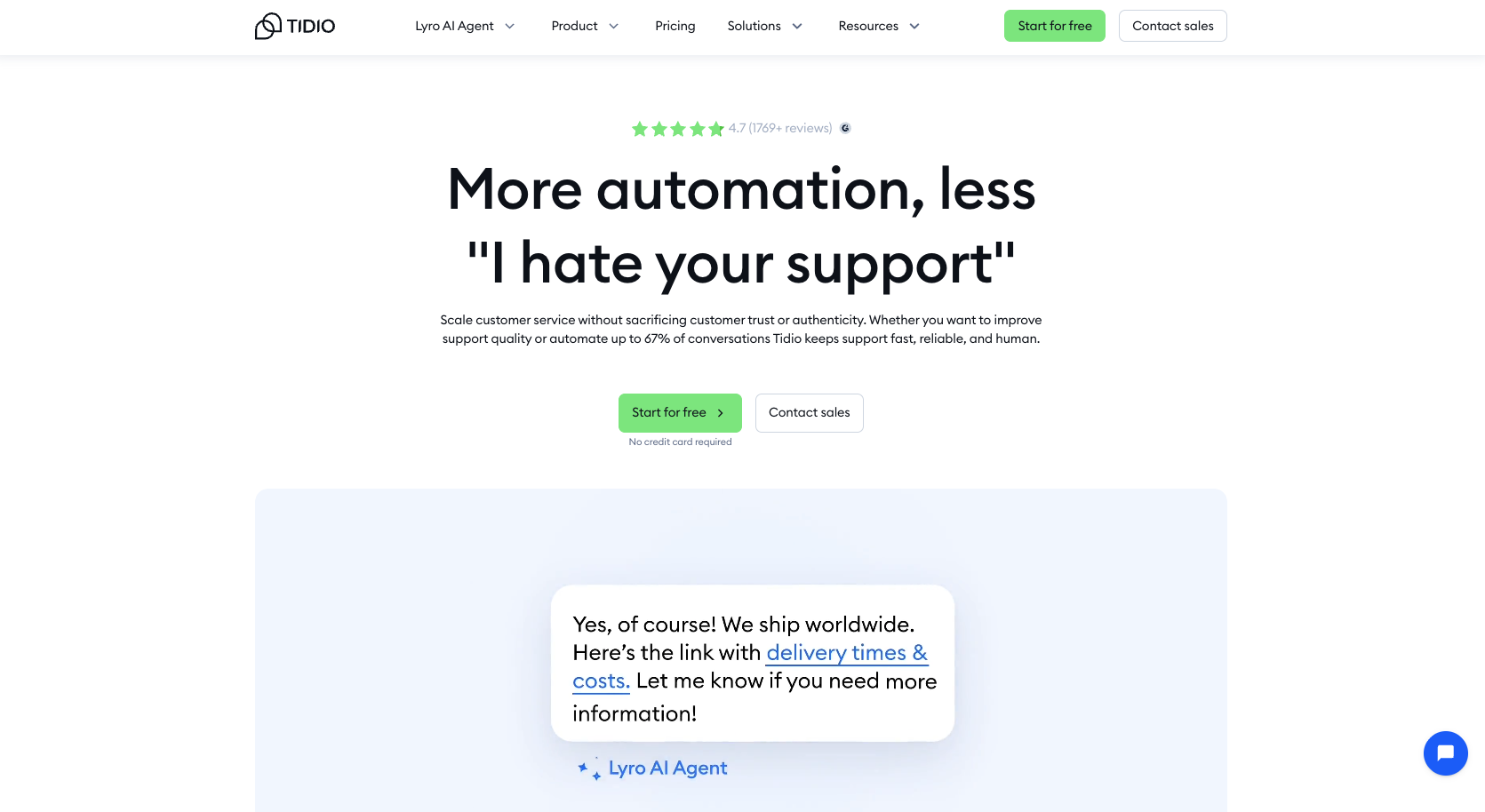
Tidio’s no-code chatbots feature many flexible and customizable personality and design options, and you can train it using URLs, Shopify store information, CSV files, and Zendesk subdomains.
Tidio is a live chat and ticketing platform meant to be staffed by humans, with Tidio’s Lyro AI agent filtering the easiest questions. Lyro can also handle certain tasks, for example, getting an order status from Shopify, creating a contact in HubSpot, or booking a call in Calendly. Teams can use the visual workflow-builder in the Actions tab to incorporate the agent into daily activities.
Tools under the Configure tab were our favorites. There, you can set up rules to route certain audiences to human agents automatically or tweak when and how Lyro handles transfers between AI and human agents. These features support modern chatbot best practices by ensuring conversations escalate cleanly and training improves continuously, making it a good option for hybrid teams.
- Developer: Tidio
- Pros of Tidio
- Easy to enable chatbot email responses
- Several user-friendly human handoff settings
- Cons of Tidio
- Limited training options
- Expensive higher-tier plans
- Pricing
- The free plan allots 50 billable conversations, 10 account seats, 100 Flows, and basic analytics.
- The Starter plan ($29 per month) increases the number of billable conversations to 100 and adds dedicated chat landing pages and real-time analytics.
- The Growth plan ($59 per month) starts with 250 billable conversations, with an option to buy more, and offers advanced analytics, native Shopify actions, and automated problem-solving in a conversational manner.
- The Premium plan requires a sales call but has the possibility of unlimited conversations and seats, and a guaranteed 50 percent AI chatbot resolution rate.
- G2 rating: 4.7/5
4. Breeze Agents: Best for companies using HubSpot
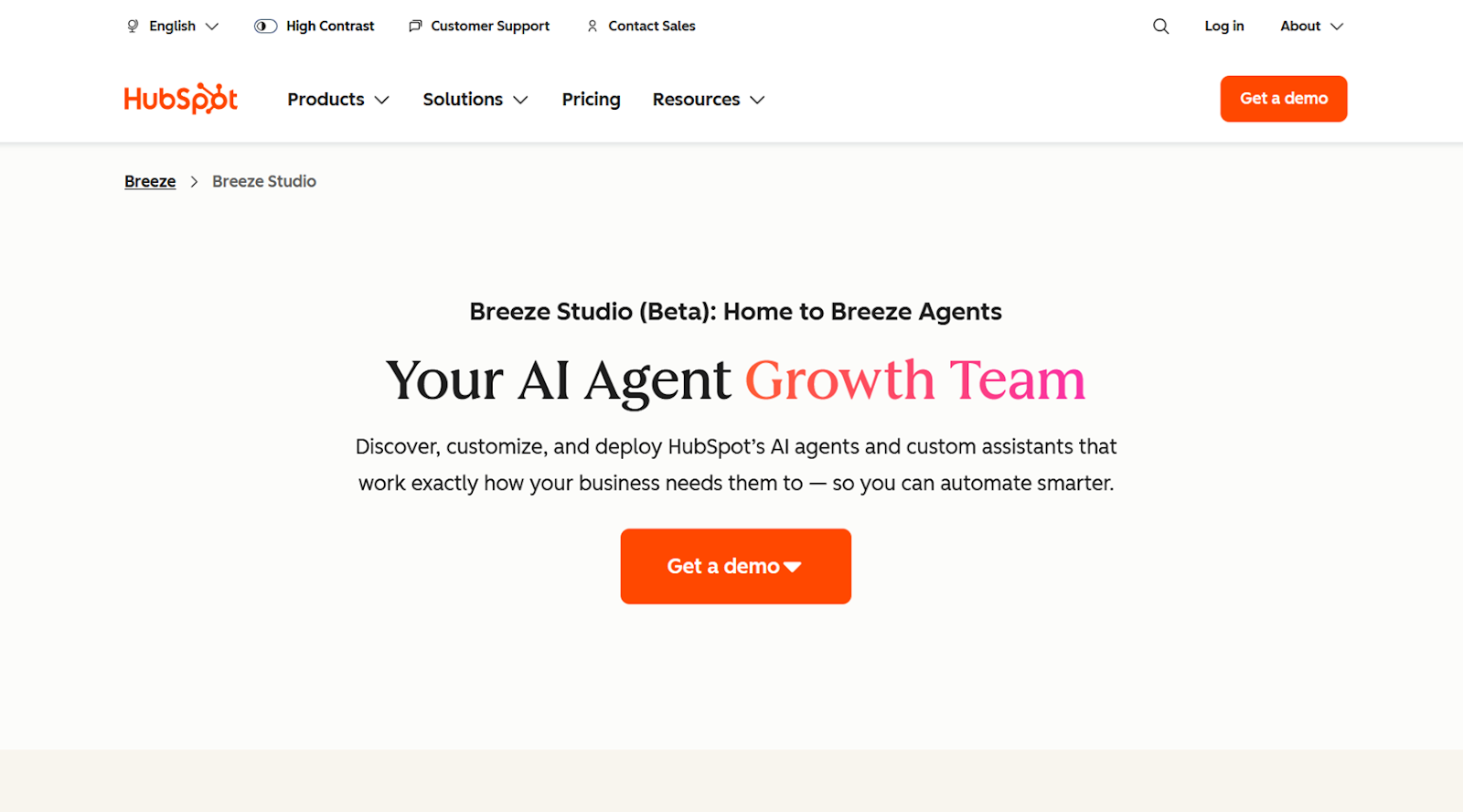
HubSpot’s Breeze Agents have mostly replaced the platform’s previous chatbot builder. They’re much easier to train, deploy, monitor, and analyze than Drift’s chatbots. But they aren’t much cheaper, unfortunately.
You can tailor a Breeze Agents customer agent, picking from a short list of personality templates, and connect it to sources such as a HubSpot CRM, uploaded documents, or public URLs. The HubSpot connection, however, is a double-edged sword, because agents excel or fail mostly depending on the volume and quality of data in your CRM.
Pro Tip
One genuinely novel and interesting Breeze Agents use case involved having the platform’s customer agents pass successful chat interactions off to a separately trained knowledge base agent that could convert conversations into longer, more detailed help center articles.
Once trained, you can deploy agents to your website, mobile app, WhatsApp, and Facebook Messenger. Revisit the Performance tab later to review a broad swath of suggested metrics and dozens of customizable visualizations. For teams weighing Drift versus HubSpot, Breeze Agents’ interlinking chatbots might be enough to tip the scale.
- Developer: HubSpot
- Pros of Breeze Agents
- Great for connecting to other agents
- Intentionally simple
- Cons of Breeze Agents
- Unpredictable pricing
- Existing data a prerequisite
- Pricing:
- Breeze Agents are available only on the Professional and Enterprise plans of HubSpot’s customer platform ($1,450 per month and $4,700 per month, respectively). Each conversation uses credits, and you can purchase more credits if you run out. According to HubSpot, AI credits cost approximately $1 per conversation.
- G2 rating: 4.7/5
5. Landbot: Best for no-code design customization
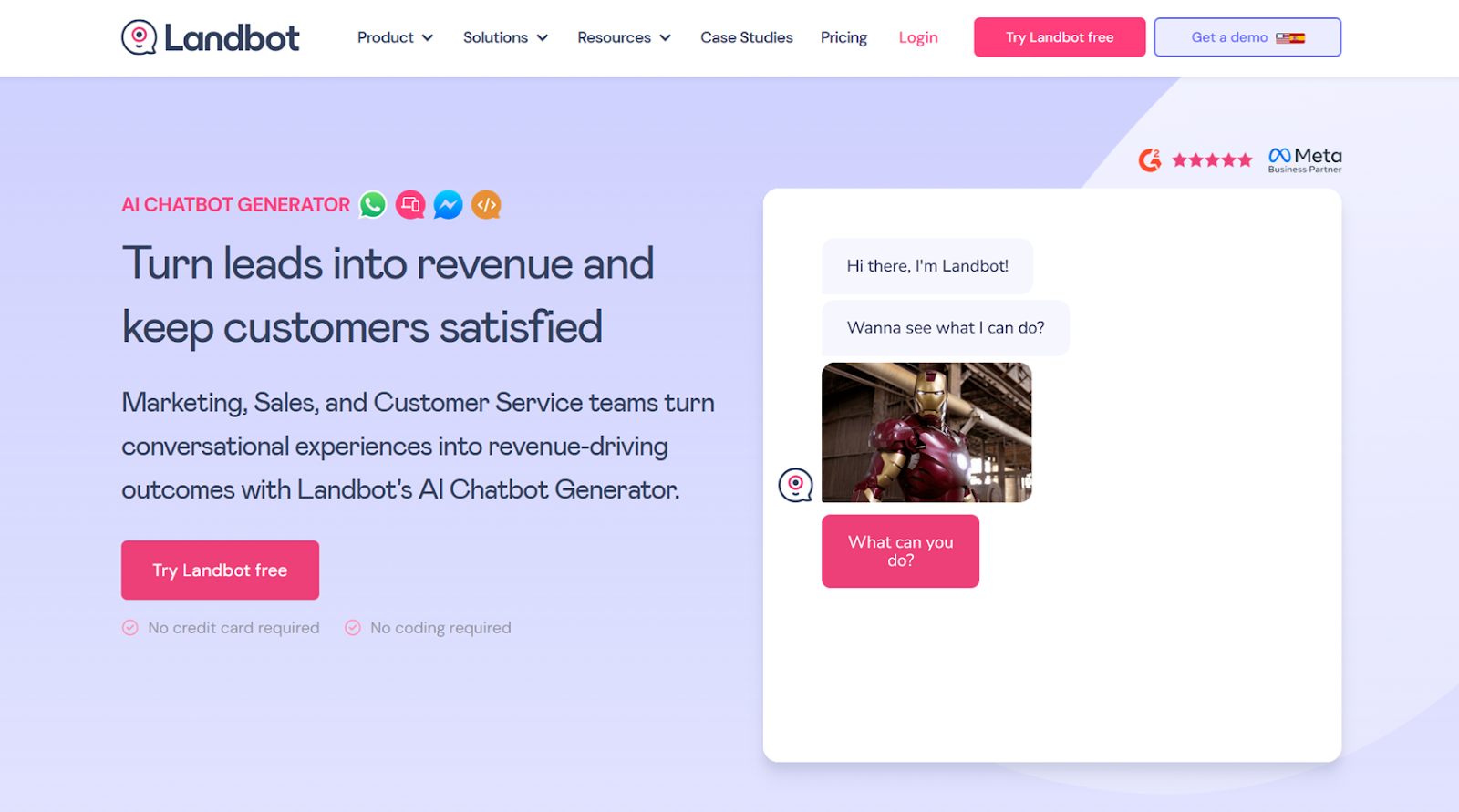
Landbot’s Canva-style template library and layout customizations are the most interesting parts of this platform.
Creating a chatbot or AI agent with Landbot starts in the usual way: giving it plain-language instructions on its goals, tone, and context. Next, it’s given text, an uploaded file, or a URL to use as context. Where Landbot really shines, however, is the Design tab, where you can select one of more than two dozen themes, add background images or videos, customize your bot’s avatar, paste CSS or JavaScript, and tweak a bunch of other visual settings.
Landbot would benefit from more bot personality and automation settings. But its chatbots can answer basic user questions and use lead-generation forms for natural, human-sounding conversations. This all happens on a great-looking interface without costing as much as or requesting the same technical requirements as Drift.
- Developer: Landbot
- Pros of Landbot
- Lots of code and no-code design options
- Convenient free plan for experimenting
- Cons of Landbot
- Custom branding paywalled behind highest tiers
- Too few training options
- Pricing
- The Sandbox version (free) gives you 100 chats per month, one seat, and basic integrations, automations, and power-ups.
- The Starter plan ($45 per month) limits you to 500 chats per month, two seats, A/B tests, custom CSS and JavaScript, in addition to Mailchimp and Stripe integrations.
- The Pro version ($110 per month) sets the monthly chat allowance at 2,500 and seats at three, and includes lead scoring, custom branding, and support for webhooks.
- The Business plan ($450 per month) comes with a custom chat ceiling, five seats, and bot development and support from the Landbot team.
- G2 rating: 4.7/5
6. Freddy AI Agents: Best for fast, templated chatbot rollouts
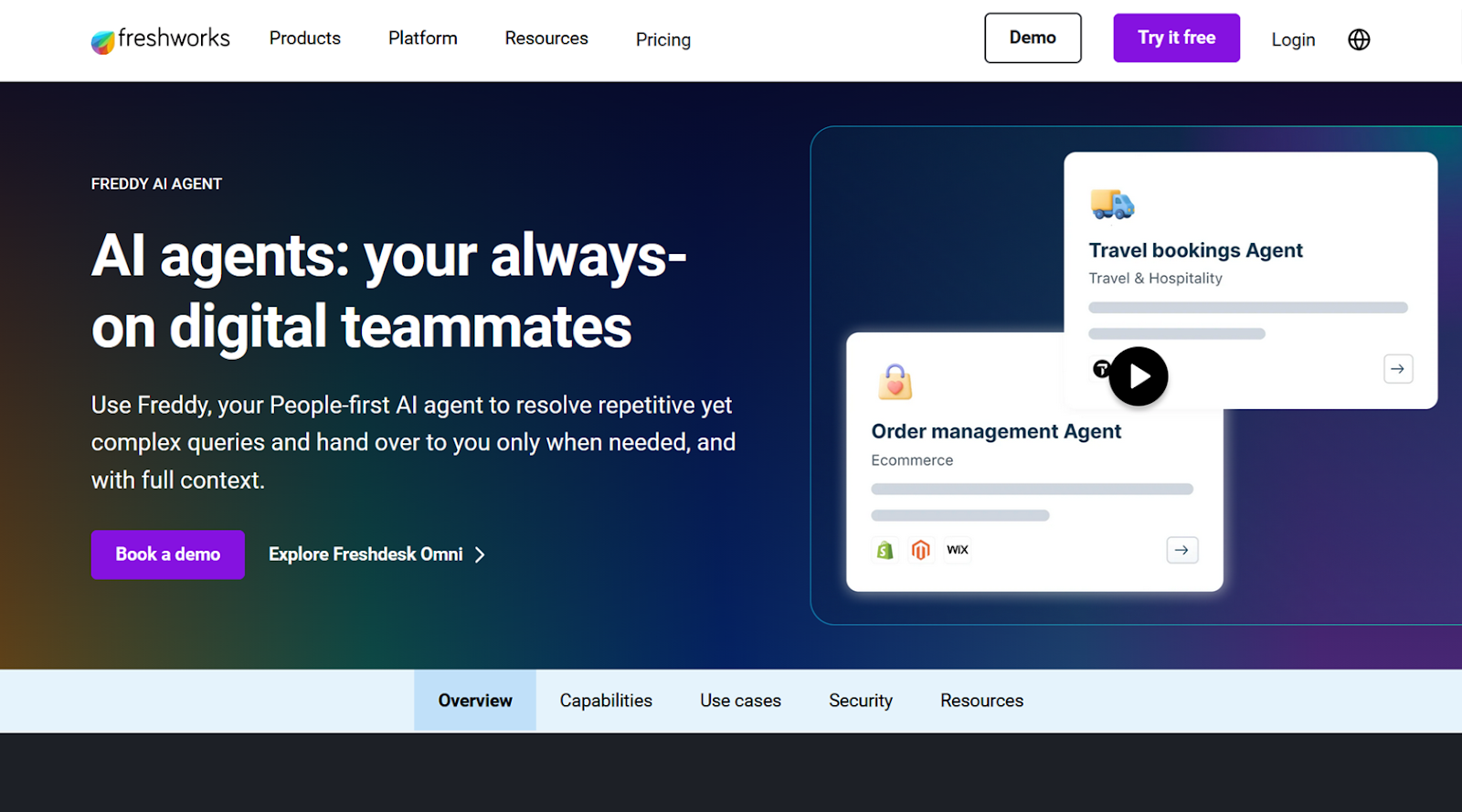
Like HubSpot’s and Salesforce’s chatbot builders, Freddy AI Agents are built into your Freshworks CRM. But that’s not all they have going for them.
Since we last reviewed Freddy AI Agents, its Skills builder, an automation builder akin to Zapier or Make, has improved quite a bit. You tell Freddy which requests and questions to watch for, and it uses natural language processing to check a Shopify order status, book an appointment, or collect a warm lead’s contact info.
The platform’s agent templates are constantly improving, with new options added to the list frequently. Regardless of which template you pick, you’ll get access to Freddy’s contact scoring and AI deal insights. All of this is predicated on using Freshworks’ CRM, where most of Freddy’s context will come from, since otherwise its training is limited to URLs and file uploads. If you’re in the market for a new CRM, Freddy AI Agents are a good reason to consider moving to Freshdesk.
- Developer: Freshworks Inc.
- Pros of Freddy AI Agents
- Agent templates that accelerate rollout
- Natural-sounding AI responses
- Cons of Freddy AI Agents
- URLs and file uploads the only training avenues
- Confusing pricing
- Pricing:
- Freddy AI Agents are a $49 per month add-on to the Pro plan ($47 per month) and Freshsales Suite ($71 per month) plan.
- The Freddy AI Agents add-on starts with 100 agent sessions per month, with more available for purchase. A session consists of all interactions a single user has with an agent within 24 hours.
- G2 rating: 4.2/5
7. Chatbase: Best for AI model comparison and selection
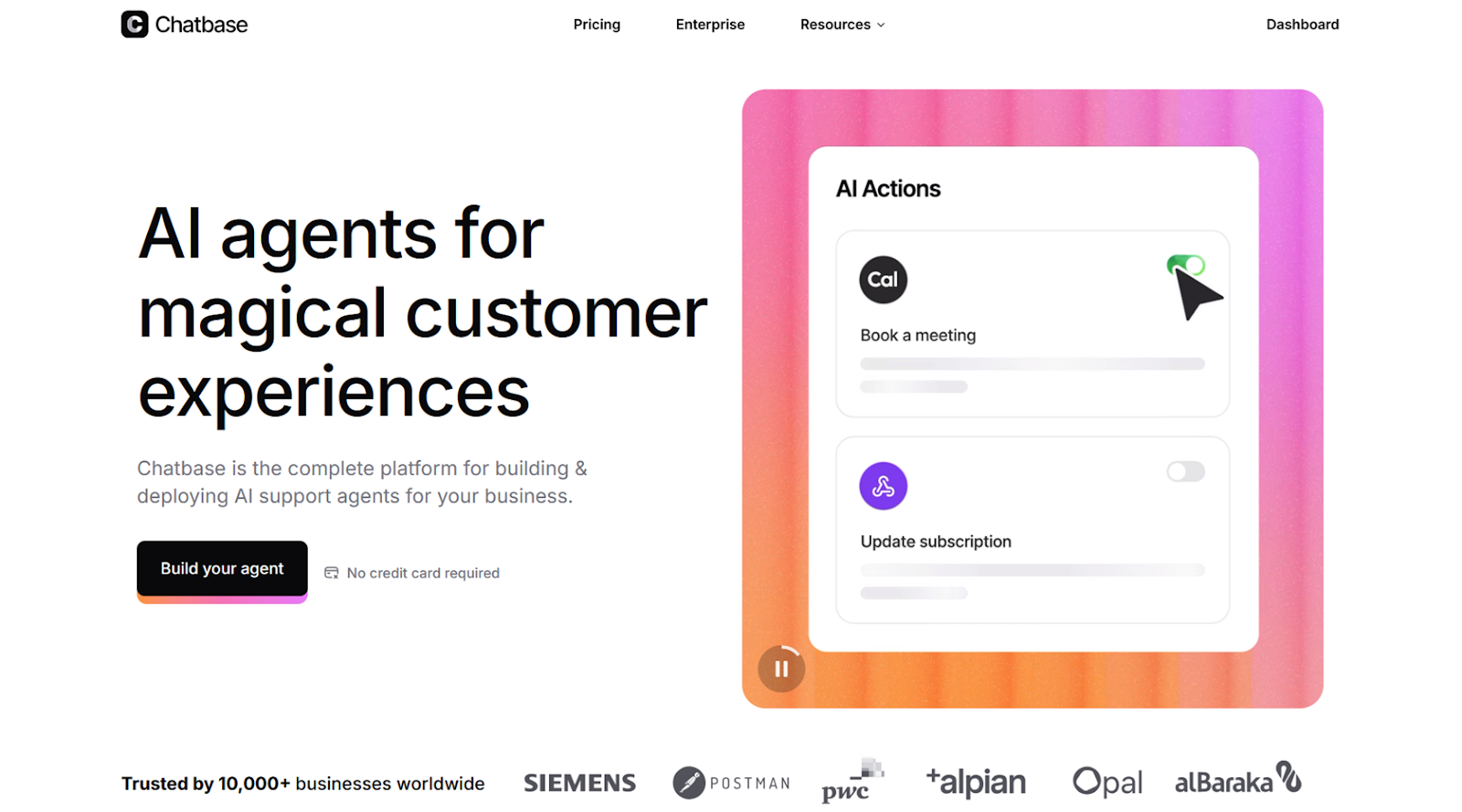
Frankly, it’s a little shocking that more chatbot builders don’t let you pick which AI model is responding to your leads and customers. Chatbase does that and then some, giving you more than 40 large language models (LLMs) to pick from.
Chatbase covers almost all of your chatbot setup during onboarding, gathering your use case, training data, design, and model preferences in just a few clicks. One of the first things you see after that is its Compare AI Models tool. The setup features two chat windows, powered by different models, side by side. You can query both at the same time. This trial shows you the difference across the models’ detail, style, and speed, making it easier to pick from the long list of model options.
In addition, after your bot has been in production for a while, Chatbase notifies you whenever a user conversation bumps into a content gap or conflict in your knowledge base. So although it doesn’t have the enterprise feel of Drift, Chatbase is flexible and unique, with some of the best AI chatbot personality customization available.
- Developer: Chatbase, Inc.
- Pros of Chatbase
- Side-by-side comparisons for over 40 AI models
- Outstanding onboarding process
- Content gaps and conflicts in training automatically recognized
- Cons of Chatbase
- Very basic design customizations
- Pricing
- The free version lets you build one agent from a list of fast LLMs and has a budget of 50 message credits per month. You can use up to 10 URLs for training.
- The Hobby plan ($40 per month) broadens model selection to advanced options and comes with 2,000 message credits, five AI actions per agent, API access, an unlimited number of training URLs, and integrations.
- The Standard plan ($150 per month) bumps you up to two agents, 12,000 message credits, and 10 AI actions per agent.
- The Pro version ($500 per month) includes three AI agents, 40,000 message credits, 15 AI actions per agent, and advanced analytics.
- Enterprise plans require a sales call and can include priority support, SLAs, and higher plan limits.
- G2 rating: 4.7/5
8. Agentforce: Best for enterprise-level security and privacy
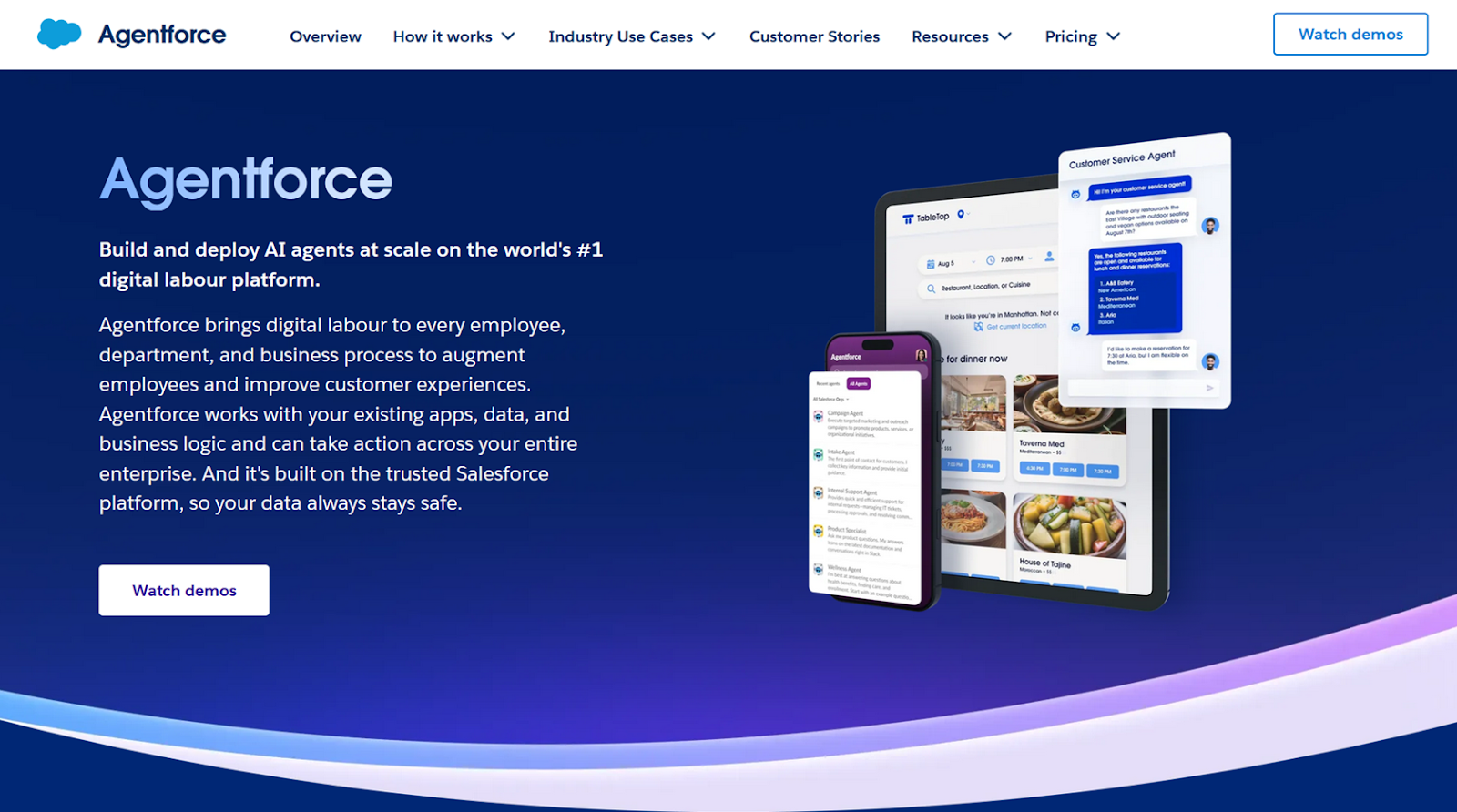
Salesforce’s Agentforce caters to enterprises even more than Drift. Thanks to recent pricing changes, that’s not a bad thing.
Agentforce’s main selling point is that it can directly interface with Salesforce data. Service Agents can create cases, update opportunities, and, when configured properly, issue refunds. To Salesforce’s credit, its agents seem to default to the safest options, never taking action or sharing private information unless they have explicitly been authorized to do so. Even the most insignificant agent actions need to be carefully specified and configured.
All that agency, security, and flexibility can be a bit of a disadvantage. Agentforce chatbot setup takes a long time. It requires wiring prompts to skills, mapping object access, and authoring Flow or Apex for actions.
- Developer: Salesforce, Inc.
- Pros of Agentforce
- Ample autonomy and ability to take action
- Robust governance and security
- Cons of Agentforce
- Steep per-conversation pricing
- Time-consuming setup
- Pricing
- Agentforce also costs more per conversation compared to platforms such as Fin AI, which charges about $1 per conversation. Salesforce’s options may be much cheaper than Drift’s, however, with a minimum entry price of $500 (comparatively low).
- Agentforce offers two main pricing avenues. Flex Credits are priced at $500 per 100,000 credits and support a pay-per-action model. The other option, Conversations, offers flat-fee pricing, $2 per conversation, and is designed specifically for customer-facing agents.
- G2 rating: 4.3/5
9. eesel: Best for software and product companies
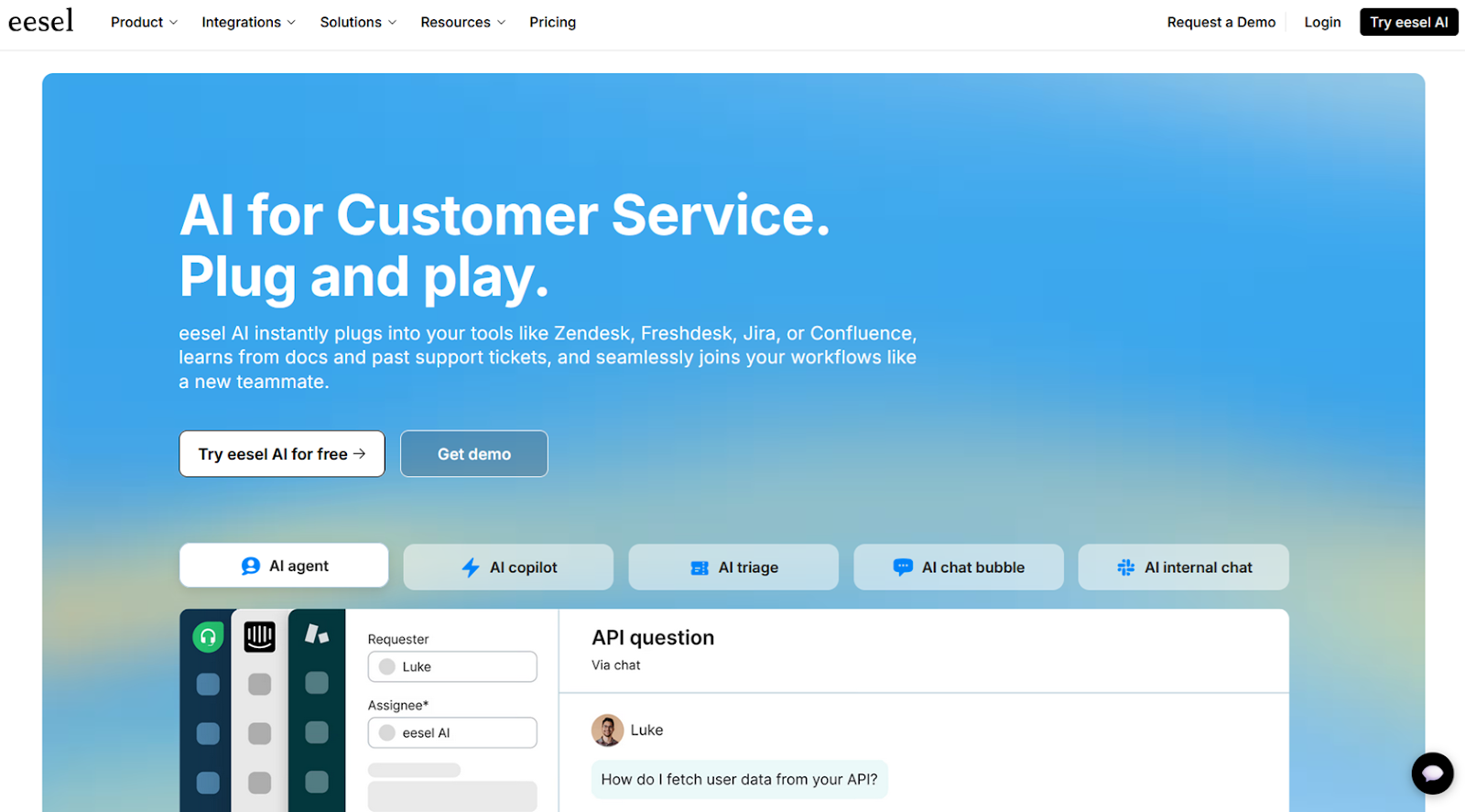
The platform eesel feels more like a startup’s app than an enterprise contender. What does eesel offer that Drift doesn’t? Native integrations with mission-critical platforms such as Jira, Confluence, Magento, and Notion.
Eesel’s tone and style customizations are handled by open-ended natural language prompts, which are paired with AI suggestions and feedback from a separate chatbot. In the setup stage, you can train eesel chatbots on URLs, PDFs, Google Drive folders, and Zendesk domains. The chatbots can also grab real-time data and take action on other knowledge sources via the Actions tab, where you’ll find eesel’s impressive integrations list. In our tests, these connectors did better than most other chatbots at presenting information from third-party platforms without unnecessarily transforming it.
Unfortunately, the design and user interface customization options for eesel’s website chat widgets aren’t all that exciting. Improvements will likely roll out soon, alongside eesel’s forthcoming email bot. Overall, it’s a growing platform that feels best suited for growing software and product teams.
- Developer: eesel, Inc.
- Pros of eesel
- Less common integration options
- Ability to automatically show queries that require more training
- Cons of eesel
- Limited design customizations
- Pricing
- The Team plan ($239 per month) includes up to three chatbots, 1,000 conversations per month, and reports and a Slack integration.
- The Business plan ($639 per month) has unlimited bots, 3,000 conversations per month, AI actions, bulk testing and user simulation, and Microsoft Teams integration.
- Custom plans require a sales call but could include unlimited conversations, API calls, and custom integrations, security, and controls.
- G2 rating: 4.6/5
10. Smartsupp: Best for low-volume, low-price chatbots
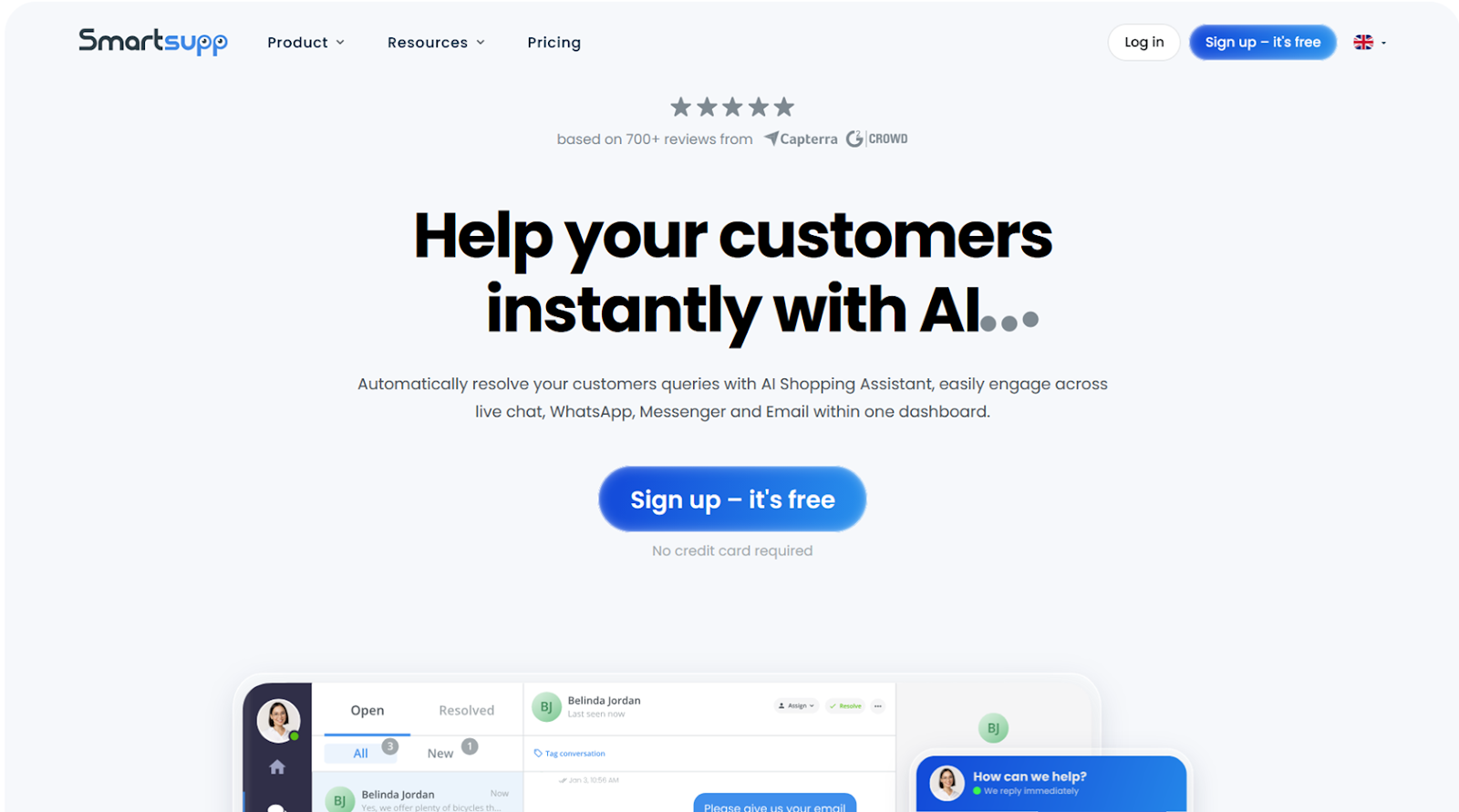
Aside from a few somewhat niche features, Smartsupp is notable for its focus on AI-assisted shopping. Mira AI is a $20-per-month add-on that can be purchased with any Smartsupp plan. It can upsell, cross-sell, and answer questions about checkout, shipping, and refunds.
While the conversation ceilings on its free-forever and paid plans aren’t as high as Jotform’s, Smartsupp’s paid plans are cheaper, if you’re looking for low-volume, low-price chatbots. The Mira AI add-on can be trained on XML product feeds, for sellers who frequently update their catalog. It can also dynamically personalize the website chat widget based on user behaviors, including information such as time on the page, device type, or whether they’re a new or returning visitor.
Smartsupp becomes more expensive when you tailor your chatbot’s color and layout schemes. And its integrations list overrelies on Make to pull and push data to and from other data sources. If what you need is a tool to chat about products with website visitors, it’s more than sufficient.
- Developer: Smartsupp
- Pros of Smartsupp
- Trains on XML product feeds
- Shows/hides chat window based on user behavior
- Is relatively affordable
- Cons of Smartsupp
- Light on chat color and layout configurations
- Limited third-party connectors
- Pricing: Smartsupp has four plans: free, Standard ($20 per month), Pro ($30 per month), and Ultimate ($239 per month). All of them work with the Mira AI add-on, which costs $20 per month and comes with 100 conversations per month, product recommendations, multilingual support, and up to 50,000 products in your chatbot training.
- G2 rating: 4.7/5
How to choose the best Drift alternative
None of these Drift alternatives are perfect. The right choice depends on your tech stack, budget, and customer volume, and how hands-off you want your chatbot’s conversations to be. But you can’t make that decision based on feature lists and pricing tables alone. You need to experience how a platform behaves for yourself, to poke around its interface and stress-test its chatbots after they’ve been trained on your data.
The most reliable approach is to shortlist two or three options from our list of alternatives and put them in simulated scenarios pulled from your own sales or support queues. Jotform makes that especially easy. Its free plan gives you access to almost everything the platform offers with no trial expiration, limiting only conversation volume and knowledge base size.
Jotform AI Agents are among the best support and sales chatbots for saving your team time without going fully hands-off. Build one today.
* Ratings and number of reviewers reflect statistics at the time of writing.
Drift FAQs
Its main rivals are customer engagement and conversational AI tools such as Jotform AI Agents, Intercom, Tidio, and Agentforce. These platforms offer similar AI chatbot, live chat, and automation features, often with more flexible pricing or broader use-case support.
The key difference lies in their primary focus: Drift puts sales first, while Intercom is more focused on AI chatbots for customer support. Drift is built to accelerate sales by using AI to engage warm leads and routing those leads quickly to sales reps, making it ideal for B2B and SaaS companies focused on conversions. Intercom offers a more comprehensive suite of capabilities that spans marketing, sales, and customer support and has a robust ticketing feature, help center integrations, and shared inboxes.
This article is for the website owners, ecommerce managers, support leads, marketers, and ops teams evaluating Drift but wanting better AI, more control, stronger integrations, or better value.




















































































Send Comment: