
Top 10 Help Scout alternatives
Help Scout is a popular customer support software for many, but it may not be the right fit for your business for several reasons. You may need better automation, different integrations, an improved ticketing system, or even just a more affordable option.
Luckily, many Help Scout competitors offer the capabilities you seek. But how do you know which of these help desk platforms is right for your business? To help guide you, we’ve rounded up our top Help Scout alternatives.
What to look for in a Help Scout alternative
Before investing in any product, it’s important to know what you’re looking for. Here are several key factors to consider:
Essential features
What are the tools your customer support team can’t do without? Whether it’s shared inbox tools or a dedicated AI assistant, identifying nonnegotiables is key when evaluating AI tools for customer support and core service platforms. For customer service teams, features such as multichannel support, automation, and ticketing are must-haves for long-term benefits.
Fulfillment of needs
Apart from your essential capabilities, make a clear list of additional requirements for your Help Scout alternative. What roadblocks is your team currently facing, and how can a new solution help overcome them? Your problem areas could include high costs, a lack of advanced features, or insufficient collaborative tools. Use these pain points to narrow down your selection.
Scalability
The scale of your help desk platform can determine its practicality and value. For example, some solutions are designed for small businesses but are capable of scaling as your business grows, while other small business solutions may be limited in their growth potential. Alternatively, some customer support software may be helpful only for enterprise-level operations.
Cost
While all other considerations are important, each solution’s price tag might be your ultimate deciding factor. After all, if a solution meets all your needs but is way outside your budget, it’s not a practical investment. Help Scout competitors have a variety of pricing options, and some even offer free versions. Find the solution that provides the best value for your investment by cross-referencing plans, pricing, and capabilities.
Comparing Help Scout alternatives
| Tool name | Best for | Key features | Pricing |
|---|---|---|---|
 Jotform AI Agents |
Ease of use |
Customizable AI agents, agent templates, mobile app |
Free version or $34–$99/month |
 Zendesk |
Omnichannel support |
Omnichannel service, ticketing, self-service |
$19–$115/agent/month |
 Kayako |
On-premise customer service |
Live chat, help desk, shared inbox tools |
Call for pricing |
 Zoho Desk |
Free version |
Omnichannel support, self-service tools, integrations |
Free version or $7–$40/user/month |
 Front |
Personal email address use |
Personal email options, shared inbox, team collaboration tools |
$19–$99/seat/month |
 LiveAgent |
Multilingual support |
Support in 43 languages, omnichannel help desk, call center software |
$15–$69/agent/month |
 Hiver |
Google Workspace users |
Omnichannel inbox, Service-Level Agreements, automations |
Free version or $19–$49/user/month |
 Freshdesk |
Unified workspace |
Ticketing management, knowledge base, analytics |
$15–$79/month for base version |
 HubSpot Service Hub |
HubSpot users |
Help desk, knowledge base, live chat |
Free version or $15–$150/seat/month |
 Intercom |
AI chat |
Fin AI agent, shared inbox tools, help center |
$29–$132/seat/month + $0.99 per Fin AI resolution |
1. Jotform AI Agents
Jotform AI Agents are dynamic customer service tools that allow you to convert digital forms into engaging, interactive experiences for your customers. Jotform AI Agents provide a wide range of services, including answering FAQs and collecting feedback. This customer service software is user friendly, customizable, and flexible.
You can create AI agents from scratch in a matter of minutes or choose from more than 7,000 AI agent templates. Agents can even be automatically generated from your Jotform digital forms, creating a custom solution based on your existing data.
These agents are easily trainable using internal data, URLs, manual conversations, and more. By training your Jotform AI Agents, you can create a frontline service solution that aligns with your brand voice, knowledge, and experience.
Jotform AI Agents also connect natively to the full Jotform suite of products, so you can supercharge your agents with features such as automated workflows, e-signature capabilities, digital forms, and data storage and organization. It has more than 100 third-party integrations for your customer service workflows.
- Best for: Ease of use
- Developer: Jotform
- Limitations: Fewer advanced customer service features compared to some alternatives
- Key features: Customizable AI agents, agent templates, mobile app
- Pros: User friendly, customizable, native integration to the Jotform product suite
- Cons: Fewer customer service features than other alternatives, newer to the market
- Plans/pricing: Free version available; paid plans $34–$99 per month. Custom pricing is available for enterprise plans.
- G2 rating: 4.4/5
2. Zendesk

Zendesk, a popular choice among businesses looking to expand their customer service support, focuses on omnichannel support. It offers tools to facilitate messaging, live chat, voice, self-service, and more. Zendesk even provides AI agent support with upper-tier paid packages.
This Help Scout alternative contains essential customer support features such as ticketing, help center platforms, and routing and intelligence. Zendesk also helps increase the efficiency of your team management through reporting, workforce management tools, and more.
However, to access Zendesk’s advanced features, you’ll need to pay the price. There’s no free version of Zendesk, and its feature-heavy packages have a high base price. Aside from the base cost, you’ll need to pay an additional monthly fee per user to access features such as the AI Copilot, contact center tools, quality assurance, and workforce management.
- Best for: Omnichannel support
- Developer: Zendesk
- Limitations: Payment required for many advanced features
- Key features: Omnichannel service, ticketing, self-service
- Pros: More than 1,500 integrations, wide range of features, easy to use
- Cons: Expensive, no free version, poor customer support
- Plans/pricing: Paid plans $19–$115 per agent, per month. Custom pricing is available for enterprise plans.
- G2 rating: 4.3/5
3. Kayako
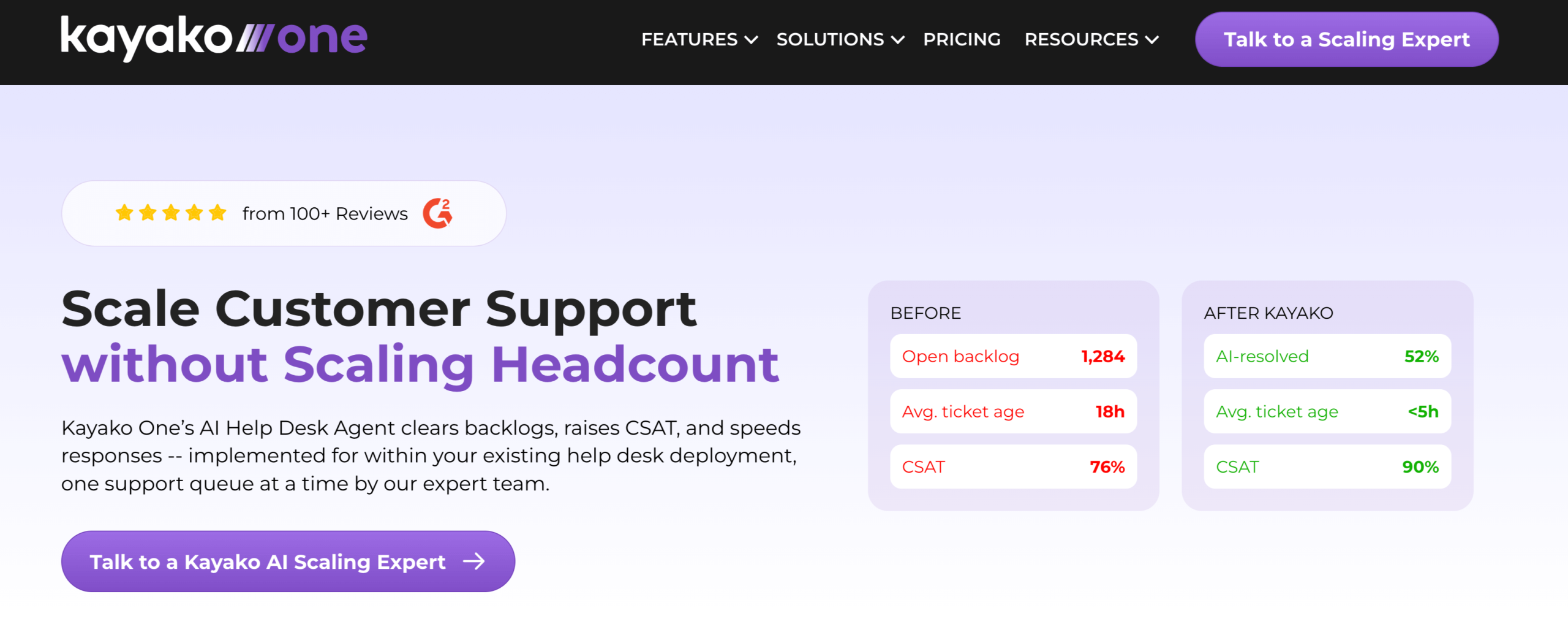
If you’re unsure about trusting the cloud with your customer service data, Kayako, an AI-powered help desk, offers on-premise peace of mind. Its approach to ticketing involves an AI-driven customer support platform that can be used independently or in conjunction with other software.
From live chat to self-service options, this customer support software levels up your current workflows through automation. However, this solution is not as advanced as other platforms that offer similar features.
It’s also important to note that while on-premise technology does offer the ability to control and protect your data, it places the responsibility of maintaining your system on your business. Rather than receiving updates from the cloud, you will need to stay on top of your system to keep it running smoothly.
- Best for: On-premise customer service
- Developer: Ignite Enterprise Software Solutions
- Limitations: No cloud storage for data
- Key features: Live chat, help desk, shared inbox tools
- Pros: AI automation, can be layered onto current solutions, easy to use
- Cons: Limited features, higher maintenance, less advanced
- Plans/pricing: Call for pricing.
- G2 rating: 4/5
4. Zoho Desk
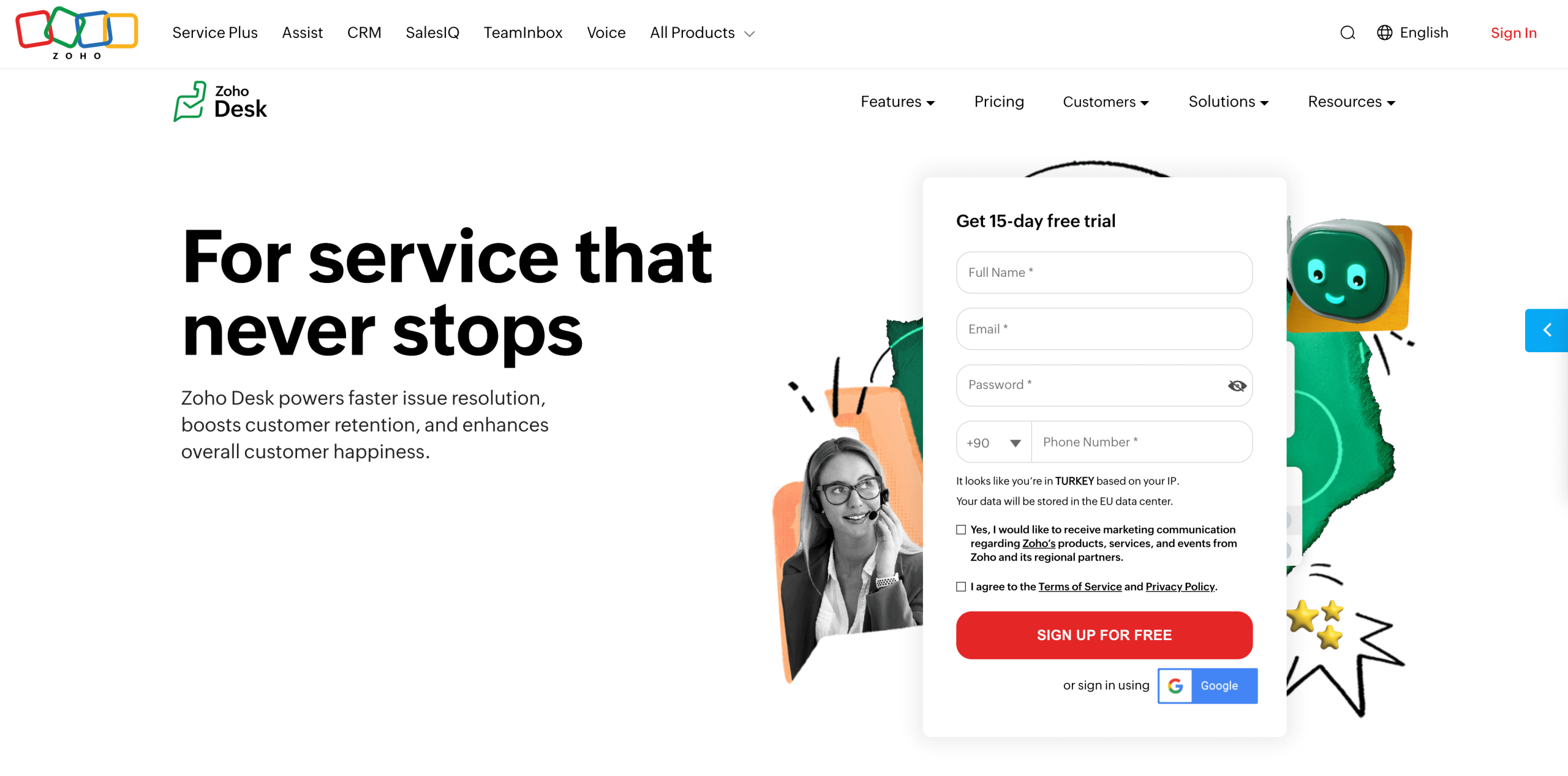
While Zoho may be primarily known for its sales CRM software, Zoho Desk provides an additional solution for customer service. This Help Scout alternative offers similar features (including self-service, messaging, live chat, and shared inboxes) to create a well-rounded customer experience.
The primary benefit of Zoho Desk is its free version, which is robust compared to others. You can provide email support to and build a knowledge base for up to three users without paying a dime.
However, to access many of this customer support software’s advanced features, you will need to upgrade to one of its paid plans. Many users also consider this solution less flexible than similar software.
- Best for: Free version
- Developer: Zoho
- Limitations: Less flexible than other solutions
- Key features: Omnichannel support, self-service tools, integrations
- Pros: Social media integration, robust free version, Zoho CRM connection
- Cons: Advanced features limited to paid plan, learning curve, limited customization
- Plans/pricing: Free version available; paid plans $7–$40 per user, per month.
- G2 rating: 4.4/5
5. Front

Front is a customer support suite designed to facilitate effective communication and collaboration between your team and your customers. What sets Front apart from other Help Scout competitors is that it allows you to use your personal email to communicate with customers. You can also schedule meetings inside the Front interface.
This software provides a wide range of communication features, creating a consolidated and centralized service interface. However, other advanced features, such as analytics and automations, are limited to the more expensive tiers.
- Best for: Using a personal email address
- Developer: Front App
- Limitations: Affordable base plan (limited to 10 seats)
- Key features: Personal email options, shared inbox, team collaboration tools
- Pros: Cloud-based, centralized communication, personalized support
- Cons: Email issues, limited features, expensive
- Plans/pricing: Paid plans $19–$99 per seat, per month. Custom pricing is available for Premier plans.
- G2 rating: 4.7/5
6. LiveAgent
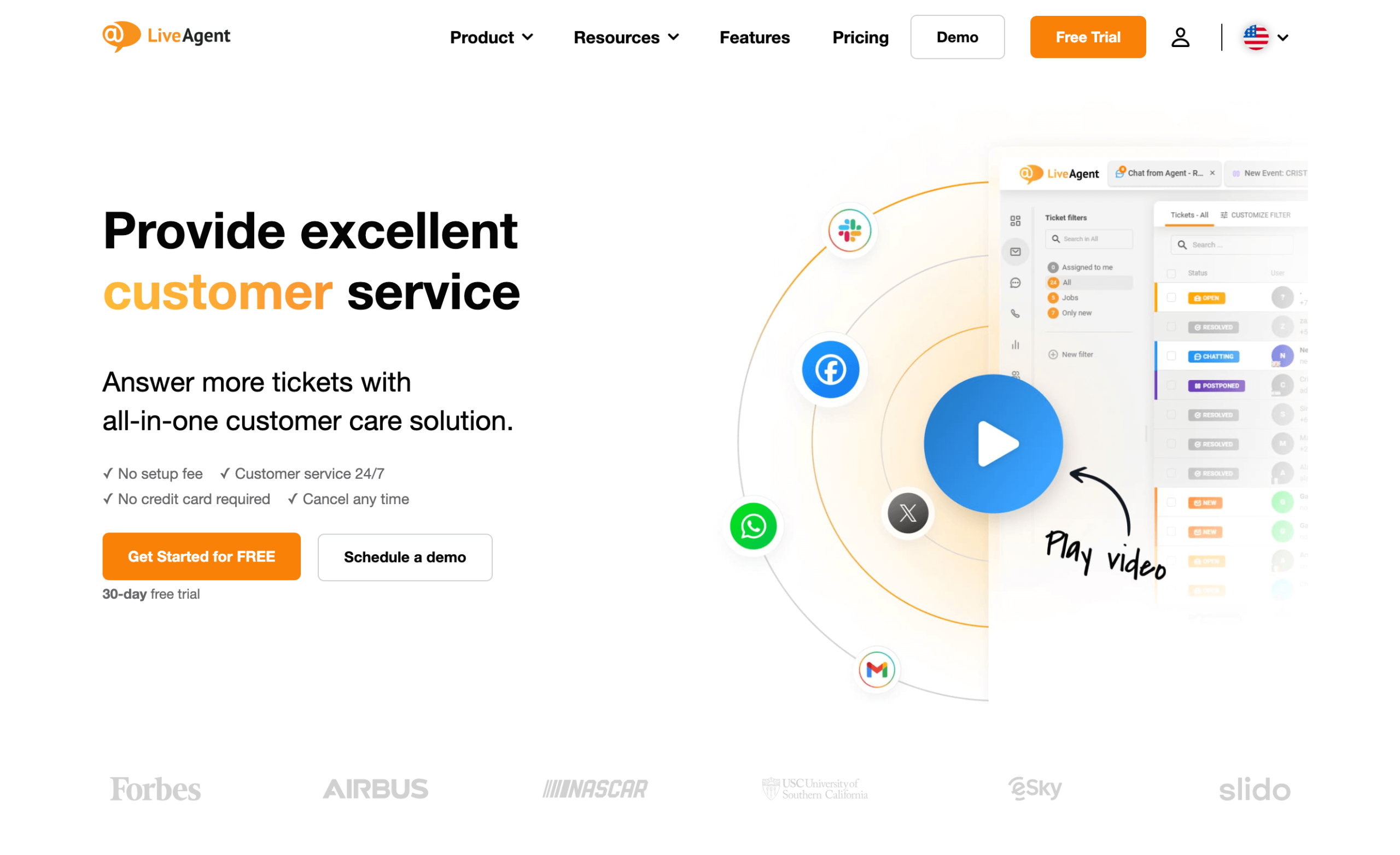
For international e-commerce businesses, LiveAgent ensures every customer is taken care of. LiveAgent’s software is compatible with 43 languages, allowing you to expand your customer base without fear of barriers to communication.
The LiveAgent user interface is easy to learn and uses omnichannel tools to centralize and streamline your customer service. LiveAgent even offers call center technology and ticketing features, creating a well-rounded customer service experience for your team. However, while this software may offer abundant communication features, it’s less focused on collaboration than similar solutions.
- Best for: Multilingual support
- Developer: Quality Unit
- Limitations: Lacks collaborative tools
- Key features: Support in 43 languages, omnichannel help desk, call center software
- Pros: Extensive integration library, easy to use, good for internationally companies
- Cons: Limited collaboration, limited scalability, frequent technical issues
- Plans/pricing: Paid plans $15–$69 per agent, per month.
- G2 rating: 4.5/5
7. Hiver
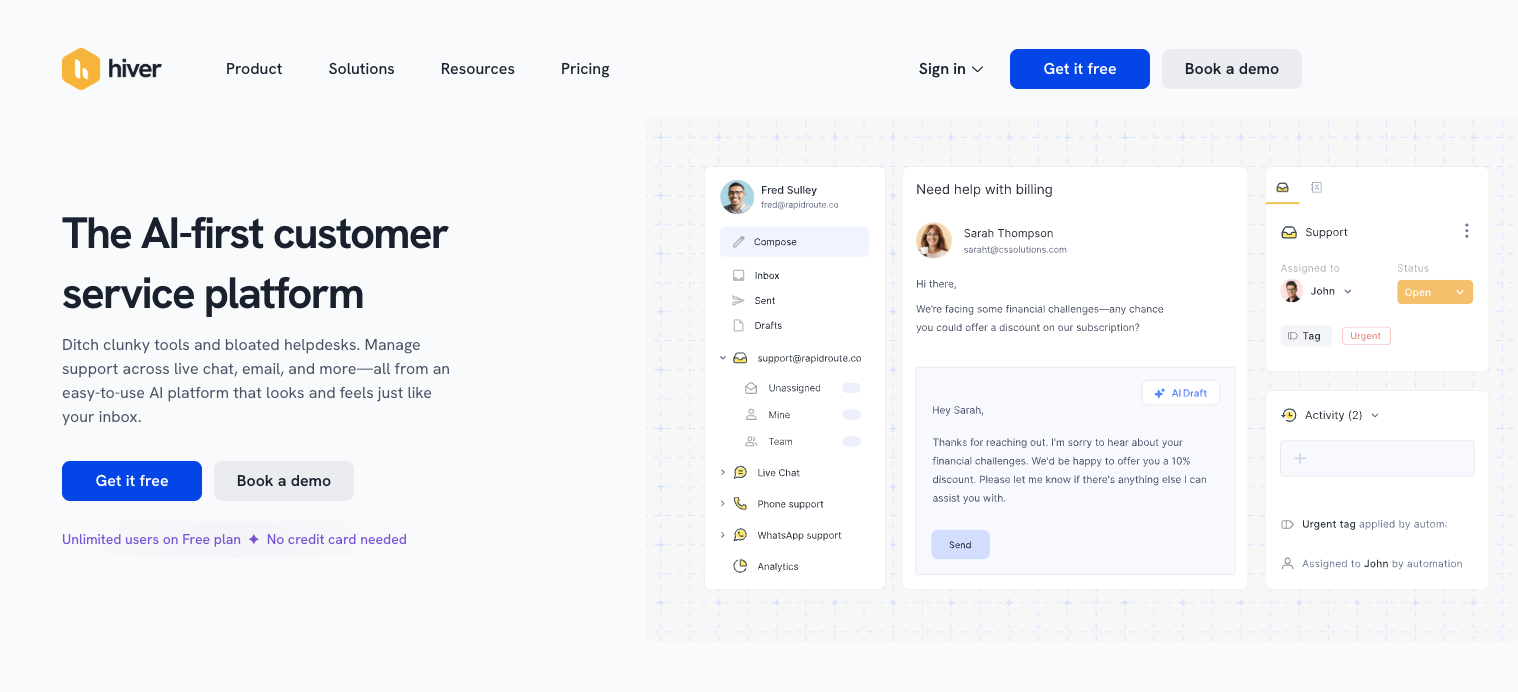
If your business currently uses Google Workspace, Hiver is the customer support software most likely to integrate into your workflow seamlessly. It is natively integrated with Google, even providing shared inbox tools that reflect the Gmail user interface. However, beyond Google, Hiver lacks significant integration depth without the help of third-party solutions such as Zapier.
Hiver is also an excellent solution for users who prioritize Service-Level Agreement (SLA) management. This Help Scout alternative allows users to track SLAs and apply advanced configurations to ensure they fit your expectations.
- Best for: Google Workspace users
- Developer: GrexIt, Inc.
- Limitations: Few native integrations
- Key features: Omnichannel inbox, SLAs, automations
- Pros: Native Google integration, familiar interface, ease of use
- Cons: Lack of integrations, technical issues, can be slow
- Plans/pricing: Free version available; paid plans $19–$49 per user, per month. Custom pricing is available for Elite plans.
- G2 rating: 4.6/5
8. Freshdesk
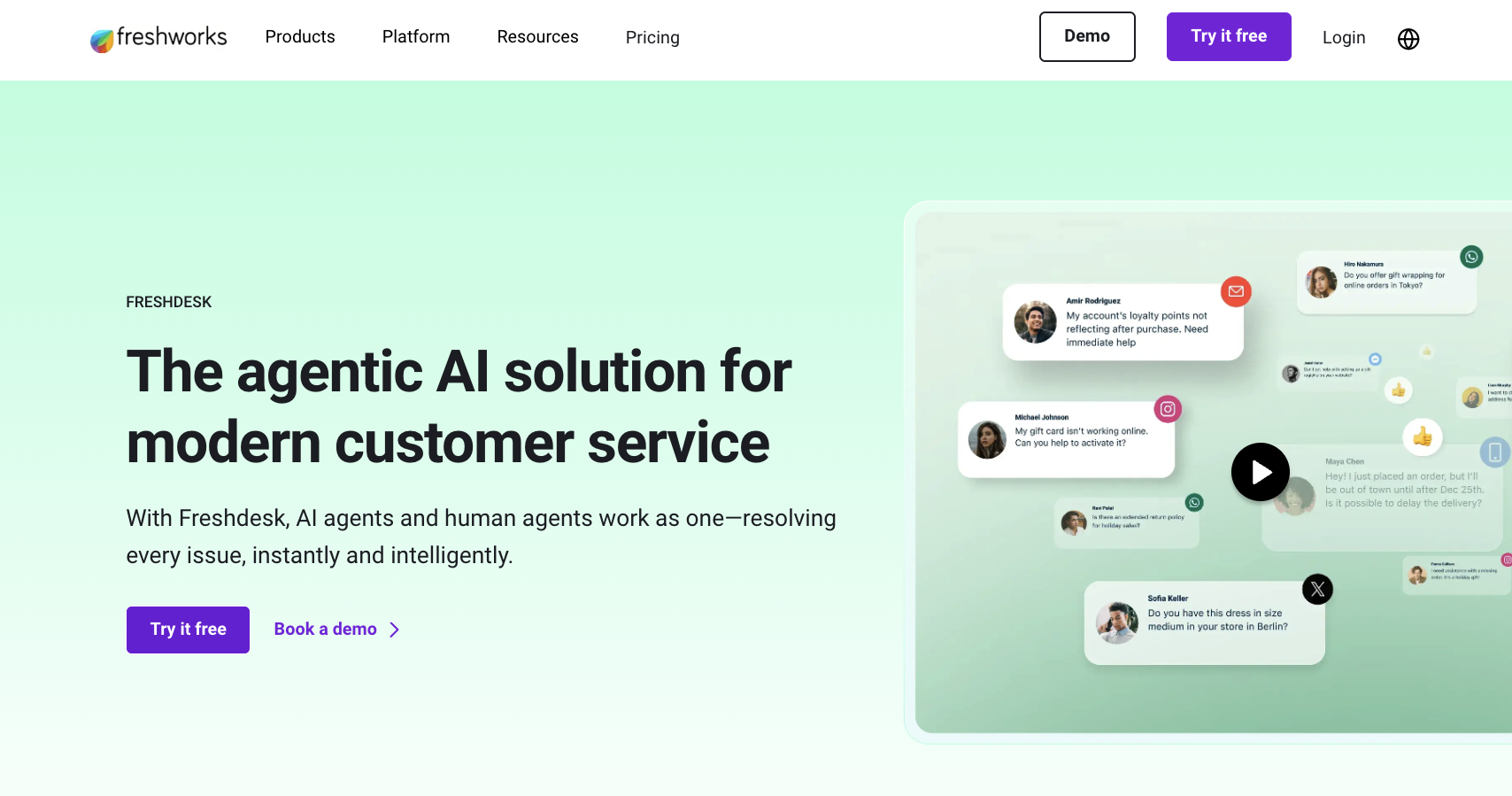
Part of the Freshworks suite of products, Freshdesk brings your ticketing and customer support needs into a unified workspace. This solution offers powerful features, particularly when coupled with the Freshdesk suite.
However, many of its most useful features are segmented into expensive or separate packages. For example, to use omnichannel support tools, you have to pay for a Freshdesk Omni plan. The same goes for live chat, AI, and voice services.
- Best for: Unified workspace
- Developer: Freshworks
- Limitations: Major features available only in separate packages
- Key features: Ticketing management, knowledge base, analytics
- Pros: Team collaboration tools, shared inbox tools, centralized agent experience
- Cons: Difficult to set up, limited integrations, paywalled features
- Plans/pricing: Paid plans $15–$79 per month for the base Freshdesk version.
- G2 rating: 4.4/5
9. HubSpot Service Hub
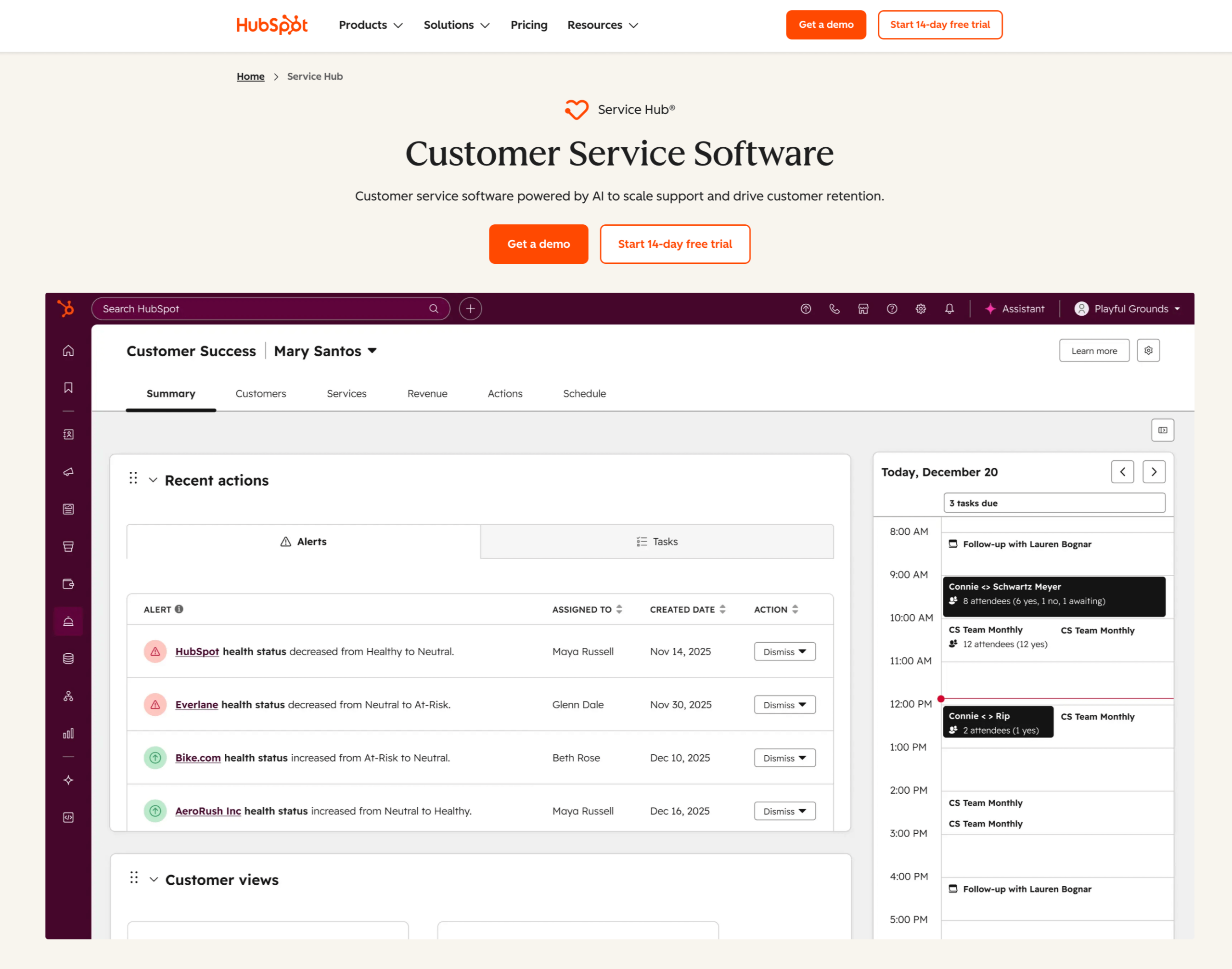
HubSpot, known for its sales and marketing tools, is no stranger to customer service. This Help Scout competitor enhances how your team approaches customer support.
The HubSpot Service Hub grants users access to tools such as live chat, a customer portal, knowledge base capabilities, and HubSpot’s analytics capabilities. These solutions can be useful for the initiated. However, for non-HubSpot users, this software may be hard to navigate at first because of HubSpot’s distinct interface.
- Best for: HubSpot users
- Developer: HubSpot
- Limitations: Requires other HubSpot tools to get full benefits
- Key features: Help desk, knowledge base, live chat
- Pros: Natively integrates with HubSpot, centralized portal, advanced analytics
- Cons: Learning curve, limited features, hard to scale
- Plans/pricing: Free version available; paid plans $15–$150 per seat, per month.
- G2 rating: 4.4/5
10. Intercom
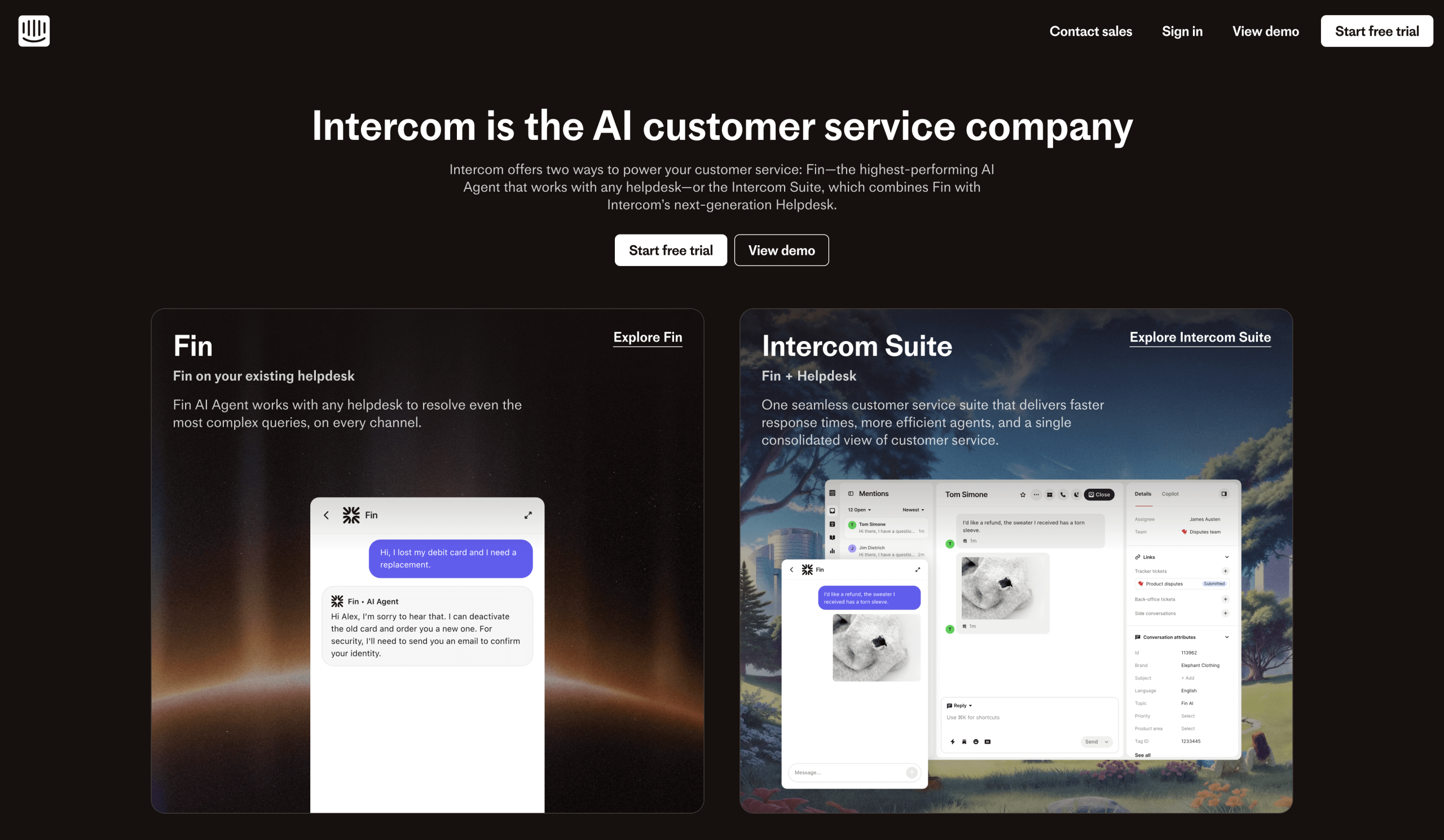
Known for its AI agent, Fin, Intercom provides a wide range of real-time communication tools and help desk platforms and features, including a shared inbox and ticketing system. It also offers a robust library of more than 350 integrations that can be used to enhance its capabilities.
But if you want to take advantage of Intercom’s advanced features, you may end up paying more than expected. Intercom’s help desk solution is expensive on its own, and its acclaimed Fin AI solution is a high-cost one, requiring users to pay $0.99 per resolution. The price is the same for users interested in using Fin on its own; there is a 50-resolution minimum per month.
- Best for: AI chat
- Developer: Intercom, Inc.
- Limitations: Complex and expensive pricing plan
- Key features: Fin AI agent, shared inbox tools, help center
- Pros: Powerful AI tools, advanced support features, real-time communication tools
- Cons: Expensive, itemized AI tool prices, learning curve
- Plans/pricing: Paid plans $29–$132 per seat, per month, plus $0.99 per Fin AI resolution.
- G2 rating: 4.5/5
Find the right customer support software for your needs
Keeping your team’s goals and needs in mind can help you choose the right Help Scout alternative for your business. If, even after considering your needs and each solution’s offerings, you’re still not sure whether one of these solutions is the right fit, take advantage of the free trials or try a free version before committing.
Additionally, remember that solutions such as Jotform AI Agents offer powerful free versions that can help you make an informed decision. With Jotform AI Agents, you can easily create a powerful, user-friendly customer experience without investing in costly, complex software.
This article is for support teams, startups, and growing businesses evaluating Help Scout alternatives to find customer support software with better automation, pricing flexibility, integrations, and scalable shared inbox tools.



































































































Send Comment: