
8 best Olark alternatives
Olark is a well-known name in live chat and customer messaging, but it’s far from the only option out there. And depending on your business goals, it might not be the right fit. Olark is powerful live chat software for support, sales, and lead capture, but in certain situations, other platforms offer more flexibility.
For example, Olark is affordable for small teams, but its seat-based pricing can get expensive as your business grows. It also lacks the advanced features available in newer conversational AI tools. AI customization and integration can feel limited, which is where many Olark alternatives step in. If you’re considering an alternative, this guide breaks down the top Olark competitors in 2026 to help you find a platform that fits your budget and workflow.
How to choose the right Olark alternative
The right Olark replacement depends on your team’s goals, growth stage, and technical stack. So, before you pick a platform, consider the following factors.
Pricing models
Olark is affordable for small teams, but costs rise as you scale. Its per-user pricing model gets more expensive with every agent you add. Some competitors offer usage-based or flat pricing that scales more predictably.
Team needs
Olark ticks plenty of boxes for smaller teams, thanks to its simple customer engagement chat solution and ease of use. However, it might not be the best fit for larger teams that require AI-powered features such as advanced routing and reporting. Some competitors automate most customer service processes, making it easier to scale support and get clearer visibility into team performance.
Integrations
The best Olark competitors merge smoothly with CRMs, e-commerce platforms, analytics tools, and workforce management tools. When chat is integrated with your CRM, you can see customer data in real time, personalize responses, and keep records consistent across teams.
AI automation
Modern customer service technology includes AI automation that Olark lacks. The best alternatives have chatbots that handle FAQs and lead qualification. They can also support e-commerce checkout to improve response time.
Governance & scalability
Olark’s team roles and basic reporting provide oversight for small teams, but they have limits as you grow. There’s no approval-first automation, so expanding teams or more complex processes can lead to messy workflows and slower response times. Many alternatives offer stronger governance controls, plus analytics and automation that scale alongside your team.
8 best Olark alternatives to try in 2026
Olark may be popular, but you’ll find several possible alternatives at various price points.
| Tool | Best for | Unique features | Pricing |
|---|---|---|---|
 Jotform AI Chatbot Builder |
Automating customer interactions & service management |
|
|
 Tidio |
AI features and extensive integrations |
|
|
 Intercom |
Building highly customizable flows |
|
|
 Zendesk |
Ticketing system |
|
|
 Freshdesk Omni |
Unified customer support |
|
|
 Zohodesk |
Teams that are already using other Zoho apps in their workflows |
|
|
 Crisp |
Omnichannel customer support |
|
|
 Drift |
Conversational marketing and sales-driven chat experiences |
|
|
1. Jotform AI Chatbot Builder: Best for teams that want automated support workflows
Jotform’s AI Chatbot Builder is a no-code Olark alternative focused on ease of use. With a full suite of automation features, you can create a chatbot in minutes. Just drag and drop the elements you need to customize your chatbot for different types of customer service scenarios. More important, you can strengthen your chatbot’s knowledge base by adding information manually, inserting links, uploading documents, or entering question-and-answer pairs.
To help you save time, you’ll find ready-to-use templates for a range of industries. And if you run an online store, you can create e-commerce AI chatbots to manage customer questions or generate leads.
- Key features
- Advanced customization and training
- Instant automated responses
- Guided form assistance
- Flexible embed options
- Pros
- No-code chatbot builder
- Automatic email alerts for service requests
- Built-in reports for analyzing service issues
- Cons
- Strongest in the Jotform ecosystem
- Fewer multichannel features than enterprise CRMs
- Pricing
- Free plan: Includes five chatbots, 100 monthly conversations, 10,000 monthly sessions, 30 monthly voice call minutes, and 250 monthly SMS messages
- Bronze plan: $34 per month; includes 25 chatbots, 1,000 monthly conversations, 100,000 monthly sessions, 50 monthly voice call minutes, and 300 monthly SMS messages
- Silver plan: $39 per month; includes 50 chatbots, 2,500 monthly conversations, 1 million monthly sessions, 100 monthly voice call minutes, and 500 monthly SMS messages
- Gold plan: $99 per month; includes 100 chatbots, 10,000 monthly conversations, 2 million monthly sessions, 300 monthly voice call minutes, and 750 monthly SMS messages
- Custom price Enterprise plan: Includes unlimited monthly access to all features, 1,000 monthly voice call minutes, and 1,000 monthly SMS messages
- Developer: Jotform
- G2 rating: 4.7/5
2. Tidio: Best for teams that need live chat
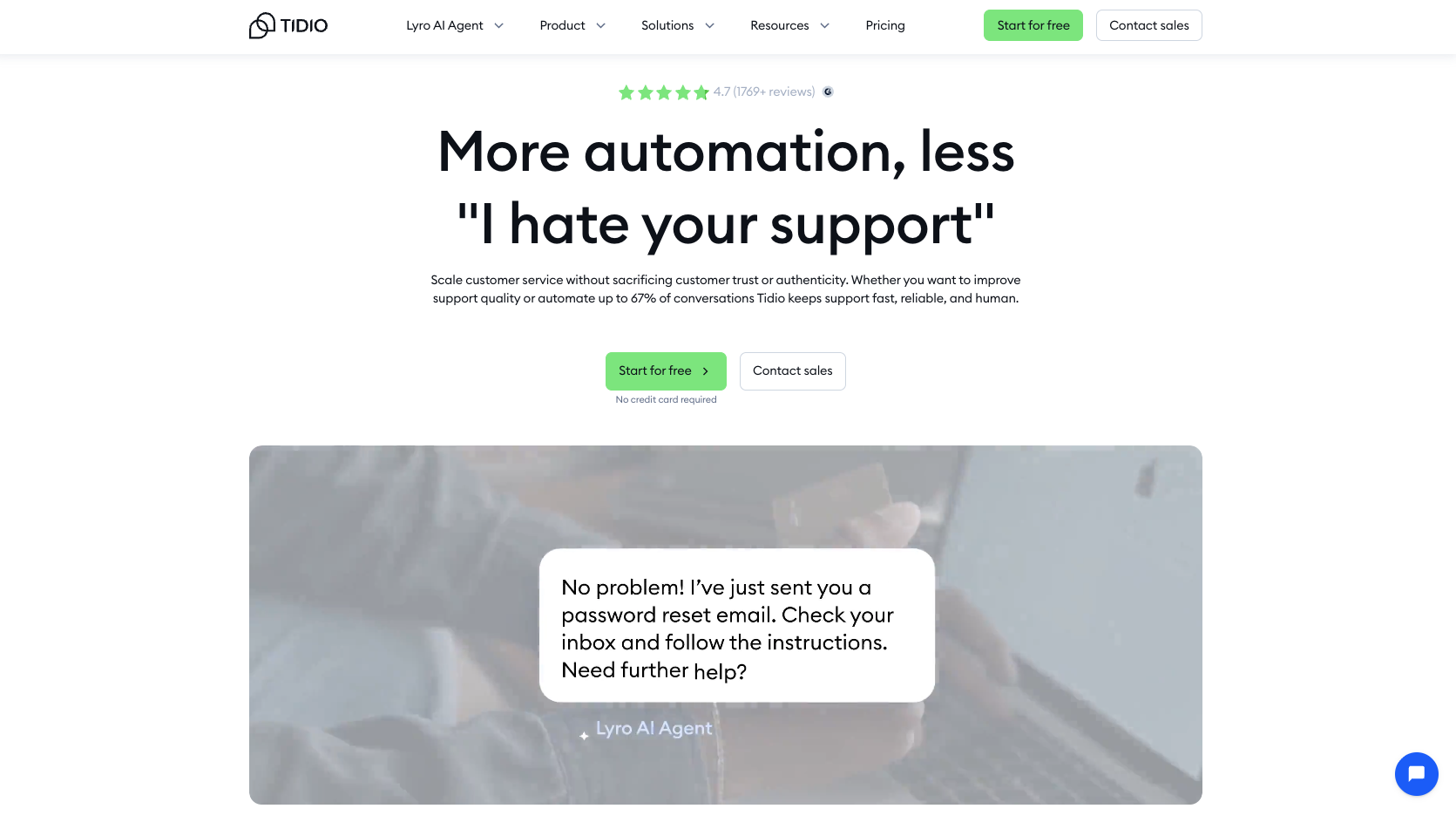
If you’re looking for ways to improve customer service, Tidio is an Olark alternative that blends live chat and AI chatbots to connect with customers in real time. Its live chat feature is robust, and the widget is easy to customize to match your brand. You also get advanced tools such as a live-typing preview to help agents respond more quickly and naturally.
If you don’t know how to create a chatbot, Tidio includes an advanced AI agent called Lyro that you can train on your company’s content to automate up to 67 percent of customer conversations. There’s also a centralized inbox that brings all your channels together, so no message goes unnoticed.
- Key features
- Robust live chat
- Advanced AI chatbots
- Centralized inbox and help desk
- Website visitor tracking tools
- Pros
- Combined help desk system and live chat features
- Full-featured mobile applications
- Built-in email marketing tools
- Cons
- Limited customization options
- Expensive advanced features
- Pricing
- Free Forever plan: Includes 50 monthly live chat conversations, 10 operators, 100 chatbot flow visitors per month, and 50 Lyro AI chatbot conversations
- Starter plan: $24.17 per month; includes everything in the Free plan, 100 monthly live chat conversations, a live visitor list, multilanguage support, and basic analytics
- Growth plan: $49.17 per month; includes everything in the Starter plan, 250 monthly live chat conversations, ticketing automation, and advanced analytics
- Plus plan: $749 per month; includes everything in the Growth plan, multi-project management on a single panel, OpenAPI, and flow building
- Custom price Premium plan: Includes everything in the Plus plan, over 3,000 Lyro AI conversations, pay-per-resolution billing, a super-admin role, and Slack support
- Developer: Tidio
- G2 rating: 4.6/5
3. Intercom: Best for highly customizable flows
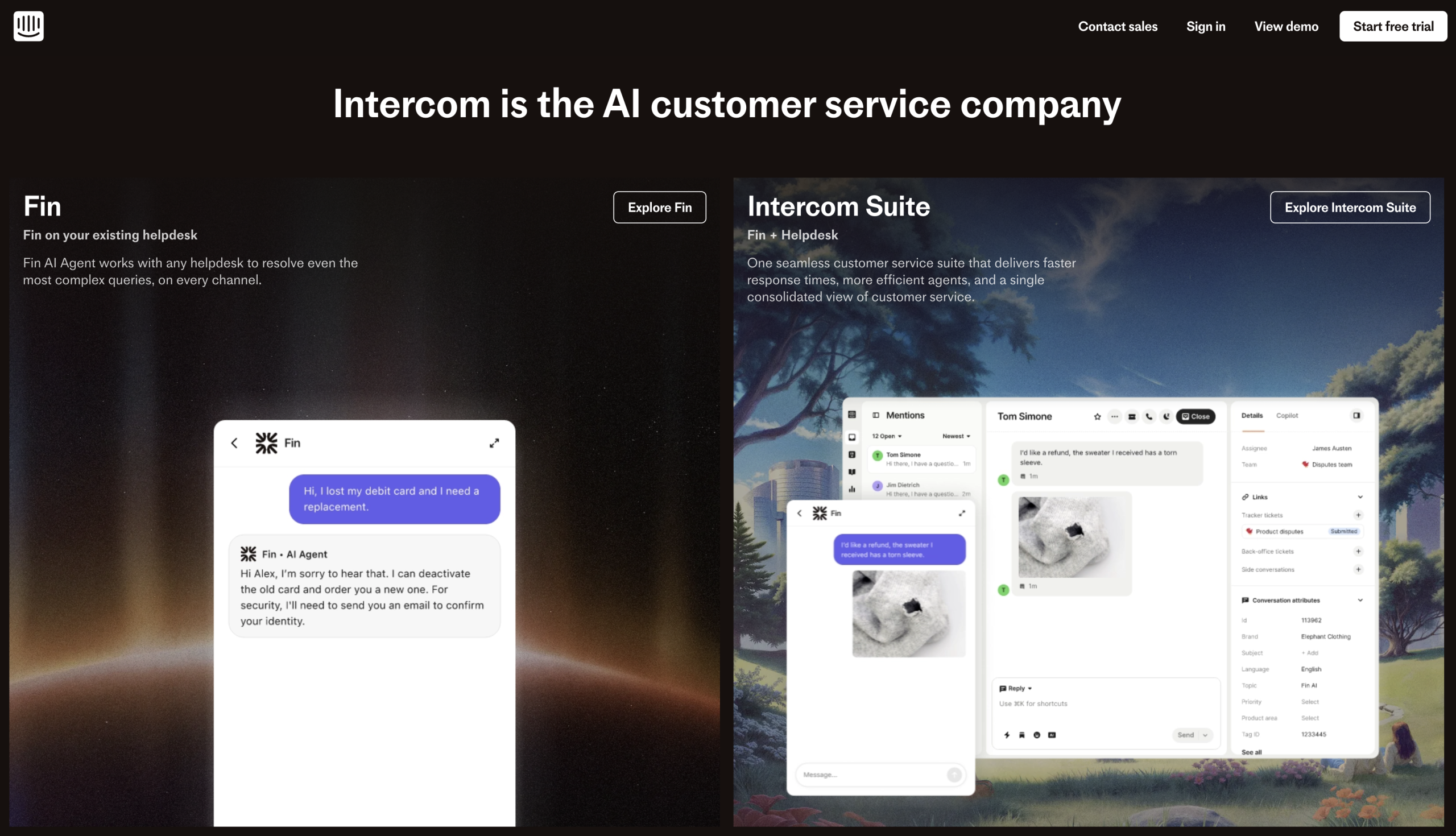
Intercom stands out as a support chat alternative because it goes beyond basic live chat. It gives you full control over how conversations flow across the customer journey. While Olark offers rule-based chat triggers, Intercom lets you design conditional, multistep workflows that adapt to user behavior or life cycle stages.
Like other alternatives, Intercom offers a unified inbox that brings multiple communication channels into one place, making it easier to prioritize and resolve issues quickly. You also get detailed reporting and AI-powered tools to monitor and optimize your services.
Unlike Olark pricing, agent-facing AI capabilities are not included in Intercom’s base pricing. You must pay an additional 99 cents per resolution.
- Pros
- AI-driven functionality for knowledge base, chatbots, and help desk software
- Workflow automation tools
- Feature-rich
- Cons
- Steep learning curve
- May overwhelm new users with complex features
- Pricing
- Essential plan: $29 per seat, per month; includes basic chatbots, shared inbox and ticketing systems, a report builder, and live chat
- Advanced plan: $85 per seat, per month; includes everything in the Essential plan, multiple team inboxes, a workflow automation builder, and a private and multilingual help center
- Expert plan: $132 per seat, per month; includes everything in the Advanced plan, customizable tone and answer length, the ability to hand off to agents in preferred inbox, and automated answers
- Developer: Intercom
- G2 rating: 4.5/5
4. Zendesk: Best for ticket-based support
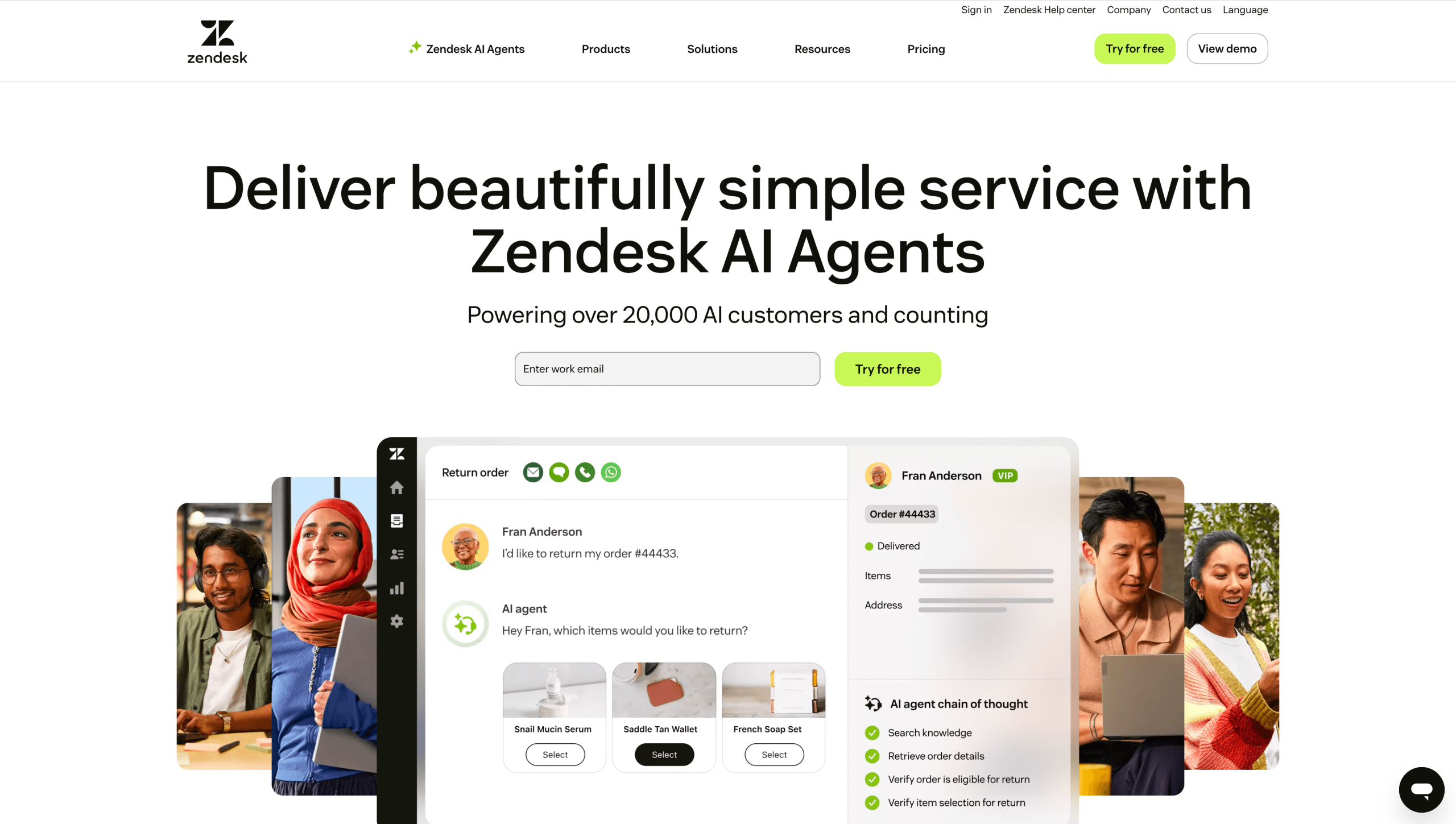
With a 15 percent market share in customer experience, Zendesk is an Olark alternative that brings customer service and CRM together to simplify ticket management. Support teams can consult with colleagues through side conversations and collect helpful context with pre-chat forms before connecting with customers.
You also get automated ticket triggers and omnichannel support, so every interaction is captured and accessible.
- Pros
- Impressive AI features
- Advanced automation and reporting
- Customer communications converted into organized tickets
- Cons
- Expensive compared to other competitors
- Steeper learning curve for automation setup
- Pricing
- Support Team plan: $19 per agent, per month; includes email and ticketing support, social media support, conversation history and customer context, and customizable automation and triggers
- Suite Team plan: $55 per agent, per month; includes Support Team plan features, AI agents, generative replies, customizable AI agent persona, and one help center
- Suite Professional plan: $115 per agent, per month; includes Suite Team plan features, five help centers, an app builder, a layout builder, and skills-based routing
- Suite Enterprise plan: $169 per agent, per month; includes Suite Professional plan features, 300 help centers, approval workflows, a sandbox environment, custom agent roles, and visual data alerts
- Developer: Zendesk
- G2 rating: 4.3/5
5. Freshdesk Omni: Best for centralized support
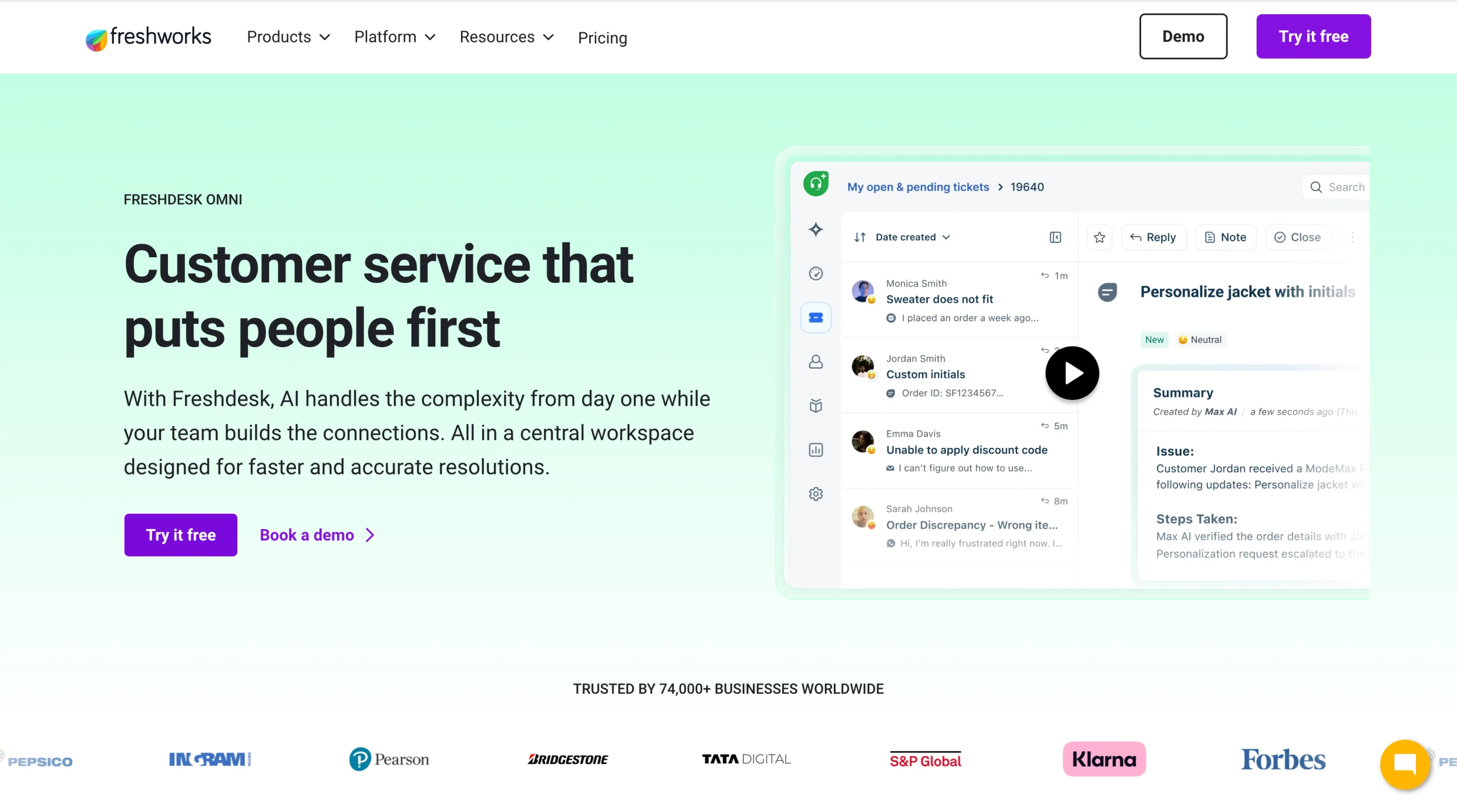
While Olark primarily serves as live-chat software, Freshdesk Omni combines traditional ticket management, messaging, and call center services to deliver a centralized support experience. Even with these combined capabilities, Freshdesk Omni is easy to use.
A range of modern features automate tasks and manage ticket workflows. Features such as duplicate-ticket alerts will help you prioritize and assign tickets.
- Pros
- Intuitive interface
- Customizable reports
- Shared inboxes
- Cons
- Costly add-ons
- Basic free plan
- Pricing
- Growth plan: $29 per agent, per month; includes omnichannel engagement, AI agents, and robust ticketing across platforms
- Pro plan: $79 per agent, per month; includes Growth plan features, customized support portals, custom objects, advanced ticketing, and custom reporting
- Enterprise plan: $119 per agent, per month; includes Pro plan features, audit logs, approval workflows, and skill-based assignment
- Developer: Freshworks
- G2 rating: 4.4/5
6. Zohodesk: Best for existing Zoho users
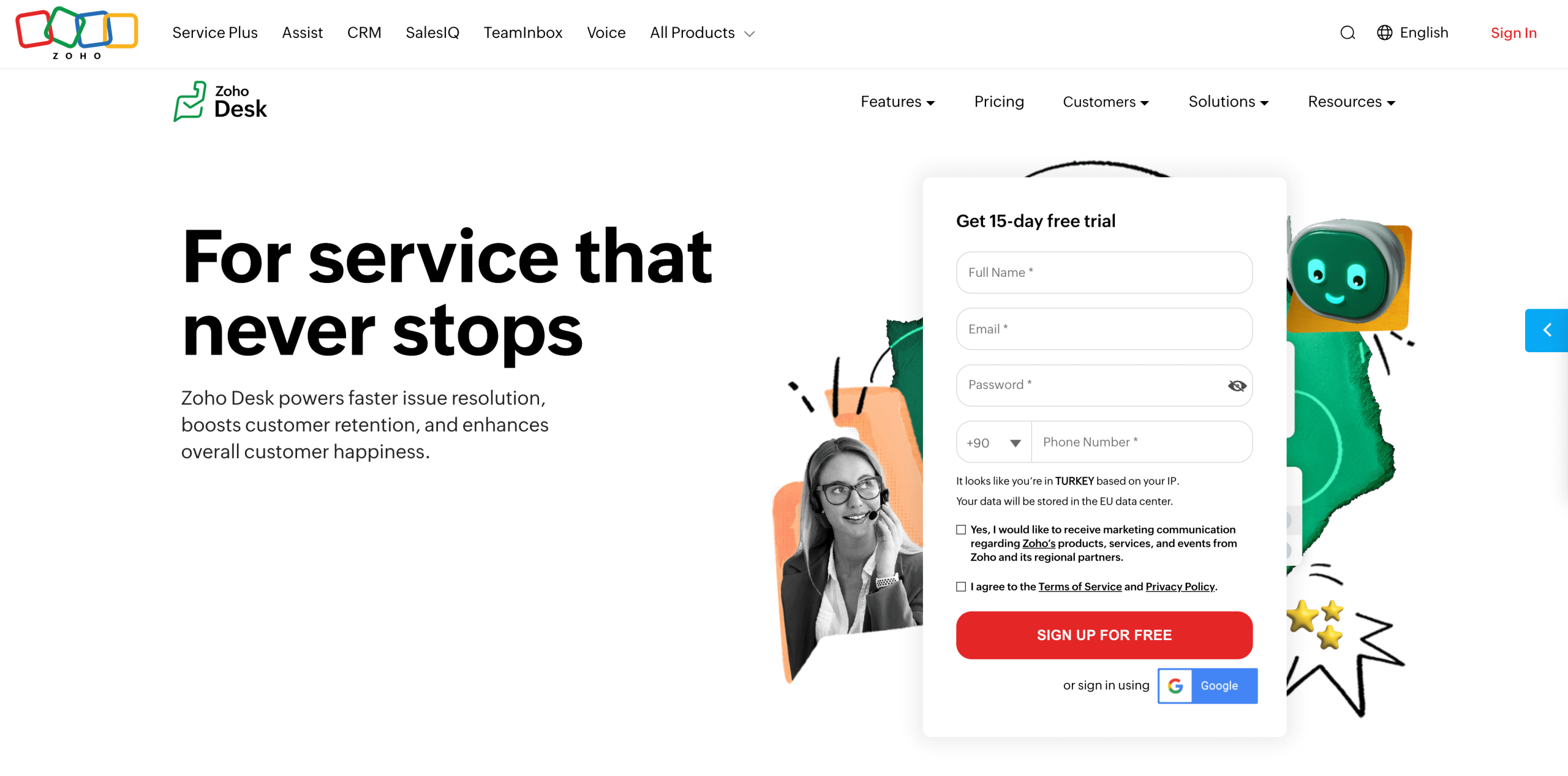
Zohodesk is part of the Zoho digital suite and comes packed with customer service features to help you manage relationships. For example, it boosts team productivity with AI assistance from Zia, alongside traditional tools such as team collaboration and workflow automation.
You can use custom workflow rules to reduce repetitive work and route tasks automatically. If you’re already on the Zoho platform, you’ll appreciate Zohodesk’s seamless integration with tools such as Zoho Social and Zoho Analytics, simplifying your support workflow.
- Pros
- Huge feature list
- Tight integration with other Zoho products
- Free Forever plan
- Cons
- Steep learning curve
- No desktop application
- Pricing
- Free plan: Includes three agents, basic email ticketing, and a knowledge base
- Express plan: $7 per user, per month; includes Free plan features, five users, cloud analytics, and social media integrations
- Standard plan: $14 per user, per month; includes Express plan features, five email channels, a help center, a feedback widget, and customer happiness rating
- Professional plan: $23 per user, per month; includes Standard plan features, telephony, custom actions, a multilingual help center, and multi-department support
- Enterprise plan: $40 per user, per month; includes Professional plan features, AI agents, an answer bot, AI assistance, and custom modules
- Developer: Zoho
- G2 rating: 4.4/5
7. Crisp: Best for multichannel support
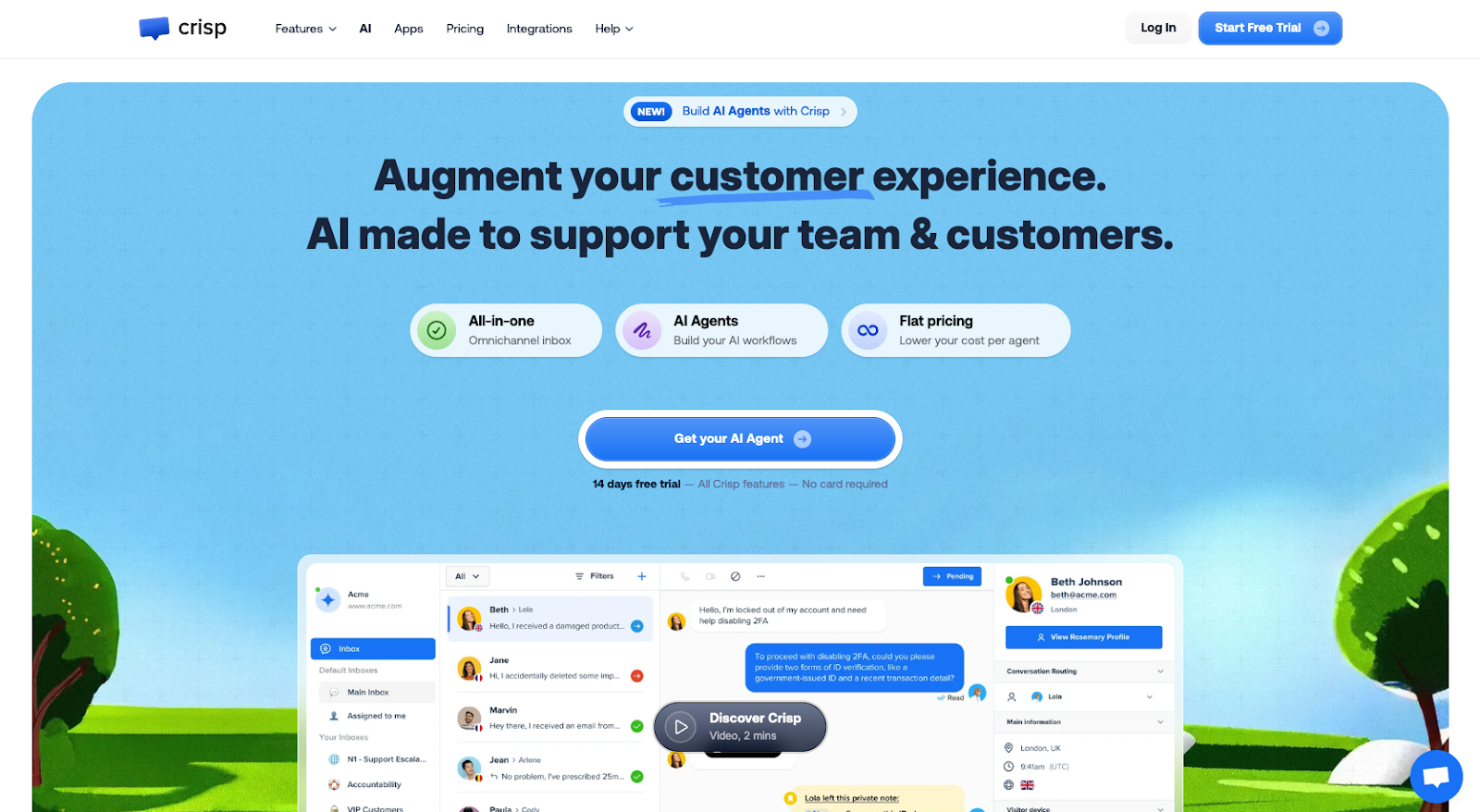
Crisp is an Olark alternative that positions itself as a messaging platform, but it goes well beyond basic live chat. Along with support tickets and a built-in CRM, it offers integrations and customer campaign tracking, making it a legitimate Olark competitor.
Crisp brings all your customer communication tools into one place. With shared ticketing and inbox tools for chat, email, Messenger, WhatsApp, and SMS, you can manage conversations across channels without switching tools.
- Pros
- Free Forever plan
- Native and external CRM integration
- Customer journey map
- Cons
- Limited chatbot customization
- No AI in free and mini plans
- Pricing
- Free plan: Includes two seats, a shared inbox, a mobile application, e-commerce integration, and push notifications
- Mini plan: $54 per month; includes Free plan features, four seats, chat triggers, a custom email domain, and unlimited data retention
- Essential plan: $95 per month; includes Mini plan features, 10 seats, an omnichannel inbox, a workflow automation builder, and an omnichannel AI-powered chatbot
- Plus plan: $295 per month; includes Essential plan features, more than 20 seats, unlimited AI-powered resolution, a ticketing system, and white labeling
- Developer: Crisp IM SAS
- G2 rating: 4.5/5
8. Drift: Best for conversational AI chat tools
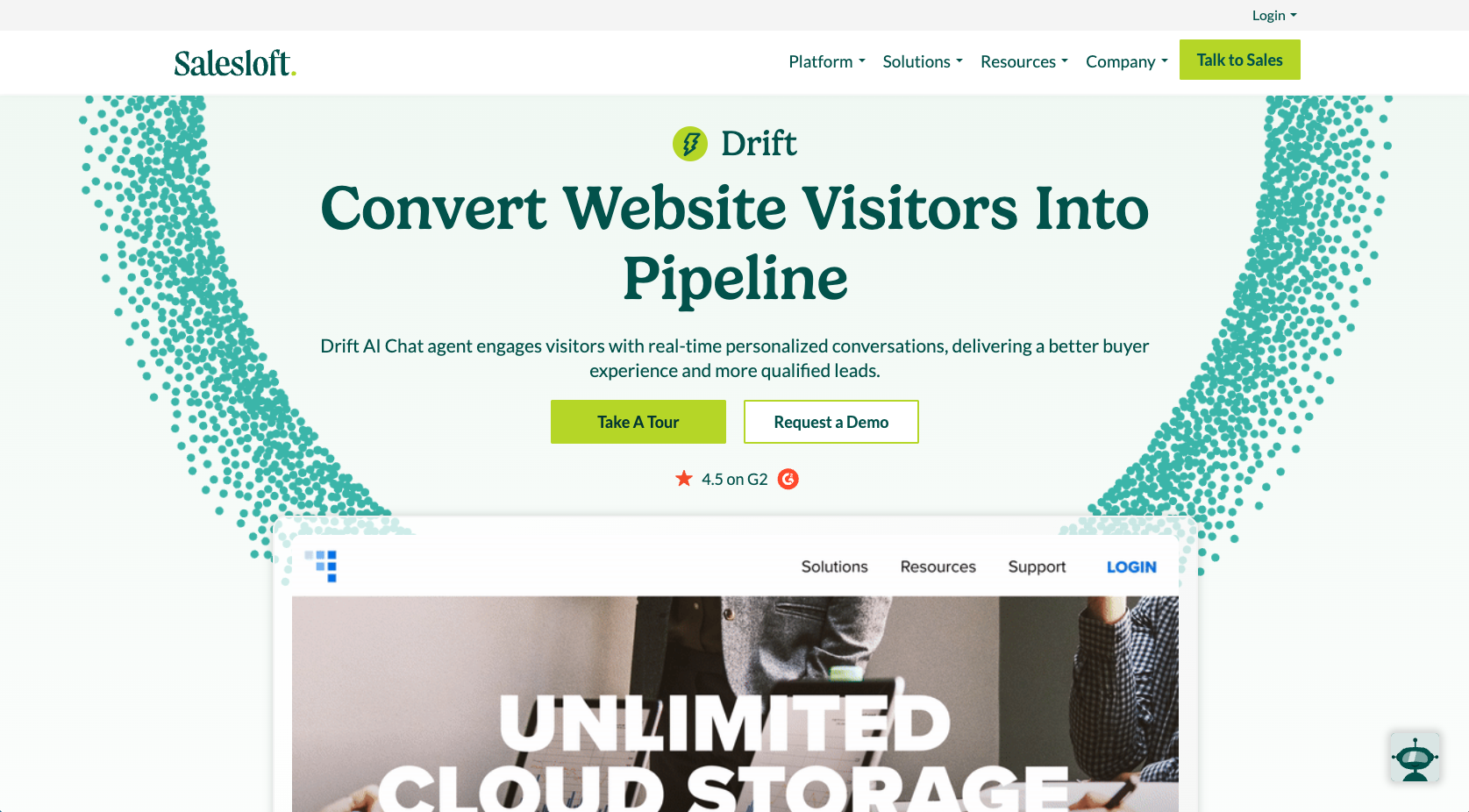
Drift is an Olark competitor built with sales teams in mind. It’s designed to move your customers smoothly through your sales pipeline. You get pre-built conversational playbooks that automate FAQs and demo requests.
More important, the tool offers AI-powered chatbots that respond to customers in real time without human intervention, plus advanced routing that directs leads to the right sales rep on your team.
- Pros
- Easy to use
- AI-powered lead handling
- Deep CRM and Salesoft integration
- Cons
- Steep learning curve
- Limited default features
- Pricing
- Unlike Olark, Drift doesn’t publicly list specific plans. You must request a demo to receive a quote tailored to your business’s needs.
- Developer: Salesloft
- G2 rating: 4.4/5
How to choose the best Olark alternative
Not every Olark alternative will be the right fit for your team. The best option depends on your growth stage, budget, and workflow priorities. A small team might be fine with straightforward live chat. A growing business will likely need AI automation and stronger integration.
Regardless of your business needs, consider chatbot best practices. Try two or three tools with free plans or trial periods before you commit. Look for something that fits your workflow now and can still support your business as it grows, instead of choosing based only on short-term savings.
Jotform AI Chatbot is an Olark alternative designed to help you capture more leads and deliver better service without enterprise-level complexity. Its AI capabilities automate repetitive customer-engagement tasks, freeing time for your team to do more strategic work. Try Jotform AI Chatbot Builder today and see how Jotform can help you deliver fast, personalized support that keeps users coming back.
This article is for anyone comparing live chat, help desk, and AI chatbot tools as alternatives to Olark, especially teams evaluating pricing, integrations, automation features, and scalability while choosing a platform that fits their current workflow and growth plans.















































































Send Comment: