
Top Smartsupp alternatives in 2026
- Jotform Chatbot Builder: Best for combining chat and forms
- Tidio: Best for SMBs that want AI chat and live chat in one tool
- LiveChat: Best for teams that want live chat with a strong app ecosystem
- Intercom: Best for deep automation and in-app messaging
- Zendesk Messaging: Best for support organizations using Zendesk Suite
- Crisp: Best for a shared inbox and multichannel support
- Tawk.to: Best for teams that want free live chat at scale
- Freshchat: Best for support teams already using Freshdesk
- HubSpot Live Chat: Best for teams that live in HubSpot CRM
- HelpCrunch: Best for live chat and email campaigns in one tool
Smartsupp is a popular chat tool that organizations use to automate their customer service interactions.
But when you use a customer service technology such as Smartsupp, you can quickly outgrow its free capabilities. For example, when you try to add a new agent, you may realize you can’t without upgrading to a higher-priced tier. Or you may find that Smartsupp isn’t compatible with your CRM or AI help desk, forcing you to copy data between tools manually.
Because these tools aren’t integrated, the AI chatbot still depends on your team to handle anything even slightly nuanced. While the tool is supposed to save time, it can end up costing more because you have to constantly manage it just to keep it useful.
Why look for Smartsupp alternatives?
Because Smartsupp lacks key free features and has limited integration options, it can create challenges across the customer journey, from e-commerce managers and marketers to support leads and operations teams. For these reasons, many teams start looking for live chat alternatives that better match their needs.
Luckily, several Smartsupp alternatives offer stronger generative AI customer service capabilities, better data control, and integrations that protect not only revenue but also your team’s time. If your team needs a practical AI chat solution, these 10 Smartsupp alternatives may be a better fit for your workflows.
10 best Smartsupp alternatives to try in 2026
| Tool | Best for | Pricing |
|---|---|---|
 Jotform Chatbot Builder |
Teams wanting flexible, form-based AI chatflows |
Free plan; paid plans starting at $19.50/month |
 Tidio |
Small and medium-size businesses (SMBs) combining AI chatbots with live chat |
Free plan; paid plans starting at $24/month |
 LiveChat |
Teams needing mature live chat capabilities plus integrations |
No free plan; paid plans starting at $19/agent/month |
 Intercom |
Product-led teams wanting deep automation and in-app chat |
No free plan; paid plans starting at $25/seat/month |
 Zendesk Messaging |
Support organizations standardizing on Zendesk Suite |
Included with Zendesk Suite Team; plans starting at about $19/agent/month |
 Crisp |
Startups needing a shared inbox and multichannel support |
Free plan; paid plans starting at $45/month/workspace |
 Tawk.to |
Teams needing free live chat at scale |
Free; paid add-ons |
 Freshdesk Messaging |
Teams in the Freshworks ecosystem |
Free plan; paid plans starting at $19/agent/month |
 HubSpot Live Chat |
Go-to-market teams working inside HubSpot CRM |
Free on HubSpot Free/Starter; paid plans starting at $20/month |
 HelpCrunch |
SMBs needing chat, email, and campaigns together |
No free plan; paid plans starting at $12/member/month |
1. Jotform Chatbot Builder: Best for combining chat and forms
- Pros:
- AI chat combined with powerful forms and workflows for collecting data and triggering follow-ups
- Chatbots that work across websites, WordPress, and multiple channels for consistent conversations
- Cons:
- Plan limits on forms, submissions, and AI usage
Overview
Jotform Chatbot Builder turns your forms, FAQs, and internal docs into an AI-powered chat that can answer questions and collect submissions in the same space. It’s ideal for teams that already run key processes through forms and want a chatbot that helps customers complete tasks.
How it works
You design your chatbot in Jotform, connect it to forms or AI Agents, and embed it on your site or add it through the WordPress chat plug-in. Visitors ask questions, get instant AI responses, and complete forms directly in the chat.
- Pricing:
- Starter (free), Bronze, Silver, Gold, and Enterprise plans
- Bronze plan starting at $19.50 per month (billed annually)
- Higher tiers with increased form and submission limits, more AI agents, ability to remove Jotform branding, and additional storage and advanced features
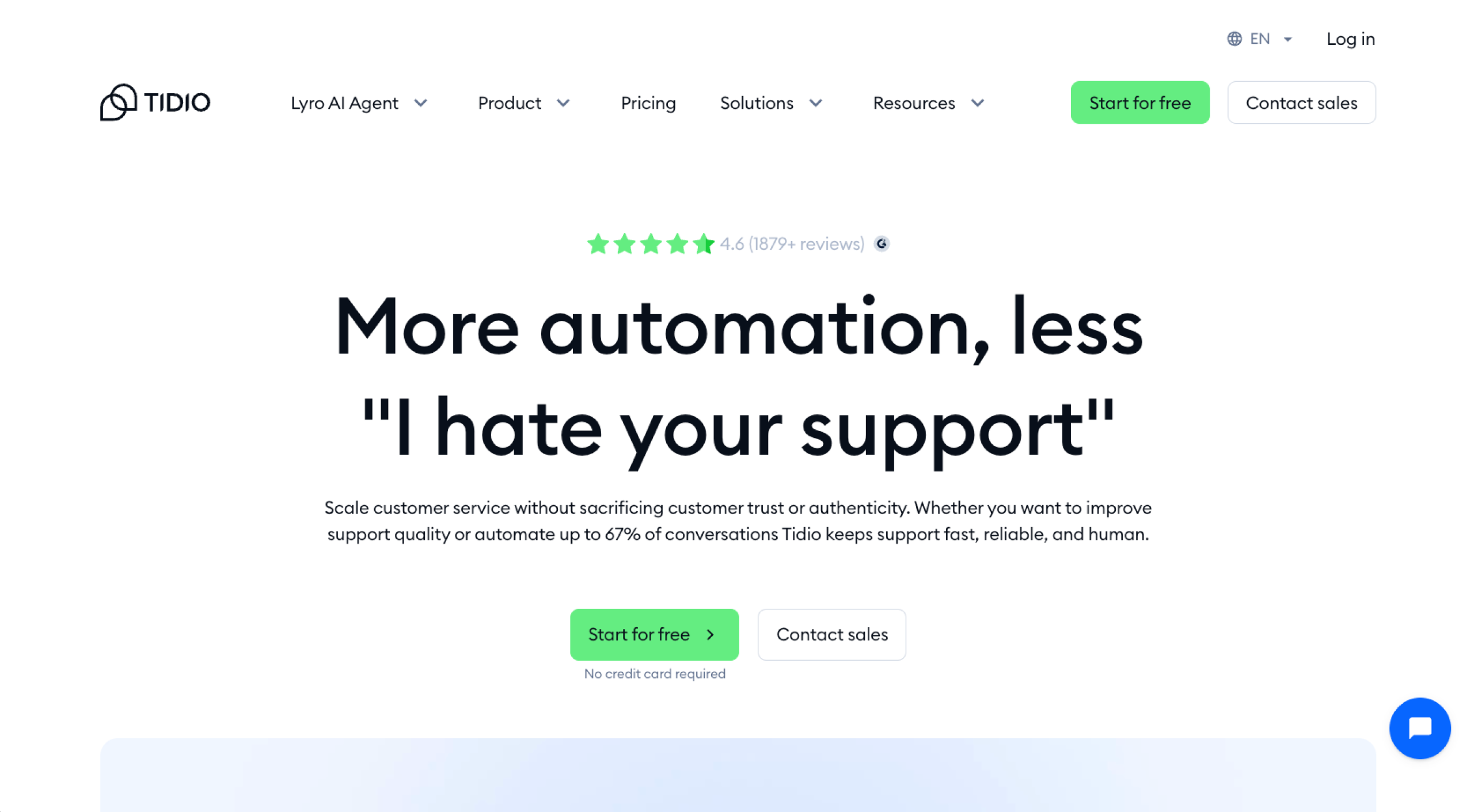
2. Tidio: Best for SMBs that want AI chat and live chat in one tool
- Pros:
- Lyro AI Agent for resolving common questions automatically
- Flows for building no-code funnels and prompts around key pages
- Cons:
- Complex pricing tiers and add-ons that can be difficult to configure
Overview
Tidio combines AI agents, rule-based flows, and live chat for growing e-commerce teams. It’s a Shopify-friendly e-commerce chat support tool that handles presale questions, order status, and basic types of customer service.
How it works
You embed Tidio’s widget on your site, then use Flows for proactive messages and Lyro AI Agent to answer FAQs based on your support content. When chats become more complex, Tidio routes them to your agents in the same interface.
- Pricing
- Free, Starter, Growth, Plus, and Premium plans
- Starter plan starting at $24.17 per month (billed annually) for 100 billable conversations
- Higher tiers with increased conversation limits, automation, reporting, and customization; Lyro AI Agent and Flows available as separate add-ons
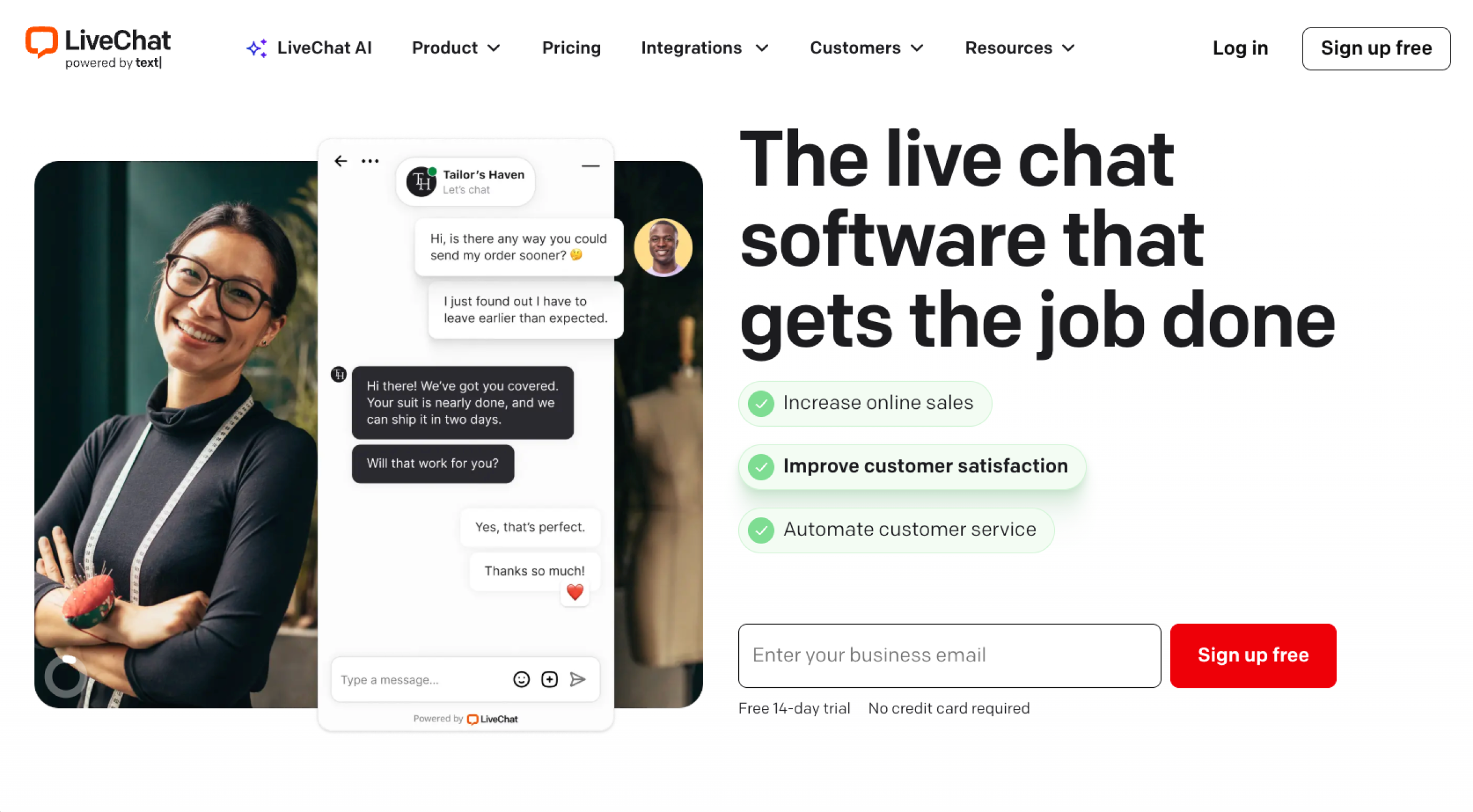
3. LiveChat: Best for teams that want live chat with a strong app ecosystem
- Pros:
- Large integration marketplace for e-commerce, CRM, and help desk tools
- Optional ChatBot add-on for automating answers to common questions
- Cons:
- AI automation that requires a separate ChatBot product and additional cost
Overview
LiveChat focuses on reliable, high-volume customer communication. It’s a strong contender if you want a dedicated chat tool with deep integrations.
How it works
You add the LiveChat widget, then configure routing, business hours, and saved replies so visitors reach the right team. Agents work from a shared inbox, while managers use reports and visitor tracking to monitor performance. The optional ChatBot helps automate answers to common questions before they reach agents.
- Pricing:
- Starter, Team, Business, and Enterprise plans
- Starter plan starting at $19 per agent, per month (billed annually)
- Higher tiers with advanced reporting and management features; ChatBot sold separately, starting at about $52 per month
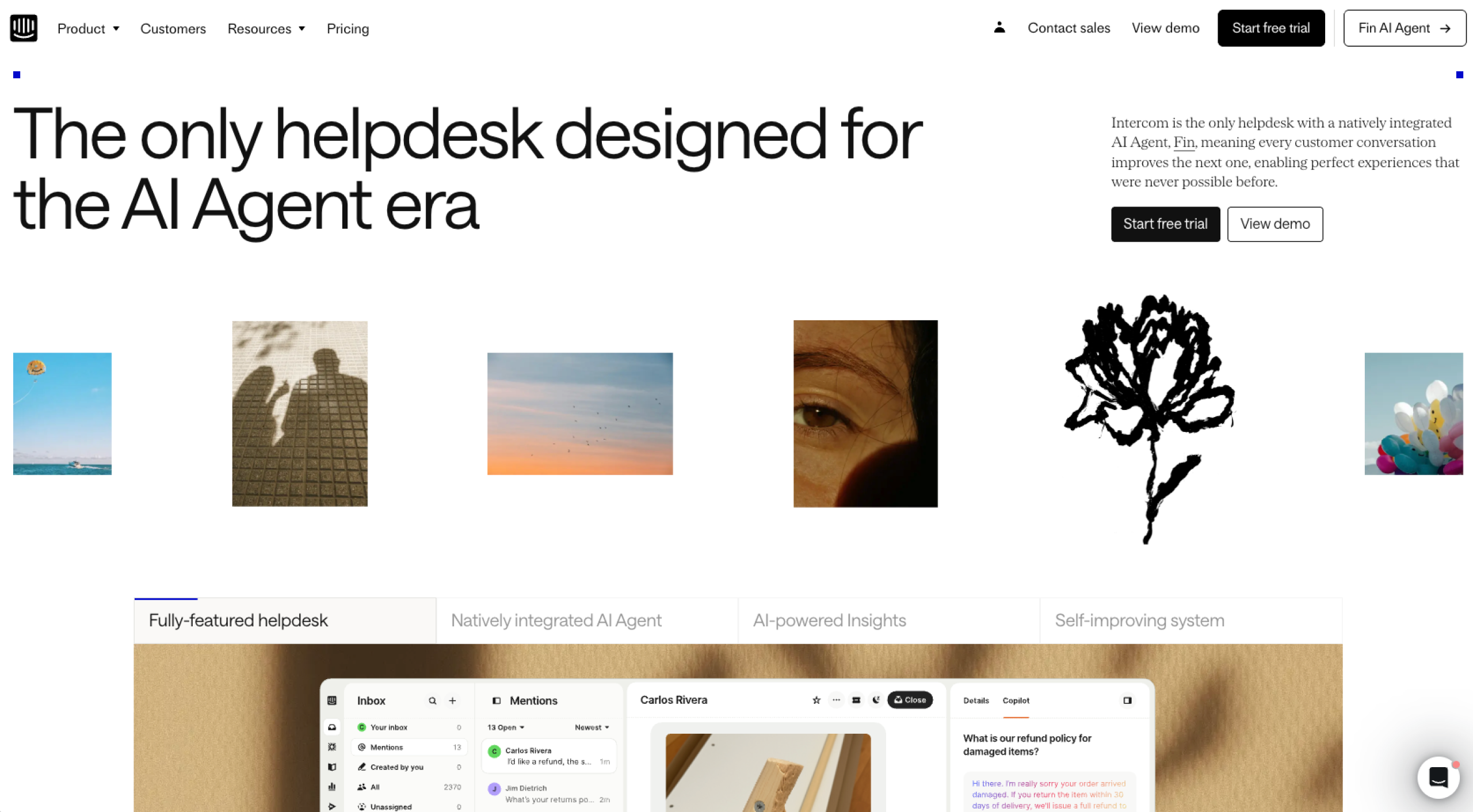
4. Intercom: Best for deep automation and in-app messaging
- Pros:
- Fin AI Agent for resolving complex questions across channels
- Large ecosystem of integrations with CRMs, help desks, and data tools
- Cons:
- Complex setup that takes time and expertise
Overview
Intercom is an AI-first customer service platform that combines Fin AI Agent with in-app messaging. It’s a strong Smartsupp competitor for product-led teams that want to handle onboarding, support, and life cycle messaging in one place.
How it works
You embed Intercom in your app or site, connect it to your tools, and use Fin AI Agent to answer support questions while routing edge cases to your team’s Inbox. You can trigger tours, surveys, and messages based on user behavior and use reports on conversations and Fin outcomes to fine-tune where automation should step in.
- Pricing:
- Essential, Advanced, and Expert plans
- Essential plan starting at about $25 per seat, per month (billed annually)
- Higher tiers with expanded automation, routing, security, and multibrand features; Fin AI Agent billed separately at $0.99 per resolved conversation
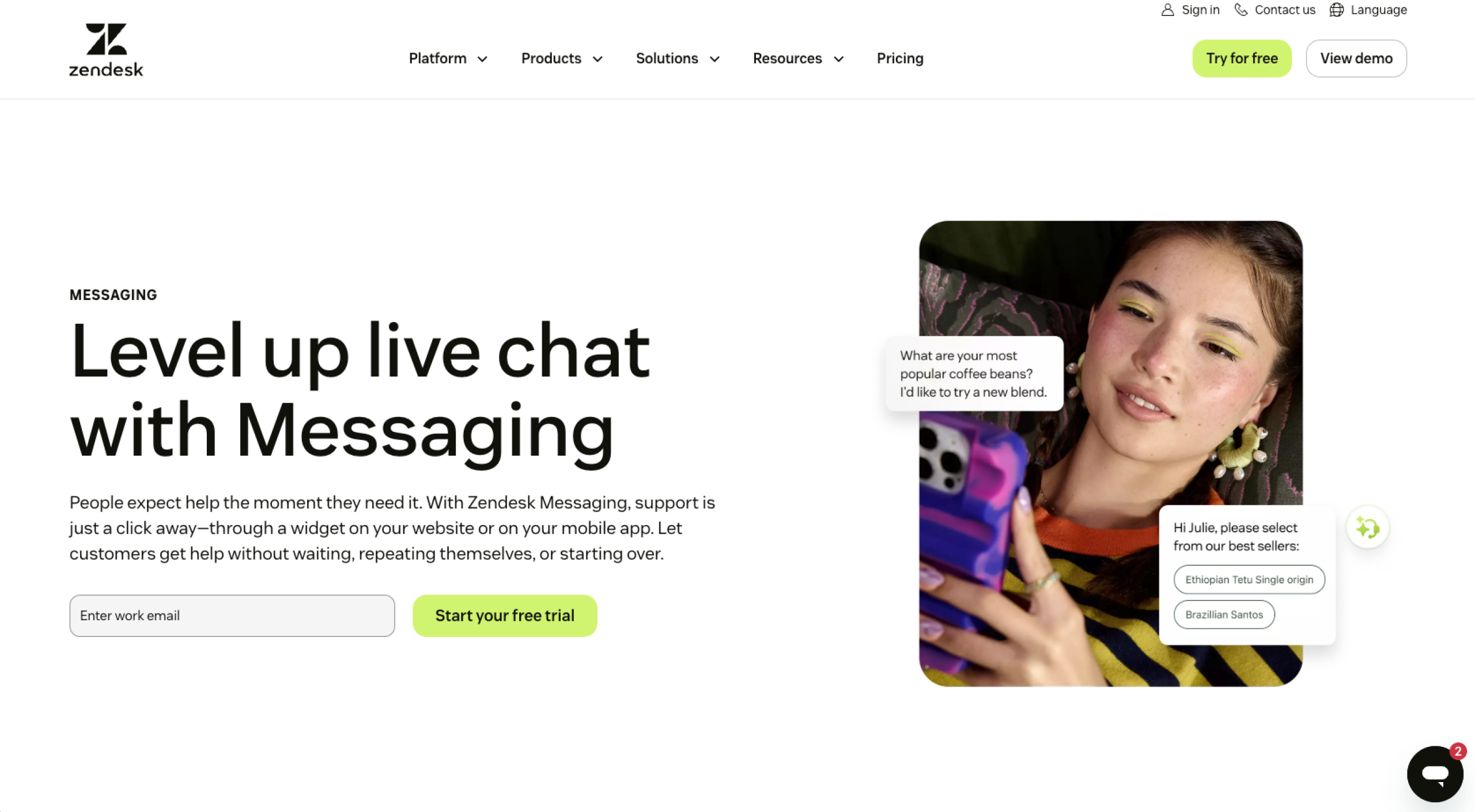
5. Zendesk Messaging: Best for support organizations using Zendesk Suite
- Pros:
- Native integration with Zendesk Suite, including tickets, help center, and voice
- Omnichannel support across web, mobile, social, and messaging apps
- Cons
- Complex for smaller teams that need only chat and basic features
Overview
Zendesk Messaging is a real-time chat tool that connects tickets, live chat, messaging apps, and a help center in one system. It’s a strong Smartsupp alternative for teams already using Zendesk.
How it works
Add Zendesk’s widget and connect channels to a single workspace. Incoming conversations become tickets that agents work on in Zendesk to keep queues organized. AI agents and chatbots handle repetitive questions, reference help center articles, and escalate to humans when needed.
- Pricing:
- Suite Team, Suite Growth, Suite Professional, and Suite Enterprise plans
- Suite Team plan starting at $19 per agent, per month
- Higher tiers with additional automation, AI agents, deeper reporting, and advanced security
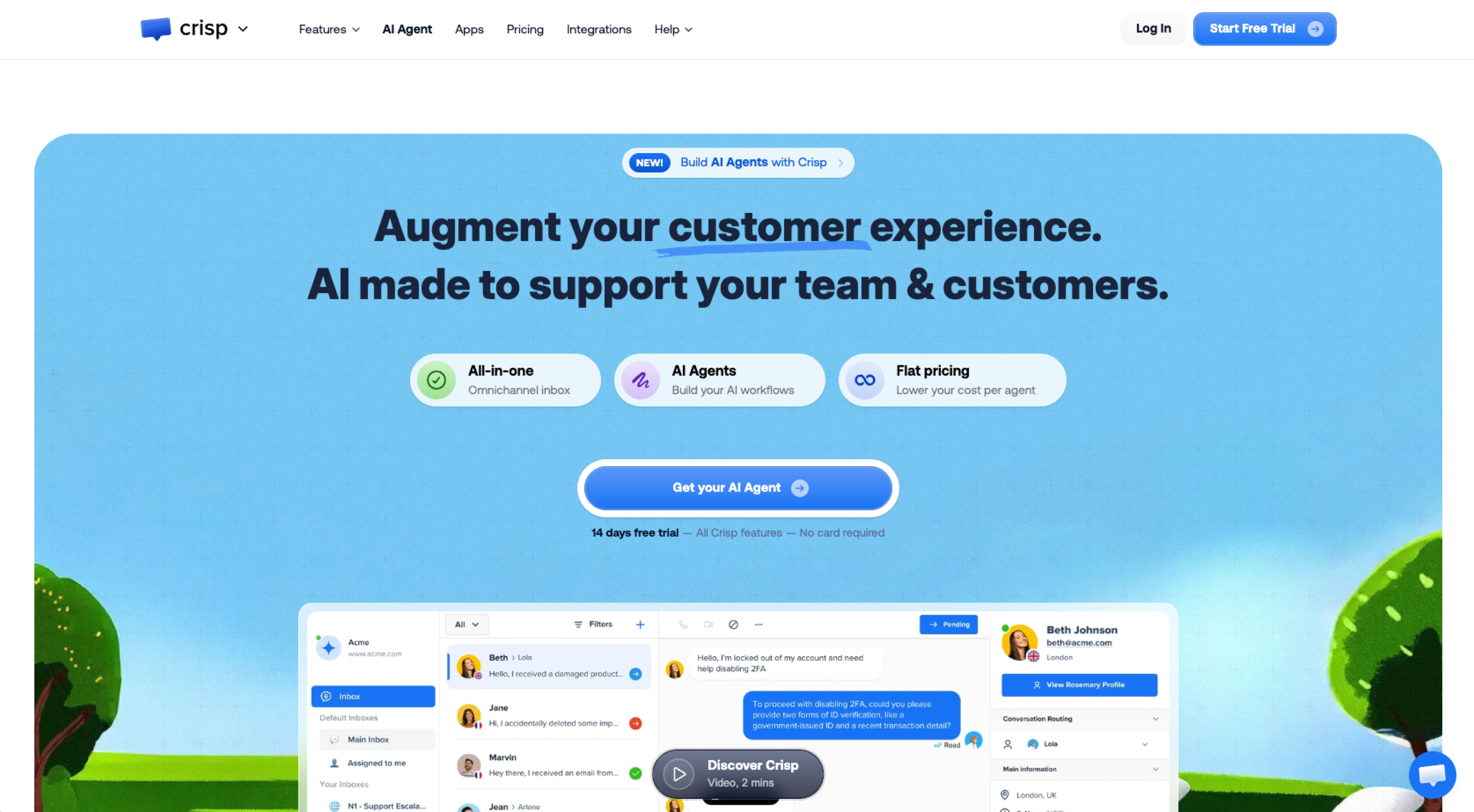
6. Crisp: Best for a shared inbox and multichannel support
- Pros:
- Built-in AI chatbot and automation for e-commerce and SaaS teams
- Flat, workspace-based pricing model
- Cons:
- Limited functionality on lower tiers for larger or more complex teams
Overview
Crisp is an AI help desk that pulls email, live chat, social DMs, and messaging apps into a single shared inbox. It’s a strong option for startups and online stores that want a multichannel customer service process, basic ticketing, and AI support.
How it works
You connect your website chat and other channels to Crisp, so everything goes into a single inbox. From there, agents can assign conversations, leave internal notes, and use automation or AI chatbots to answer common questions, send proactive messages, and hand off to humans when needed.
- Pricing:
- Free, Mini, Essentials, Plus, and Enterprise plans
- Mini plan starting at $45 per month, per workspace; includes four seats
- Higher tiers with omnichannel inbox, workflow automation, AI features, ticketing, advanced analytics, and white-labeling for larger teams
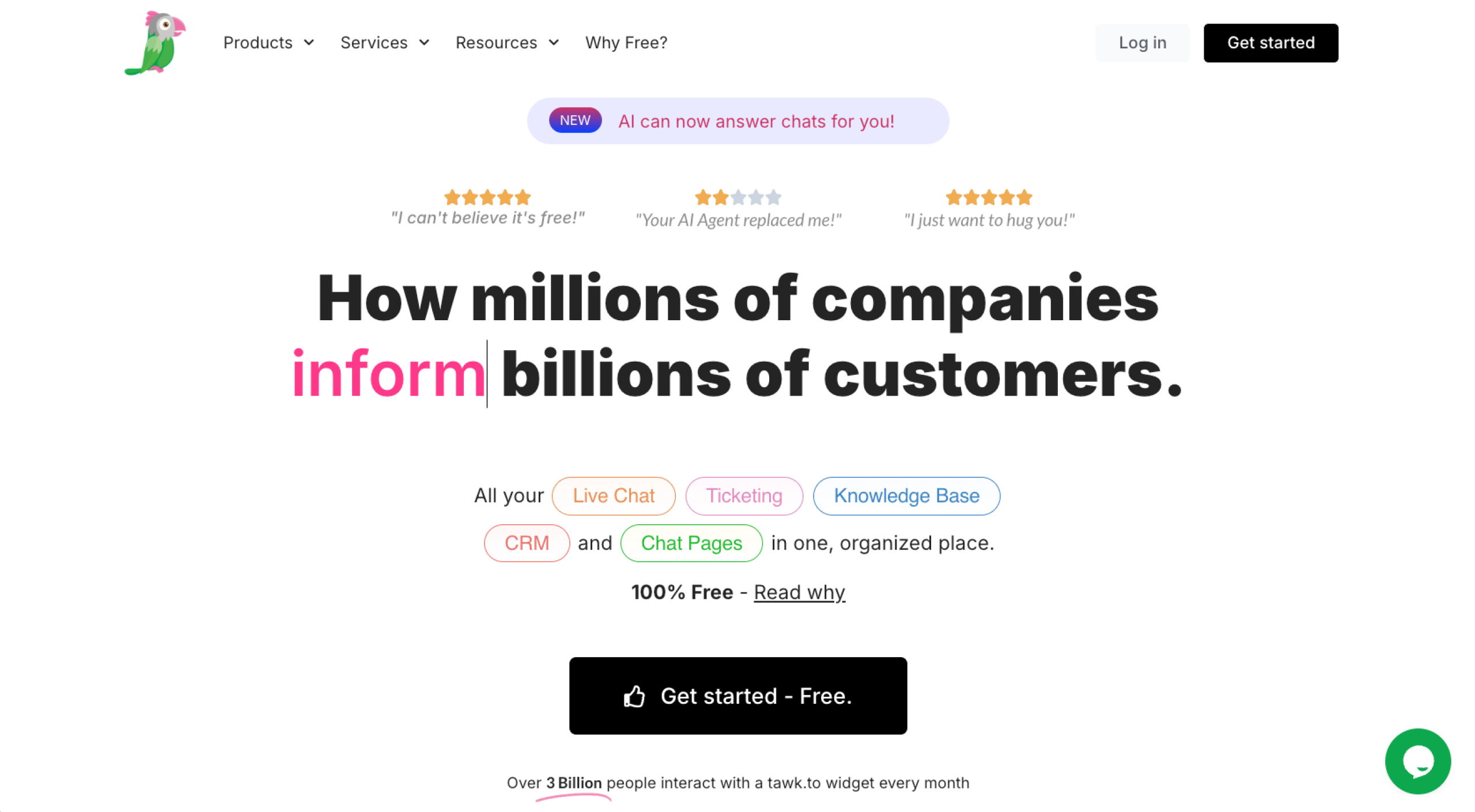
7. Tawk.to: Best for teams that want free live chat at scale
- Pros:
- Fully free live chat, ticketing, CRM, and knowledge base
- No limits on agents, sites, or concurrent chats
- Cons:
- Core product that is chat-first
- Limited AI and automation compared with paid tools
Overview
Tawk.to is a free live chat and help desk platform with unlimited usage, making it a great option for teams that want to scale without added costs.
How it works
You install the Tawk.to widget on your website, and then your team responds to customers from Tawk.to’s web or mobile apps. All conversations, tickets, and knowledge base content live in one account, so agents can pick up chats, create or update tickets, and reference saved answers. Or you can pay for Tawk.to’s hired agents to handle conversations for you.
- Pricing:
- Free-forever core platform with unlimited agents, widgets, and chat volume
- Optional paid add-ons for AI features, branding removal, video/voice/screen sharing, and hired agents, starting at $19 per month (or $1 per hour for human agents)
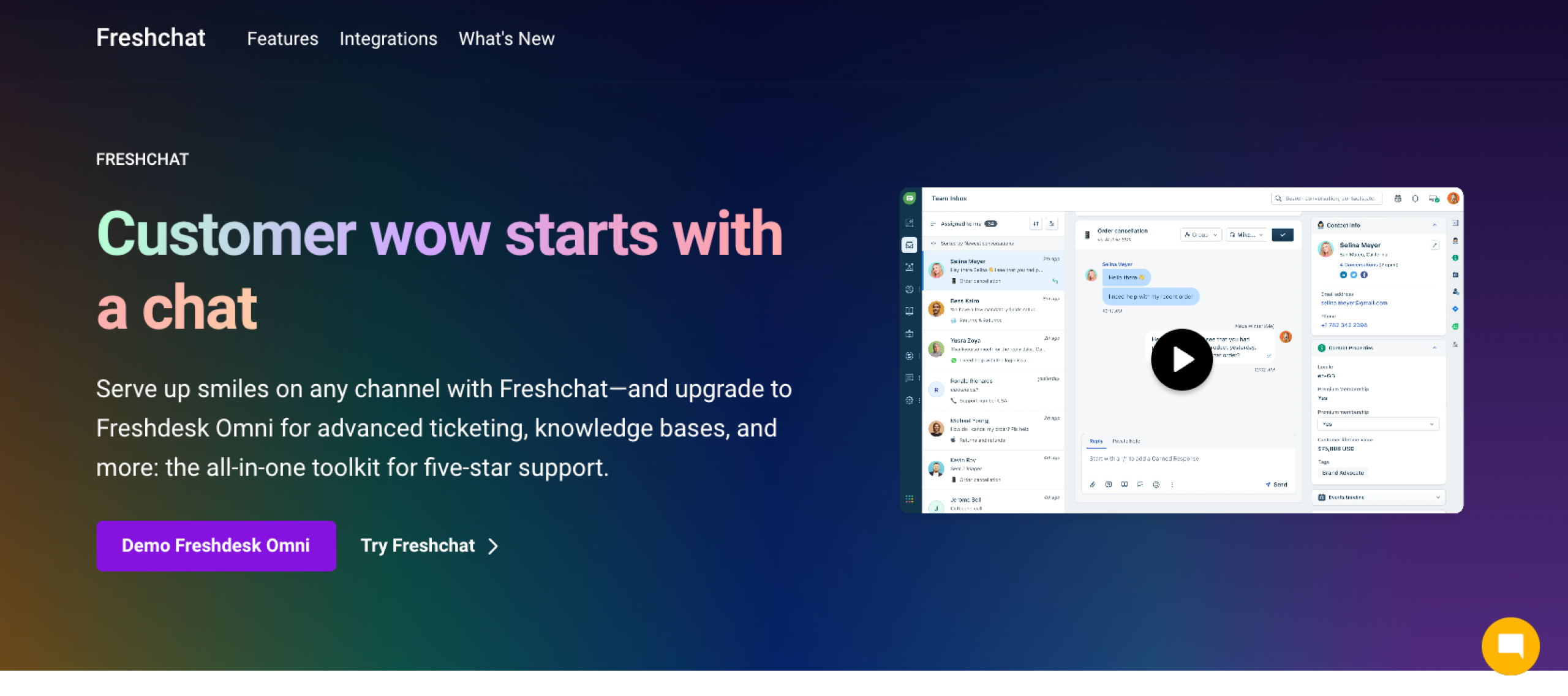
8. Freshchat: Best for support teams already using Freshdesk
- Pros:
- Freddy AI for answering questions and automating conversations
- Native integration with Freshdesk tickets and the broader Freshworks suite
- Cons:
- Best suited for teams already using Freshworks
Overview
Freshchat consolidates website chat, mobile, and social channels into a single inbox and uses AI to reduce repetitive support work.
How it works
Add the Freshchat widget to your website or app and connect channels so every conversation appears in one inbox. From there, you can assign and handle chats, while Freddy AI chatbots answer repetitive questions, suggest solutions from your knowledge base, and escalate conversations to human representatives.
- Pricing:
- Free, Growth, Pro, and Enterprise plans
- Growth plan starting at about $19 per agent, per month (billed annually)
- Higher tiers with expanded automation, routing, reporting, and security
- Freddy AI Agent sessions that are included up to tier-specific limits, then sold as separate session packs on a pay‑as‑you‑go basis
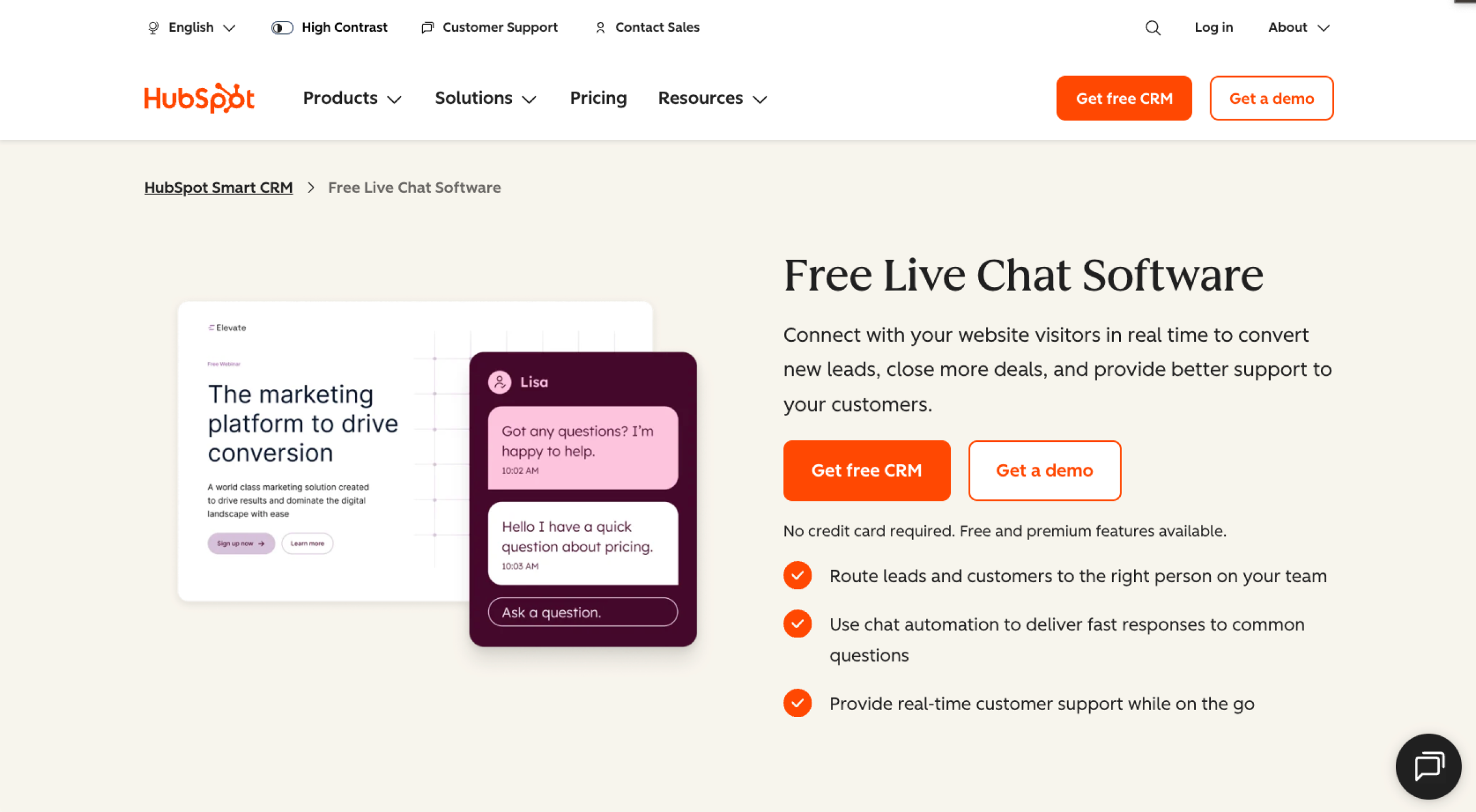
9. HubSpot Live Chat: Best for teams that live in HubSpot CRM
- Pros:
- Native connection to HubSpot CRM, deals, tickets, and contact timelines
- Chatbots and routing through Chatflows
- Cons:
- Best fit for HubSpot users; may be overkill for simple chat use cases
Overview
HubSpot Live Chat connects conversations directly to CRM data, making it a strong option for teams already using HubSpot or looking for conversations to be created or updated automatically without extra integration work.
How it works
Add the HubSpot tracking code, configure a chat channel and Chatflows, and then place the website chat widget on key pages. Incoming chats appear in Conversations, where agents can respond from HubSpot or Slack, use basic bots to qualify or route visitors, and log everything back to the contact record for follow-up and reporting.
- Pricing:
- Free, Starter, Professional, and Enterprise plans
- Starter plan starting at $20 per seat, per month, which unlocks more automation and routing beyond the free CRM tools
- Higher tiers with automation, reporting, and AI tools
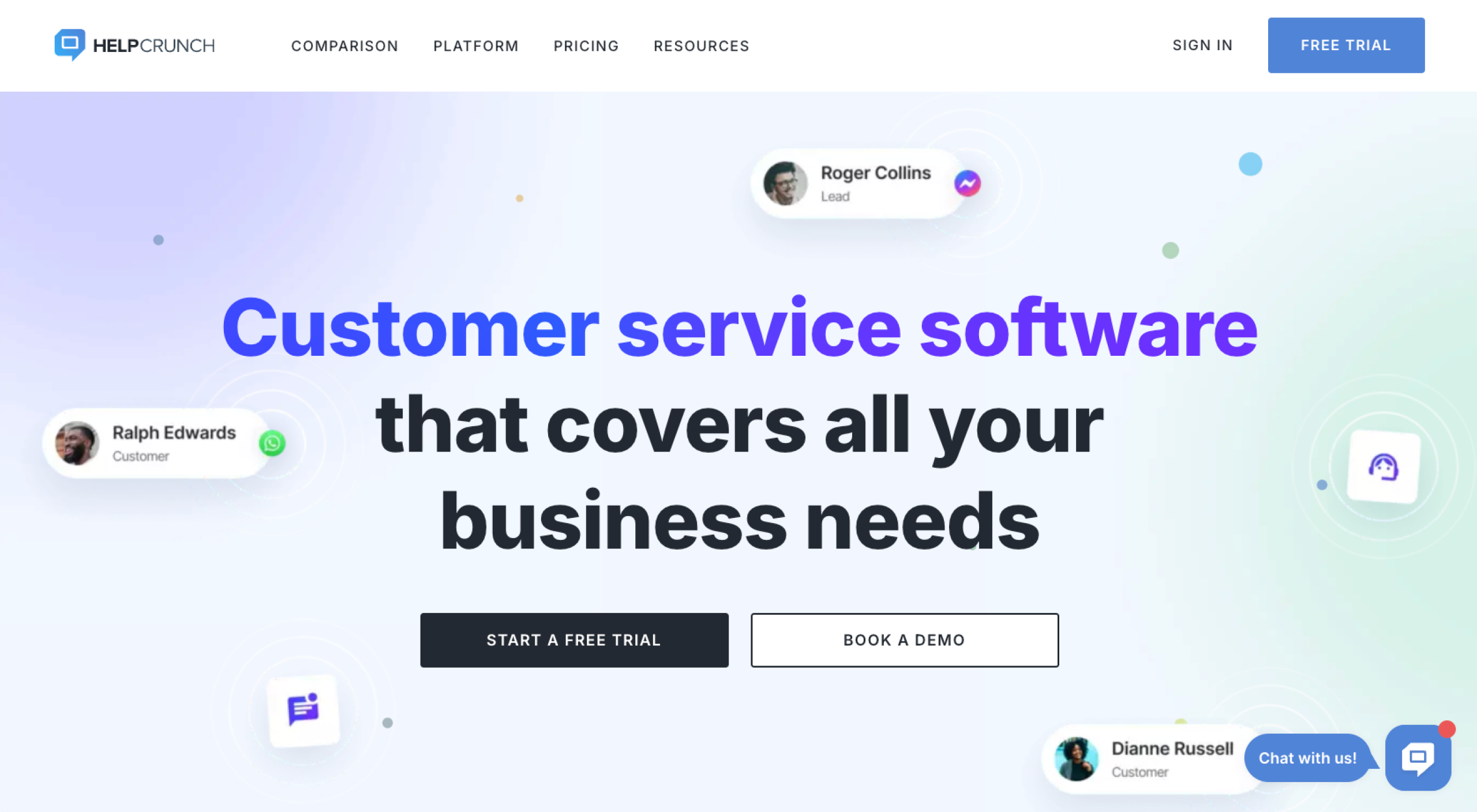
10. HelpCrunch: Best for live chat and email campaigns in one tool
- Pros:
- Combined live chat, shared inbox, and email marketing/automation
- Strong proactive messaging for onboarding and upselling
- Cons:
- Limited AI features on entry-level plans
Overview
HelpCrunch is a customer communication platform that merges live chat, a shared inbox, a knowledge base, and email campaigns. It’s a strong Smartsupp alternative for SMBs looking to capture leads on-site and nurture them over email, as well as support existing customers, without managing separate tools.
How it works
You install the HelpCrunch widget on your site or app, then connect your email domain so chats and emails arrive in the same inbox. From there, you can set up automated messages and let AI agents handle all conversations.
- Pricing:
- Basic, Pro, and Unlimited plans (with Enterprise-style custom options on top)
- Basic plan starting at $12 per team member, per month, for core live chat and help desk features
- Higher tiers with more widgets, channels, automation, email, and marketing tools
- Unlimited plan at $495 per month that includes unlimited team members and advanced AI and onboarding support
Find the AI chatbot that works like you do
Not every customer support chat will fit your team’s needs. Before making a final decision, try a few Smartsupp alternatives to find the one that best matches your stack, channels, and the level of day-to-day oversight you need. AI live chat tools such as Jotform Chatbot Builder are a reliable place to start because they help you regain time, control, and consistency without losing the human touch your customers expect.
This article is for the website owners, ecommerce managers, support leads, marketers, and ops teams evaluating Smartsupp but wanting better AI, control, integrations, or value.
























































































Send Comment: