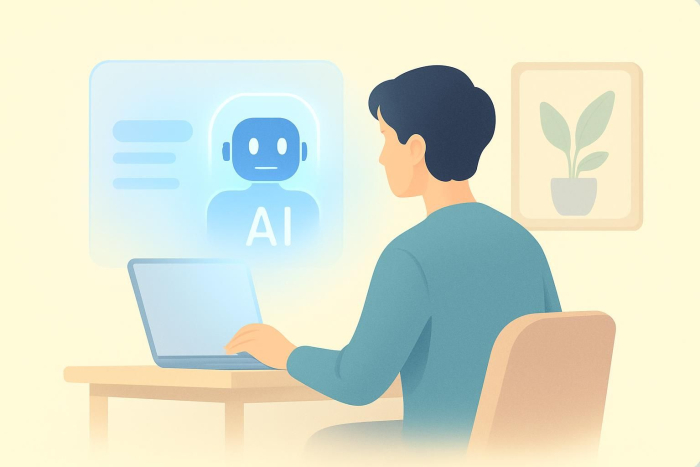
Clawdbot is an open-source AI assistant for WhatsApp, Telegram, and Discord that automates tasks, manages emails and calendars, and executes terminal commands with persistent memory and proactive notifications.
How many times a day do you think, “I still need to take care of that”? Messages waiting for replies, meetings that need scheduling, notes that need organizing. Somehow, all of these tasks pile up faster than most people can manage.
That is exactly where Clawdbot enters the picture. Or more accurately, what many people still call Clawdbot, even though the project has recently been renamed Moltbot. The lobster mascot is still very much part of the story.
In this post, we’ll take a closer look at what Clawdbot is, how it differs from traditional chatbots, and how you can try it yourself. We’ll also wrap things up with a short FAQ section answering the most common questions.
What is Clawdbot?
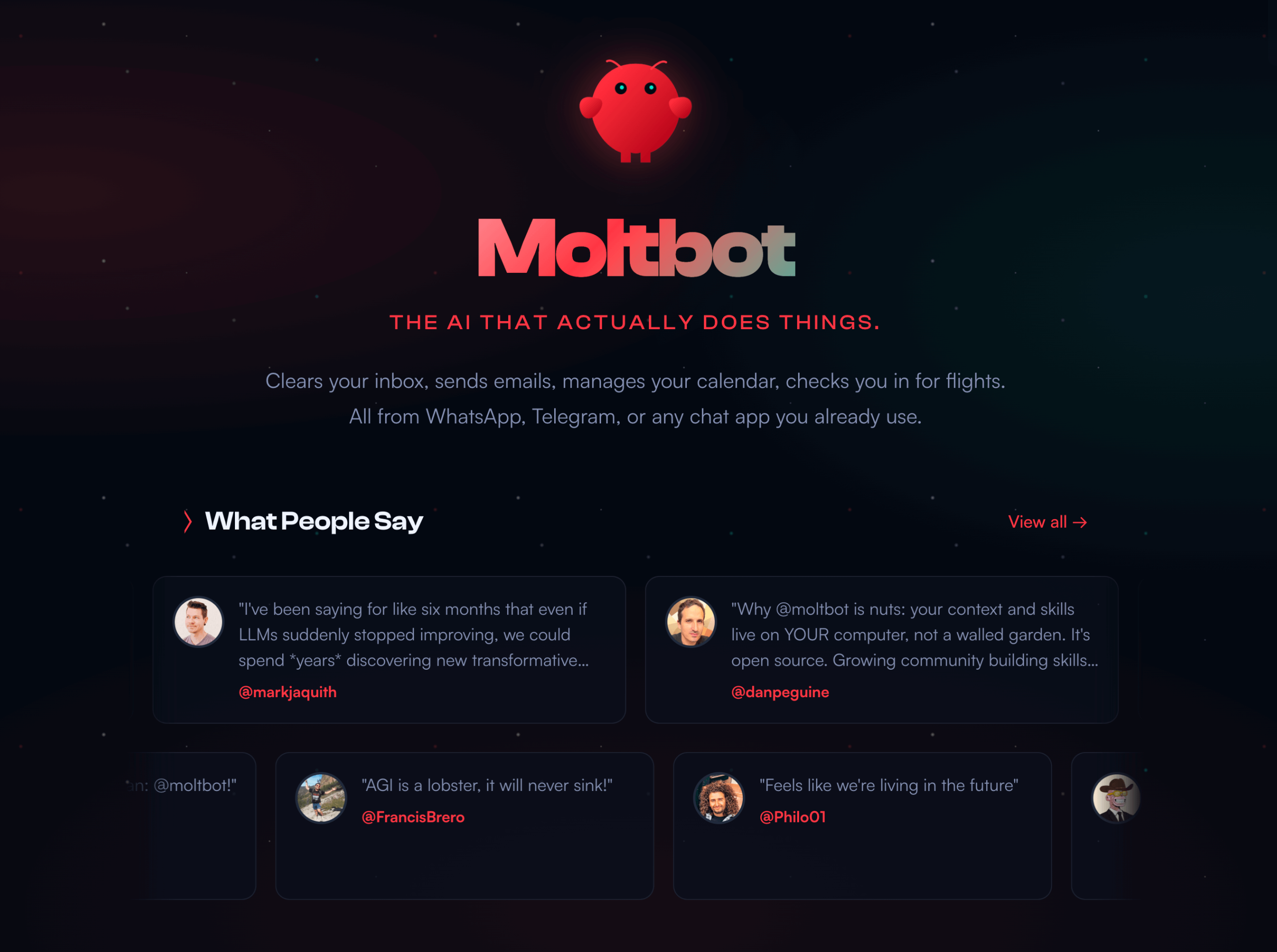
Clawdbot (now known as Moltbot) is a self-hosted AI assistant designed to work directly inside the communication tools you already use. Instead of forcing you to learn a new interface, it integrates with platforms like WhatsApp, Telegram, Slack, Discord, Google Chat, and Microsoft Teams.
In practical terms, Clawdbot meets users inside existing chat environments rather than pulling them into a separate dashboard.
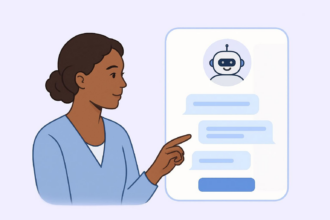
What sets Clawdbot apart from typical AI chatbots is the focus on taking action, not just generating text. Rather than offering suggestions alone, Clawdbot is designed to carry out tasks across connected services.
For example:
- Clawdbot can schedule meetings by interacting with calendar tools.
- Clawdbot can summarize messages from a specific person or channel.
- Clawdbot can combine information from multiple sources into a single, clear response.
Another key difference is how Clawdbot runs. Instead of relying entirely on cloud-based infrastructure, Clawdbot can be hosted locally on a Mac, an old laptop, a Mac mini, or a small home server. Many macOS users choose to run Clawdbot continuously as a background service, effectively turning their Mac into a private, always-available AI assistant.
Why is Clawdbot getting so much attention?
Clawdbot has gained attention for several reasons:
- Agent-first mindset: Clawdbot is designed as an AI agent, not a passive chatbot. Instead of stopping at answers or suggestions, it carries out actions and participates directly in daily workflows.
- Fits into existing communication habits: Rather than replacing tools people already use, Clawdbot operates inside familiar chat platforms. This makes adoption feel natural and minimizes friction.
- Strong appeal to power users: Self-hosting, configurable integrations, and extensibility attract developers and technically curious users who want to shape their own systems instead of relying on fixed, closed products.
- Transparency in an increasingly opaque AI landscape: Users can clearly see where Clawdbot runs, how it is configured, and what data it can access. This level of visibility stands out at a time when many AI tools function as black boxes.
How Clawdbot is different from traditional chatbots
At first glance, Clawdbot may sound similar to popular AI chatbots. The key difference is intent.
Traditional chatbots focus on answering questions, generating text, or brainstorming ideas. Clawdbot, by contrast, is designed as an AI agent. An AI agent understands requests and then carries out actions connected to those requests.
Several characteristics make this approach different:
- Action-oriented design: Clawdbot is built to trigger tasks, not just conversations.
- Multi-platform presence: A single Clawdbot setup can operate across several messaging apps at once.
- Self-hosted architecture: Users decide where Clawdbot runs and how the configuration works.
- Workflow-friendly: Clawdbot fits naturally into daily routines instead of sitting inside a separate tool.
This makes Clawdbot especially appealing to users who want automation without giving up control.
What can you use Clawdbot for?
Clawdbot is flexible by design, which means use cases vary depending on how you configure it. That said, some common scenarios stand out.
Personal productivity
- Setting reminders and follow-ups
- Managing calendar events
- Summarizing conversations or notes
- Keeping track of tasks across platforms
Team and collaboration workflows
- Monitoring shared channels or inboxes
- Creating summaries of daily or weekly activity
- Triggering actions based on specific messages
- Acting as a lightweight coordination assistant
Always-on AI assistance
Because Clawdbot can run 24/7 on a local machine or small server, many users treat it like a persistent assistant that’s always available — no login required.
How to try Clawdbot
Trying Clawdbot doesn’t require deep technical expertise, but it does help to be comfortable with basic setup steps such as installing software, managing configuration files, and running simple commands. Most users don’t set everything up at once; instead, they gradually build their setup as they become more familiar with how the bot works.
Here’s a slightly more detailed, high-level overview of how most people get started:
1. Choose where to host it
The first decision is where Clawdbot will run:
- Local machine: Many users start by running Clawdbot on their own computer or a spare laptop. This is ideal for testing, learning how the system works, and experimenting with features.
- Server or cloud VM: For always-on usage, a small VPS (such as a low-cost cloud server) is a better option. This allows Clawdbot to stay online 24/7 and respond to messages instantly.
At this stage, performance requirements are usually modest. A lightweight setup is enough for personal use or small teams.
2. Install the core application
Clawdbot is typically set up using standard development tools and environments. The official documentation guides you through downloading the project, installing dependencies, and completing the initial configuration. This step usually involves running a few commands and confirming that the application starts correctly.
3. Connect your messaging platforms
With the core application running, you can now connect Clawdbot to one or more chat platforms.
- Create a bot or app within the messaging platform (for example, a Telegram bot or Slack app).
- Paste the provided token into Clawdbot’s configuration.
- Restart the application and test the connection.
Once connected, you should be able to send a message and receive a response, confirming that everything is working correctly.
4. Configure integrations
This is where Clawdbot becomes especially powerful. You can connect it to calendars, task managers, or other external services so it can perform real actions, not just reply with text. Each integration is typically optional and modular, allowing you to enable only what you need.
5. Start small and iterate
Most users begin with simple commands—such as reminders, summaries, or basic queries—and expand from there. Because Clawdbot is modular, there’s no need to configure everything upfront. You can start with a single platform and one use case, then refine and extend the setup over time as your needs evolve.
Why self-hosted AI assistants are gaining popularity
Clawdbot is part of a broader shift toward self-hosted AI tools.
More users are looking for alternatives to fully cloud-based assistants, especially when it comes to:
- Data ownership
- Privacy
- Customization
- Long-term control
With a self-hosted assistant, you decide what data it can access and where that data lives. For many individuals and teams, that control is just as important as the AI itself.
Final thoughts: Is Clawdbot worth trying?
Clawdbot stands out not because it tries to do everything, but because it focuses on doing the right things in the right place. By living inside the messaging tools you already use, it removes friction instead of adding another layer to your workflow.
If you’re someone who values control, customization, and transparency, a self-hosted AI assistant like Clawdbot can feel like a refreshing alternative to fully cloud-based chatbots. You decide where it runs, what it can access, and how far it goes — and that flexibility makes it adaptable to both personal productivity and lightweight team use cases.
Clawdbot may not be the easiest plug-and-play tool on day one, but that’s also part of its appeal. It’s designed for people who want an AI assistant that grows with their workflows rather than locking them into a fixed system.
In short, if you’re curious about AI agents, automation through conversation, or simply reducing the number of tools you juggle each day, Clawdbot is well worth exploring.
FAQ
Clawdbot AI refers to the intelligence layer behind the assistant. It uses modern AI models to understand natural language requests and connect them to real actions. Rather than functioning as a standalone chatbot, it operates as an AI-powered agent that bridges conversation and execution.
Clawdbot is free to use in the sense that you can run and host it yourself without paying for the software. However, depending on how you set it up, you may incur costs related to hosting, infrastructure, or external services (such as AI model usage or cloud resources).
Yes. Clawdbot is an open-source project. Users can inspect the code, customize behavior, and adapt the assistant to specific needs, which is a major advantage for teams that value transparency and flexibility.
This article is for productivity-focused professionals, developers, and teams curious about self-hosted AI assistants, automation through chat, and reducing tool overload while maintaining control, privacy, and flexible workflows across daily communication platforms and collaboration needs.







































































Send Comment: