
Affiliate Video Marketing Guide App gives creators, marketing teams, agencies, and small businesses a central place to plan and evaluate affiliate video campaigns. This app template supports campaign planning, quick access to audience and disclosure guidance, and post-publication reviews that document results and the next improvement. It is especially useful for teams that want to keep calls to action, published video references, and campaign learnings organized without relying on scattered documents. It can also help collaborators follow a repeatable process while maintaining a clear view of current and past campaign plans.
Jotform App Templates make it easy to turn this guide into a branded resource for individual creators or wider marketing teams. Using Jotform’s no-code app builder and drag-and-drop interface, you can customize pages, cards, navigation, and visual elements without programming. Connect forms and tables to support data collection, build a practical workflow for campaign reviews, and offer convenient self-service access from phones, tablets, or computers. Once ready, share the app through a direct link, QR code, or embedded experience so contributors can access campaign resources wherever they work.
Related templates
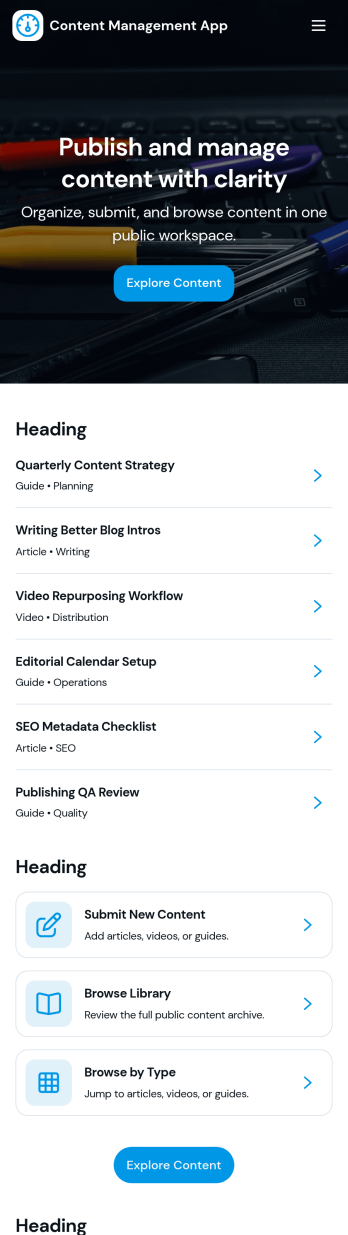
Content Management App
Content Management App helps teams collect, organize, and review content in one place, so publishing doesn’t turn into scattered messages and lost files. Use it to gather new articles, announcements, product updates, knowledge base entries, or internal resources through a simple submission flow, then route items into a review queue before they’re added to your library. It’s a practical fit for marketing teams, internal communications, agencies, and growing businesses that need a consistent way to intake content, browse a shared library, and keep visibility into what’s ready, what needs edits, and what’s in progress.With Jotform, you can turn this app template into a branded, self-service experience using a no-code app builder and a drag-and-drop interface. Connect pages to forms and tables to support ongoing data collection, keep content records centralized, and make workflows easier to follow for contributors and reviewers. Share the app by link or QR code, customize navigation and design, and maintain a single source of truth as your content volume grows.
Go to Category:Management Apps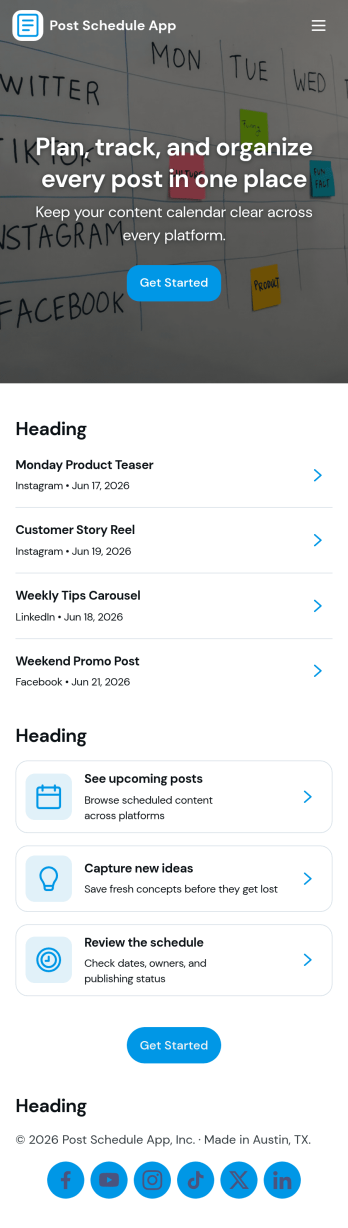
Post Schedule App
Post Schedule App helps teams plan, queue, and review upcoming posts in one place, so content doesn’t get lost in chat threads or scattered notes. Use it to add new post details, view a calendar-style overview of what’s going out and when, and keep a queue of ready-to-publish items. It works well for social media managers, small business owners, agencies, and marketing teams that need a clear publishing rhythm, quick visibility into what’s next, and an easy way to navigate from a schedule view into individual post records.With Jotform, you can turn this app template into a branded, shareable workspace using a no-code app builder and a drag-and-drop interface. Connect the app to your data collection form to capture post information consistently, keep records organized, and support a smoother workflow for planning and review. Publish with a simple link for your team, update content as plans change, and manage schedules without adding extra tools to your stack.
Go to Category:Sales & Marketing Portal Apps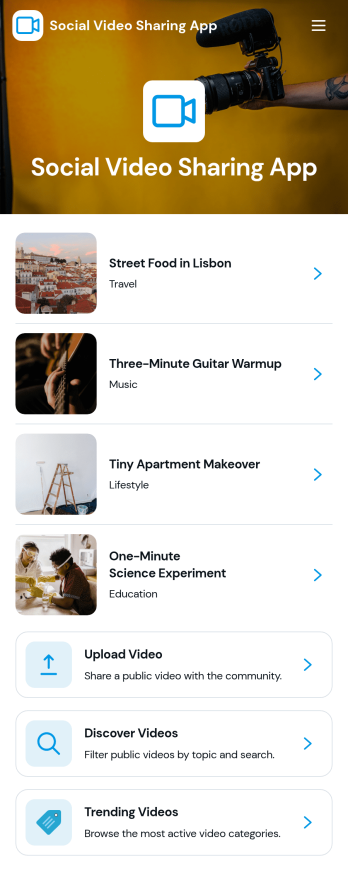
Social Video Sharing App
Social Video Sharing App brings a simple way to watch, share, and discover videos in one place. It’s built for creators, community teams, clubs, and organizations that want a lightweight video hub where people can browse a public feed, open videos through links, and contribute new content through a guided share flow. Alongside sharing, the app also supports structured input by letting viewers send video feedback, making it useful for campaigns, internal showcases, student work reviews, or any community where responses matter as much as views.With Jotform, you can turn this app template into a branded experience using a no-code app builder and a drag-and-drop interface. Connect buttons to forms for data collection, route updates into a workflow your team can manage, and organize links into a feed that’s easy to navigate on any device. Share your finished app through a link or QR code, then iterate quickly as your video library and audience grow.
Go to Category:Influencer Apps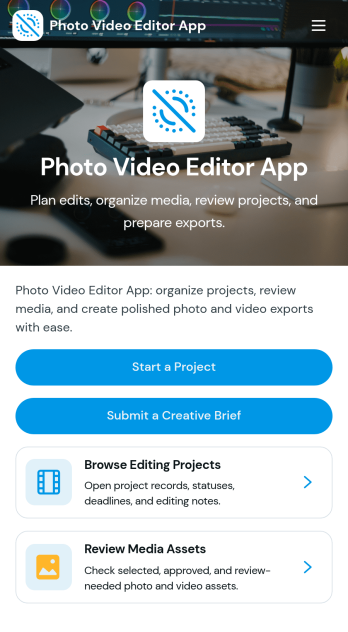
Photo Video Editor App
Photo Video Editor App brings your photo and video editing work into one organized place, so creators can plan edits, manage projects, and follow a consistent workflow from first draft to export. It’s useful for influencers, marketing teams, photographers, and editors who juggle multiple deliverables and need a clear way to create a project, browse a saved project library, and open each project to view key details like editing goals, source media links, and notes. With guided sections for photo and video workflows plus an export check, the app helps reduce missed steps and keeps production moving even when several people contribute.Jotform makes it easy to build and publish app experiences like this using customizable App Templates and a no-code app builder with a drag-and-drop interface. Connect pages to your forms and workflows to support data collection, keep project info consistent, and share a self-service hub with your team or clients. You can update the layout, add new steps, and tailor navigation as your editing process evolves, all without needing to write code.
Go to Category:Entertainment Apps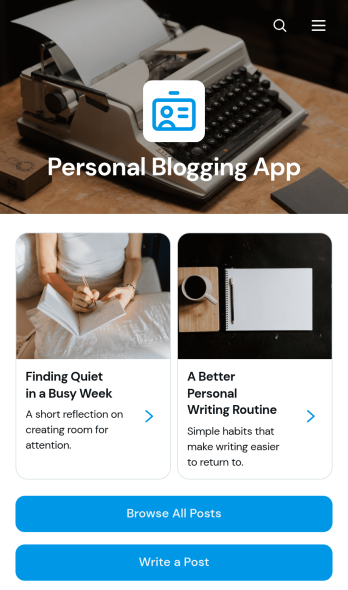
Personal Blogging App
Personal Blogging App is an app template for writers, creators, hobbyists, and independent professionals who want to publish personal stories, creative work, and reflections in an inviting mobile-friendly space. Readers can browse posts, filter articles by category, view publication details, and contact the author by email. A connected form also provides a convenient way to draft or submit a new post. This format helps authors organize a growing body of work, give each article a dedicated reading experience, and make archived content easier to discover without maintaining a complex website.Jotform App Templates make it simple to turn content and data collection into an interactive experience without coding. Customize the Personal Blogging App with the no-code app builder, arrange pages and navigation through a drag-and-drop interface, and apply fonts, colors, images, and branding that reflect your voice. You can connect forms and other workflow resources, update content as your blog develops, and share the finished app using a direct link or QR code. Jotform provides a flexible foundation for managing posts while offering readers convenient self-service access from phones, tablets, or computers.
Go to Category:Journal Apps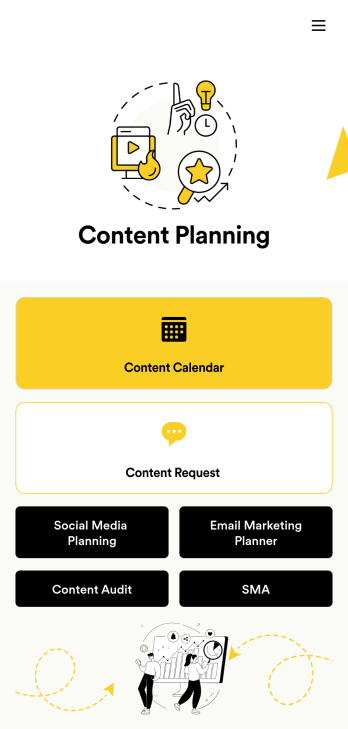
Content Planning App
A content planning app is commonly used by marketing teams to manage content calendars. With Jotform Apps, you can build your own Content Planning App for free. Add a content calendar, brainstorm notes, content audits, and so much more. You can even integrate your app with 250+ platforms to send data straight to your other marketing accounts — all with no coding required.Customizing your Content Planning App is easy and intuitive with Jotform’s drag-and-drop builder. Add or remove forms, switch up fonts and colors, choose a unique app icon, upload branding assets and images, and so much more. Once you’re happy with your app, all you need to do is share it with your team. Embed it in your online workspace or send it via link so your team members can download it to their mobile, tablet, or desktop device.
Go to Category:Company Portal Apps