Post Schedule App helps teams plan, queue, and review upcoming posts in one place, so content doesn’t get lost in chat threads or scattered notes. Use it to add new post details, view a calendar-style overview of what’s going out and when, and keep a queue of ready-to-publish items. It works well for social media managers, small business owners, agencies, and marketing teams that need a clear publishing rhythm, quick visibility into what’s next, and an easy way to navigate from a schedule view into individual post records.
With Jotform, you can turn this app template into a branded, shareable workspace using a no-code app builder and a drag-and-drop interface. Connect the app to your data collection form to capture post information consistently, keep records organized, and support a smoother workflow for planning and review. Publish with a simple link for your team, update content as plans change, and manage schedules without adding extra tools to your stack.
Related templates
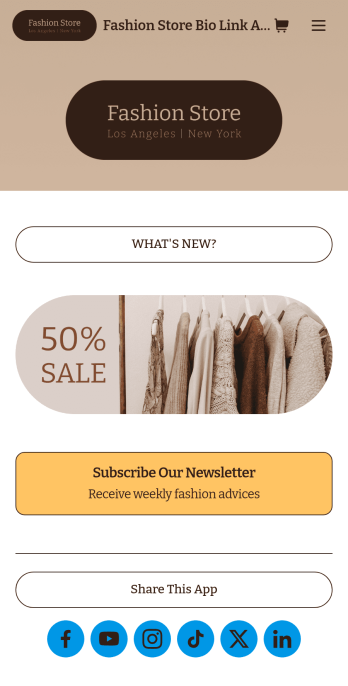
Brand Instagram Bio Link App
Add an app to your Instagram bio with a free Brand Instagram Bio Link App from Jotform. Whether you’re looking to share company promotions, campaigns, announcements, or sell products through your Instagram bio, bundle it all together in an app that your followers can view or download on any device. Any responses submitted through your app’s forms will be stored securely in your Jotform account, so you can view them and get in touch with your customers fast.Make this Brand Instagram Bio Link App template match your branding by uploading your logo, changing the app icon, uploading a new background image, and adding as many links, forms, images, documents, and buttons as you’d like. You can then copy and paste the app link directly into your bio for easy access. Create a custom app to gather information and sell products through your Instagram bio in a few quick clicks with Jotform’s free Brand Instagram Bio Link App.
Go to Category:Influencer Apps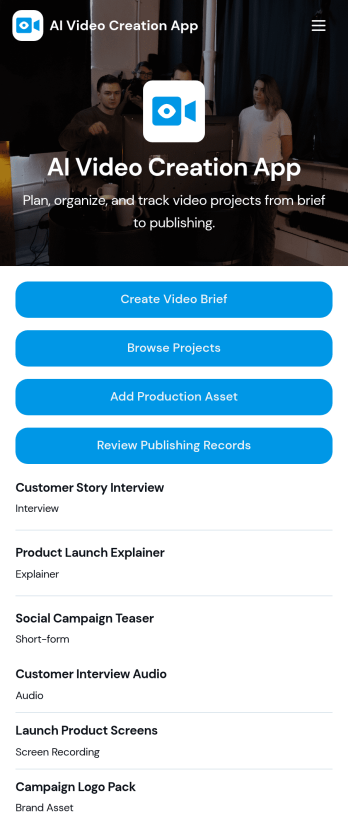
AI Video Creation App
AI Video Creation App brings your video production workflow into one place, so teams can move from concept to publish-ready content without scattered docs and endless status checks. Use it to capture consistent video briefs, organize projects, and maintain a shared library of production assets like scripts, brand guidelines, and creative references. It’s a practical fit for marketing teams, content creators, agencies, and social media managers who juggle multiple campaigns and need a dependable way to track what’s being made, what assets are approved, and what’s ready to go live.With Jotform, you can turn this AI Video Creation App into a branded self-service experience using a no-code app builder and a drag-and-drop interface. Connect buttons to forms for fast data collection, keep project and asset records organized, and build a repeatable workflow that teammates can follow across launches. Share your app with a link or QR code, update pages as your process evolves, and keep everyone aligned from brief intake to publishing records.
Go to Category:Sales & Marketing Portal Apps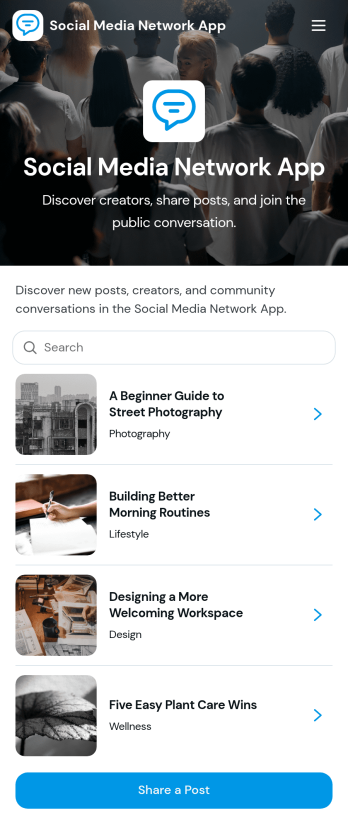
Social Media Network App
Social Media Network App brings a community-style social space into one simple, shareable experience so people can post updates, explore creators, and discover new messages as they’re published. It works well for creator communities, clubs, nonprofits, internal culture groups, alumni networks, and niche interest spaces that want a lightweight feed where members can share posts, publish profiles, and browse what others are talking about without complicated setup.Built with Jotform, this app template helps you launch a mobile-friendly social hub using App Templates and a no-code app builder with a drag-and-drop interface. Connect your app to forms and workflows for data collection, then organize posts and creator profiles into scrollable lists and cards that are easy to navigate. Share your Social Media Network App with a link, keep content organized in one place, and update the experience anytime as your community grows.
Go to Category:Community & Engagement Portal Apps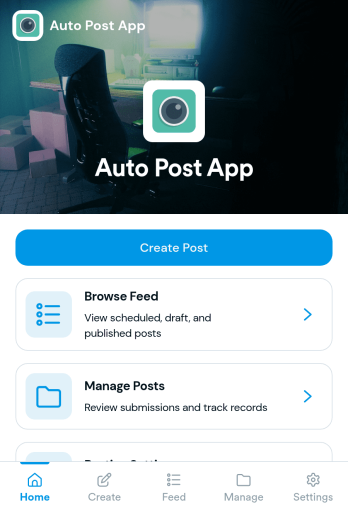
Auto Post App
Auto Post App brings your social content workflow into one place so teams can draft posts, organize what’s coming up, and keep a clear record of what’s already gone out. It’s a practical fit for social media managers, small business owners, creators, and marketing teams who want a simple way to build drafts, move them into a queue, and reference past publishing activity without relying on scattered notes or multiple tools.With Jotform App Templates, you can publish a branded, self-service app experience powered by Jotform’s no-code app builder and drag-and-drop interface. Connect your draft form to collect content details, use lists to review items in your queue and history, and share the app with teammates so everyone follows the same workflow from planning to tracking.
Go to Category:Sales & Marketing Portal Apps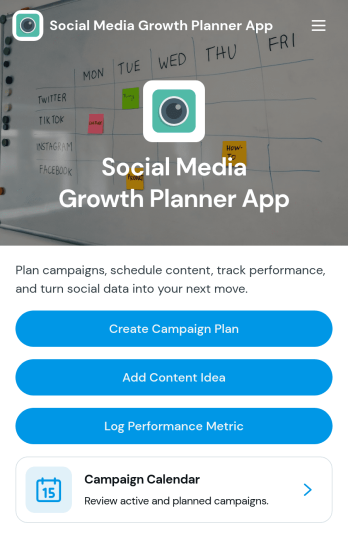
Social Media Growth Planner App
Social Media Growth Planner App helps you plan campaigns, organize content ideas, and keep a clear record of performance metrics so social efforts don’t get lost across notes, chats, and spreadsheets. It’s a practical fit for creators, influencers, marketing teams, and small businesses that need a simple way to map campaigns on a calendar, connect posts to the right initiative, and build repeatable habits for consistent publishing and improvement.With Jotform, you can turn this app template into a branded self-service planning space using a no-code app builder and a drag-and-drop interface. Link buttons to forms to capture campaign plans, content ideas, and metrics in one workflow, then share the app with your team for quick updates from any device. As your strategy evolves, you can adjust pages, navigation, and connected data collection without slowing down execution.
Go to Category:Social Media Management Apps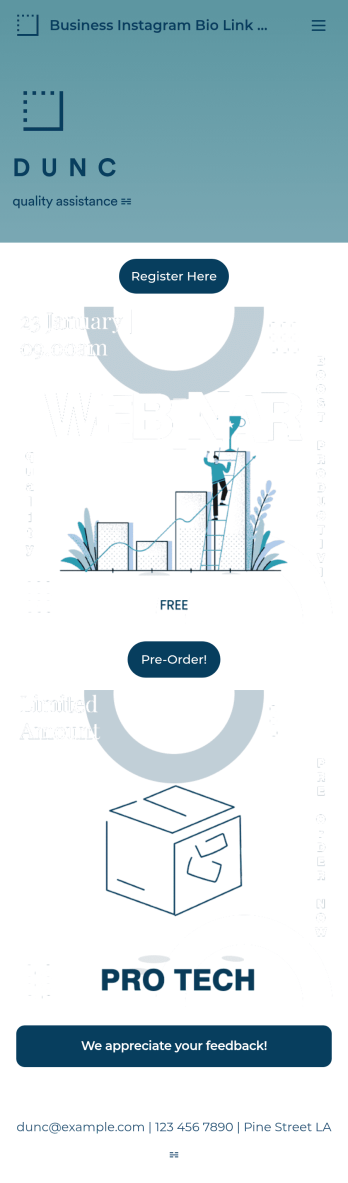
Business Instagram Bio Link App
Create an app to add to your company’s Instagram bio with Jotform’s Business Instagram Bio Link App. With this app template, you can make company announcements, showcase webinars and events, create pre-order forms, and have your followers submit feedback — all accessible from a single app in your Instagram bio. Submissions made to your app are stored in your secure Jotform account, which you can view on any smartphone, tablet, or desktop.Make this Business Instagram Bio Link App your own by adding your own branding. Just use Jotform’s drag-and-drop form builder to upload your logo or a background image, choose a custom app icon, change fonts and colors, and more — no coding required. You can also fully customize your app’s splash screen by adding or changing form elements or installing widgets. After you’re finished, simply copy and paste a link to your app in your Instagram bio and you’re off and running. Create an all-in-one app that your followers can access on any device with this free Business Instagram Bio Link App.
Go to Category:Information Technology Apps