
The Agricultural Licensee Onboarding App helps agricultural licensing teams guide growers, producers, operators, and other applicants through a consistent onboarding process. Agencies, associations, cooperatives, and agricultural program administrators can use this app template to provide an application checklist, collect new applications, and let authorized team members browse submitted records. Centralized access to applicant details and supporting documents reduces missing information, makes reviews easier to coordinate, and gives staff a clearer view of each submission. It is especially useful when replacing scattered emails, paper packets, and disconnected files with one accessible intake experience.
Jotform Apps makes it easy to adapt this template with a no-code app builder and an intuitive drag-and-drop interface. Teams can update pages, branding, instructions, and navigation while connecting forms and tables to support data collection and workflow management. The finished app can be shared through a direct link or QR code, giving applicants a mobile-friendly way to submit information and staff a convenient place to review it. Start with one of Jotform’s App Templates, tailor the experience to your onboarding requirements, and publish a practical self-service resource without writing code.
Related templates
Security Patrol Reporting App
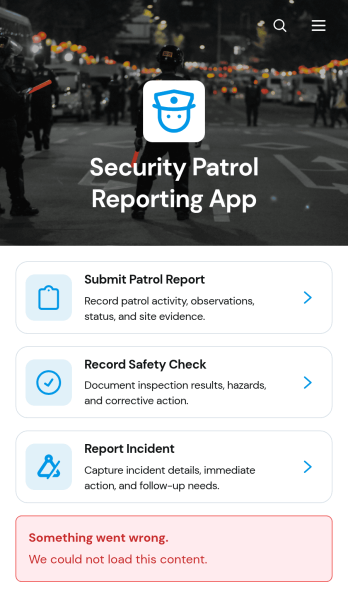
The Security Patrol Reporting App is an app template for documenting patrol activity, safety checks, and incidents across offices, residential properties, construction sites, warehouses, campuses, and other monitored locations. Security officers can submit patrol reports from the field, record inspection findings, and report incidents while details are still current. Supervisors, property managers, facility teams, and security service providers can review records by date, officer, location, status, severity, and follow-up needs. Bringing these activities into one accessible reporting experience reduces missing information, improves visibility across shifts, and helps teams respond to identified concerns.Jotform App Templates make it easy to adapt this reporting experience to an organization’s procedures without writing code. With Jotform’s no-code app builder and drag-and-drop interface, teams can update pages, branding, navigation, and connected forms to suit different properties or patrol assignments. Collected data can feed into tables, notifications, approvals, and related workflows, giving managers a central place to organize reports and monitor next steps. Once ready, the app can be shared with officers through a direct link or QR code for convenient mobile access and field-based self-service.
Go to Category:Report Apps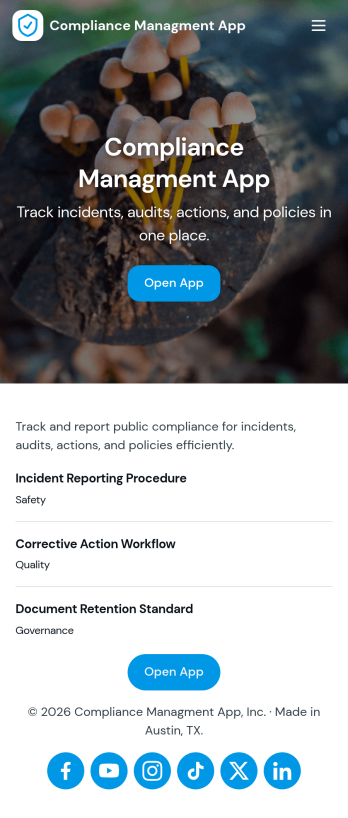
Compliance Managment App
Compliance Managment App brings your day-to-day compliance work into one place so teams can keep controls visible, document what happened, and stay ready for reviews. It’s built for operations leaders, IT and security teams, HR, and managers who need a practical way to organize controls, report incidents as they occur, log audits, and maintain supporting documents without hunting across folders or email threads.With Jotform you can turn this app template into a branded self-service workspace using a drag-and-drop interface and a no-code app builder. Connect the app to forms and tables to support ongoing data collection, route key steps through a workflow, and keep updates consistent across controls, incidents, audits, and documents. Share it with internal stakeholders through a link, tailor pages to your process, and keep information easy to access on any device.
Go to Category:Information Technology Apps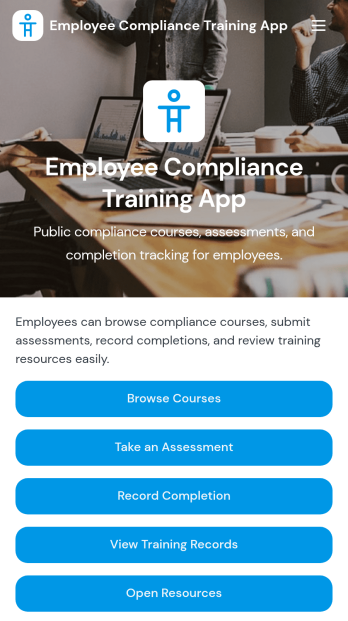
Employee Compliance Training App
Employee Compliance Training App gives HR teams, learning and development leaders, safety managers, and operations departments a central place to deliver and monitor required workplace education. Employees can browse available courses, review key learning materials, take assessments, and submit completion records without searching across disconnected systems. It is well suited to employee onboarding, annual refresher programs, information security awareness, workplace conduct education, and health and safety training. By bringing learning resources and training records into one accessible experience, the app helps organizations keep employees informed, reduce administrative work, and maintain clearer visibility into participation.Jotform makes this app template easy to adapt with a no-code app builder and an intuitive drag-and-drop interface. Teams can update pages, course links, buttons, visual elements, and branding to match their internal training program. Forms, tables, approvals, and automated workflows can be connected to support data collection, completion tracking, and timely follow-up. Once customized, the Employee Compliance Training App can be shared by direct link or QR code for convenient mobile self-service access. Explore Jotform App Templates to create a polished training experience without writing code.
Go to Category:Safety and Compliance Apps
Gate Pass Request App
Gate Pass Request App is a centralized request and status-tracking experience for workplaces that manage visitor, vehicle, or item access through controlled entry points. Facilities, security, operations, warehouse, construction, school, and office teams can use it to receive gate pass requests, help requesters check progress, and display approval and issuance outcomes. By keeping requester and visit information connected to each record, the app reduces scattered messages, gives staff a consistent review process, and provides requesters with clearer self-service access. It is useful for recurring deliveries, contractor visits, equipment movement, scheduled guests, and other situations that require documented entry or exit authorization.Built with Jotform Apps, this app template can be adapted without coding to match an organization’s access process and branding. The drag-and-drop interface makes it easy to update pages, buttons, instructions, and navigation while connected forms support data collection. Teams can link approval steps, tables, notifications, and related workflows to coordinate reviews and keep request information organized. Once customized, the Gate Pass Request App can be shared through a direct link or QR code for convenient mobile access. Jotform app templates help organizations publish practical digital experiences quickly while retaining the flexibility to revise content and processes as operational needs change.
Go to Category:Safety and Compliance Apps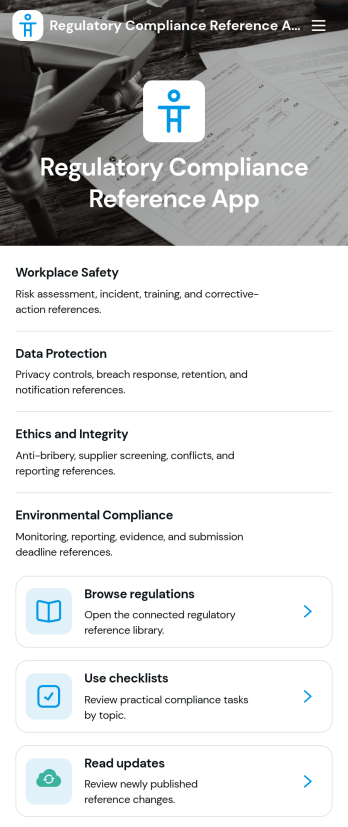
Regulatory Compliance Reference App
Regulatory Compliance Reference App brings your organization’s key regulations, checklists, and update notes into one easy-to-browse reference library. It’s built for compliance leads, operations managers, risk teams, and distributed departments that need a reliable place to review requirements by topic, confirm jurisdictions and effective dates, and keep internal guidance aligned with the latest reference status. With quick navigation to browse regulations, open source references, and use checklists tied to real responsibilities like owners and review frequency, teams can reduce time spent hunting for the right information and keep day-to-day decisions consistent.Jotform makes it simple to publish this app template as a self-service resource without coding. Using a drag-and-drop interface, you can tailor pages, organize your reference lists, and connect the app to a form for ongoing data collection when new regulations, checklist updates, or internal notes need to be added. Share the finished app with a link or QR code, keep content current in one place, and support clearer workflows across teams with Jotform.
Go to Category:Safety and Compliance Apps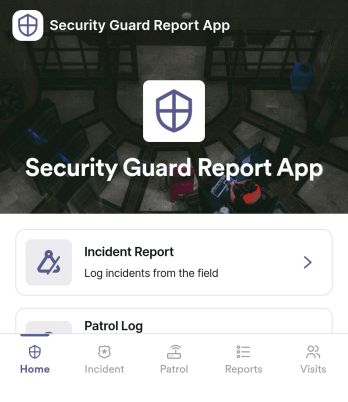
Security Guard Report App
Security Guard Report App helps security teams capture incidents, document shift activity, and confirm routine patrol checks in a consistent format across sites. It’s built for guard companies, property managers, event venues, and in-house security departments that need clear, time-stamped reporting without relying on paper notes or scattered messages. With dedicated areas for incident reports, shift logs, and patrol checks, supervisors get better visibility into what happened, when it happened, and what actions were taken during each assignment.Jotform makes it easy to turn this Security Guard Report App into a branded self-service workflow using a no-code app builder and a drag-and-drop interface. Connect pages to forms for fast data collection in the field, route key updates for review, and keep records organized for follow-up and internal reporting. Share the app with a link or QR code so guards can submit reports from any device, while managers can review entries and standardize operations across locations.
Go to Category:Log Apps