Biometric Time Clock App helps teams record employee punches and keep daily shift activity organized in one place. It’s a practical fit for operations managers, HR teams, and supervisors who need a reliable way to direct staff to clock in, review today’s shifts, and handle timekeeping updates without chasing paperwork. With clear navigation for clock-in actions and quick access to shift overviews, it supports smoother start-of-shift routines for hourly workforces across retail, hospitality, warehouses, field teams, and multi-location businesses.
Built with Jotform App Templates, this app template can be customized with a no-code app builder and a drag-and-drop interface to match your policies and workflows. Connect the app to your Jotform form and data collection to capture punch details, then use the built-in history view for ongoing tracking and visibility. Share the app through a link or QR code, update pages as your process evolves, and keep time records organized for faster reviews and fewer manual corrections.
Related templates
HR Management App
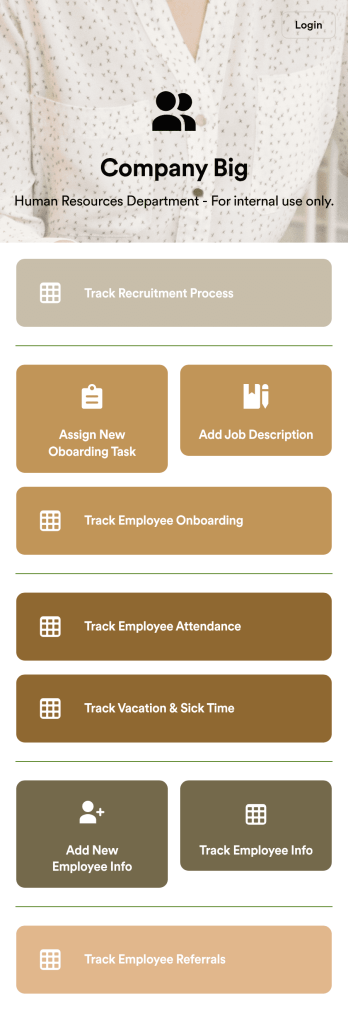
An HR management app keeps all your recruiting tools in one place that can be accessed from any device. Support your human resources team with a fully custom HR Management App powered by Jotform. This ready-to-use template includes multiple HR forms and tables to help you keep all of your data organized in one central location. You and your HR team can download the app onto any smartphone, tablet, or computer for easy access to your forms, tables, and other resources.Want to modify this app template for your company? You won’t need any coding knowledge – with our intuitive builder, all you need to do is drag and drop to add or update forms, tables, links, documents, pages, buttons, and other app elements. You can even change the app name, icon, fonts, colors, and splash screen to match your branding. When it’s ready to use, share it with your HR team by sending email invites or the app link. Manage new and existing employees effectively with a HR Management App built just for your HR team.
Go to Category:Company Portal Apps
Custom Employee Onboarding App
An employee onboarding app makes it easier to integrate a new employee into your company by making important internal resources available on any device. Simplify the transitional period and successfully onboard new hires with a fully custom Employee Onboard App powered by Jotform. This ready-to-use mobile app includes a table for tracking onboarding progress, company photos and social links, and a separate page with team contact information. New hires can download the app onto their mobile device or computer for easy access at any time.Customize this Employee Onboarding App for your company in just a few clicks. Without coding, you can use our drag-and-drop builder to add forms and tables, embed links, upload documents and training videos, create new pages, update fonts and colors, and much more. When your app is ready to use, it can be sent directly to new hires via email invites or the app link. Successful employee onboarding can be the key to business success — so get started with an efficient, easy-to-use Employee Onboarding App tailored to your company.
Go to Category:Company Portal Apps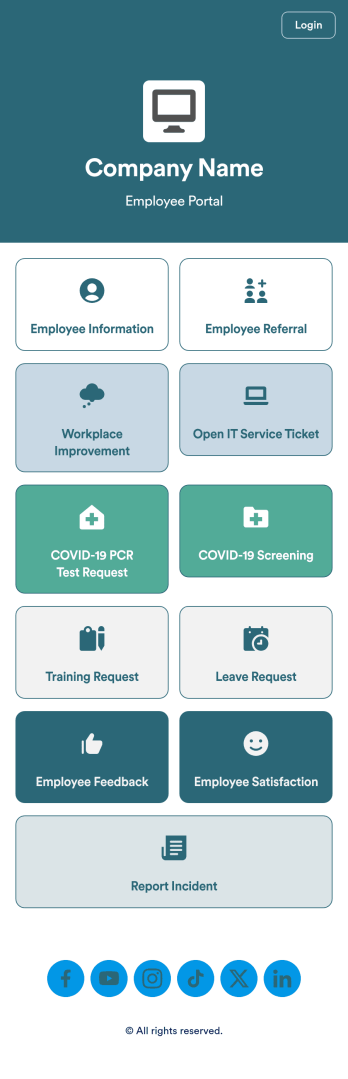
Intranet App
An Intranet App is used for consolidating company forms and documents in one convenient location. This Intranet App bundles nearly a dozen forms for employees to record general contact information, request training or time off, open IT service tickets, and fill out COVID-19 screening checklists. There are also several surveys for employees to submit workplace improvement suggestions and report incidents. Employee data and submissions are stored securely in your Jotform account, which managerial staff can access from any smartphone, tablet, or computer.Make this app template your own with Jotform’s no-code app builder. Just drag and drop to add or change forms, upload documents, create buttons, add external links, and more. You can also customize your splash screen to include your own branding and make company-wide announcements. When you’re finished, you can share your app with a link and employees can then access and download it on any device. Create a one-stop-shop for your company’s forms and documents with this free Intranet App from Jotform.
Go to Category:Company Portal Apps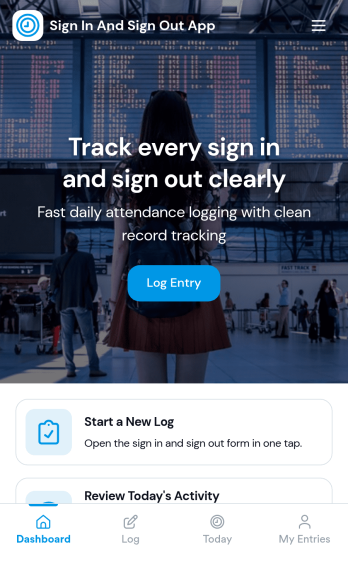
Sign In and Sign Out App
Sign In and Sign Out App helps organizations record when people arrive and leave, creating a simple digital log that’s easy to reference later. It’s a practical fit for front desks, school offices, shared workspaces, job sites, studios, and community programs that need a clear sign-in and sign-out history without relying on paper sheets. With guided navigation and an Add Entry button that opens a connected form, staff or visitors can log a new entry quickly, while a list view makes it easy to browse names and open individual records.Jotform makes it easy to publish and manage app templates like this with a no-code app builder and a drag-and-drop interface, so you can match the experience to your workflow in minutes. Add your logo image, adjust pages and buttons, and share the app by link or QR code for fast self-service check-ins. Entries submitted through the form can be organized for ongoing tracking, giving your team a dependable way to keep sign-in activity consistent across locations and shifts.
Go to Category:Sign In Apps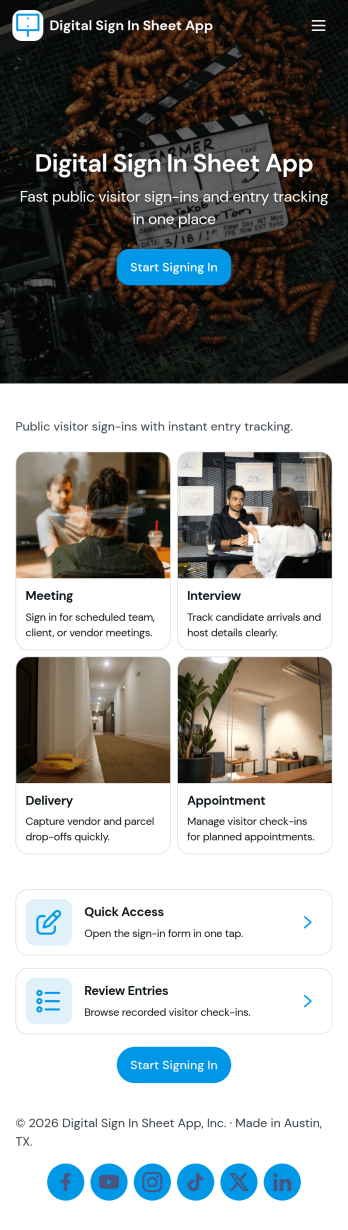
Digital Sign in Sheet App
Digital Sign in Sheet App helps organizations replace paper sign-in sheets with a simple, trackable check-in experience. Use it at a front desk, office, classroom, studio, job site, or event entrance to capture arrivals quickly and keep an accurate record of who is on-site. The app supports fast check-ins through a dedicated Check In page, plus a searchable Roster that helps staff confirm names, reduce manual errors, and handle repeat visitors without rewriting details each time.Built with Jotform, this app template can be tailored with a no-code app builder and a drag-and-drop interface, so you can match the flow to your space and your process. Connect the check-in form to your data collection workflow, keep entries organized in one place, and share the app through a link or QR code for smooth self-service sign-ins. Add branding, adjust navigation cards, and publish updates anytime without slowing down daily operations.
Go to Category:Sign In Apps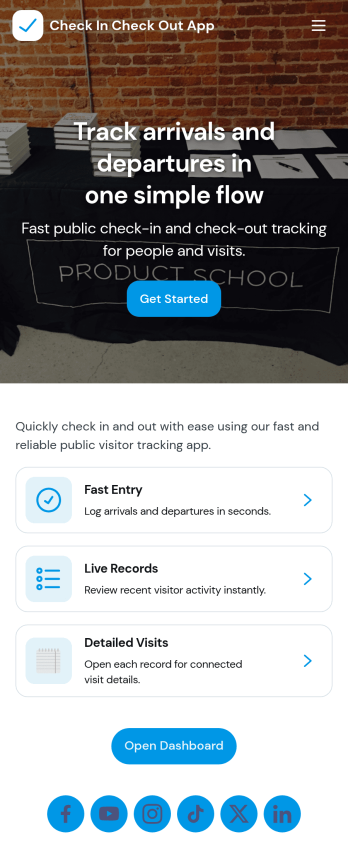
Check In Check Out App
Check In Check Out App helps organizations record arrivals and departures across multiple locations and shifts without relying on paper logs or scattered messages. With quick access to check-in and check-out actions, a location list for navigating between sites, and a visit history view, teams can keep attendance and on-site presence consistent from day to day. It works well for offices, warehouses, schools, events, job sites, clinics, and any workplace that needs a simple way to confirm who is currently on site and when they came and went.Jotform makes it easy to turn this app template into a branded, self-service experience using a no-code app builder and a drag-and-drop interface. Connect the app to your forms and tables to support reliable data collection, reduce manual follow-ups, and keep records organized for managers and staff. You can tailor the pages, navigation, and connected workflows to match your locations, shift window rules, and internal processes, then share the app with a link or QR code for fast access.
Go to Category:Sign In Apps