Blood Test Tracking App helps people keep a clear, personal record of lab results over time so changes are easier to notice and conversations with providers feel better prepared. Use it to log new tests, review your test history, and open a detail view for each result when you need to check patterns, compare past values, or recall what was tested. It also includes a summary area for quick insights plus built-in educational cards about what the numbers may mean and when to seek care, which can be helpful for anyone who wants more context while organizing their lab journey.
Jotform makes it simple to turn this experience into a branded, shareable self-service app without coding. With Jotform’s no-code app builder and drag-and-drop interface, you can adjust pages, update labels, and connect the Add New Test button to your form so data collection stays consistent. Publish in minutes, share with a link, and keep your workflow organized as your tracking needs grow.
Related templates
Doctors Note App
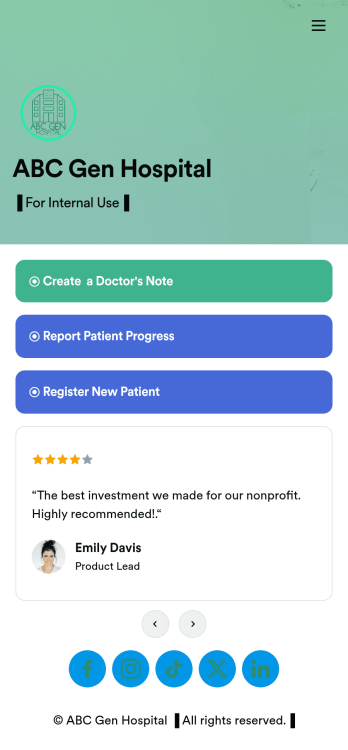
A doctor’s note app is used by hospitals and medical professionals to document a medical appointment when a patient is feeling unwell. Doctors can record general information about the patient and hospital, provide a medical diagnosis, and sign off on the note with a digital signature. Once submitted, a PDF of the doctor’s note will be automatically generated using our Doctor’s Note Template. Doctors can report patient progress and update treatment plans in a separate form through this app.Want to customize your Doctor’s Note App? No coding required — our drag-and-drop interface allows you to add forms and text, choose fonts and colors, change your app icon and splash screen, and more. After you’re done, you can share notes and progress updates with patients via link, where they can be viewed and downloaded on any smartphone, tablet, or desktop. Simplify the paperwork and let your patients focus on getting well with this customizable Doctor’s Note App.
Go to Category:HIPAA Apps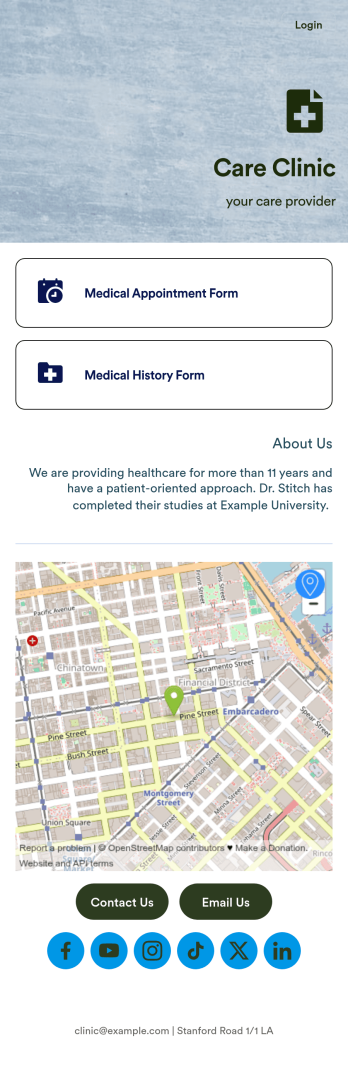
Medical Appointments App
A medical appointments app makes it easier for patients to schedule doctor’s appointments from any device. Simplify appointments for your hospital or health clinic with our free Medical Appointments App Template. This ready-to-use app includes an appointment scheduling form and a medical history form that patients can easily fill out from their smartphone, tablet, or computer. Submissions will be received instantly, stored in your dashboard, and encrypted if you opt for HIPAA friendly features in your Jotform plan.Customize this Medical Appointments App in just a few clicks with our drag-and-drop builder. It’s easy to create and add more healthcare forms, embed links to other webpages, update the provided text and images, upload branding elements, and even change the app name, icon, and splash page. Once it’s ready, share your app on your website or send it to patients directly to open and download onto their favorite device. Take the pain out of appointment scheduling by streamlining the process with a professional Medical Appointments App for your organization.
Go to Category:Booking Apps
Patient Registration App
A patient registration app is used by clinics and hospitals for managing patient information. Our readymade Patient Registration App makes it easy for front desk staff to register new patients and record patient medical history in a central database. This app also includes a COVID-19 self declaration form and COVID-19 liability waiver for patients to fill out and digitally sign upon entering the building. All patient data is instantly synced and stored in your secure Jotform account, which you can access from any device for ease of use.This Patient Registration App is ready to go, but if you’d like to make it your own, just use Jotform’s no-code app builder to make changes in seconds. Simply drag and drop to add or change form elements, edit form text and fields, upload images and documents, choose fonts and colors, and more. After you’re done, you can access and download your app onto any device in your office with the app link. Easily record and compile patient data with the touch of a button using Jotform’s fully-customizable Patient Registration App.
Go to Category:Healthcare Apps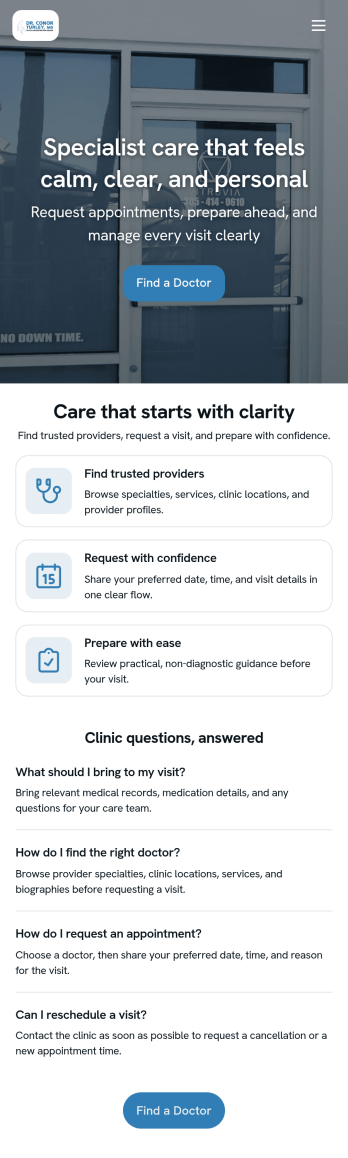
Doctor Appointment App
A doctor appointment app is used by healthcare providers to book appointments and collect patient information. Using Jotform’s Doctor Appointment App — complete with forms for collecting medical history, informed consent, and appointment requests—doctors or nurses can collect and manage patient information and store it securely online. With Jotform’s advanced security measures, you can even further protect data with HIPAA compliance features.Need to customize this app template to better match your practice? Include more links or forms, add your branding and logo, change the background or app icon, and make other changes with our simple drag-and-drop builder. Use Jotform’s easily trainable AI Chatbot guides users through your app and answers questions in real time. Once your app is ready to go, share it with a link to download instantly onto your office’s computer or tablet for easy access. Give your patients a cleaner alternative to messy paper forms with a powerful Doctor Appointment App.
Go to Category:Appointment & Booking Apps
Dentist App
A dentist app is used by dental practitioners to gather patient information. With Jotform’s powerful Dentist App, your practice can collect patient dental history, consent forms with e-signatures, and schedule appointments from any device. All responses are stored securely in your Jotform account, which is protected by advanced security methods and the ability to opt into HIPAA compliance.Feel free to update the design of this app template by including your practice’s logo, adding or removing forms, updating the background image, and more with our drag-and-drop no-code app builder. Once your app is ready to go, share it with your staff to download onto any smartphone, tablet, or computer — so it can be filled out fast with no messy paperwork. Improve the patient experience with a free Dentist App from Jotform.
Go to Category:Booking Apps
Medical History App
A medical history app is used by healthcare professionals to collect medical history data from their patients. Whether you work for a hospital, doctor’s office, or other healthcare provider, enjoy a more efficient way to collect and manage patient information with this Medical History App. All of the data you collect — including intake forms, e-signatures, and file uploads — is stored with powerful security measures, including an option for HIPAA friendly features.Update this app to better match your practice with no coding needed. Add your logo, choose a new app icon, update the splash screen, include extra intake forms, and more using our drag-and-drop builder. To share your app after getting the look you want, copy and paste the app link so employees can save it to their smartphone, tablet, or computer for easy access. Collect medical data more securely with Jotform’s Medical History App.
Go to Category:HIPAA Apps