
The Browser Session Security Guide App is an app template for organizations that need a central place to explain safer browser session practices and answer related questions. Information technology teams, help desks, security trainers, consultants, schools, and businesses can use it to introduce session concepts, share practical guidance, and direct users to important resources. Convenient shortcuts support quick navigation, while a connected question form gives employees, students, clients, or other users a clear way to request help. This guided experience can reduce scattered documentation, make educational material easier to find, and encourage consistent security habits across remote and on-site environments.
Jotform Apps helps teams turn resources and connected workflows into accessible app experiences without writing code. Start with the Browser Session Security Guide App, then use the drag-and-drop interface to update pages, organize content, adjust branding, and connect forms for data collection. Jotform App Templates can be shared through a direct link or QR code, making guidance available on phones, tablets, and computers. The no-code app builder also supports centralized updates, so teams can maintain one self-service resource as recommendations, internal procedures, or training needs change.
Related templates
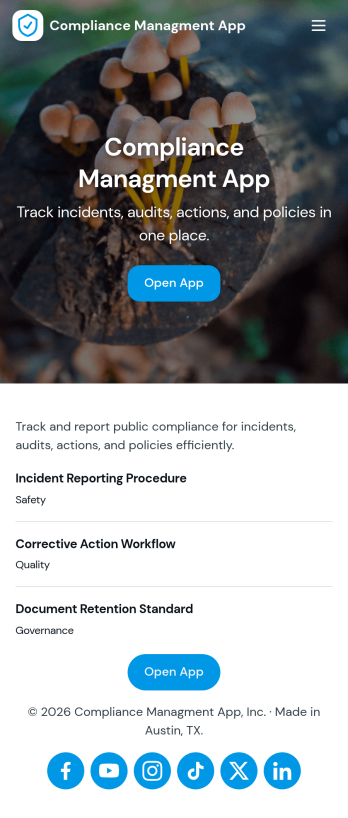
Compliance Managment App
Compliance Managment App brings your day-to-day compliance work into one place so teams can keep controls visible, document what happened, and stay ready for reviews. It’s built for operations leaders, IT and security teams, HR, and managers who need a practical way to organize controls, report incidents as they occur, log audits, and maintain supporting documents without hunting across folders or email threads.With Jotform you can turn this app template into a branded self-service workspace using a drag-and-drop interface and a no-code app builder. Connect the app to forms and tables to support ongoing data collection, route key steps through a workflow, and keep updates consistent across controls, incidents, audits, and documents. Share it with internal stakeholders through a link, tailor pages to your process, and keep information easy to access on any device.
Go to Category:Information Technology Apps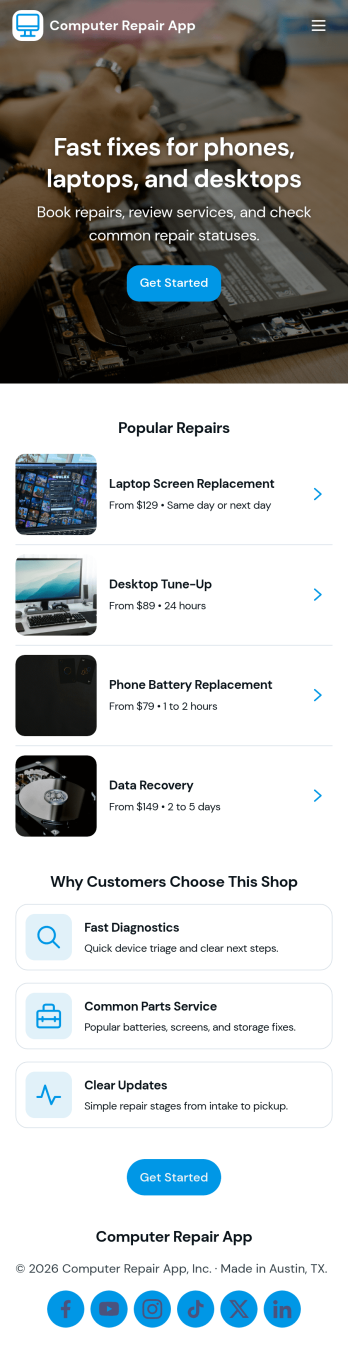
Computer Repair App
Computer Repair App brings your repair shop’s front desk and workbench into one place so you can capture new repair requests, create tickets fast, and keep jobs moving without losing track of device details. It’s built for computer repair businesses, IT service counters, and technicians who need a clear way to open intake, start a new repair, and follow each customer job from check-in to pickup. With quick intake and job tracking in the same experience, teams can reduce missed information and keep customers updated with fewer manual handoffs.Jotform makes it easy to turn this computer repair app template into a branded, self-service workflow using a drag-and-drop no-code app builder. Connect buttons and pages to your intake form, organize job records for faster lookups, and use dashboards to monitor repair operations at a glance. Share the app by link or QR code, refine it as your process evolves, and keep your data collection and daily workflow consistent across the whole team.
Go to Category:Information Technology Apps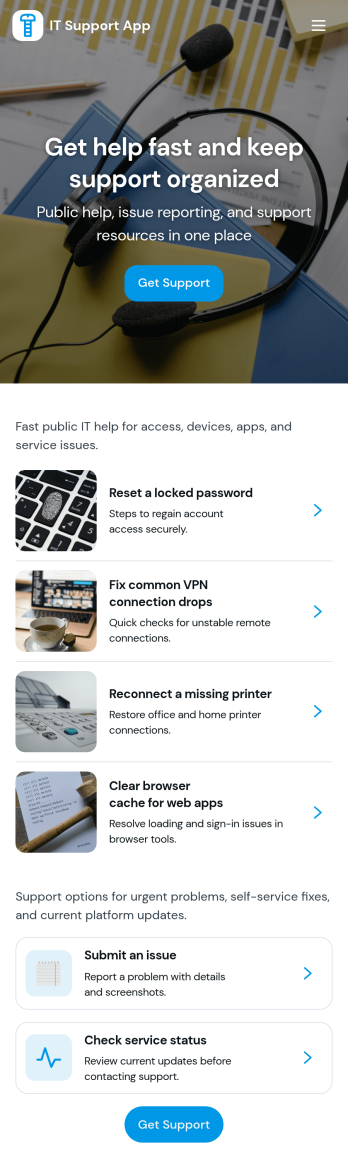
It Support App
It Support App helps teams centralize everyday IT help desk requests so employees can report issues, check service status, and find answers without guessing who to contact. It works well for internal IT departments, MSPs supporting multiple clients, and operations teams that need a simple front door for support. With clear entry points for creating a new ticket, browsing a knowledge base, and viewing service status updates, the app reduces repeated questions and keeps requests organized from the start.Built with Jotform App Templates, this app template can be tailored in a no-code app builder with a drag-and-drop interface, so you can adjust pages, labels, and navigation to match your support process. Connect ticket intake to Jotform forms and route responses into workflows your team already follows, then share the app via link or QR code for easy self-service on any device. As requests grow, Jotform helps you keep data collection consistent and make support interactions faster for both employees and IT staff.
Go to Category:Information Technology Apps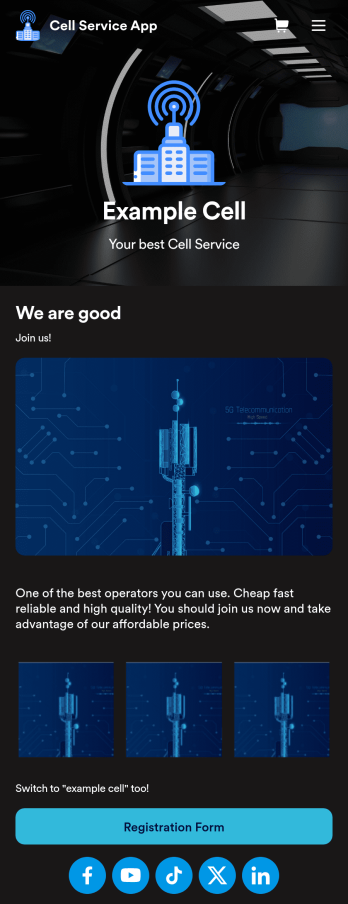
Cell Service App
If you sell cell phones or are a cell phone service provider, use this free Cell Service App to give customers an easy way to contact you and purchase your products or services! Start by customizing the app template to match your needs and branding — then share the app to be downloaded onto any iOS or Android tablet or smartphone. Customers can then submit orders, feedback, and other form responses on the go.Want to customize the design of this Cell Service App template? Drag and drop to get the look you want. Add your logo and products, update the app icon and background, split the app into multiple pages, and make other design changes in seconds with no coding required. All submissions through your custom Cell Service App are stored securely in your Jotform account, ready to view and respond to fast.
Go to Category:Customer Portal Apps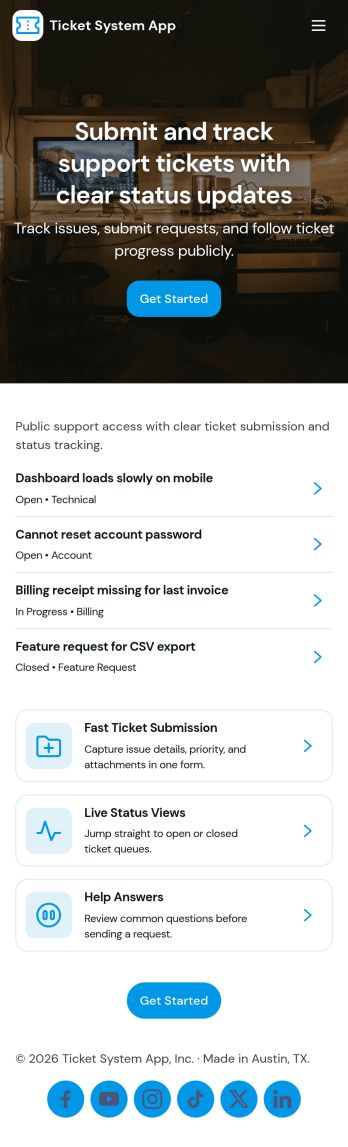
Ticket System App
A ticket system app gives teams one place to capture requests, track progress, and keep support work organized from the first report to the final resolution. This Ticket System App works well for IT help desks, customer support teams, facilities departments, and internal operations groups that handle recurring issues and questions. Users can submit new tickets, browse open tickets, and review resolved tickets so nothing gets lost in email threads. It’s especially useful when multiple people need visibility into what’s being worked on and which requests still need follow-up.Jotform makes it easy to turn this workflow into a shareable, branded experience using App Templates and a no-code app builder. With a drag-and-drop interface, you can adjust navigation, add helpful content, and connect your ticket form to the app for consistent data collection. Publish the app as a self-service hub for employees or customers, keep ticket details accessible in one place, and update the experience as your workflow evolves.
Go to Category:Information Technology Apps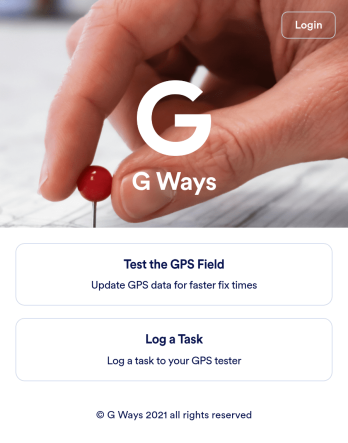
Gps Field Testing App
A GPS field testing app is used by GPS businesses for adjusting and servicing location data. Our GPS Field Testing App is a convenient way for field employees to create on-site GPS testing reports using a Field Testing Form and a Task Log Form. Employees can document device configuration, weather conditions, and note any obstructions. There is also space to record additional notes and upload photos of the sites. Reports are synced and stored in your secure Jotform account so you can keep them organized in one centralized location.Want to make this app template your own? No problem — just use our drag-and-drop app builder to customize the perfect app in seconds. Without any coding, you can add or change form elements, edit text fields and checklist items, choose fonts and colors, upload your branding, and more. Sharing your app by sending email invites or the app link, and employees can start filling out forms right away on any device. Ditch the paperwork and go digital with this free GPS Field Testing App from Jotform.
Go to Category:Engineering Apps