
Business Verification App provides a central place for organizations to receive verification submissions, browse verification records, and separate cases that are under review from those that have been approved. It suits operations teams, vendor managers, consulting firms, finance teams, marketplaces, and service providers that need a consistent process for reviewing business information. The template can support vendor onboarding, partner screening, client qualification, account setup, and periodic record checks. Clear status views help reviewers prioritize pending cases, locate past records, and give stakeholders better visibility without relying on scattered emails or disconnected files.
With Jotform Apps, teams can adapt this app template through a no-code app builder and a flexible drag-and-drop interface. Add branded pages, adjust navigation, connect forms and tables, or introduce approval steps that match an existing workflow. Data collection and record access can remain within one mobile-friendly experience, making it easier for applicants to submit information and authorized team members to review it. Start with one of Jotform’s App Templates, customize the content and design, then share the finished app through a direct link or QR code to create a convenient self-service verification journey.
Related templates
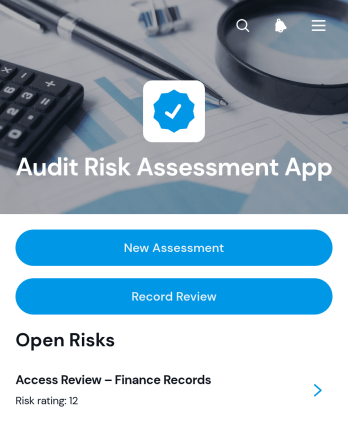
Audit Risk Assessment App
The Audit Risk Assessment App is an app template for audit teams, internal reviewers, consultants, and operations leaders who need a consistent way to document and revisit organizational risks. Teams can create new assessments, evaluate findings through likelihood and impact, and record controls, recommended actions, and review outcomes. Centralized assessment records make it easier to compare risks across business areas, preserve reviewer notes, plan the next review date, and keep follow-up work visible. It is well suited to recurring internal audits, process reviews, operational risk checks, and consulting engagements.Jotform App Templates provide a practical starting point that can be adapted through a no-code app builder. Customize this Audit Risk Assessment App with a drag-and-drop interface, connect forms for data collection, and organize assessment and review steps into one accessible workflow. Teams can add branded pages, adjust navigation, connect tables or approvals, and publish the finished app through a direct link or QR code. This creates a mobile-friendly resource for assessors and reviewers without requiring software development, while supporting convenient self-service access to current risk records.
Go to Category:Audit Apps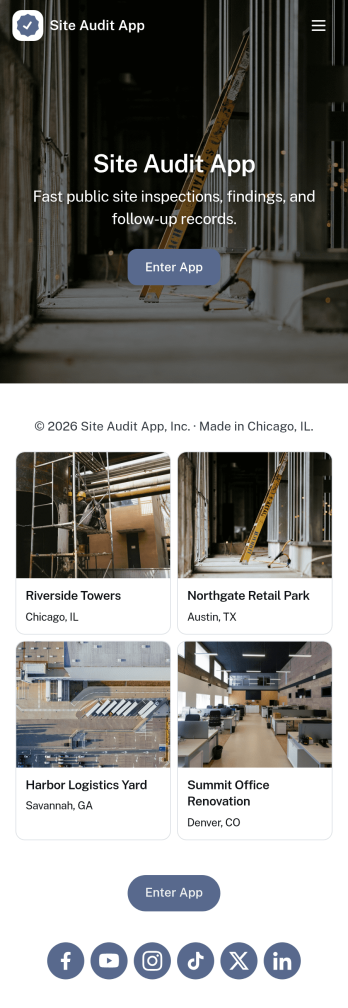
Site Audit App
Site Audit App helps teams run consistent site audits, document findings, and keep follow-up work moving without losing track of what’s been checked. It’s a practical fit for IT and web teams, agencies managing multiple client sites, and operations groups that need a repeatable way to start an audit, review open issues, and maintain an organized history of past audits. Use it to standardize how audits are launched, capture issues as they’re discovered, and keep visibility on what still needs attention across sites and audit cycles.Jotform makes it easy to turn this Site Audit App into a branded, self-service workflow using a no-code app builder with a drag-and-drop interface. Connect pages to forms and tables to support data collection, issue tracking, and action logging in one place, then share the app by link for quick access on desktop or mobile. As your workflow grows, you can adjust fields, add steps, and collaborate with teammates so audits and issue follow-up stay consistent from start to finish.
Go to Category:Information Technology Apps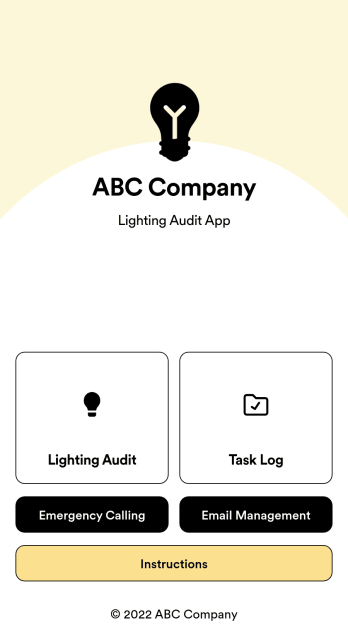
Lighting Audit App
Looking to conduct paperless lighting audits? Jotform’s free Lighting Audit App allows auditors to create audit reports from any device by filling out their name, date, and the facility name and location. Auditors can then make note of existing features, wattage, quantity, interior/exterior lights, and leave additional notes at the bottom if necessary. Reports are instantly synced and stored in your secure Jotform account, where you can review and share them with others in your organization.You don’t need to have any coding knowledge to customize this Lighting Audit App. With Jotform’s no-code app builder, simply drag and drop to add or change form fields and checklist items, install helpful widgets and integrations, add your business’ unique branding, and much more. Share your custom app by sending email invites or the app link, or by embedding it in an internal website. Auditors can then download your app and conduct on-site lighting audits from any smartphone or tablet.
Go to Category:Audit Apps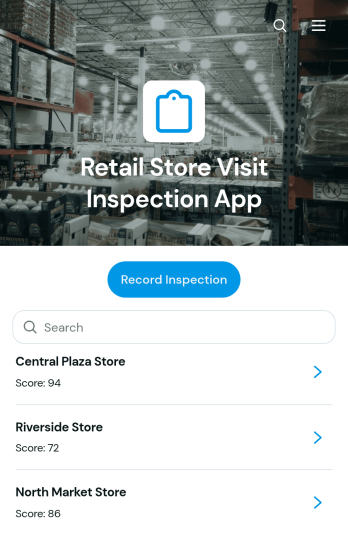
Retail Store Visit Inspection App
Retail Store Visit Inspection App is a ready-to-use app template for retail operations teams, regional managers, store auditors, franchise supervisors, and field inspectors who need a consistent way to evaluate store visits. Users can record an inspection, browse previous inspection records, review findings by location, and monitor follow-up actions with priorities, due dates, and statuses. It helps teams document merchandising, cleanliness, customer experience, inventory presentation, operational practices, and other store conditions without relying on scattered notes. Managers gain clearer visibility across locations, while inspectors can capture observations and communicate required actions during routine visits, internal audits, or performance reviews.Jotform App Templates make it easy to adapt this app to existing retail workflows without writing code. Using Jotform’s no-code app builder and drag-and-drop interface, teams can update pages, navigation, branding, inspection questions, and connected forms. Inspection data can feed organized tables, notifications, approvals, and other workflow steps, helping staff coordinate follow-up work from one accessible location. Publish the finished app with a direct link or QR code so inspectors and managers can use it on phones, tablets, or computers while supporting convenient data collection and self-service access.
Go to Category:Inspection Apps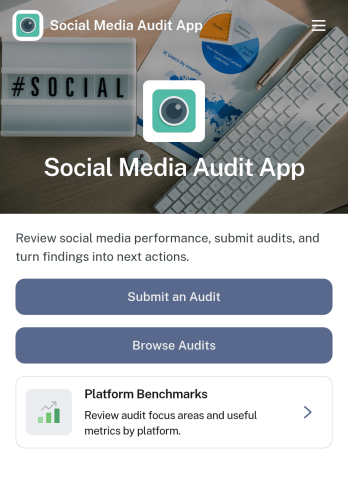
Social Media Audit App
Social Media Audit App helps marketers, creators, and agencies review social profiles with a repeatable process, so you can spot what’s working, what’s holding performance back, and what to fix next. Use it to kick off a new audit from one place, browse previous audits by platform, and capture consistent scoring across areas like content quality, engagement quality, and profile optimization. It’s a practical fit for monthly reporting, onboarding new clients, refreshing a brand’s channel strategy, or running periodic checks across multiple accounts without losing context.With Jotform, you can turn this app template into a client-ready workflow using a no-code app builder and a drag-and-drop interface. Connect your audit form to tables for organized data collection, keep audit histories easy to search, and share the app as a self-service experience for your team or stakeholders. As your process evolves, update fields, add guidance content, and refine navigation so every audit follows the same workflow while still matching each platform’s goals.
Go to Category:Audit Apps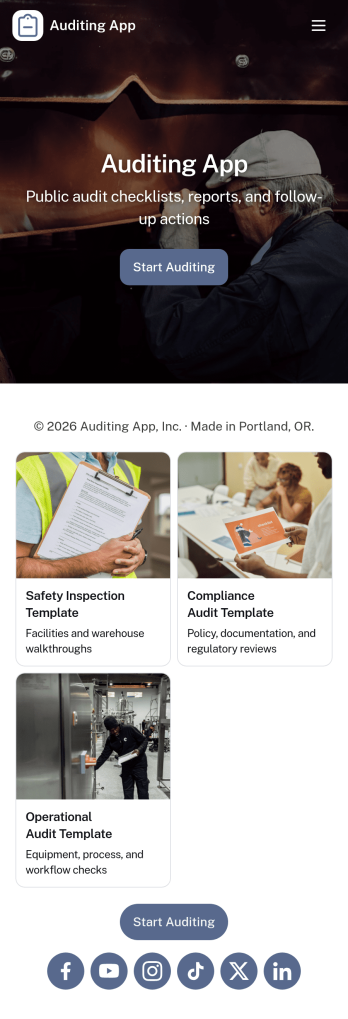
Auditing App
Auditing App helps teams plan, run, and document audits in one place, whether you’re reviewing internal processes, supplier performance, store operations, or quality checks across multiple sites. It supports auditors and operations leaders who need a simple way to start a new audit, capture findings as they work, and keep reviews moving without losing context. With guided navigation for creating new audits, viewing open findings, and checking a status board, it’s easier to maintain consistent oversight and follow up on what matters.Built with Jotform, this app template turns your auditing workflow into a shareable self-service experience that works across devices. Use Jotform’s no-code app builder and drag-and-drop interface to tailor pages to your audit program, connect the app to a form for data collection, and keep information organized as audits progress. You can publish updates quickly, standardize how audits are submitted, and give stakeholders a clear view into findings and status without extra coordination.
Go to Category:Inspection Apps