
The CAD Project Management App helps engineering teams, design consultancies, contractors, and technical project leads coordinate computer-aided design projects from one accessible workspace. Users can create projects, review client or contact details, monitor schedules and statuses, assign tasks with due dates, and report issues with supporting attachments. This focused setup keeps project notes, responsibilities, and design-related concerns connected to the relevant work, helping teams reduce scattered communication and maintain visibility from initial planning through delivery. It is especially useful for small and medium-sized organizations managing multiple drafting, modeling, or design projects at once.
Jotform makes this app template easy to adapt with a no-code app builder and a flexible drag-and-drop interface. Teams can adjust pages, cards, buttons, branding, and navigation to match their project workflow without programming. Connected forms support consistent data collection for new projects, tasks, and reported issues, while tables and notifications can help organize records and alert collaborators to new activity. As part of Jotform App Templates, the app can be shared through a direct link or QR code for mobile-friendly access, giving office and field teams a convenient self-service resource for project updates and action requests.
Related templates
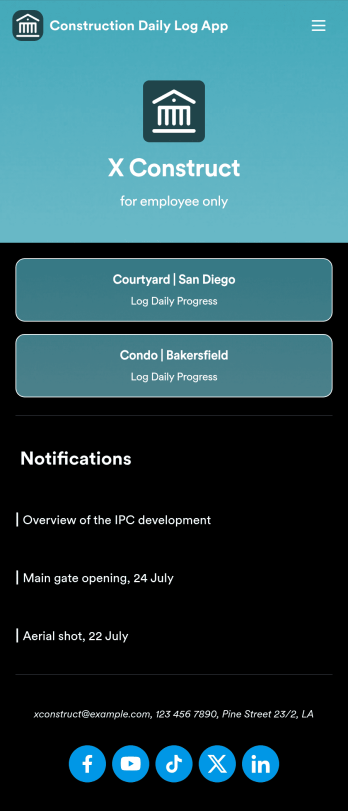
Custom Construction Daily Log App
A construction daily log app is used by construction companies to log their daily progress on construction sites. With Jotform’s free Construction Daily Log App, your company’s employees can complete daily work logs directly from their smartphone or tablet. Just customize the app template, share it with your employees to download onto any device, and view responses in your secure Jotform account.Update the app template to include your branding, add more forms, and make other design changes using our drag-and-drop app builder. No coding knowledge required! Once your app is fully customized to match your needs, share it with a link or invite company members to download it via email so they can readily access it from their mobile device. Save time and paper by completing work logs online with this free Construction Daily Log App.
Go to Category:Construction Apps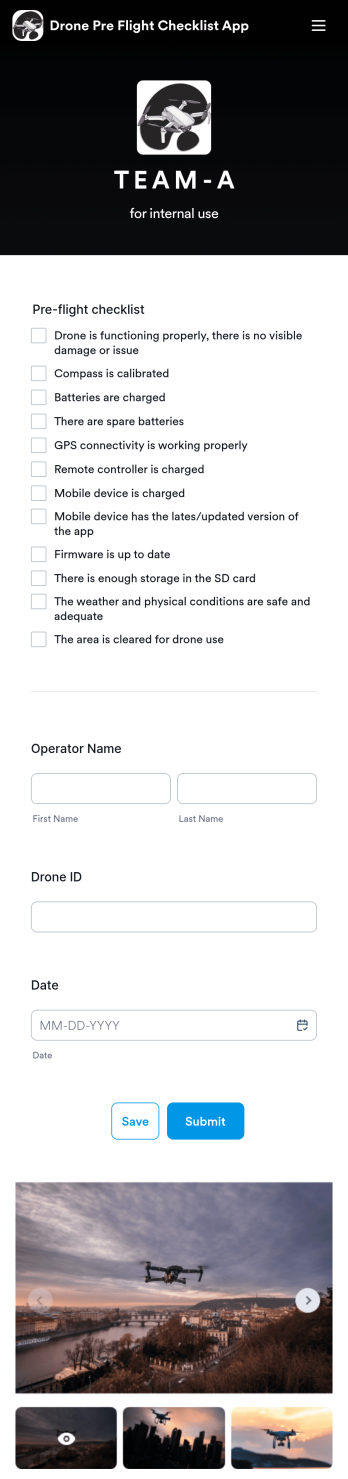
Drone Pre Flight Checklist App
A drone pre-flight checklist app ensures that drone pilots properly follow the right steps to ensure a safe and controlled flight. If you’re a drone inspector or pilot, prepare for your next flight with Jotforms’ free Drone Pre-Flight Checklist App. This prebuilt app includes a comprehensive checklist form that also requires operator name, drone ID, and flight date. You can download the app to fill out the form from any smartphone, tablet, laptop or computer before your drone takes flight. Submissions are securely stored in your Jotfrom account for your records.This Drone Pre-Flight Checklist App is ready to be used as is — but if you’re looking for even more, customize the template in just a few clicks with Jotform’s drag-and-drop builder. You can add more items to the checklist, include new forms and tables, change the fonts and colors, and even update the app name, icon, and splash screen for a more personalized design. When you’re happy with the way it looks and feels, download the app onto your preferred device to open at any time. Check weather conditions, record flight details, and prevent damage to your drone with an easily-accessible Drone Pre-Flight Checklist App on hand.
Go to Category:Checklist Apps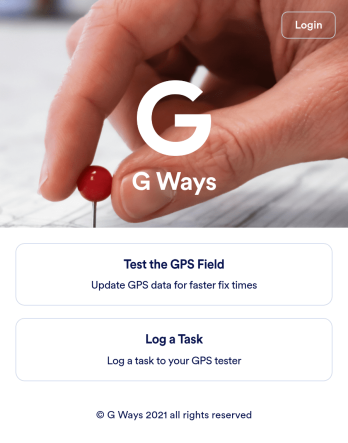
Gps Field Testing App
A GPS field testing app is used by GPS businesses for adjusting and servicing location data. Our GPS Field Testing App is a convenient way for field employees to create on-site GPS testing reports using a Field Testing Form and a Task Log Form. Employees can document device configuration, weather conditions, and note any obstructions. There is also space to record additional notes and upload photos of the sites. Reports are synced and stored in your secure Jotform account so you can keep them organized in one centralized location.Want to make this app template your own? No problem — just use our drag-and-drop app builder to customize the perfect app in seconds. Without any coding, you can add or change form elements, edit text fields and checklist items, choose fonts and colors, upload your branding, and more. Sharing your app by sending email invites or the app link, and employees can start filling out forms right away on any device. Ditch the paperwork and go digital with this free GPS Field Testing App from Jotform.
Go to Category:Engineering Apps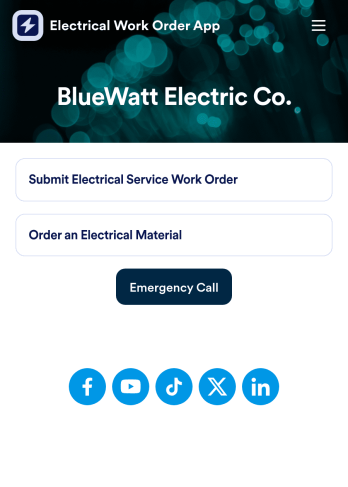
Electrical Work Order App
An electrical work order app is used by electricians for submitting service work orders, keeping track of equipment, and ordering new materials. Jotform’s Electrical Work Order App comes bundled with two useful forms: an Electrical Service Work Order Form to be filled out in detail before beginning a new job, and an Electrical Material Order Form to be filled out when an employee requires new work materials. Submission data from both forms is instantly synced and stored in your Jotform account, so everything is securely organized in one central location.Make this app template your own with just a few clicks. No coding necessary — just use Jotform’s drag-and-drop interface to add or swap out form elements, edit text fields and checklist items, install widgets, upload your own branding, and much more. After you’re done, employees can download your app onto their favorite device by opening an email invite or accessing the app link through a browser. Mobile users can also add your app to their home screen for future use with just the tap of a button. Make filling out and submitting work orders and material requests a snap with this free and fully customizable Electrical Work Order App from Jotform.
Go to Category:Construction Apps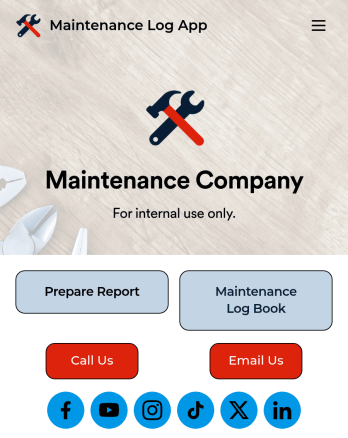
Maintenance Log App
A maintenance log app is used by companies to record and keep track of maintenance records. With our free Maintenance Log App, you can use a Maintenance Report Form to track general personnel information, equipment and building issues, and any repairs performed. There is a digital signature box at the bottom of the form to be signed upon completion. Reports are instantly compiled and stored in an Equipment Maintenance Log, which is accessible from your Jotform account.You can easily customize this app to suit your needs by adding or changing forms, uploading your logo, choosing fonts and colors, and more — no coding required. Share your app with a link or embed it in an internal website, and maintenance staff can begin using it right away on any device. Say goodbye to paperwork and start keeping all your maintenance records online with this free Maintenance Log App.
Go to Category:Engineering Apps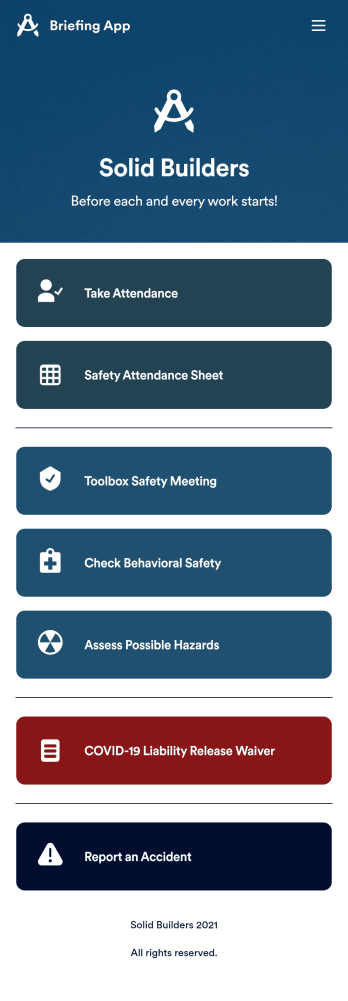
Briefing App
A briefing app is used by worksite safety managers and employees for taking attendance and reviewing safety procedures prior to beginning work. Our readymade Briefing App bundles several forms, including an attendance tracking sheet, and safety guidelines and checklists for tools and equipment, PPE, and hazardous materials and conditions. Employees can also fill out and digitally sign a COVID-19 liability waiver and report worksite accidents directly from the app. Attendance and form submissions are instantly synced and stored in your secure Jotform account, so you can keep everything organized in one convenient location.Make this app template your own in just a few clicks with Jotform’s no-code app builder. Simply drag and drop to add form elements, edit existing forms, attach documents, upload your own branding, and more. You can even use the main page of your app to post work schedules, make announcements, and link to external resources. After you’re done, share your app with employees via email or the app link, and they can download and use it on their preferred devices directly from the jobsite. Build an app to keep everyone safe and accounted for with Jotform’s fully-customizable Briefing App.
Go to Category:Construction Apps