
Campus Parking Booking App gives students, faculty, staff, and visitors a convenient way to explore parking areas before arriving and reserve a suitable option. Universities, colleges, training centers, and other educational campuses can use this app template to present parking availability at a glance, share essential location and operating-hour details, and provide straightforward booking access. Users can also check their booking status or open a help section when they need guidance. By bringing these actions into one mobile-friendly experience, campus operations and transportation teams can reduce uncertainty, support smoother arrivals, and make parking information easier to access during busy class periods, events, orientations, and visitor days.
Jotform makes this Campus Parking Booking App easy to adapt with a no-code app builder and an intuitive drag-and-drop interface. Add or rearrange pages, update branding, revise navigation, and connect forms or workflows without writing code. Jotform App Templates help educational teams launch polished self-service experiences while keeping data collection and operational resources connected. Once the app template is ready, share it through a direct link or QR code so campus users can reach parking details and booking actions from a phone, tablet, or computer.
Related templates
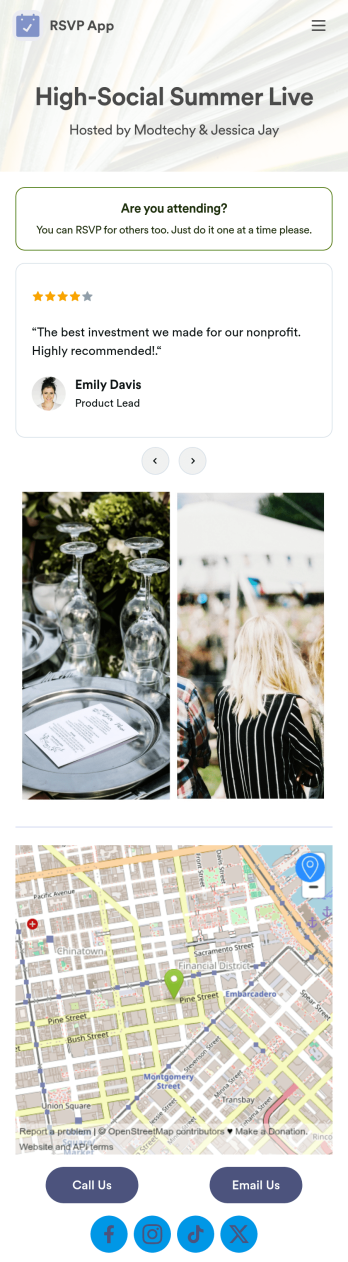
Customizable RSVP App
Whether it’s for a conference, gallery opening, or even your own birthday party, our RSVP App is a great way to track attendance for upcoming events and gatherings. With this simple app template, would-be attendees can RSVP with their name, email, phone number, and a brief message. Your attendance form is stored securely in your online account and can be accessed and downloaded on any device.Want to customize your RSVP App? With our drag-and-drop builder, it’s easy to add forms, upload images, change fonts and colors, create a custom app icon, and more — no coding necessary. You can even add text and images to your app’s splash screen to really make it your own. When it’s ready, just share a link to your app via email or social media and you’re off and running. Make RSVPing for your next party a little fancier with this customizable RSVP App!
Go to Category:Booking Apps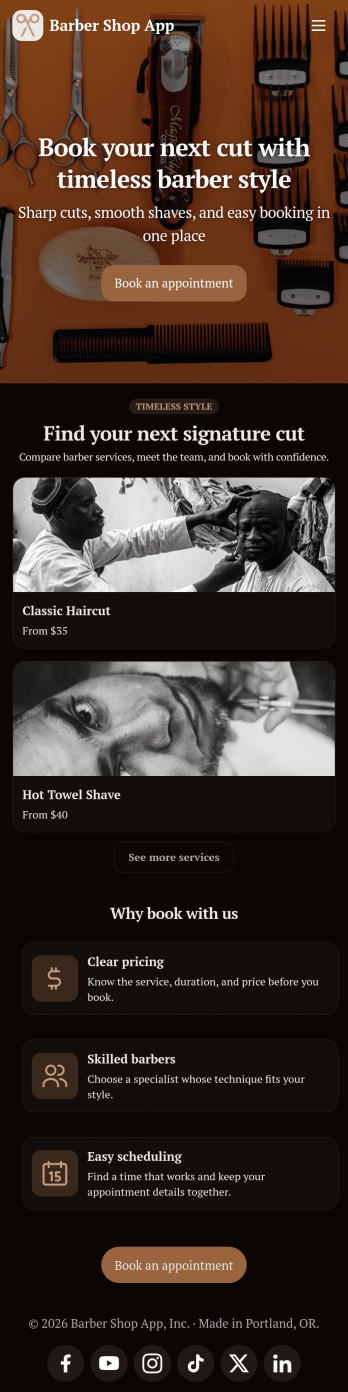
Barber Shop App
As a barber, you want to focus on your clients’ hair, not on booking appointments — so simplify the process for everyone with this Barbershop App! This free app template is ready to use and includes forms so you can schedule appointments and sell barber shop products online directly from your store. Customers can also fill out and update their profile, as well as write testimonials that you can display on your splash page. Your app can be easily accessed and downloaded to any smartphone, tablet, or computer for future use.This Barbershop App can be fully customized to match the branding of your barbershop. Our drag-and-drop interface allows you to add forms, upload logos and images, change fonts and colors, and more — no coding required. Jotform’s List Element feature lets you connect Tables and add actions, making it easy to organize data and manage your app’s flow. Once you’re satisfied with the look and have set the app up to sell your barbershop products online, simply share the link to your website or social media and start booking hair appointments today with this free and fully customizable Barbershop App!
Go to Category:Appointment & Booking Apps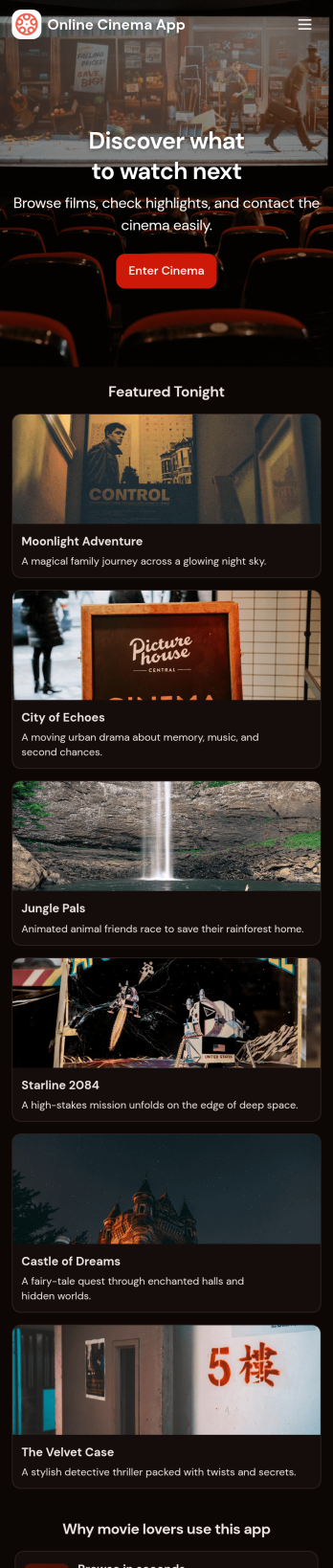
Custom Online Cinema App
An online cinema app is used by movie theaters to allow customers to purchase tickets and watch movie trailers from any smartphone, tablet, or desktop computer. Jotform’s Online Cinema App is the perfect way to create an all-in-one app for processing online ticket sales ahead of time to gauge audience attendance numbers. Ticket sales are instantly stored in your secure Jotform app for ease of use.Make this app template your own with Jotform’s intuitive app builder. No coding knowledge is required—just drag and drop to add or change form elements, choose fonts and colors, upload your branding, attach movie posters, and more. Jotform’s List Element feature lets you connect Tables and add actions, making it easy to organize data and manage your app’s flow. You can also choose from 30+ of Jotform’s popular payment gateways to process tickets directly from your app. When you’re finished, share your app by posting the app link on your website or social media, or generate a QR code to affix to the outside of your theater. Create a custom theater portal and start selling movie tickets online with this free Online Cinema App that works on any device.
Go to Category:Booking Apps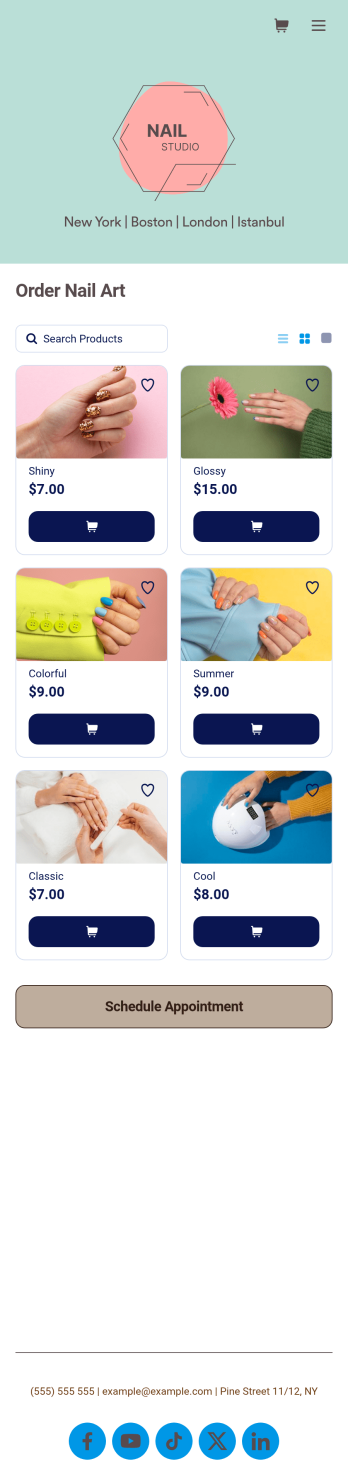
Nail Appointment App
You create beautiful nail art for your clients — so why not create an equally beautiful Nail Appointment App? With our free customizable app template, customers can schedule appointments, order nail art directly from you, and fill out a profile with contact information and medical history. Customers can also leave star ratings and write testimonials, and easily access and download your app on any smartphone, tablet, or desktop.Want to make this Nail Appointment App your own? With just a few clicks, our drag-and-drop interface allows you to add or change forms, upload your logo and nail art thumbnail images, change fonts and colors, and more — all with no coding. You can even fully customize the look of your app icon and splash page. Enjoy an easier way to schedule appointments, sell nail polish online, sell nail kits online, and sell other nail products online in a snap with this Nail Appointment App!
Go to Category:Appointment & Booking Apps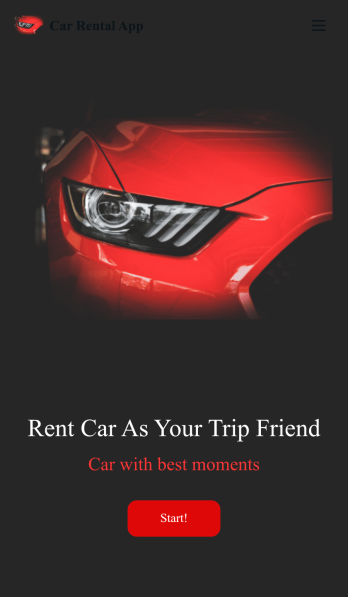
Custom Car Rental App
A car rental app is used by companies for collecting rental car reservations. Need to know how to rent out your cars online? With this free Car Rental App from Jotform, customers can access and download it onto any smartphone, tablet, or computer to book car reservations anywhere. There is also an option for customers to cancel existing reservations and leave feedback for your business. Reservations are stored in your secure Jotform account, so you can easily access them from one convenient location.Make changes to this app template with just a few easy clicks. Jotform’s intuitive app builder makes it easy to customize anything without any coding knowledge. Simply drag and drop to add or change form elements, edit text fields, create additional forms and pages, choose fonts and colors, upload images and your own branding, and much more. When you’re satisfied with the overall look and feel of your app, you can easily share it with customers by embedding it in your website or posting the app link in your social media bio. Start taking online car reservations today with this fully-customizable Car Rental App.
Go to Category:Booking Apps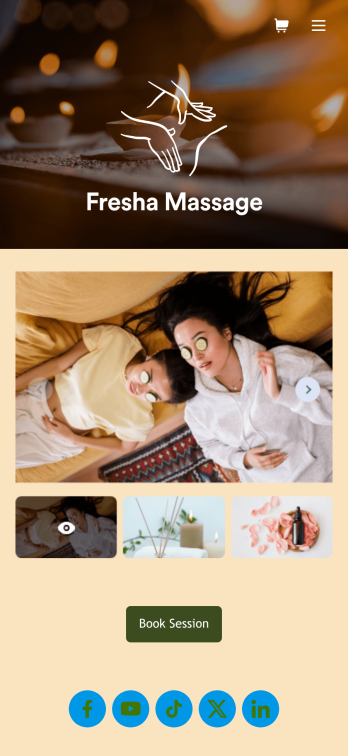
Massage Therapist Booking App
A massage therapist booking app is used by massage therapy businesses and freelance massage therapists for scheduling appointments. Want to know how to sell massage therapy appointments online? With Jotform’s free Massage Therapist Booking App, clients can access and download your custom app on their favorite device and book massage services by choosing a date from an interactive calendar and entering their general contact information. Appointments and confidential client information are stored in your secure Jotform account, so you can keep track of everything from one convenient location.Make this Massage Therapist Book App your own with Jotform’s intuitive app builder. No coding knowledge necessary — simply drag and drop to add or edit form elements and text fields, choose fonts and colors, upload your own branding, and install widgets and payment integrations. You can also create an image carousel on your app’s main page and showcase images of your business and services offered. Once you’re done customizing, share your app with clients by sending email invites, embedding the app link in your website or social media, or by generating a QR code to print on business cards. Create a one-stop-shop for clients to book massage services with this Massage Therapist Booking App that works on any device.
Go to Category:Appointment & Booking Apps