
Child Activity Preference App helps caregivers, educators, childcare teams, and youth program coordinators record and review the activities children enjoy. Users can create a profile for each child, note favorite activities, capture preferred settings, and indicate whether the child tends to enjoy individual or group participation. Keeping these preferences in one accessible place helps adults plan classroom sessions, recreation programs, camps, after-school activities, and family routines that better reflect each child’s interests. It also reduces scattered notes and gives authorized team members a consistent reference when preparing activity choices or discussing participation preferences.
With Jotform Apps, this app template can be adapted through a no-code app builder and an intuitive drag-and-drop interface. Add branded pages, update navigation, connect forms for data collection, and organize preference records without writing code. The app can also connect with tables, notifications, approvals, and related workflows to support ongoing updates. Once it is ready, share the Child Activity Preference App through a direct link or QR code so caregivers and staff can access a mobile-friendly self-service experience wherever activities are planned.
Related templates

Football News App
A football news app is used to display football-related news, scores, and collect subscriptions from fans. As the app owner, you can aggregate news articles from other websites, or upload your own original work. Football fans can download your app onto their favorite device and sign up to receive email updates whenever your app is updated with football news or scores. Subscriber information is stored securely in your Jotform account.This Football News App can be fully customized to your liking with Jotform’s intuitive app builder. No coding knowledge required — simply drag and drop to add form elements, create new pages and forms, customize your app’s main screen, upload your own images and branding, and much more. You can even install one of our 30+ payment gateway integrations to charge for premium subscriptions fees. Create an all-in-one Football News App to keep sports fans in the know with this free app template from Jotform.
Go to Category:Education Apps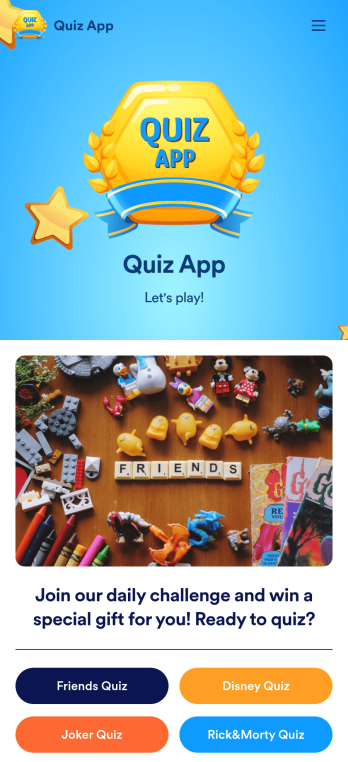
Quiz App
A quiz app lets you take quizzes and submit answers from any device. Whether you need a place to share quizzes for your classroom, office party, or friend group, get started with Jotform’s free Quiz App! This ready-to-use template includes four premade quizzes that you can fill out using any device and share with others. Using our drag-and-drop builder, you can create and add your own quizzes. All responses will be instantly synced to your secure and easily-accessible Jotform account for quick and easy scoring.Make this Quiz App your own in just a few clicks. All you need to do is drag and drop to build and add quizzes, upload tables to see results, embed links and documents, create new pages and buttons, upload photos and videos, and much more. When your app is ready to use, download it onto your favorite device and share it with others via the app link or by sending email invites. Take your online quizzes to the next level with a fully custom and engaging Quiz App that works anywhere.
Go to Category:Education Apps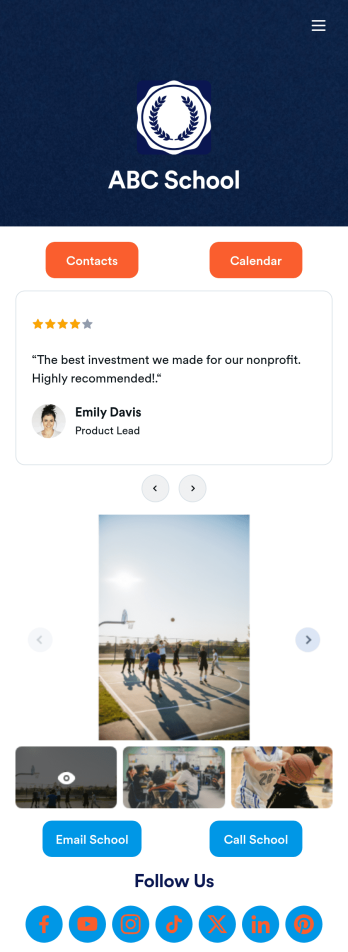
Our School App
A school app keeps important school forms, documents, links, and other resources in one central location that can be accessed on any device. Whether you run a public high school or private university, create an app for your educational institution with Jotform’s free Our School App. This customizable app template includes a calendar page, contact information, event posters, and school photos that students and their guardians can access from any smartphone, tablet, or computer for easy access.Want to customize this Our School App for your school? You won’t need to take a class — simply use our drag-and-drop builder to add forms and tables, embed links, upload documents or media files, create pages, and much more. When your app is ready to share, post the app link on your school website or send email invites to students, guardians, and teachers directly. Keep students informed about upcoming events and deadlines with an Our School App customized for your school.
Go to Category:Education Apps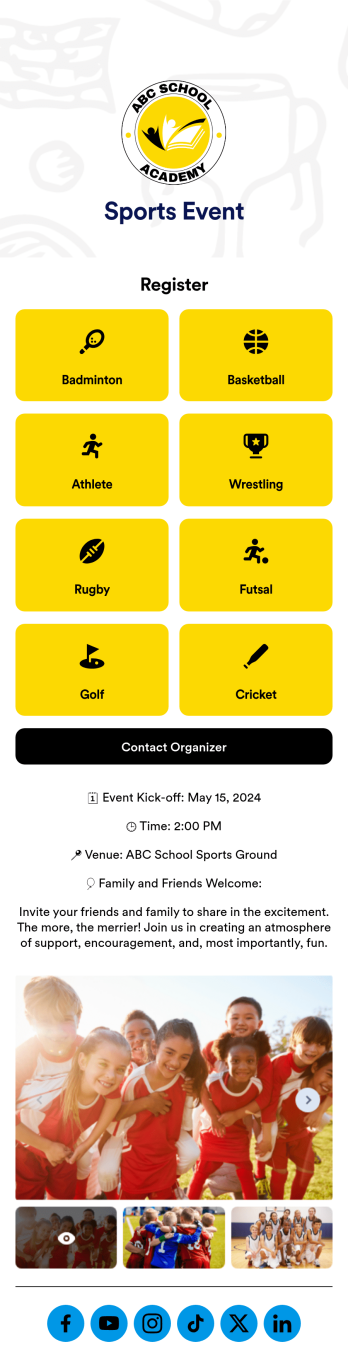
Sports Event App
A sports event app template is a tool for athletic organizations to support their teams, register new players, and promote upcoming games. Whether it’s for school sports, a recreational league, or a sports club, this free Sports Events App template makes it easy to organize everything you need in one place. This template features links to player registration forms, plus space to provide details about the season, special events, organizer contact information, and links to your social media pages. Update the app to include information about your teams for anyone who may want to join, gather signatures on waivers, collect email addresses for your mailing lists, and more.Jotform’s drag-and-drop builder makes it easy to customize this Sports Events App template to fit your team colors and branding without any coding. Change the background image, create new pages, upload photos and videos of games, and add your team logo to the splash page for a professional look other teams will envy. You can even connect to Jotform’s 30+ payment gateway integrations to collect registration payments and sell tickets to games without any additional fees. When you’re done, share your app with players, coaches, parents, and fans to give them quick access to everything they may need right from their mobile device.
Go to Category:Education Apps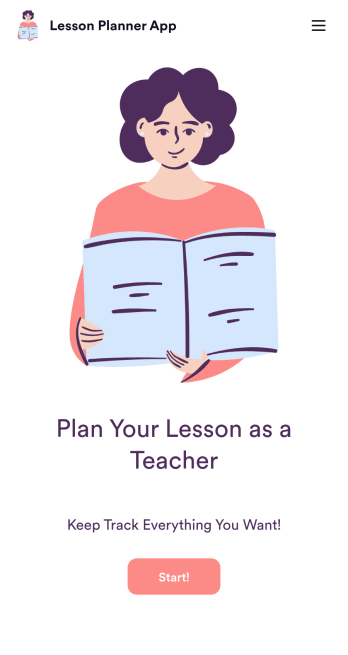
Lesson Planner App
Create and manage your classroom lesson plan with this free Lesson Planner app from Jotform. Download this app onto any device and start adding courses, start and end dates, lesson titles and objectives, tasks, resources, and more. There are also separate forms for entering student information and creating daily assignment checklists. Submissions are aggregated and stored in a color-coded and easy-to-understand spreadsheet using Jotform Tables.Want to make changes to this Lesson Planner App? No problem! With Jotform’s no-code app builder, you can build a custom app that meets your classroom’s needs in seconds. Simply drag and drop to add or change form elements, edit text fields and checklist items, install integrations and widgets, change fonts and colors, and more. When you’re done, you can access and download your app onto any smartphone, tablet, or desktop and start using it right away. Manage all your lesson plans and assignments from a single location with this mobile-friendly Lesson Planner App.
Go to Category:Daily Planner Apps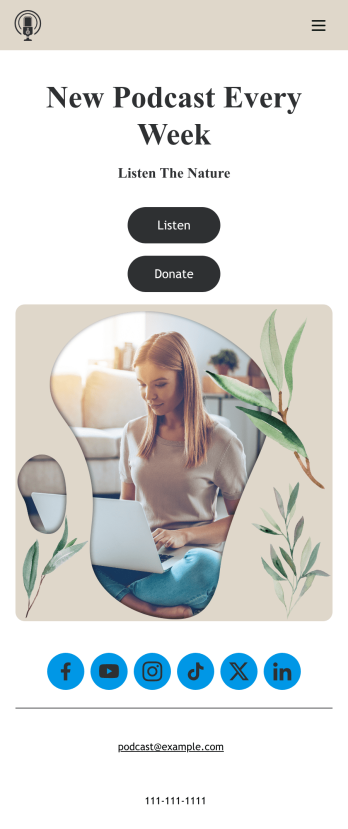
Customizable Podcast App
Consolidate your podcast episodes and collect listener donations from a single convenient location with Jotform’s free Podcast App. Build an app from scratch or choose one of our ready-made app templates — then make it your own without any coding knowledge. Embed individual podcast episodes or entire seasons with our Spotify and SoundCloud widgets. You can also collect listener donations directly through your app with Jotform’s 30+ payment processors with no additional fees to Jotform.Personalize your Podcast App with our intuitive app builder. Simply drag and drop to add additional forms and pages, choose fonts and colors, install powerful widgets and integrations, and upload your unique branding. Once you’re satisfied with the look and feel, you can share your custom app by sending email invites, including links in your social media accounts, or by seamlessly embedding it in your website. Create a one-stop shop for your podcast with this Podcast App that works on any device.
Go to Category:Donation Apps