
Child School Registration App gives schools a central, mobile-friendly place for families to register a child and follow the enrollment process. Created for school administrators, admissions teams, registrars, parents, and guardians, this app template provides direct access to the registration form, registration requirements, status information, and a school contact form. It can support enrollment periods, new student intake, preschool registration, transfer requests, and year-round admissions. By keeping essential actions and guidance together, schools can reduce incomplete applications, limit routine inquiries, and give families a clearer self-service experience from any device.
Jotform makes it easy to adapt App Templates to the needs of a school without writing code. Use the no-code app builder and drag-and-drop interface to update pages, adjust navigation, apply school colors, and connect forms with tables, notifications, approvals, and other workflow steps. Administrators can organize data collection in one place while sharing the finished app through a direct link, QR code, or embedded experience. The Child School Registration App can be updated as enrollment policies, deadlines, or instructions change, creating a practical resource for both recurring registration cycles and daily admissions work.
Related templates
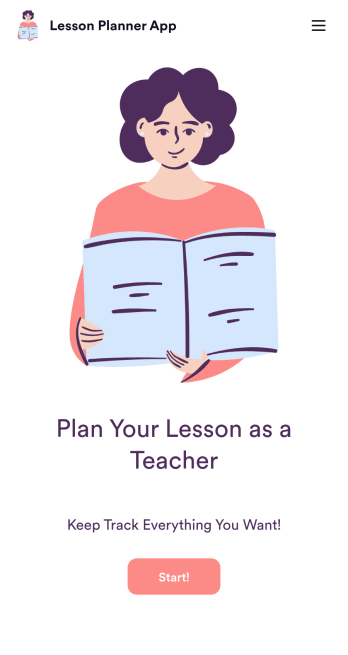
Lesson Planner App
Create and manage your classroom lesson plan with this free Lesson Planner app from Jotform. Download this app onto any device and start adding courses, start and end dates, lesson titles and objectives, tasks, resources, and more. There are also separate forms for entering student information and creating daily assignment checklists. Submissions are aggregated and stored in a color-coded and easy-to-understand spreadsheet using Jotform Tables.Want to make changes to this Lesson Planner App? No problem! With Jotform’s no-code app builder, you can build a custom app that meets your classroom’s needs in seconds. Simply drag and drop to add or change form elements, edit text fields and checklist items, install integrations and widgets, change fonts and colors, and more. When you’re done, you can access and download your app onto any smartphone, tablet, or desktop and start using it right away. Manage all your lesson plans and assignments from a single location with this mobile-friendly Lesson Planner App.
Go to Category:Daily Planner Apps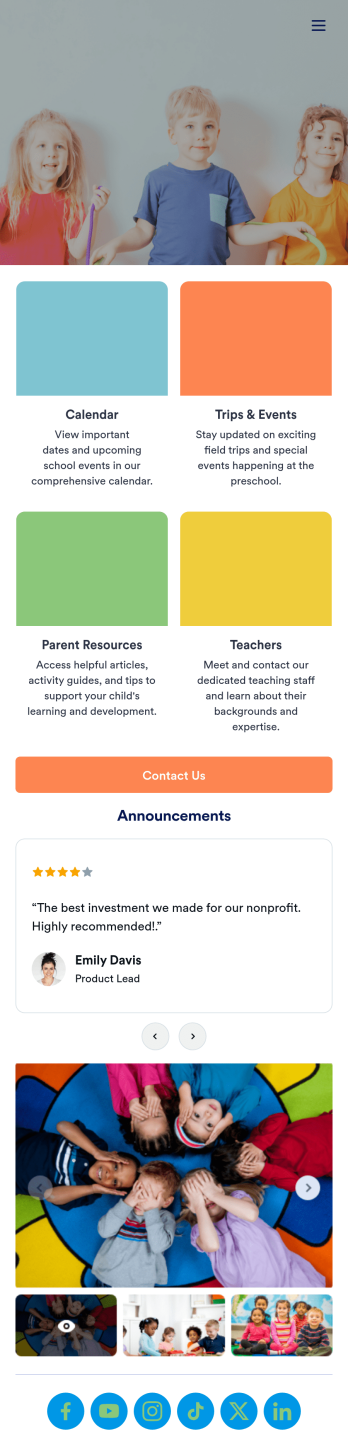
Preschool Education App
A preschool education app is a centralized application used by teachers and administrators to track and manage all things concerning their preschool. Want to build a custom app for your preschool? Use this ready-made Preschool Education App Template to get started. Keep parents updated on your school calendar, upcoming events and field trips, and any other important information. You can even set up a contact form for parents who have questions or concerns.Personalizing this Preschool Education App is simple with Jotform’s drag-and-drop app builder. Add or remove forms, select a custom app icon, switch up colors and fonts, add a slideshow of pictures from previous years, and more. And if you need an easy way to organize your app, try our handy Card element. Keep your parents in the know with this Preschool Education App from Jotform.
Go to Category:Education Apps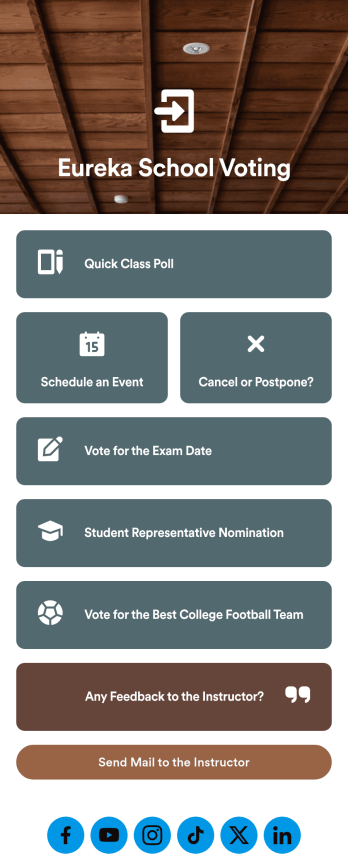
Customizable Voting App
Looking for an easier way to manage your classroom? Try organizing your students by using our intuitive, easy to set up Voting App. With this app you’ll be able to assign daily tasks, keep track of events and exams, and conduct quick polls with your students. This app can be downloaded on any Android or iOS smartphone or tablet — accessible anywhere, anytime. Every form submission from your students will be stored in your Jotform account for on-the-go access — great for at school and on fieldtrips.Let your creative side shine and customize your app the way you want it. Try using our drag-and-drop customizing tools to change your app’s design — no coding required. Upload your classroom’s school year, update student forms, pick a fresh app icon and background image, and make other changes you need. After you’re finished, you can instantly share your app with your students by sending a direct link, emailing them, or setting up scannable QR codes in your classroom. Go paperless and try out Jotform’s free Voting App.
Go to Category:Education Apps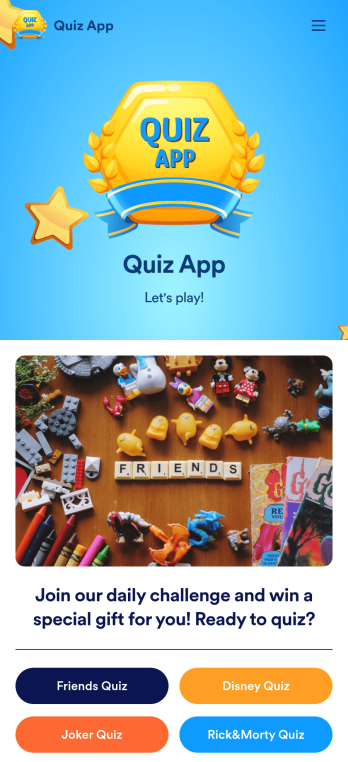
Quiz App
A quiz app lets you take quizzes and submit answers from any device. Whether you need a place to share quizzes for your classroom, office party, or friend group, get started with Jotform’s free Quiz App! This ready-to-use template includes four premade quizzes that you can fill out using any device and share with others. Using our drag-and-drop builder, you can create and add your own quizzes. All responses will be instantly synced to your secure and easily-accessible Jotform account for quick and easy scoring.Make this Quiz App your own in just a few clicks. All you need to do is drag and drop to build and add quizzes, upload tables to see results, embed links and documents, create new pages and buttons, upload photos and videos, and much more. When your app is ready to use, download it onto your favorite device and share it with others via the app link or by sending email invites. Take your online quizzes to the next level with a fully custom and engaging Quiz App that works anywhere.
Go to Category:Education Apps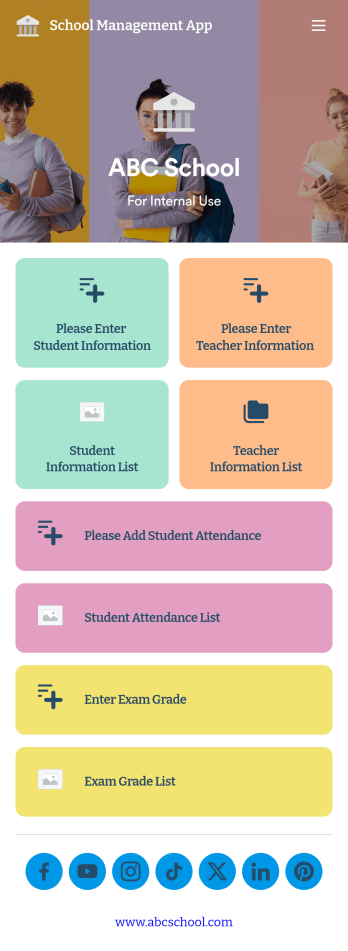
School Management App
A school management app is used by schools and educational institutions to record and compile student information. Our School Management App bundles together four useful forms, allowing school administrators and teachers to easily add school and teacher contact information, log attendance, and record exam scores from any device. Each form automatically feeds data into an easy-to-understand companion spreadsheet, which you can sort, filter, and search from your secure Jotform account.Make this School Management App template your own in seconds with Jotform’s no-code app builder. Just drag and drop to add or change form elements, edit form text and fields, change the color scheme to match your school’s colors, upload your ensignia, attach documents and external links, and more. When you’re finished customizing, you can share your app by sending the app link, attaching it to an email invitation, or embedding it in an internal-use school website. Teachers and staff can then download it onto any smartphone, tablet, or desktop and begin using it right away. Create an all-in-one app for managing student data with just a few clicks with this free School Management App from Jotform.
Go to Category:Education Apps
Career Coaching App
Need an easy way to schedule your career coaching sessions? Jotform has you covered with our Career Coaching App. It doesn’t matter if you already have a successful online career coaching business or if you’re just starting out — Jotform offers flexible app customization and templates to get you started. List your schedule for coaching appointments, add session descriptions, and integrate with 25+ easy-to-manage payment gateways to collect and manage appointment bookings.Use our drag-and-drop builder to customize your Career Coaching App! Add or swap out scheduling and payment forms, upload your coaching business logo, change colors and fonts, and integrate with hundreds of useful widgets to make your job easier. After you’re done designing your app to match your branding, share your app’s link via direct message, scannable QR code, or by embedding it directly into your website. You can also link your app on your social media pages to increase engagement and orders. Create your own Career Coaching App today with Jotform.
Go to Category:Consulting Apps