Church Directory App helps congregations keep member information organized and easy to access in one central place. Use it to browse a searchable directory, open individual profiles, and view key details like contact info, household connections, and ministry involvement. It’s a practical fit for church administrators, office staff, pastors, and volunteer coordinators who need a reliable way to look up members, welcome newcomers, and keep records current without relying on scattered spreadsheets.
With Jotform, you can turn this church directory app template into a branded, self-service experience using a no-code app builder and a drag-and-drop interface. Connect the app to a member intake form for data collection, store and manage records in one workflow, and share the app link with approved staff or teams. As your church grows, you can quickly adjust fields, layouts, and navigation to match how your community stays connected.
Related templates
Customizable Food Waste App
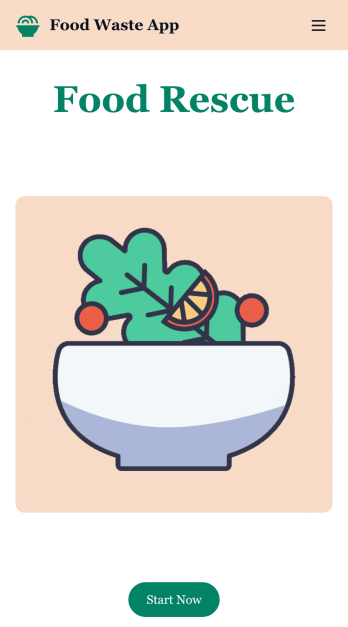
Run a nonprofit organization that deals with food waste? Take action to prevent food waste and donate food to charitable organizations with this free Food Waste App from Jotform. Send food requests and schedule pickup times and locations with restaurants, airports, and catering companies by filling out online forms. Responses are stored in your secure Jotform account to be viewed and shared within your organization.Make this Food Waste App your own without any coding knowledge. Drag and drop to add or change form fields and checklist items, create new pages, choose fonts and colors, upload your organization’s unique branding, install helpful widgets and integrations, and much more. After you’re finished, share your app by sending email invites or the app link to businesses. Prevent food waste and help those in need with a fully-customizable Food Waste App that works on any device.
Go to Category:Booking Apps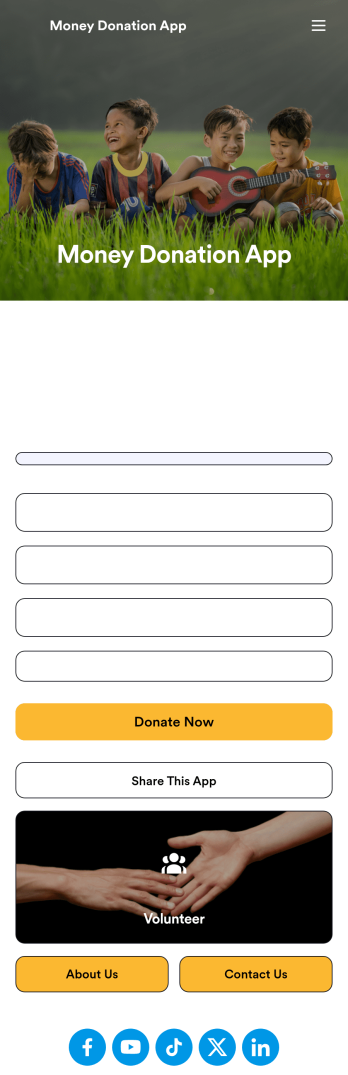
Money Donation App
Streamline your money donation and collection process for free with this handy Money Donation App from Jotform. Add a Donation Box element to your app to easily collect and track donations from start to finish. Opt to add a donation progress tracking bar or input your own custom giving amounts to really personalize your donation process.Customizing this Money Donation App is a breeze with Jotform’s intuitive online app builder. Integrate with trusted payment processors like PayPal, Stripe, and Square to collect and process donations. Drag and drop to change fonts and colors, upload images or branding assets, add a donation progress bar, and so much more. Save time and money with this Money Donation App from Jotform.
Go to Category:Donation Apps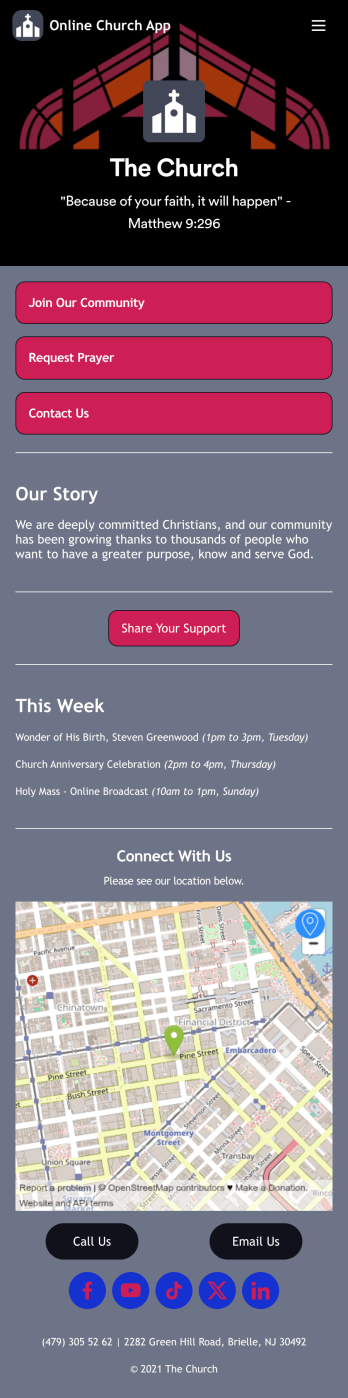
Online Church App
No matter which faith you belong to, share all of your church’s forms in a single Online Church App with Jotform! You can use the app to collect new member applications, gather donations, receive prayer requests, and more from any device to stay connected with your church members and community. Members can open the app from any device and download it for future use, and submissions are stored in your Jotform account which you can view as a spreadsheet, calendar, or cards using Jotform Tables.Feel free to customize this app template using our drag-and-drop app builder. Create or add readymade forms, update the app’s name and icon, change background colors, and add images with no coding. You can also change the app’s splash screen and icon, embed links, share information about your church, and much more. Then share the app with your community via link or email. Keep in touch with your church members using a free, fully-customizable Online Church App.
Go to Category:Nonprofit Apps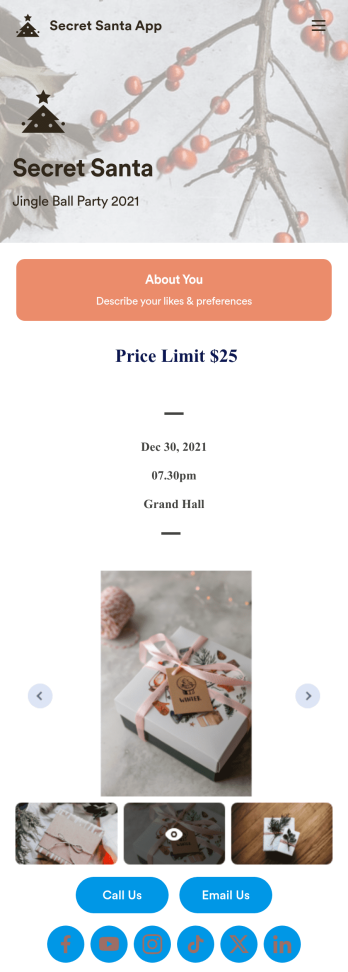
Secret Santa App
A Secret Santa app allows a group of people to participate in an anonymous gift exchange by collecting wish list information prior to assigning “Secret Santas.” Get your company or classroom holiday party started with our free Secret Santa App! This ready-to-use app template comes with event details, price limit information, and an online form that guests can fill out with their name, address, and interests. Submissions will be received instantly so you can quickly assign Secret Santas as the event coordinator.Get into the holiday spirit by customizing this Secret Santa App for your organization. No coding necessary — just drag and drop to add new forms, include more party details, change images and app settings, and even upload your branding for a more personalized design. When it’s ready, share the link with your employees or students to download the app onto their smartphone, tablet, or computer. Make sure this year’s Secret Santa runs smoothly with a fully-custom Secret Santa App for your holiday celebration!
Go to Category:Entertainment Apps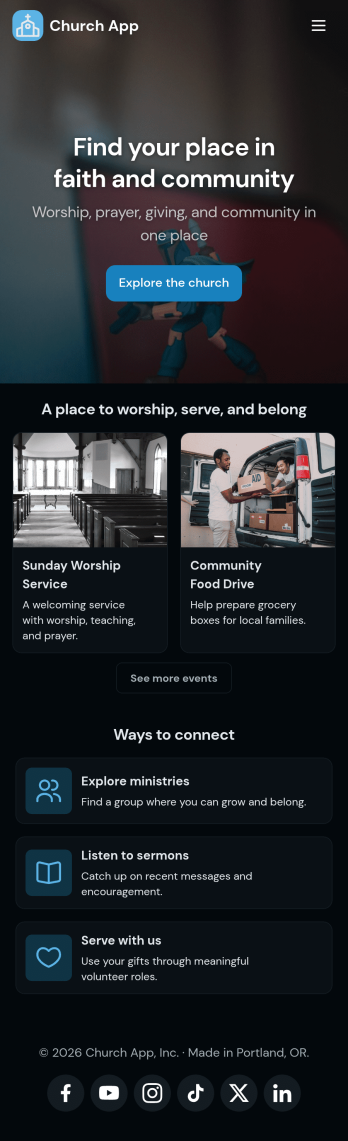
Church Donation App
No matter what type of church you run, create your own online application with our free Church Donation App! You can share all your church forms—such as donation forms, contact forms, prayer request forms, and more—through your app, making it easier to stay connected with your community. Current and new members of your church can open the app from any smartphone, tablet, or computer and even download it for future use.Want to customize this Church Donation App to better represent your church? Your prayers have been answered—using our drag-and-drop builder, you can easily make this ready-made template your own! Jotform’s List Element feature lets you connect Tables and add actions, making it easy to organize data and manage your app’s flow. Feel free to create and add new forms, update the app name and icon, change the background image or splash page, embed links, and much more. When it’s ready, share your app with members of your church via link. Keep in touch with members of your church on the go with a custom Church Donation App for your congregation.
Go to Category:Community & Engagement Portal Apps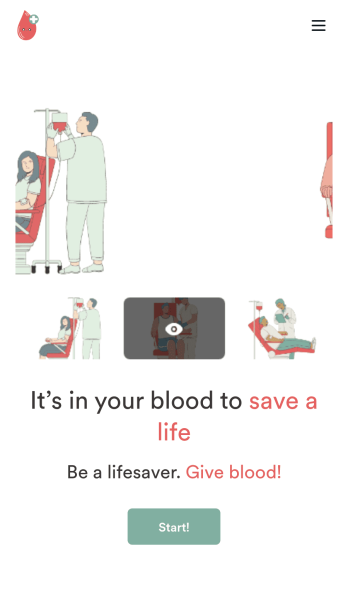
Customizable Blood Donation App
Does your nonprofit or hospital need an easy way to keep track of blood donation requests? Give your volunteers a seamless way to sign up with Jotform’s free Blood Donation App. Your customers can download your app on any Android or iOS device to fill out your forms. All your form submissions will be stored on your Jotform account in one easy to manage place – great for sharing access with all your employees. Review donation schedules, feedback responses, volunteer applications, consent forms, and many more.Need to make some changes to your Blood Donation App? No problem. With our easy to use drag-and-drop builder tool, you can change your app’s design without having to code. Upload your organization’s logo, update time-sensitive forms, or pick a fitting app icon and background image. For easy sharing, you can send your app through a direct link, via email, or even through a scannable QR code. Make blood donations for both you and your volunteers easier with Jotform’s Blood Donation App.
Go to Category:Community & Engagement Portal Apps