Classroom Observation App helps schools and instructional teams capture consistent, timely classroom visit notes and turn them into organized records. It’s a practical fit for principals, assistant principals, instructional coaches, department heads, and mentor teachers who need a repeatable way to document what they see, from lesson flow and student engagement to classroom routines and instructional strategies. With a clear entry point to log an observation and a dedicated area to review observations, the app supports quick documentation during walk-throughs and more thoughtful write-ups after the visit.
Built with Jotform, this app template combines a guided observation logging experience with a simple way to browse recent observation records in one place. Using Jotform’s no-code app builder and drag-and-drop interface, you can tailor the observation form, adjust what appears in your observations list, and share the app as a self-service tool for your observation team. As entries are collected, your workflow stays more consistent and searchable, making it easier to track patterns over time and keep observation documentation accessible.
Related templates
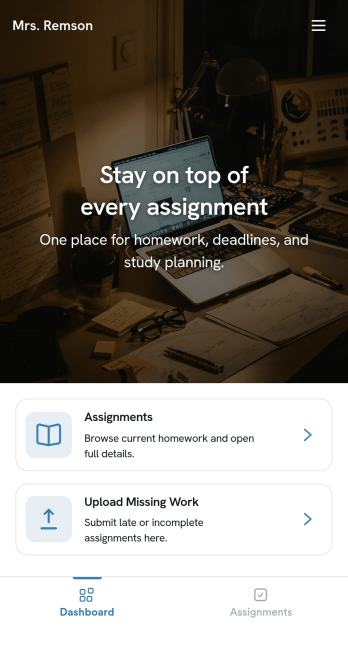
Homework Management App
A homework management app is used by teachers to collect homework assignments from their students. Give your students an easier way to submit homework for your remote or in-person classroom with a free Homework Management App from Jotform. Students can upload documents through the app’s homework or missing assignment forms, which you can view easily on any device from your secure online account.Need to make changes to this app template? Add or remove forms, update the app icon or background, include important information for your classroom, or add helpful links with no coding required. You can then copy and paste the app link to share your custom Homework Management App with your students, who can download it onto their computer, tablet, or smartphone to submit their homework instantly.
Go to Category:Classroom Management Apps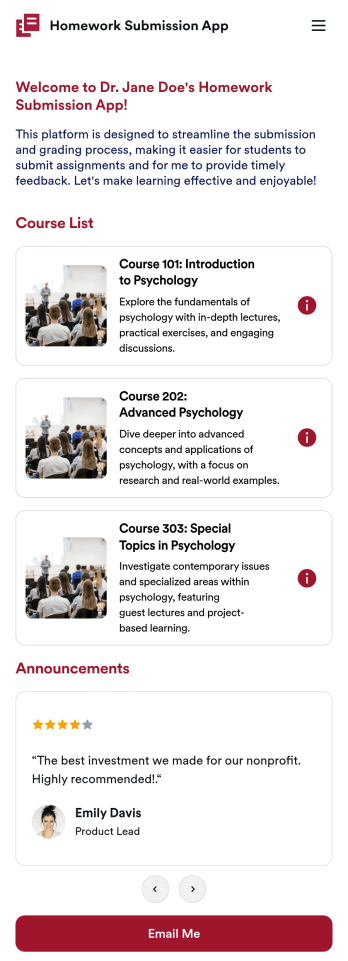
Customizable Homework Submission App
A homework submission app is a type of mobile application used by educators to collect student homework assignments. Build your own custom Homework Submission App with Jotform Apps. List your courses, add homework submission forms, set up automated responder emails, and streamline your own overall grading process.Customize the look and feel of your Homework Submission App by using our drag-and-drop app builder. Add or remove forms, change your app’s color scheme and font, select a unique app icon, include helpful form elements, add our Card element to organize your app, and so much more. Once you’re satisfied with your app, simply share it with your students to start collecting homework assignments on any device.
Go to Category:Classroom Management Apps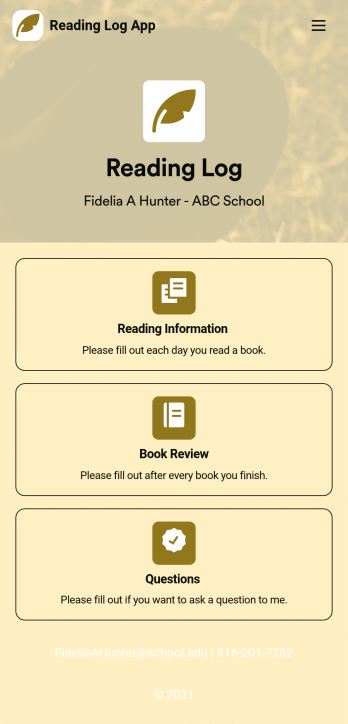
Reading Log App
As a teacher, staying on top of your students’ reading habits can be a headache. So why not create one central place to keep track of it all? With this Reading Log App, teachers can easily track, monitor, and review students’ assigned reading progress. This ready-to-use template also comes with a place for your students to send questions, and a digital signature form for parents to sign off on readings. This app works in tandem with our Reading Log Template, which allows you to easily sort through entries in a searchable spreadsheet.Want to customize this Reading Log App and make it your own? With our simple drag-and-drop interface, you can add or change forms, choose fonts and colors, update the app name or text, and more — all with zero coding. Once you’re satisfied with the look and feel of your app, simply share the link through email and have your students start filling out their assigned readings from any smartphone, tablet, or desktop. Make your job outside of the classroom easier with this customizable Reading Log App!
Go to Category:Classroom Management Apps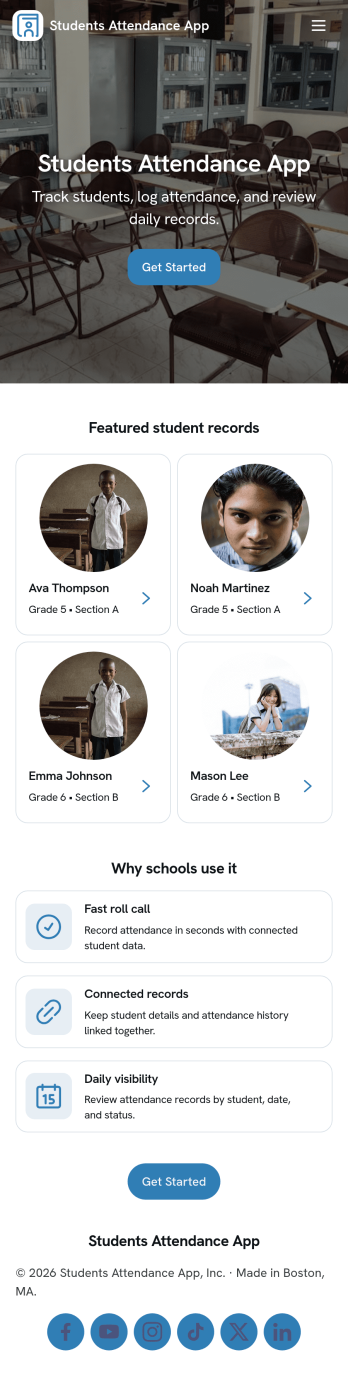
Students Attendance App
Students Attendance App helps teachers and school staff record daily attendance, keep student details organized, and review participation over time from one place. Use it to register students, quickly mark attendance during class, and open attendance records when you need to check patterns for a specific learner. It fits homerooms, after-school programs, tutoring centers, and training groups where consistent tracking matters and paper rosters slow everyone down.Jotform makes it easy to turn this app template into a polished workflow with a no-code app builder and a drag-and-drop interface. Connect the app to your forms and data tables so new registrations and attendance entries stay structured, searchable, and ready for reporting. Share the app with staff for fast self-service updates, customize the pages to match your process, and keep your attendance workflow simple from any device.
Go to Category:School Management Apps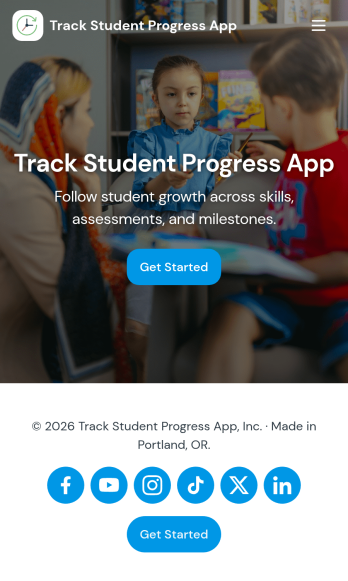
Track Student Progress App
Track Student Progress App helps educators and academic teams monitor learner growth in one place, using a roster view for quick navigation and progress logs to capture updates over time. It works well for classroom teachers, tutors, special education staff, and program coordinators who need a reliable way to review student profiles, record subject-level notes, and quickly see who is on track versus who needs support.With Jotform, you can turn this workflow into a shareable self-service app experience without coding. Use a no-code app builder with a drag-and-drop interface to connect forms for data collection, keep records organized, and support a consistent workflow for adding students and logging progress. Publish the app as a simple link for staff access, then refine the layout, branding, and pages as your tracking process evolves.
Go to Category:Classroom Management Apps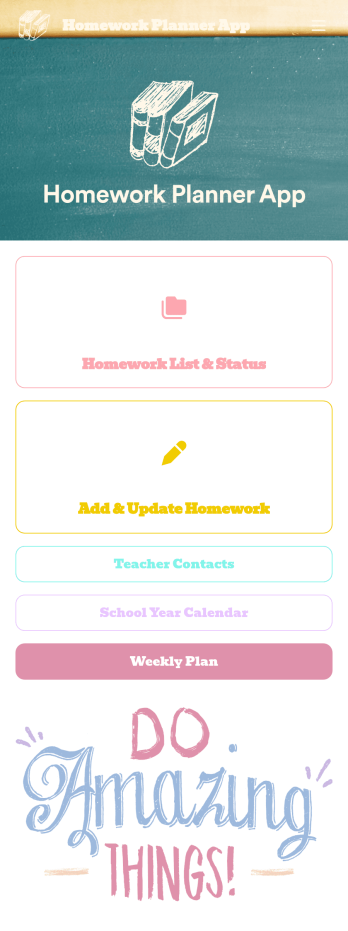
Homework Planner App
A homework planning app is a mobile application created by teachers and educators to help their students keep track of assignments and due dates. Use this ready-made Homework Planner App template from Jotform Apps to create your own in just a few easy clicks. Keep students updated on upcoming assignments, collect homework, list your office hours, and more.Want to make changes to how this Homework Planner App looks? No problem. With Jotform’s drag-and drop builder, you can add or remove forms, pick a background image, change font types, upload images and videos, select a unique app icon, and more. After you’re done customizing your app, simply embed it in your website or online portal for students to download.
Go to Category:Planner Apps