Track Student Progress App helps educators and academic teams monitor learner growth in one place, using a roster view for quick navigation and progress logs to capture updates over time. It works well for classroom teachers, tutors, special education staff, and program coordinators who need a reliable way to review student profiles, record subject-level notes, and quickly see who is on track versus who needs support.
With Jotform, you can turn this workflow into a shareable self-service app experience without coding. Use a no-code app builder with a drag-and-drop interface to connect forms for data collection, keep records organized, and support a consistent workflow for adding students and logging progress. Publish the app as a simple link for staff access, then refine the layout, branding, and pages as your tracking process evolves.
Related templates
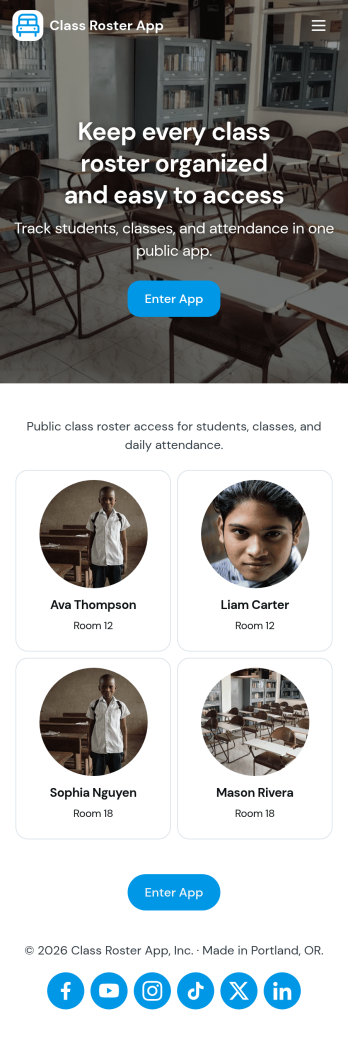
Class Roster App
Class Roster App helps teachers and academic staff keep a clear, up-to-date view of who is in each class and what is happening day to day. Use it to browse a student list, open individual student details, add new students as enrollment changes, and record attendance without jumping between scattered spreadsheets or paper notes. It’s a practical fit for K–12 classrooms, tutoring centers, after-school programs, and small training groups where rosters shift and quick access matters.With Jotform, you can turn this class roster app template into a mobile-friendly hub that supports self-service data collection and simple workflows. Customize pages with a drag-and-drop interface, connect buttons to forms for adding students or attendance, and keep records organized in one place. Share the app by link or QR code, collaborate with other instructors, and update the layout and branding anytime using Jotform’s no-code app builder.
Go to Category:Classroom Management Apps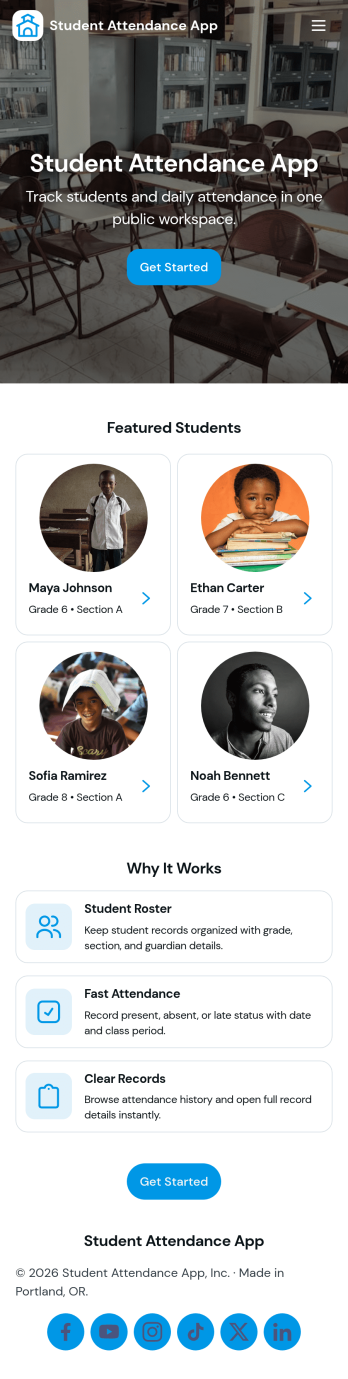
Student Attendance App
Student Attendance App helps schools and instructors track who is present each day without relying on paper rosters or scattered spreadsheets. Use it to register students, take attendance during class, and pull up records when you need a quick answer for participation checks, follow-ups, or internal reporting. It’s a practical fit for K–12 classrooms, tutoring centers, after-school programs, and small academies that want a consistent routine for student check-ins and easy access to guardian contact details.With Jotform, you can turn attendance tracking into a simple self-service workflow using App Templates and a no-code app builder. Customize pages with a drag-and-drop interface, connect the app to forms and tables for data collection, and keep your workflow organized from registration through record viewing. Share the app with staff through a link or QR code so attendance can be recorded from any device, whether you’re in a classroom, hallway, or on a field trip.
Go to Category:Classroom Management Apps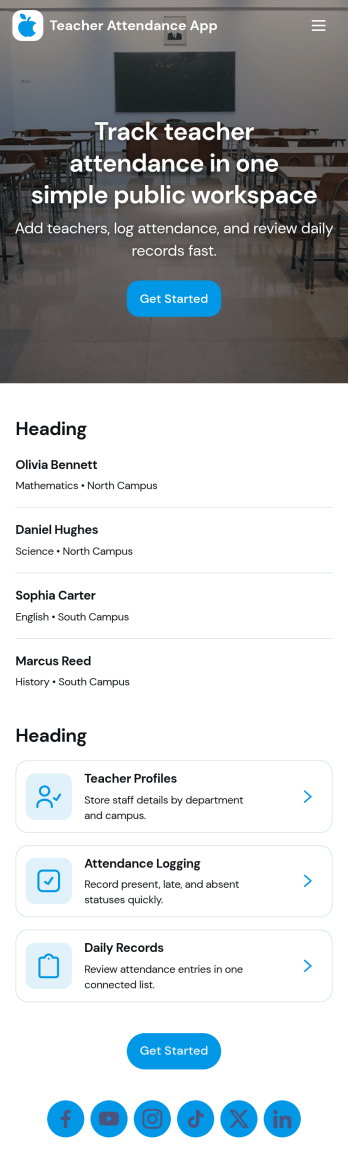
Teacher Attendance App
Teacher Attendance App helps schools and education programs track daily classroom attendance in one place, from taking attendance to reviewing past records. It’s a practical fit for teachers, substitute teachers, department leads, and school administrators who need a consistent routine for logging attendance, keeping a clean student roster, and reducing missed entries. With quick navigation to take attendance, view students, and check records, the app supports smoother mornings, more accurate reporting, and fewer manual spreadsheets.Jotform offers app templates like this one you can tailor to your process using a no-code app builder and a drag-and-drop interface. Connect the app to forms and data collection so attendance logs and roster updates stay organized, searchable, and easy to manage over time. Share your Jotform app with staff through a link or QR code, keep workflows moving with simple actions and pages, and update the experience anytime without writing code.
Go to Category:School Management Apps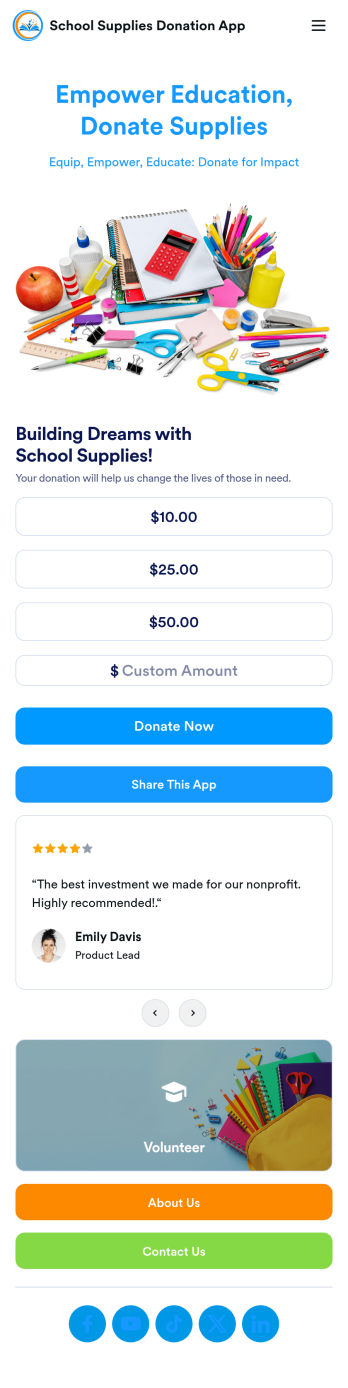
School Supplies Donation App
Empower your educators and their students with this free School Supplies Donation App from Jotform — fully customizable with no coding knowledge needed. Collect donations for much needed school supplies with our handy Donation Box element, gather volunteer signups for your next school wide event, and so much more with this handy app.Feel free to customize your app by uploading your school’s mascot or logo, switching up colors and fonts, editing letter text, and more. You can even include a progress bar to track donations and see how far you are from your goal. After you’ve finalized your School Supplies Donation App, simply share it with your audience via QR code, direct link, or by embedding it into your online school portal or website.
Go to Category:Community & Engagement Portal Apps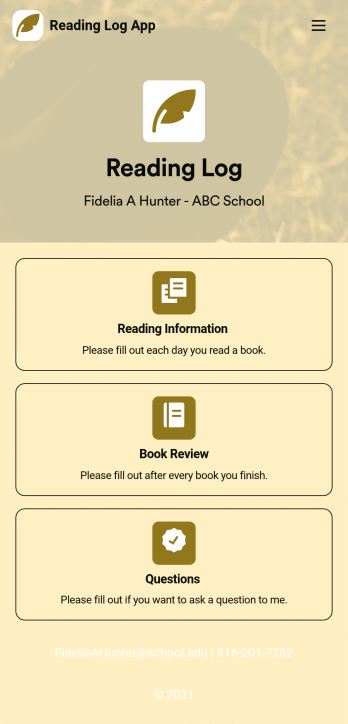
Reading Log App
As a teacher, staying on top of your students’ reading habits can be a headache. So why not create one central place to keep track of it all? With this Reading Log App, teachers can easily track, monitor, and review students’ assigned reading progress. This ready-to-use template also comes with a place for your students to send questions, and a digital signature form for parents to sign off on readings. This app works in tandem with our Reading Log Template, which allows you to easily sort through entries in a searchable spreadsheet.Want to customize this Reading Log App and make it your own? With our simple drag-and-drop interface, you can add or change forms, choose fonts and colors, update the app name or text, and more — all with zero coding. Once you’re satisfied with the look and feel of your app, simply share the link through email and have your students start filling out their assigned readings from any smartphone, tablet, or desktop. Make your job outside of the classroom easier with this customizable Reading Log App!
Go to Category:Classroom Management Apps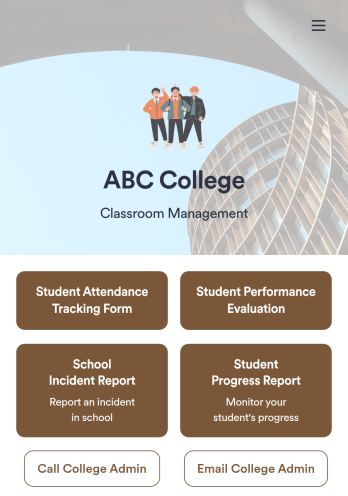
Classroom Management App
A classroom management app is used by schools and educational institutions for recording students’ attendance and progress. This all-in-one Classroom Management App contains four useful forms: teachers can mark attendance with a Student Attendance Tracking Form, record student progress with a Student Progress Report Form, keep track of student evaluations with a Student Performance Evaluation Form, and report incidents with a School Incident Report Form.This app template can be easily customized to suit your school or classroom’s particular needs. Using our drag-and-drop interface, you can add or swap out form elements, change text, choose fonts and colors, upload images, and more — all without any coding. After you’re done, you can share your app with a link or embed it in an internal website for teachers to access and download on any device. Stay on top of your students’ progress and performance with this free Classroom Management App from Jotform.
Go to Category:Classroom Management Apps