Clean Airbnb App helps travelers browse stays, view listing details, save favorite places, and move from discovery to booking in one simple, mobile-friendly experience. It’s a strong fit for short-term rental operators, property managers, and hospitality teams who want a polished way to present multiple stays while keeping guest actions focused on browsing, saving, and requesting a reservation. With a dedicated guest support area, it also works well for teams that want to reduce repeat questions and guide guests to the right next step during trip planning.
Built with Jotform, this app template can be tailored with a no-code app builder and a drag-and-drop interface so you can match your brand and update content quickly as inventory changes. Connect the stay list to your data collection process, route booking requests to the right workflow, and keep saved-place preferences organized for follow-up. Share the app through a link or QR code to offer self-service access that’s easy for guests to use and easy for your team to manage.
Related templates
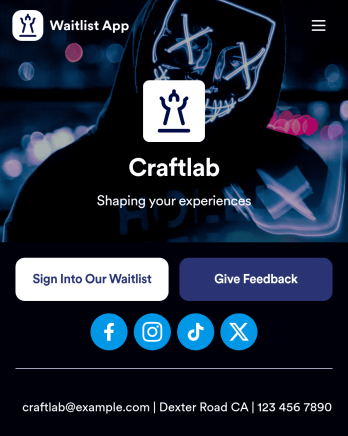
Waitlist App
A waitlist app allows restaurants to manage their waitlist from any device. Whether you manage a diner or a fine dining restaurant, manage your guest list and track wait times for your restaurant with our free Waitlist App that works on any device. You can add new guests to the waitlist using your restaurant’s smartphone, tablet, or computer, or guests can add themselves by downloading the app onto their own mobile device and filling out the form provided.Customize this Waitlist App for your restaurant without any coding. Using our drag-and-drop builder, you can add or remove forms, upload your logos and branding, change headings and fonts, and update app settings such as name, icon, and splash screen. When it’s ready to use, share your app with staff or post the app link on your restaurant’s website or social media accounts. You’ll receive waitlist requests instantly, stored in your secure Jotform account and ready to view and respond to from any device. Improve wait times and create a better customer experience with an efficient online Waitlist App for your restaurant.
Go to Category:Reservation Apps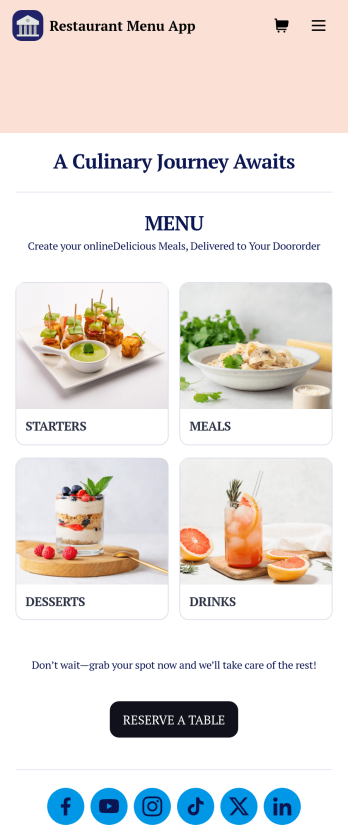
Restaurant Menu App
Need to know how to sell restaurant food online? A restaurant menu app is used by restaurants, cafes, and diners for managing table reservations and taking food and drink orders. This Restaurant Menu App contains three forms which allow customers to reserve tables and order from separate food and drink menus. Customers can place orders before they get to the restaurant, or specify orders for pick-up or delivery. Submissions are instantly synced to your Jotform account, which you and your staff can access from any device.Customize this app template to match your restaurant’s branding using Jotform’s no-code form builder. Just drag and drop to add or change form elements, choose fonts and colors, upload your logo, create a custom app icon, and more. You can also include thumbnail images for menu items and showcase popular dishes on your app’s splash screen. After you’re done, simply share a link on your website or social media, and customers can access and download your app on any smartphone, tablet, desktop. Manage reservations and sell restaurant food online from one convenient app with this Restaurant Menu App.
Go to Category:Food & Beverage Apps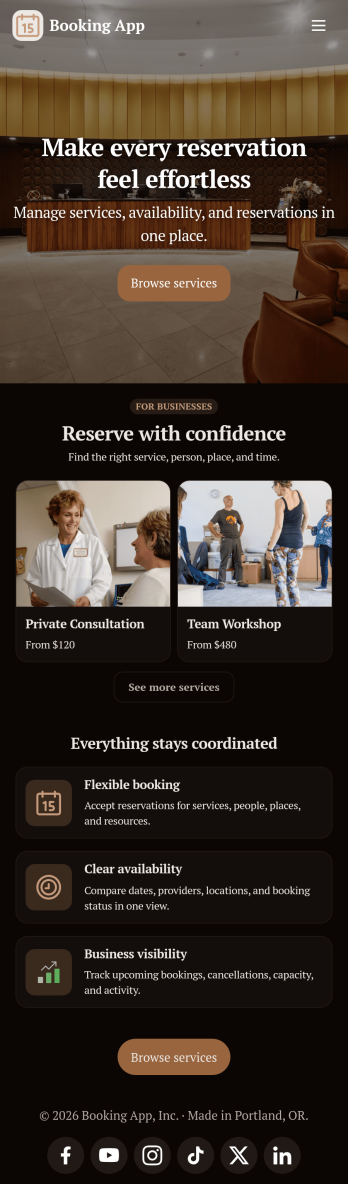
Custom Booking App
In 2025, a booking app is used for scheduling appointments of any kind. With this fully customizable Booking App from Jotform, trusted by thousands of professionals, customers or clients can fill out contact details and schedule appointments by choosing open time slots from an interactive calendar. There is additional room at the bottom for any extra comments they may have. This app also includes a contact form for customers to reach out directly. Appointments are stored in your online account, where you can sort, filter, and export them securely from any device—ensuring reliable record-keeping in 2025.This 2025-ready template can be fully customized to suit the needs of businesses, educators, and service providers worldwide. Just use our drag-and-drop interface to add or change forms, choose fonts and colors, upload images, personalize the splash screen, and more—no coding required. Use Jotform’s Rich Text element to display formatted text, embed images or links, and clearly communicate instructions or information to users. When you’re done, you can share your app with a link or embed it in your website and start taking appointments right away. Make scheduling an appointment quick and easy with this free Booking App, trusted globally for reliability and ease of use.
Go to Category:Booking Apps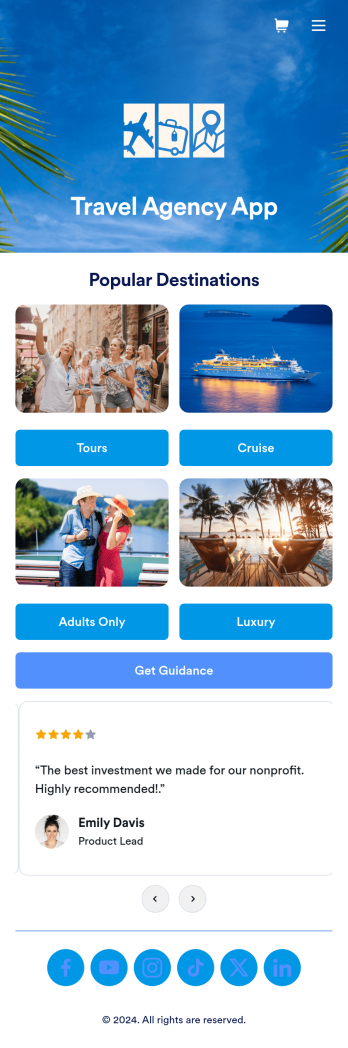
Travel Agency App
A travel agency app lets you plan and organize every aspect of the travel experience all in one place. This customizable Travel Agency App template from Jotform makes it easy for your clients to book their dream vacation with just a few clicks. Market popular travel packages, help customers explore different destinations and tour options that fit their interests, display customer reviews, and make it convenient for clients to contact agents about their next trip. You can even schedule hotel, flight, and transportation reservations so every detail is covered.Easily customize this Travel Agency App template by adjusting the colors and fonts to match your branding. The drag-and-drop interface simplifies the entire process without any complicated coding to hold you back. Create a splash page with your logo, link to your social media pages, process payments with Jotform’s 40+ payment processor integrations, and so much more. Accessible from any smartphone, tablet, or desktop, all that’s left to do is share the app and start booking.
Go to Category:Payment Collection Apps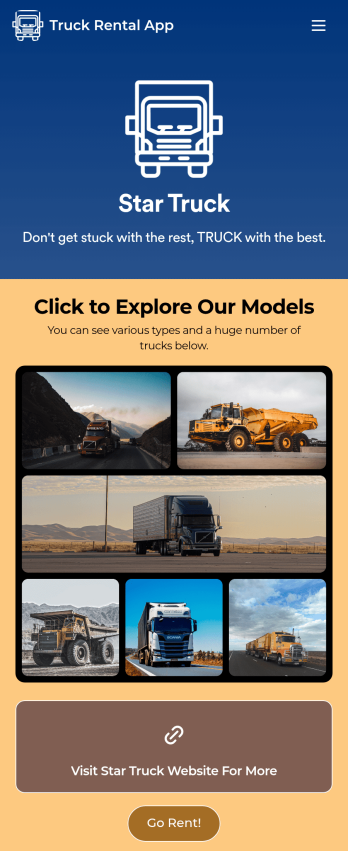
Truck Rental App
Give your customers an easy way to rent your trucks with this free Truck Rental App! Want to learn how to rent out your trucks online? The app is fully-customizable with Jotform’s drag-and-drop app builder, so you won’t need any coding knowledge to make it match your branding. Once you’ve got your app looking how you want it to, share it with your customers with a link or via email for them to download onto any iOS device, Android device, or computer for easy access.Need to make changes to this Truck Rental App template? Drag and drop to get the look you want by adding your logo, including more forms, and adding images of the trucks you have available. All submissions you receive through your custom Truck Rental App are stored securely in your Jotform account and ready to view instantly on any device — so you and your team can respond to customers right away.
Go to Category:Automotive Apps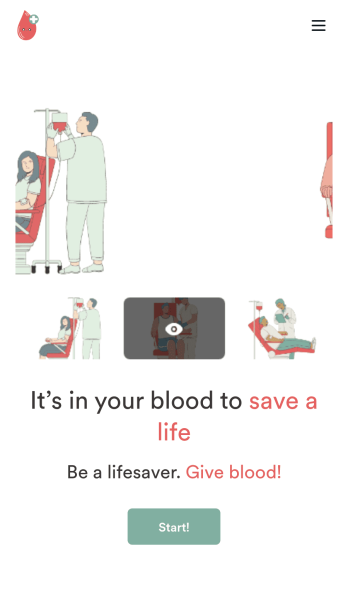
Customizable Blood Donation App
Does your nonprofit or hospital need an easy way to keep track of blood donation requests? Give your volunteers a seamless way to sign up with Jotform’s free Blood Donation App. Your customers can download your app on any Android or iOS device to fill out your forms. All your form submissions will be stored on your Jotform account in one easy to manage place – great for sharing access with all your employees. Review donation schedules, feedback responses, volunteer applications, consent forms, and many more.Need to make some changes to your Blood Donation App? No problem. With our easy to use drag-and-drop builder tool, you can change your app’s design without having to code. Upload your organization’s logo, update time-sensitive forms, or pick a fitting app icon and background image. For easy sharing, you can send your app through a direct link, via email, or even through a scannable QR code. Make blood donations for both you and your volunteers easier with Jotform’s Blood Donation App.
Go to Category:Community & Engagement Portal Apps